
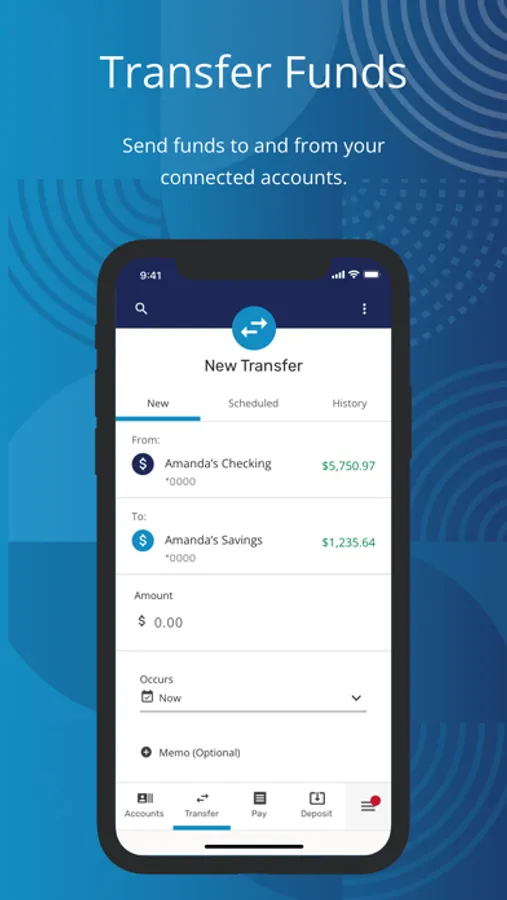
In this mobile banking app, you can manage accounts, transfer funds, and set up payments. Includes fingerprint and Face ID logins, financial tools, and account customization options.
AppRecs review analysis
AppRecs rating 4.3. Trustworthiness 0 out of 100. Review manipulation risk 0 out of 100. Based on a review sample analyzed.
★★★★☆
4.3
AppRecs Rating
Ratings breakdown
5 star
90%
4 star
8%
3 star
1%
2 star
0%
1 star
0%
What to know
✓
High user satisfaction
90% of sampled ratings are 5 stars
⚠
Pricing complaints
Many low ratings mention paywalls or pricing
About BCU Mobile Banking
With the Credit Union’s anytime, anywhere mobile banking tools, you’re empowered to discover financial freedom no matter where life takes you! With the BCU Mobile Banking app, you get:
• Quick & Secure Logins – Access your accounts through fingerprint or Face ID® and set your preferences for account security.
• Financial Well-Being Resources – Stay on course with personal financial health tools, including free credit score reporting and monitoring, savings goals, spending analysis, financial health checkup, and access to our Financial Learning Center. Plus, enjoy the ability to link account balances and activity from other financial institutions.
• Flexible Payments – Pay for purchases and bills when and how you choose with Mobile Payments and Bill Pay.
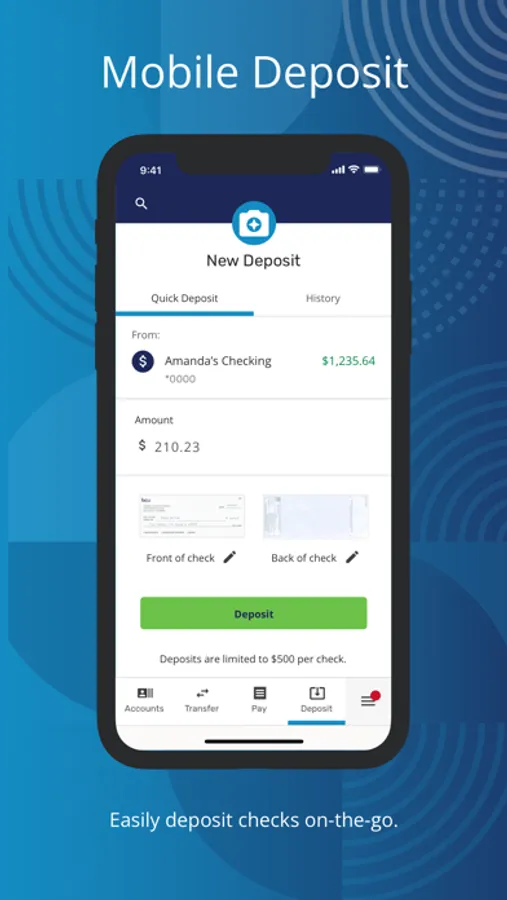
• Remote Deposits – Easily make deposits at home or on the go with our convenient Deposit Anywhere tool.
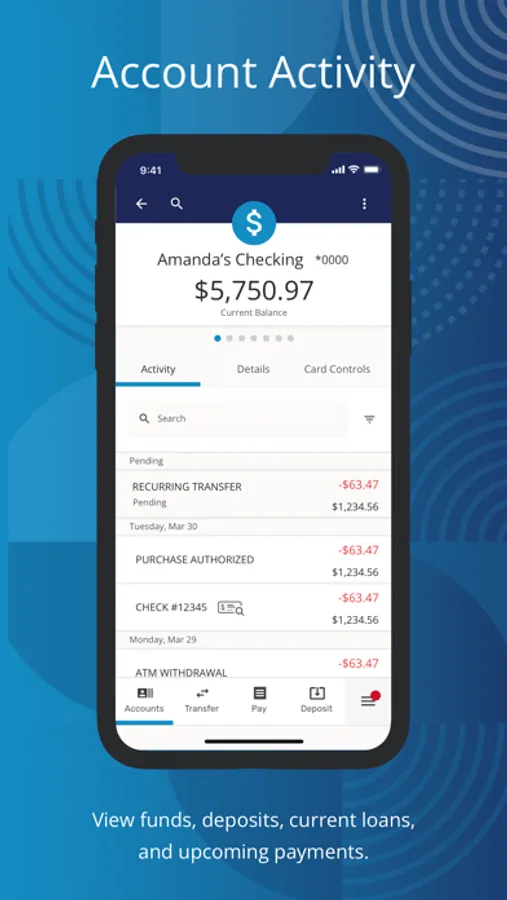
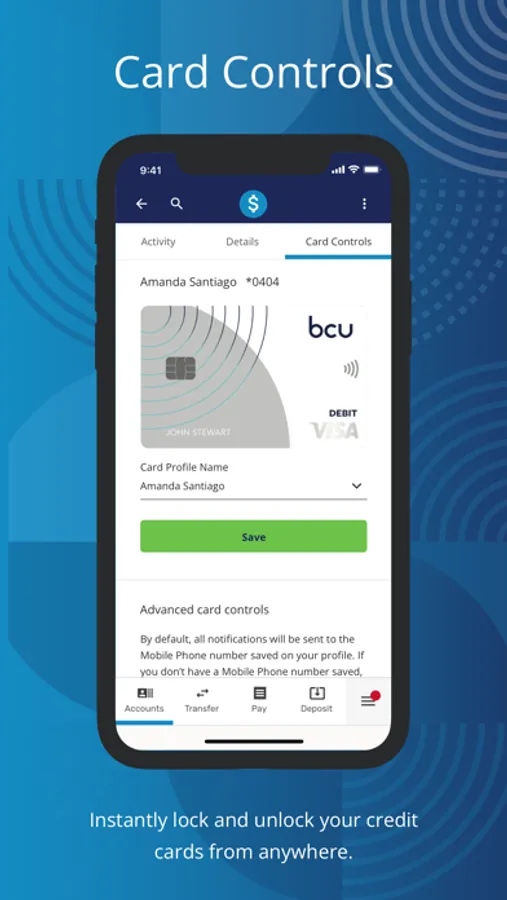
• Card Controls & Alerts – Lock and unlock credit and debit cards, set up transaction alerts, travel notifications, and more.
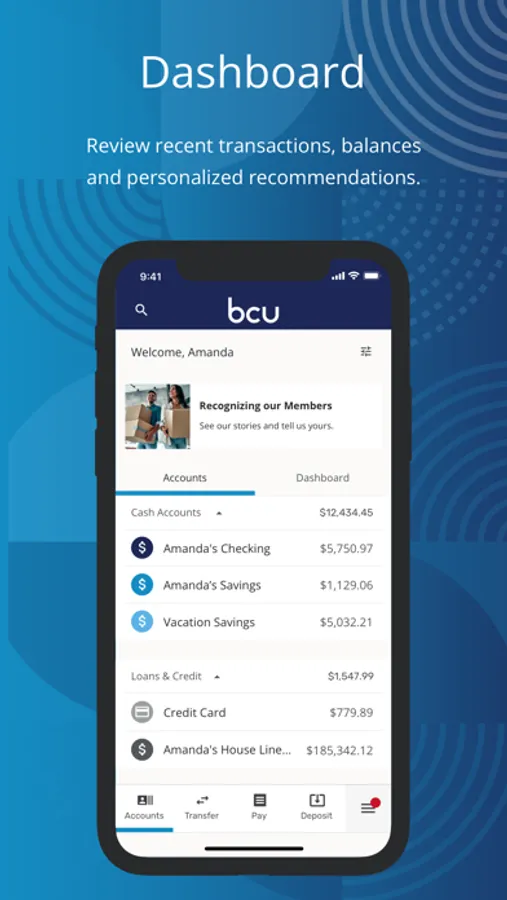
• Dashboard Personalization – Customize what you see to personalize your experience, including turning tiles on or off and reordering and hiding accounts.
• Easy Account Opening – Become a member or add additional products right from your device.
For Upgrade Support, visit https://BCU.org/Elevate
Face ID is a registered trademark of Apple, Inc.
FEDERALLY INSURED BY NCUA
BCU Mobile Banking Screenshots
Tap to Rate:
Reviews for BCU Mobile Banking
tpabears
BCU constantly pinging location
Anytime you open the Bcu app it remains in the background pinging the devices location. This happens with all my devices and friends devices as well. You can notice this because you will see the GPS icon in the iPhone island and it opens the Bcu app when you click it.
deirdre definitey
Leaving is the Best Decision I Made.
I got into trouble financially. I turned my card off to stop the payment of things I couldn’t pay at the moment. They would pay them anyway and charge me 29 each time. One of the charges was for 3.45. I even called to try to get the to stop doing it, but I was told they would pay it anyway even though I didn’t have courtesy payments turned on. It’s like a scam. Charges totaled almost $700. Of course my account is in the negative. I had my tax refund going into it to clear it up and they sent it back. I’ve never seen a bank that was this counter productive in my life. Now they have a note threatening to report my account to the credit bureau for non payment……My rebuttal will be that they refused to take the payment because they’d rather report me to the credit bureau.