With this app, you can use your iPhone or iPad as a keyboard extension to control your computer remotely. Includes support for custom keypads, WiFi connectivity, and device connection history.
AppRecs review analysis
AppRecs rating 4.4. Trustworthiness 72 out of 100. Review manipulation risk 28 out of 100. Based on a review sample analyzed.
★★★★☆
4.4
AppRecs Rating
Ratings breakdown
5 star
78%
4 star
6%
3 star
2%
2 star
1%
1 star
13%
What to know
✓
Low review manipulation risk
28% review manipulation risk
✓
Credible reviews
72% trustworthiness score from analyzed reviews
✓
High user satisfaction
84% of sampled ratings are 4+ stars (4.3★ average)
About Remote KeyPad and NumPad
Turn your iPhone or iPad into a powerful and elegant keyboard extension with numbers and navigation pads.
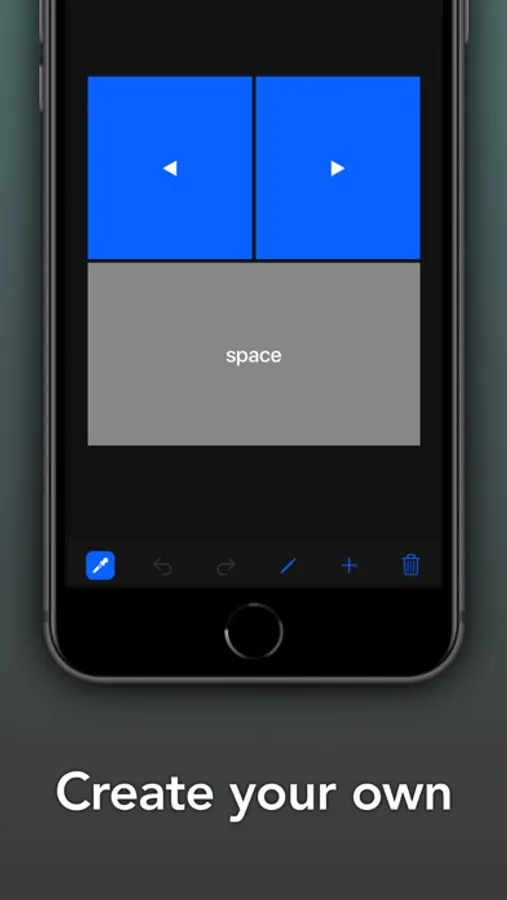
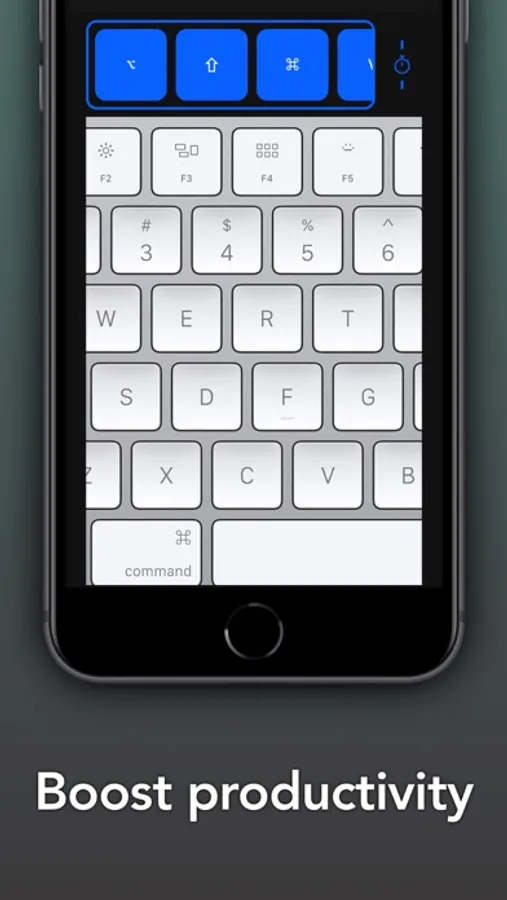
Create custom keypads for your professional tools to boost productivity.
Move freely and control your computer from across the room. No line of sight is required - the app uses WiFi to connect to your computer.
Setup is both quick and easy, just download the helper app from my website and install it on your computer and that's it.
The app exists since 2016 and has been downloaded more than 300,000 times and received very positive reviews both from users and from the press. It's actively maintained and receives frequent updates with new and exciting features.
MAIN FEATURES
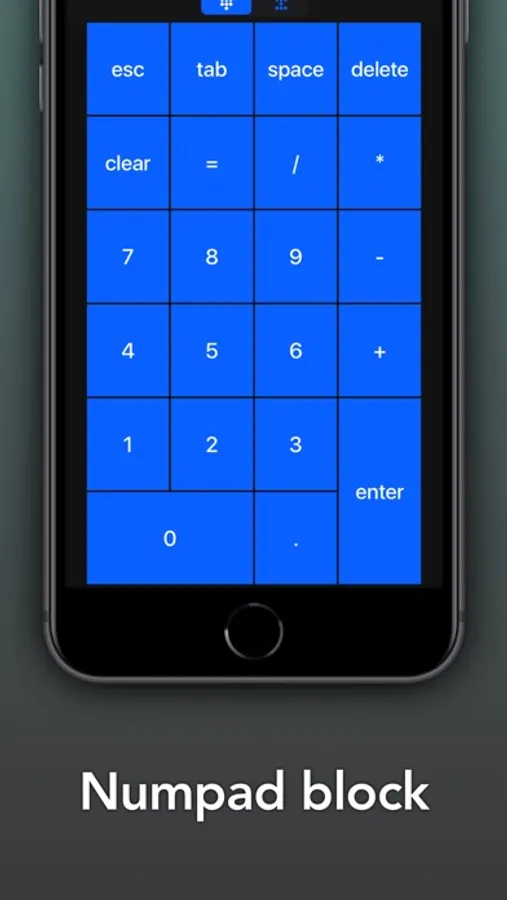
- Numbers block
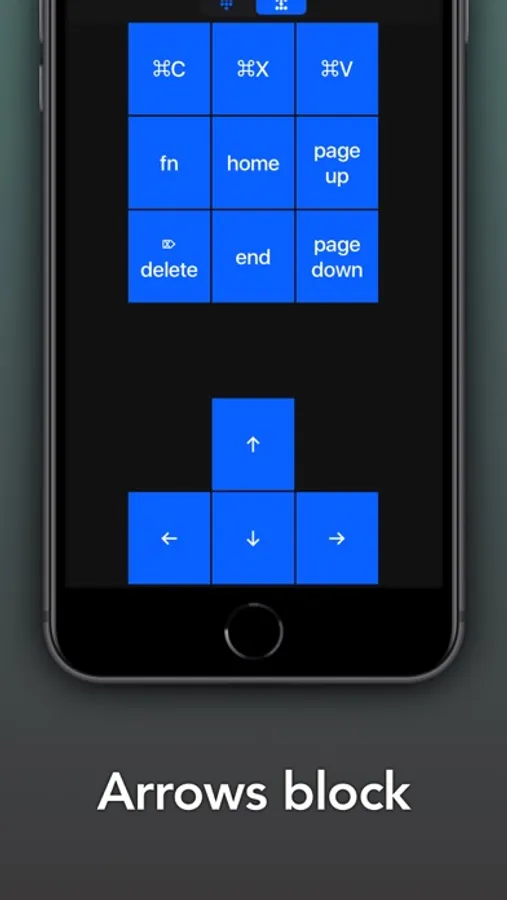
- Navigation block
ADVANCED FEATURES
- Create custom keypads to control apps and websites
- High customization of the app interface
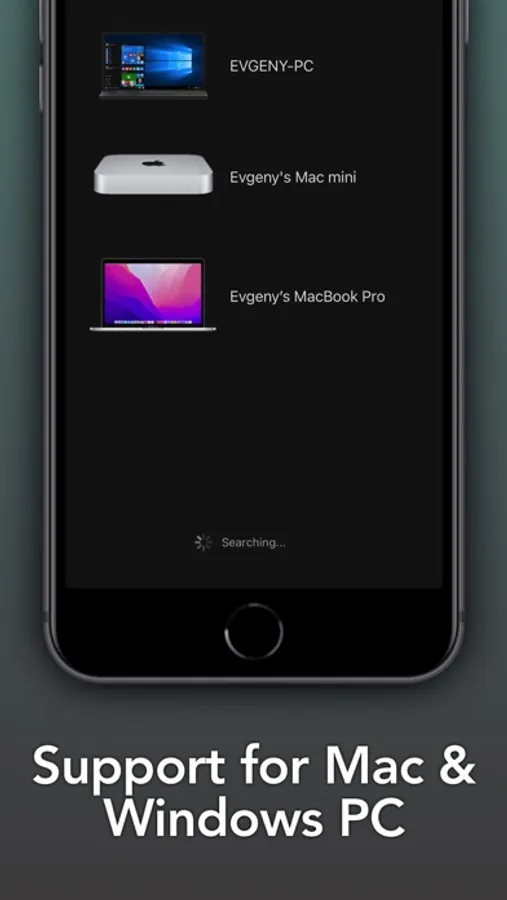
- History of connected devices for quicker re-connection
- Wake On LAN
REQUIREMENTS
- Mac with macOS 10.10 or newer
- PC with Windows 7 SP1 or newer
- Free helper app, available at https://cherpake.com/get
- Shared network connection, WiFi or Personal Hotspot, see https://cherpake.com/connect
Create custom keypads for your professional tools to boost productivity.
Move freely and control your computer from across the room. No line of sight is required - the app uses WiFi to connect to your computer.
Setup is both quick and easy, just download the helper app from my website and install it on your computer and that's it.
The app exists since 2016 and has been downloaded more than 300,000 times and received very positive reviews both from users and from the press. It's actively maintained and receives frequent updates with new and exciting features.
MAIN FEATURES
- Numbers block
- Navigation block
ADVANCED FEATURES
- Create custom keypads to control apps and websites
- High customization of the app interface
- History of connected devices for quicker re-connection
- Wake On LAN
REQUIREMENTS
- Mac with macOS 10.10 or newer
- PC with Windows 7 SP1 or newer
- Free helper app, available at https://cherpake.com/get
- Shared network connection, WiFi or Personal Hotspot, see https://cherpake.com/connect
Remote KeyPad and NumPad Screenshots
Tap to Rate:
Reviews for Remote KeyPad and NumPad
frustratedwithcrapapps
No longer works
Now that I have paid for it it no longer works
CoachF214
Suspect
Says it works with iPad using your iPhone wants to charge you and then you have to download another app with another charge in order to use. It seems suspect cancelled first hour of my seven day trial.




![File Explorer & Player [Pro] icon](https://apprecs.org/ios/img/icons/webp/150/1095142462/r0O6SBLIfSncJdQFCQhsn2UwWO-DOkYVRf5sHT63IDI-icon)