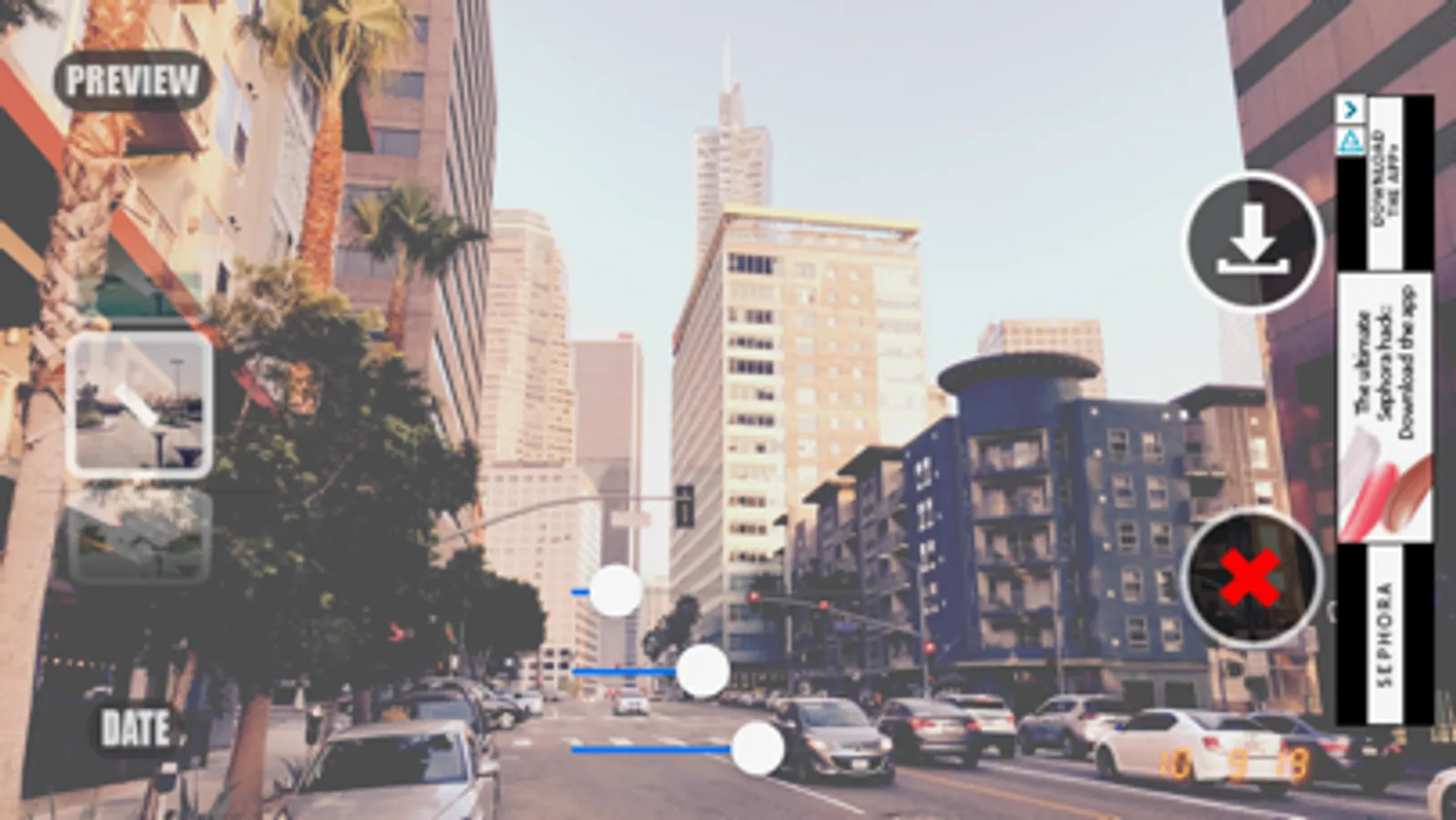
With this photo editing app, you can capture, filter, and save images with grain and fade effects. Includes adjustable grain, fade, exposure sliders, and date stamp features.
AppRecs review analysis
AppRecs rating 2.8. Trustworthiness 75 out of 100. Review manipulation risk 20 out of 100. Based on a review sample analyzed.
★★☆☆☆
2.8
AppRecs Rating
Ratings breakdown
5 star
30%
4 star
13%
3 star
12%
2 star
10%
1 star
34%
What to know
⚠
Ad complaints
Many low ratings mention excessive ads
⚠
Mixed user feedback
Average 3.0★ rating suggests room for improvement
⚠
High negative review ratio
44% of sampled ratings are 1–2 stars
About Grain Cam
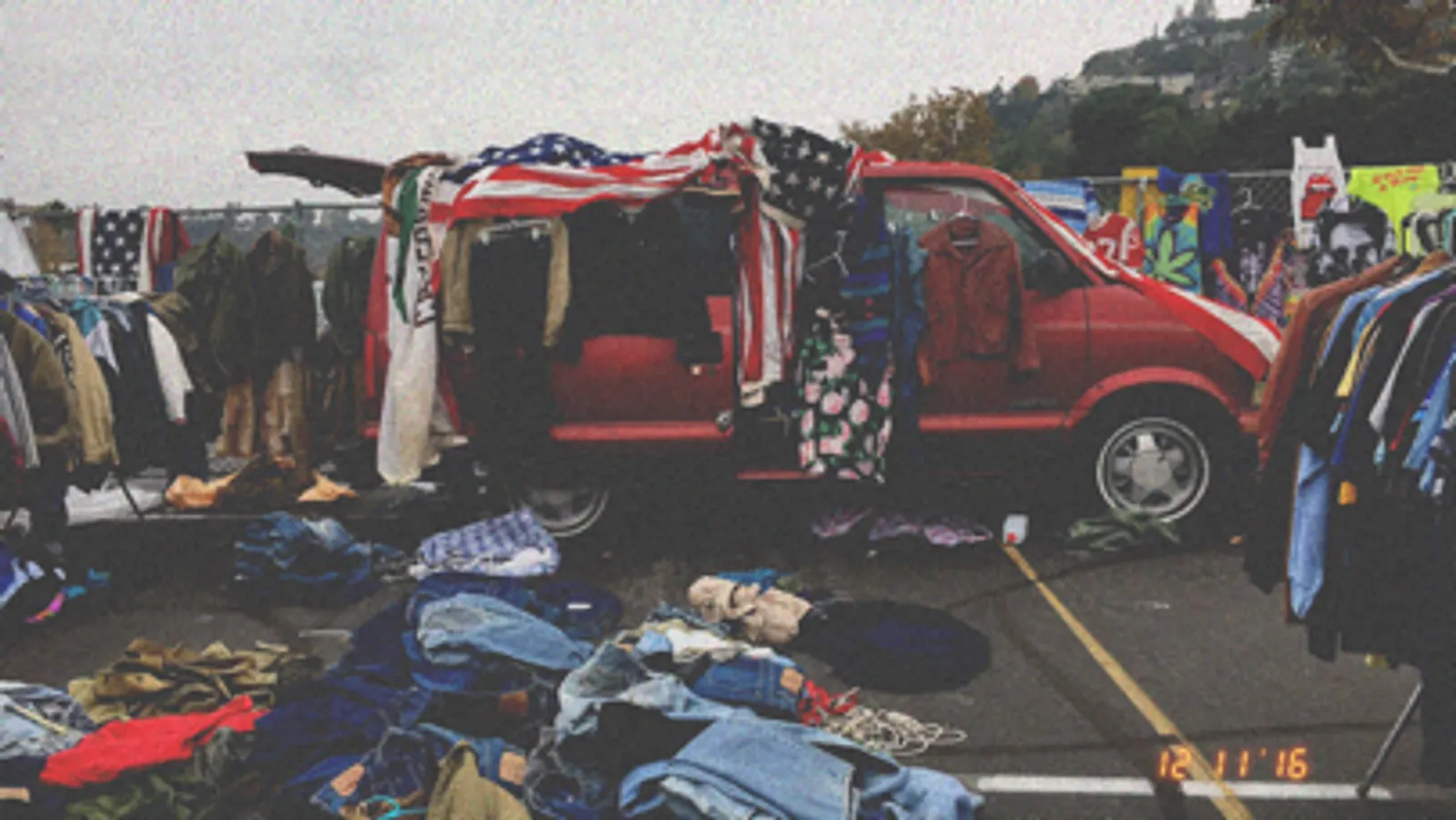
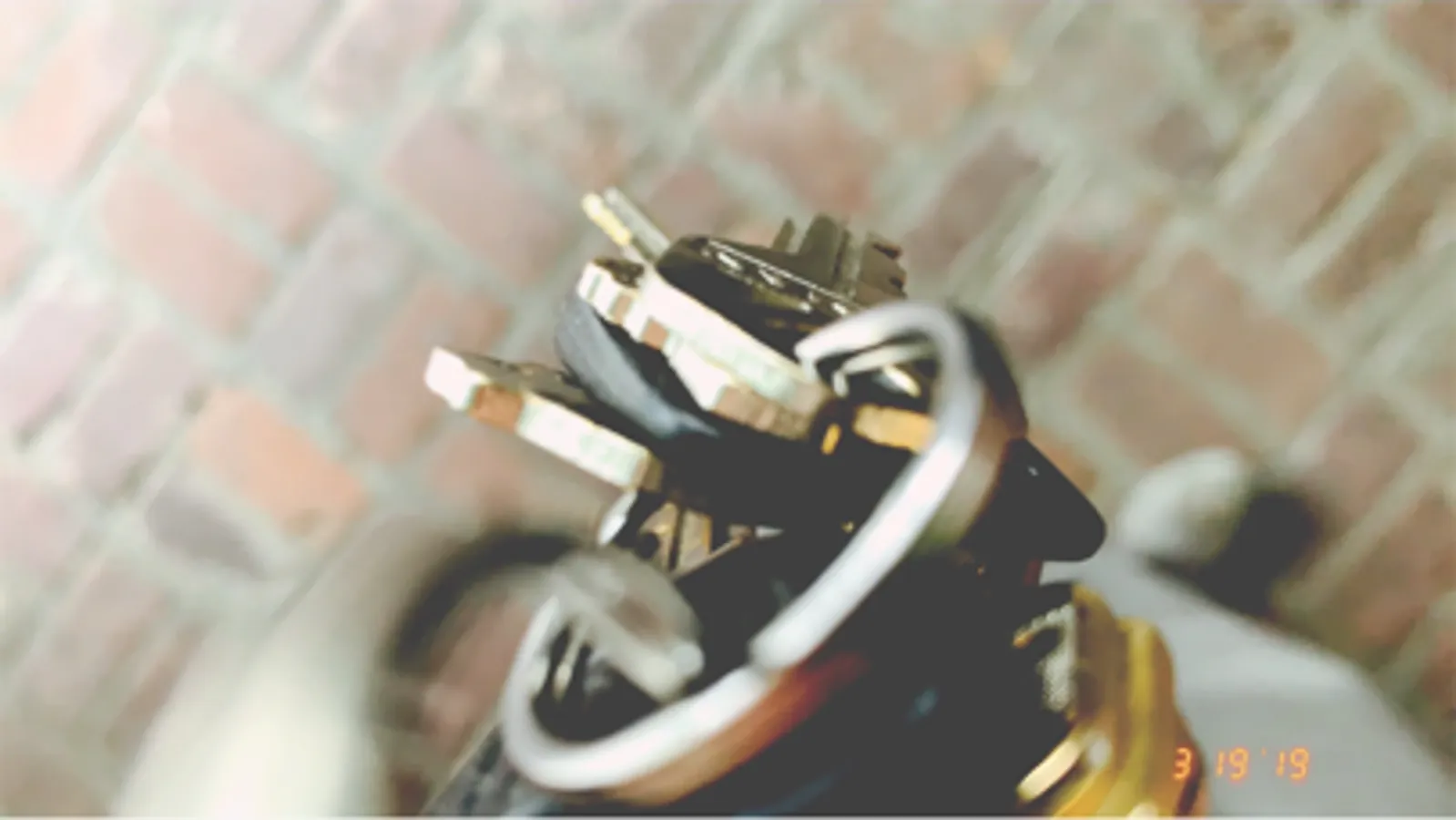
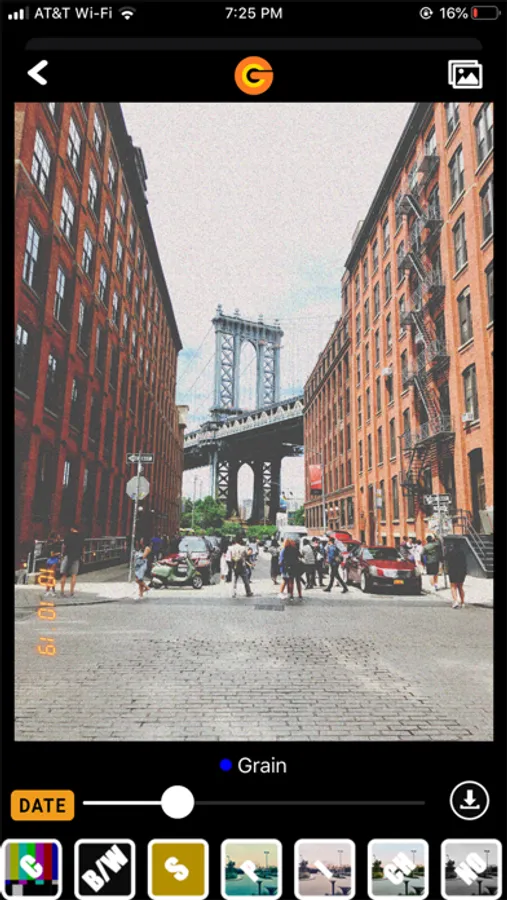
We all remember the time before digital cameras existed, we use to capture the moment with our point & shoot film cameras. Do you remember how the photos were grainy and had that nostalgic timestamp on the bottom right corner? Well, it's no longer of the past.
Capturing memories is as easy as:
1. Snap (Take Photo)
2. Filter (Adjust Photo)
3. Save/Cancel
Features
- Photo Gallery 2.0 = Upload photos from your library
- Grain → Fade → Exposure Effects toggle button
- Zoom in photo feature
- Saves to Grain Cam album
- Timer Button = Set Timer to 3, 5, or 10 seconds
- Lightning Button = Turn On/Off Flash (White Lightning indicates on)
- Selfie Button = Rotate camera view for selfie pictures
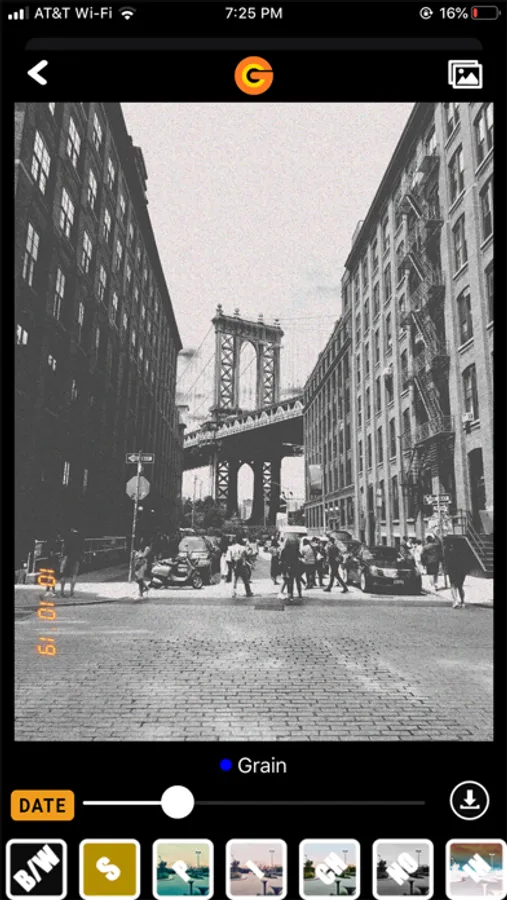
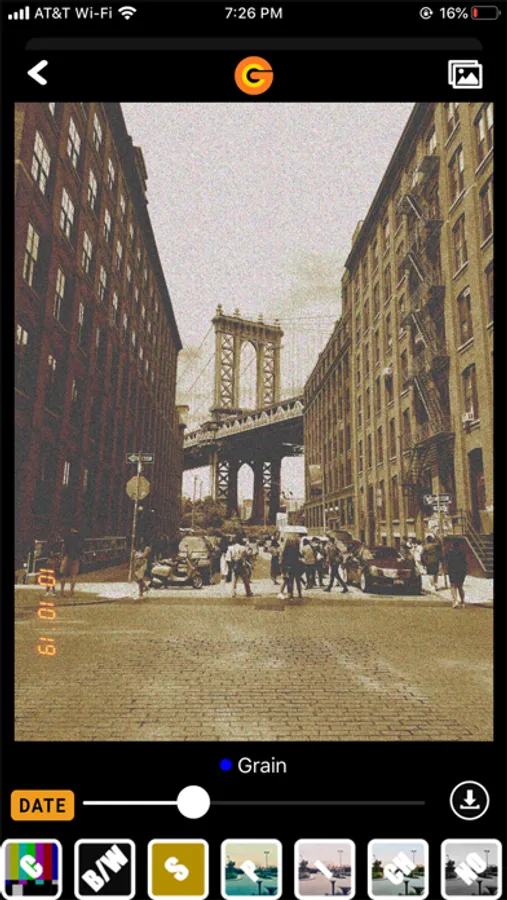
- Grain Slider = Adjust Grain level
- Fade Slider = Adjust Fade level
- Exposure Slider = Adjust filter for different lighting conditions
- Preview = Show Photo only without filter options, before saving
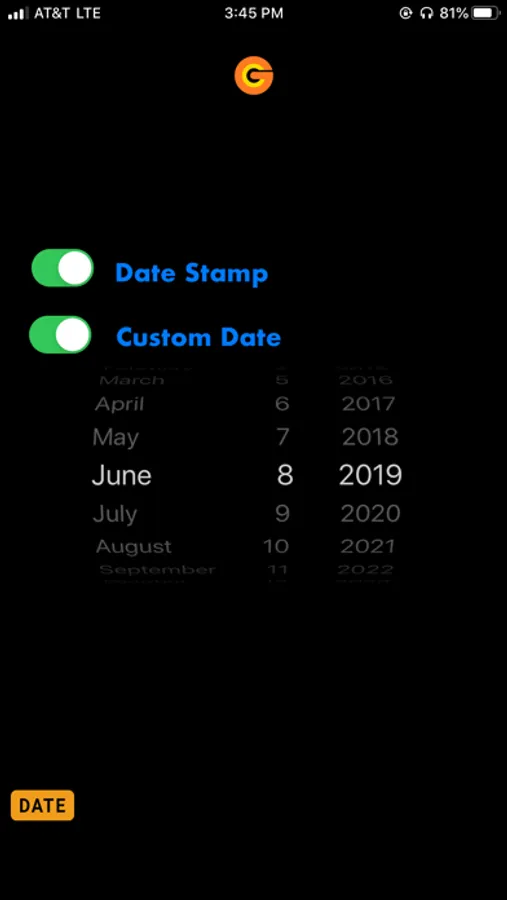
- Date Button = Turn on or off Date Stamp
- Calendar Button = Customize Date Stamp for photos
Filters
- "N" = Normal or No Filter
- "C" = Color
- "BW" = Black/White
- "S" = Sepia
- "P" = Photo Lab
- "I" = Instant Print
- "CH" = Chrome
- "NO" = Noir
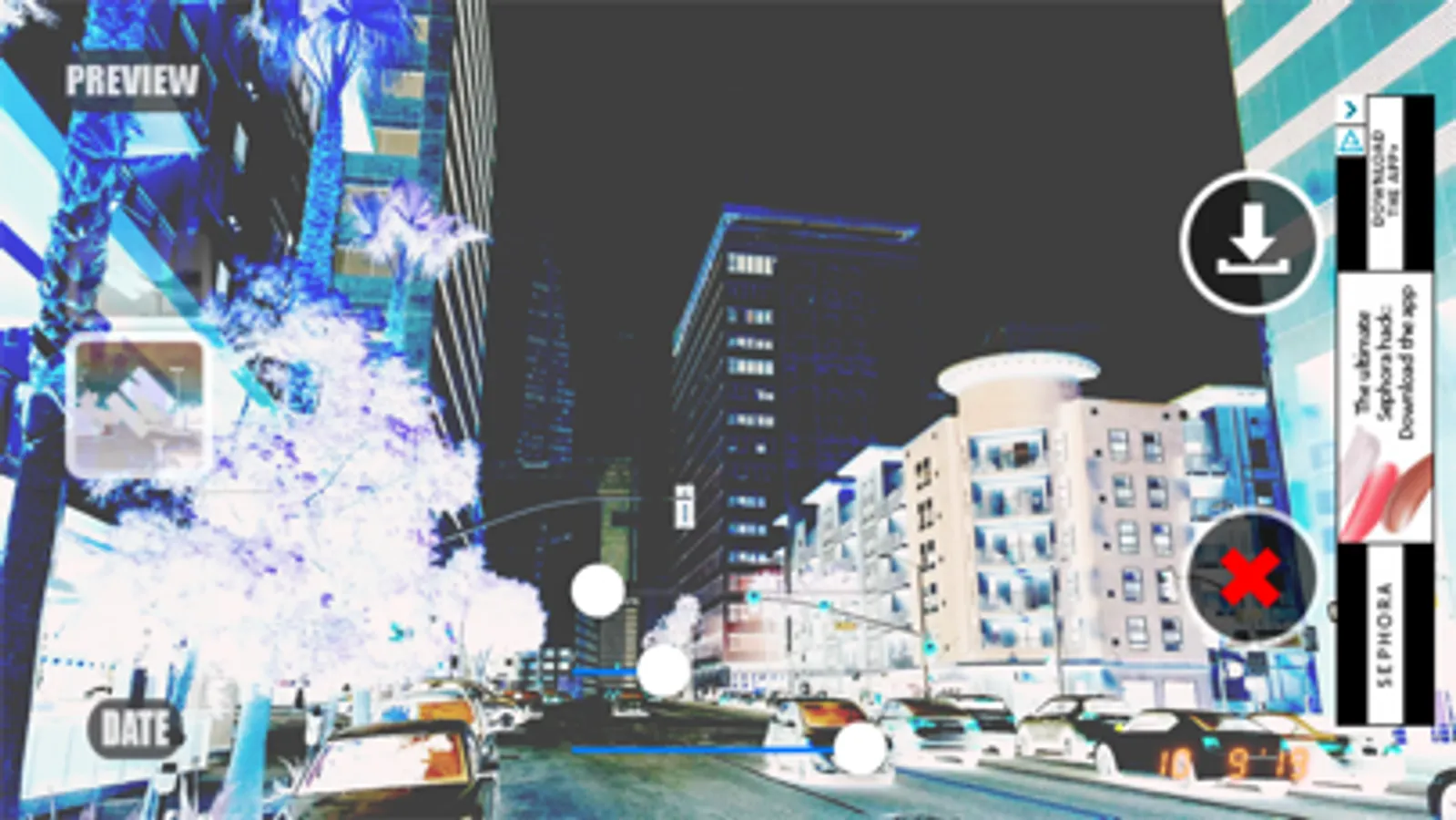
- "IN" = Inversion
When having trouble?
- Go to iPhone Settings
- Find Grain Cam App at the bottom
- Enable Grain Cam to access camera and photos
- Relaunch Grain Cam app
- Contact us if problem is not resolved (https://www.graincam.com/contact/)
Grain Cam Screenshots


Tap to Rate:
Reviews for Grain Cam
0hpriyah
Poor functions
Just kept giving me ads after using it for a few months. Not worth the trouble of exiting it 5 times for it to work.
Coco's Flower Shop
Simple and Just What I've Been Looking For
I love making my pieces look old and worn out so I set out to find a an app with retro grain filter and found just that. Grain app does what it advertises and I'm very pleased, keep up the good work!