In this astronomy app, you can explore stars, planets, and constellations through live sky tracking and adjustable views. Includes real-time object detection, customizable locations, and sharing options.
AppRecs review analysis
AppRecs rating 4.8. Trustworthiness 73 out of 100. Review manipulation risk 25 out of 100. Based on a review sample analyzed.
★★★★☆
4.8
AppRecs Rating
Ratings breakdown
5 star
83%
4 star
11%
3 star
3%
2 star
1%
1 star
2%
What to know
✓
Low review manipulation risk
25% review manipulation risk
✓
Credible reviews
73% trustworthiness score from analyzed reviews
✓
High user satisfaction
83% of sampled ratings are 5 stars
About Classic Sky Map 2
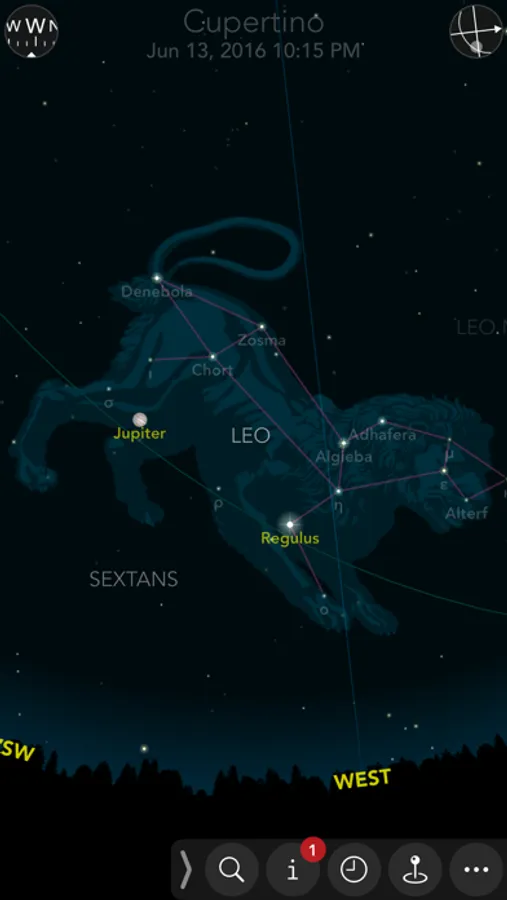
Ever wonder why so many astronomy apps are so hard to use? We do. So we made Classic Sky Map simple and intuitive enough for anyone to enjoy. The user interface is beautiful and straightforward, the controls are easy to use and most settings are just a tap or two away. Classic Sky Map shows you thousands of the brightest stars, the Moon, planets, constellations, meteor showers and more. And it's painless.
Free Features:
- Live Tracking. Simply point your device toward the stars and the sky map aligns itself automatically, showing you the portion of the sky at which you are looking. If your device has a compass, Classic Sky Map uses it automatically. If not, you can tell Classic Sky Map where the North is, and it aligns the sky map accordingly.
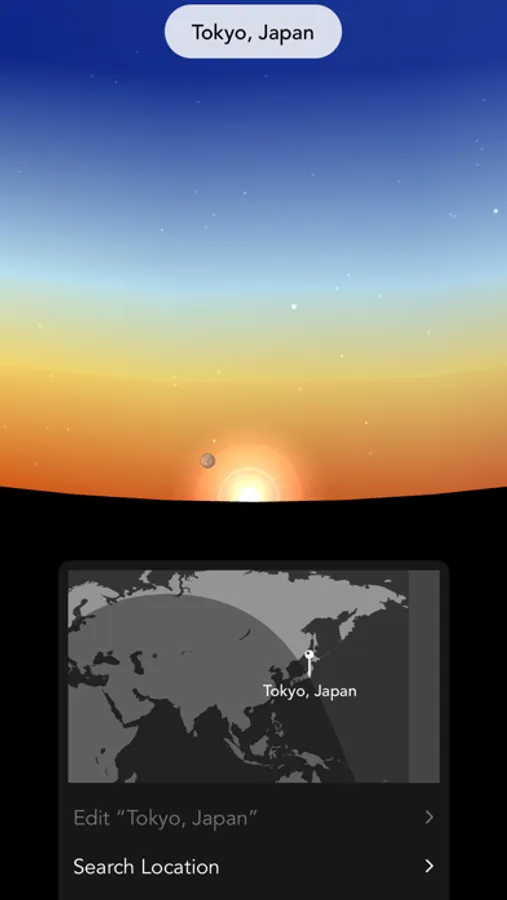
- Live Earth Map. Quickly jump from one city to another by tapping on a map that shows the Earth's day and night boundary in real-time. If you allow it, Classic Sky Map can detect your current location automatically. You can also create custom viewing locations in seconds.
- Fast Forward and Rewind. Accelerate or reverse time to understand how stars and planets appear to move in the sky over a longer period of time.
- Beautiful Constellation Images. We put a tremendous amount of work into creating beautiful constellation images inspired by antique engravings and aligning them precisely with the stars.
- Sharing. Share snapshots of the sky map with your friends at the tap of a button.
- Quick Help. Should you have any questions while using Classic Sky Map, a concise, illustrated user guide will help answer them quickly.
Full Version Features (In-App Purchase):
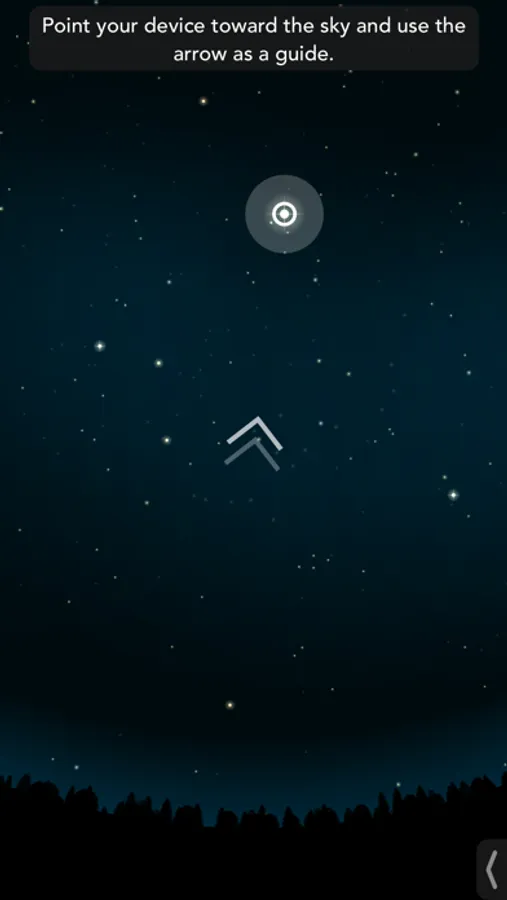
- Interactive Search. Simply type in a search field, pick an object from a list of matches, then point your device toward the sky. An arrow appears and guides you until you are pointing your device toward the object you selected. If the object is not yet visible in the sky, its next rise time is displayed.
- Sky Events. Classic Sky Map shows a list of current sky events such as meteor showers, eclipses and more and helps you quickly locate them in the sky.
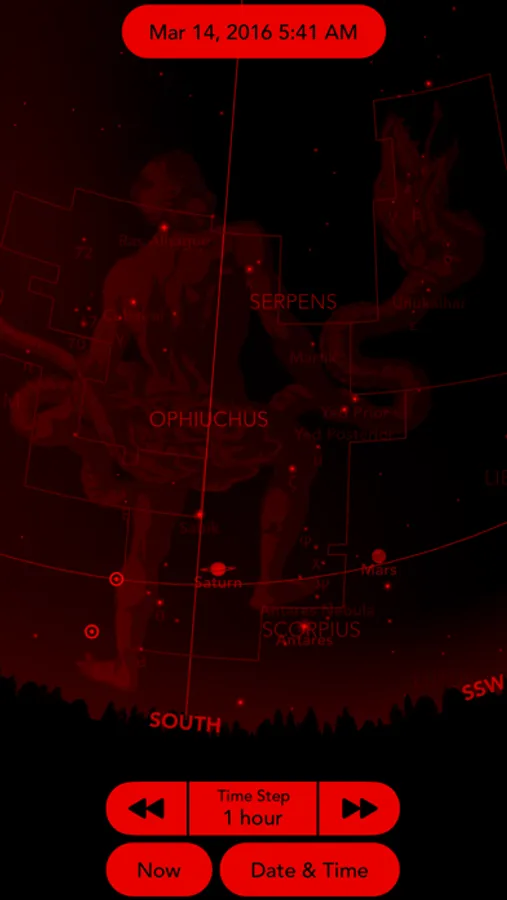
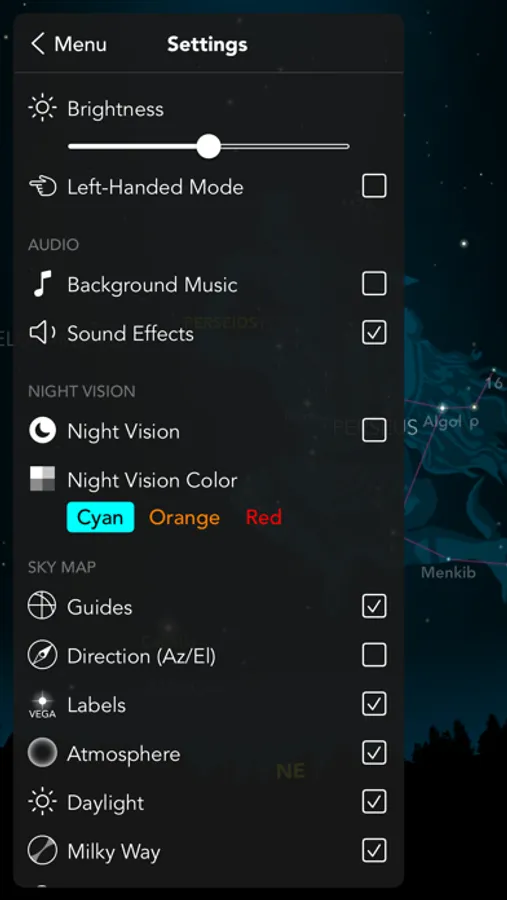
- Night Vision. Classic Sky Map's night vision mode helps minimize loss of dark adaptation. And we went the extra mile to make it look great in cyan, orange or red.
- Extra Information. Tooltips and an information panel show details about stars, planets, the Moon, meteor showers and more.
- Personalization Options. Personalize your sky map by turning various guides and display options on or off.
Have fun!
Free Features:
- Live Tracking. Simply point your device toward the stars and the sky map aligns itself automatically, showing you the portion of the sky at which you are looking. If your device has a compass, Classic Sky Map uses it automatically. If not, you can tell Classic Sky Map where the North is, and it aligns the sky map accordingly.
- Live Earth Map. Quickly jump from one city to another by tapping on a map that shows the Earth's day and night boundary in real-time. If you allow it, Classic Sky Map can detect your current location automatically. You can also create custom viewing locations in seconds.
- Fast Forward and Rewind. Accelerate or reverse time to understand how stars and planets appear to move in the sky over a longer period of time.
- Beautiful Constellation Images. We put a tremendous amount of work into creating beautiful constellation images inspired by antique engravings and aligning them precisely with the stars.
- Sharing. Share snapshots of the sky map with your friends at the tap of a button.
- Quick Help. Should you have any questions while using Classic Sky Map, a concise, illustrated user guide will help answer them quickly.
Full Version Features (In-App Purchase):
- Interactive Search. Simply type in a search field, pick an object from a list of matches, then point your device toward the sky. An arrow appears and guides you until you are pointing your device toward the object you selected. If the object is not yet visible in the sky, its next rise time is displayed.
- Sky Events. Classic Sky Map shows a list of current sky events such as meteor showers, eclipses and more and helps you quickly locate them in the sky.
- Night Vision. Classic Sky Map's night vision mode helps minimize loss of dark adaptation. And we went the extra mile to make it look great in cyan, orange or red.
- Extra Information. Tooltips and an information panel show details about stars, planets, the Moon, meteor showers and more.
- Personalization Options. Personalize your sky map by turning various guides and display options on or off.
Have fun!
Classic Sky Map 2 Screenshots
Tap to Rate:
Reviews for Classic Sky Map 2
Apples are pretty good
Eh
I love the app but some times it doesn’t get the time right like I thought the moon was to the left of me and it was on the opposite side of me
plbfg
Awful
This app will piss you off more if you’re having a bad day. Literally just shows Uranus…I guess and Jupiter