AppRecs review analysis
AppRecs rating 4.2. Trustworthiness 86 out of 100. Review manipulation risk 32 out of 100. Based on a review sample analyzed.
★★★★☆
4.2
AppRecs Rating
Ratings breakdown
5 star
78%
4 star
0%
3 star
0%
2 star
11%
1 star
11%
What to know
✓
Credible reviews
86% trustworthiness score from analyzed reviews
✓
High user satisfaction
78% of sampled ratings are 4+ stars (4.2★ average)
About Calls Recorder: Talk Recording
Tape A Phone and Voice Chat Record
Looking for the ultimate call recorder and transcription app? Call Recorder for iPhone - Pro is your all-in-one solution for recording, editing, and transcribing calls with ease. Whether you’re a professional, student, or simply need to document important conversations, this app delivers crystal-clear recordings and accurate transcriptions every time.
Why Choose Call Recorder for iPhone - Pro?
- Unlimited Recording: Record incoming and outgoing calls of any length—no limits or hidden fees.
- Crystal-Clear Audio: Capture high-quality recordings for clarity and reliability.
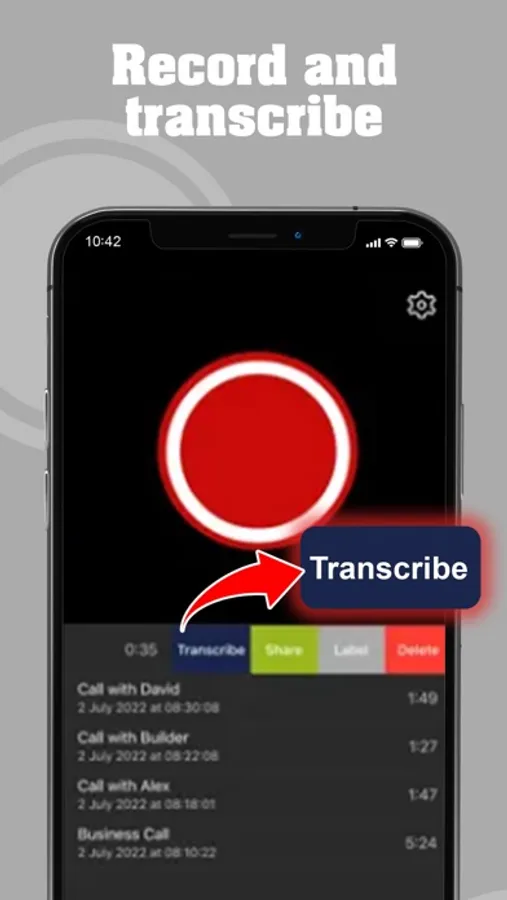
- Transcribe with Accuracy: Convert voice to text with 99.9% accuracy, powered by our integrated transcription service.
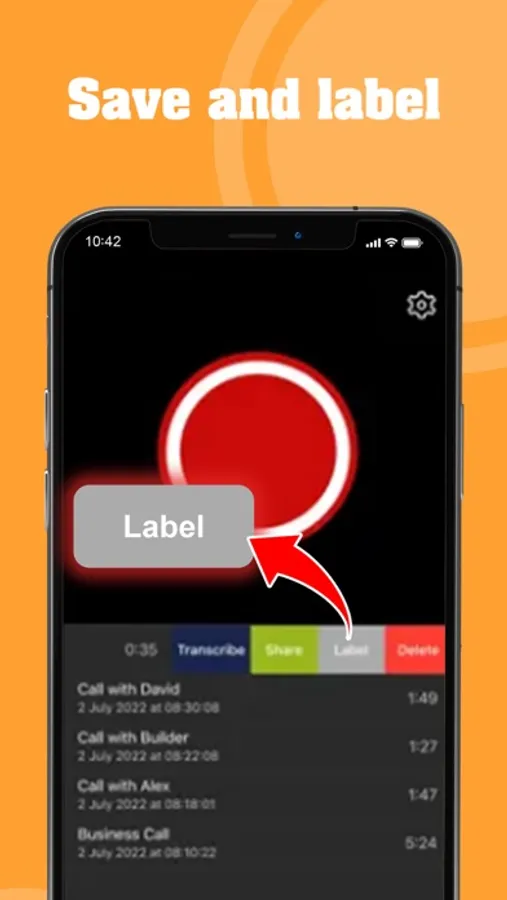
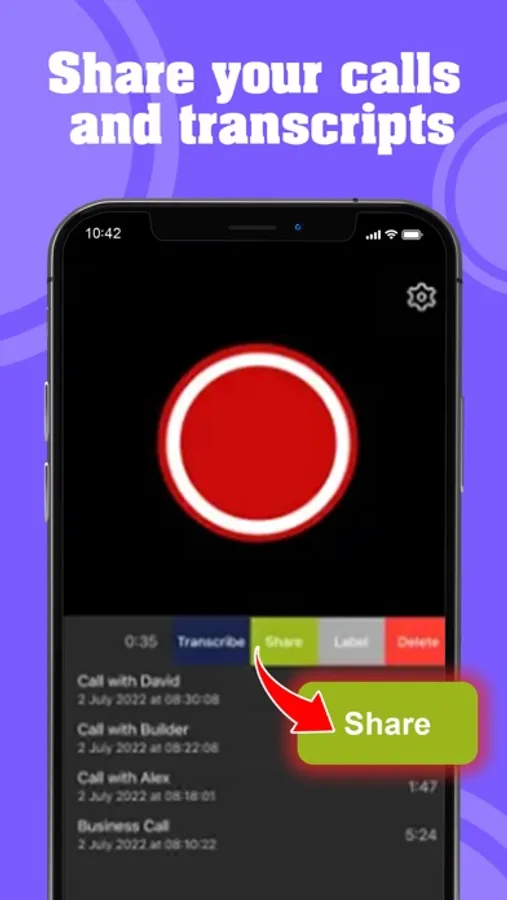
- Organised and Shareable: Rename, categorise, and share recordings via Dropbox, Google Drive, or email.
- Fast and Reliable: Start recording in seconds with just a tap.
Key Features
- Record Incoming and Outgoing Calls: Securely capture every detail.
- Integrated Transcription Service: Edit and save transcriptions directly in the app.
- High-Quality Audio: Ensure every word is crystal clear.
- Secure Cloud Storage: Save recordings securely with the option to delete at any time.
- Unlimited Recordings: No restrictions on length or number of recordings.
- User-Friendly Interface: Designed for ease of use—no technical skills required.
- Multi-Device Sharing: Easily share recordings via Dropbox, Google Drive, or email.
- No Hidden Costs: Transparent subscription plans with no per-minute charges or SMS verification.
How It Works
Recording is as simple as creating a conference call between you, your contact, and our secure recording service. Follow these quick steps:
For Incoming Calls
1. Accept the call.
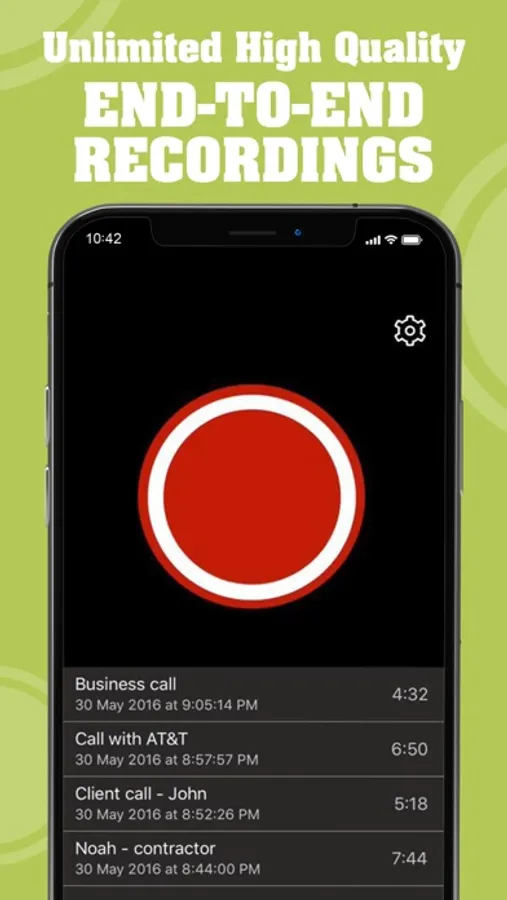
2. Open the app and press the red record button.
3. Tap "Merge Calls."
4. The conversation is now being recorded.
5. Access your recording instantly in the app.
For Outgoing Calls
1. Open the app and press the red record button.
2. Tap "+ Add Call" and select or dial the contact.
3. Once connected, tap "Merge Calls."
4. The conversation is now being recorded.
5. Access your recording instantly in the app.
Who is It For?
Call Recorder for iPhone - Pro is perfect for:
- Professionals: Record and transcribe meetings, interviews, or client calls.
- Students: Save lectures or interviews for later review.
- Anyone: Capture important moments, personal conversations, or vital details.
Frequently Asked Questions
Where are recordings stored?
Recordings are securely stored on servers in your registered country for data protection. You can delete them at any time via the app.
Can recordings be shared?
Yes! Share via Dropbox, Google Drive, or email directly from the app.
Is there a limit on recording duration?
No, you can record calls of any length without restrictions.
What are the subscription options?
Weekly, monthly, and yearly subscriptions are available. Plans renew automatically unless auto-renewal is turned off in your account settings.
Transparent Pricing and Subscriptions
Choose the plan that works for you:
Weekly, Monthly, or Annual Subscriptions: Presented when you first launch the app.
All features are available during the free trial.
Subscriptions renew automatically unless turned off at least 24 hours before the end of the current period. Payment is charged to your iTunes account upon confirmation of purchase.
Terms & Privacy
We value your privacy and adhere to strict data protection guidelines.
- Privacy Policy: https://www.bestphonecallrecorder.com/privacy-policy.html
- Terms and Conditions: https://www.bestphonecallrecorder.com/tos.html
Download Call Recorder for iPhone - Pro today and start recording your calls with confidence. Your ultimate tool for secure, high-quality call recording and transcription awaits!
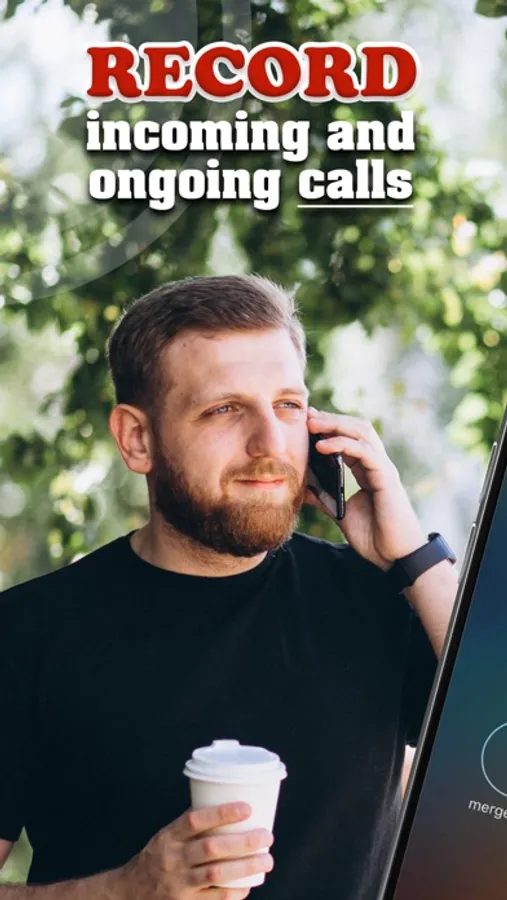
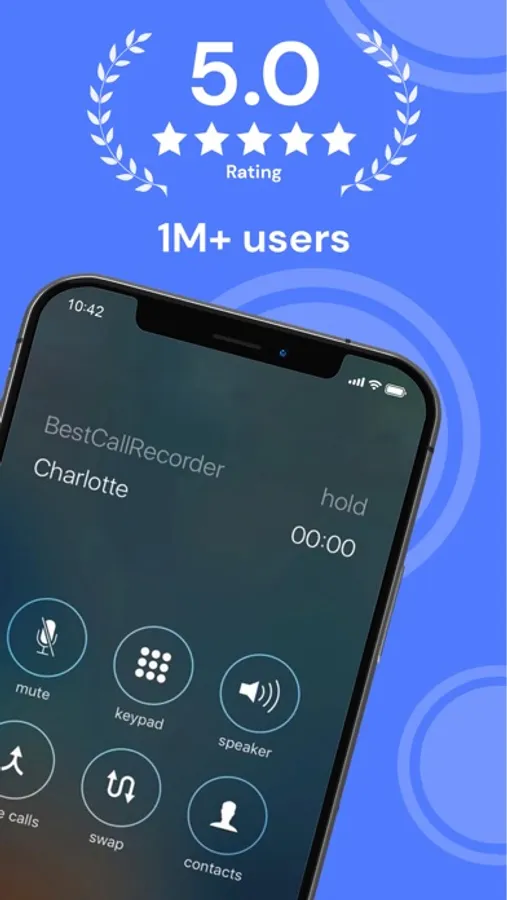
Calls Recorder: Talk Recording Screenshots
Tap to Rate:
Reviews for Calls Recorder: Talk Recording
CorneliusP.
Needs a lot of work
This app works as the other ones do. People who say this app is faulty do not understand how to operate it properly because it works fine. It needs work in a few departments. 1. You have to stay on the screen in the app while listening or else it shuts off (so if you’re taking notes or multi tasking - forget it) 2. When it does get shut off it does not start to play from where it stopped you have to start all over or try & find your place (see next point) 3. This app needs a 10/15 second button for both fast forwarding & rewinding. If you need to replay something good luck moving the time bar to where you need (even knowing what specific time to go to) it’s practically impossible. 4. It’s buggy. Listening to a recording & it suddenly freezes. You have to close the app & start all over. (See #3 on finding your spot of where you left off) For these reasons I’ll use another vendor.
Me Bond 007
Big problem with app does Not work
This app stinks " 0 " star the developer has stolen my paid membership i must get a refund back My Money back It did not record anything this is a deceit joke you should be ashame of yourself you patological Thief the reviews i read are a big fake manipulated hand written by false developer all reviews are a fake NOT TRUE i claim you remove This App Permanently ASAP