AppRecs review analysis
AppRecs rating 2.2. Trustworthiness 0 out of 100. Review manipulation risk 0 out of 100. Based on a review sample analyzed.
★★☆☆☆
2.2
AppRecs Rating
Ratings breakdown
5 star
20%
4 star
0%
3 star
20%
2 star
0%
1 star
60%
What to know
⚠
Mixed user feedback
Average 2.2★ rating suggests room for improvement
About FloorSmart
1. Ensure that Bluetooth is enabled on your smart device. The Orion 950 will automatically pair with your smart device when the power is on and the device is within Bluetooth range.
2. Ensure that the DATA mode on the 950 is ON. Consult your Orion 950 manual for instructions.
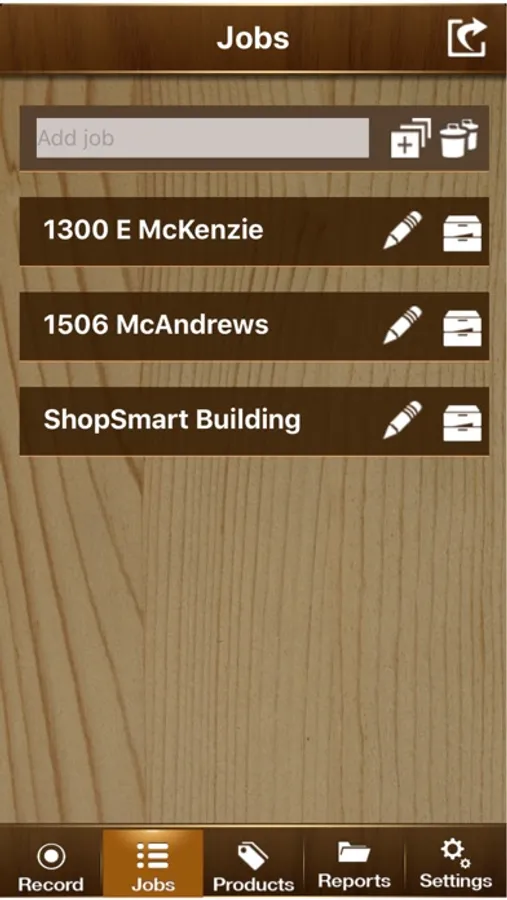
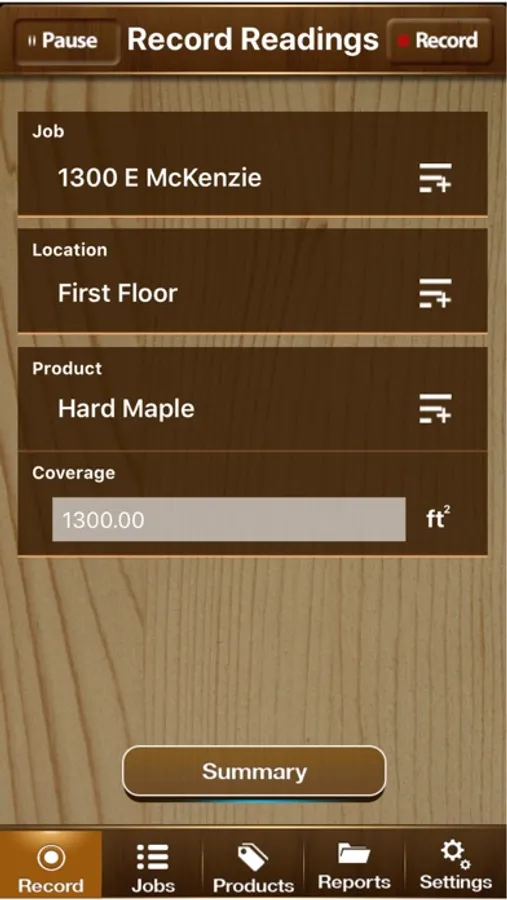
3. Open the FloorSmart app and enter a new job description or choose a current job to edit.
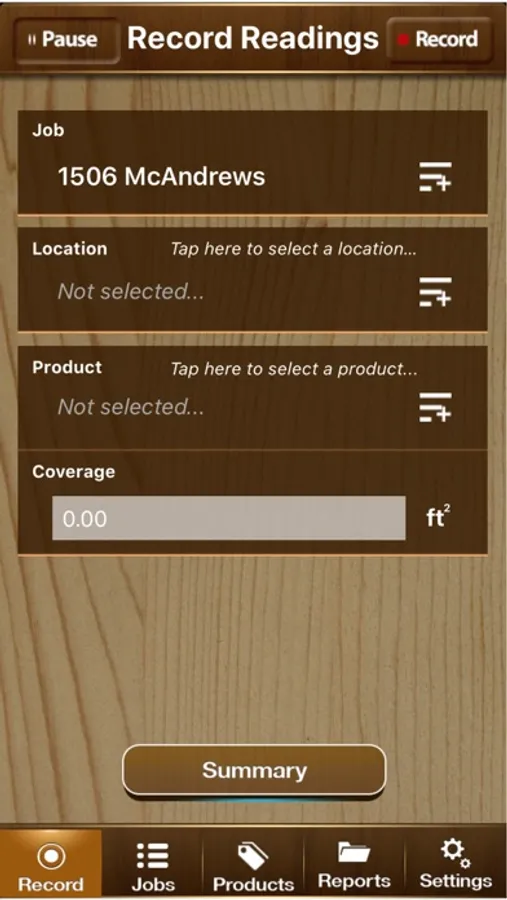
4. Press the "Record" tab at the bottom left to access the "Record Readings" screen.
5. Press the "Record" button at the top right to enable the app to record data from the Orion 950
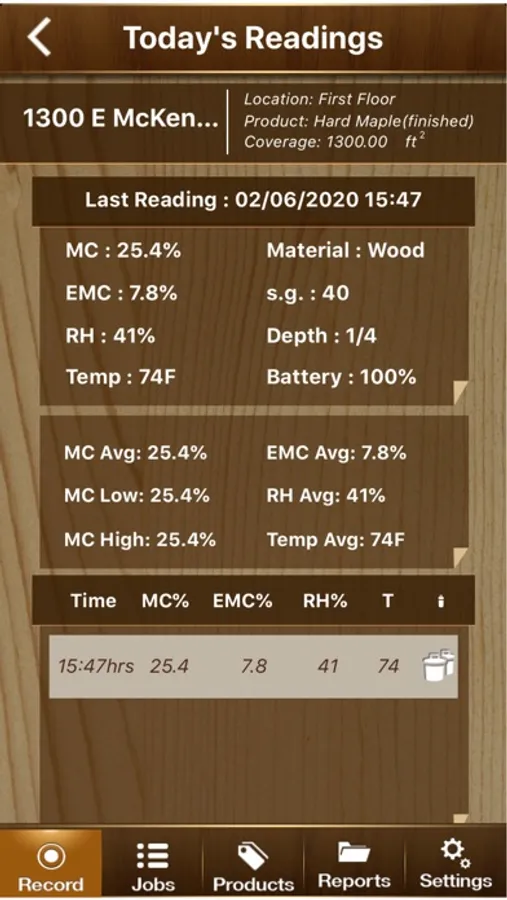
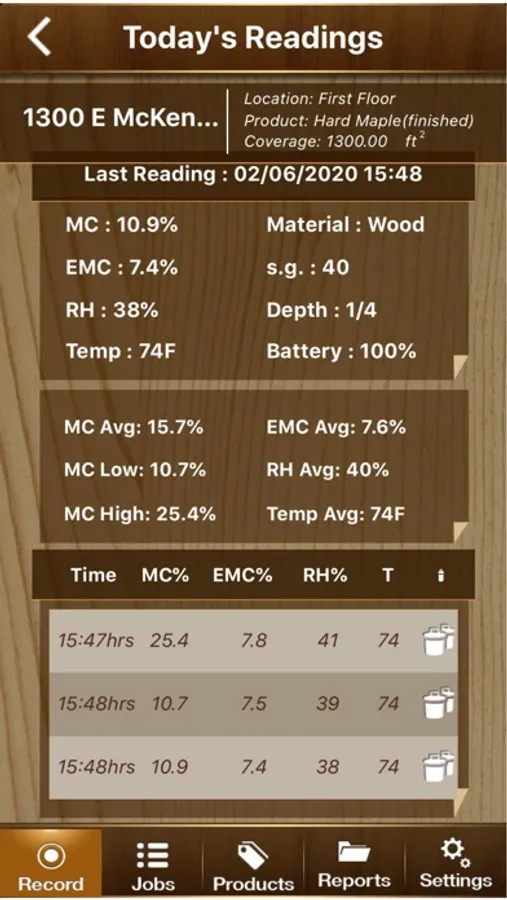
6. Scan the target area with the Orion 950 and press the "ON/HOLD" button when you want to send a reading to the FloorSmart app.
Since 1965, Wagner Meters has been providing quality moisture measurement equipment and Wagner’s technology has been proven to provide some of the most accurate results in the industry when compared to the ASTM D4442-16 Standard. Wagner meters have been used for years by professional lumber-grading associations, and meters from Wagner continue to provide reliable and consistent moisture measurements, with unsurpassed convenience and ease of use.
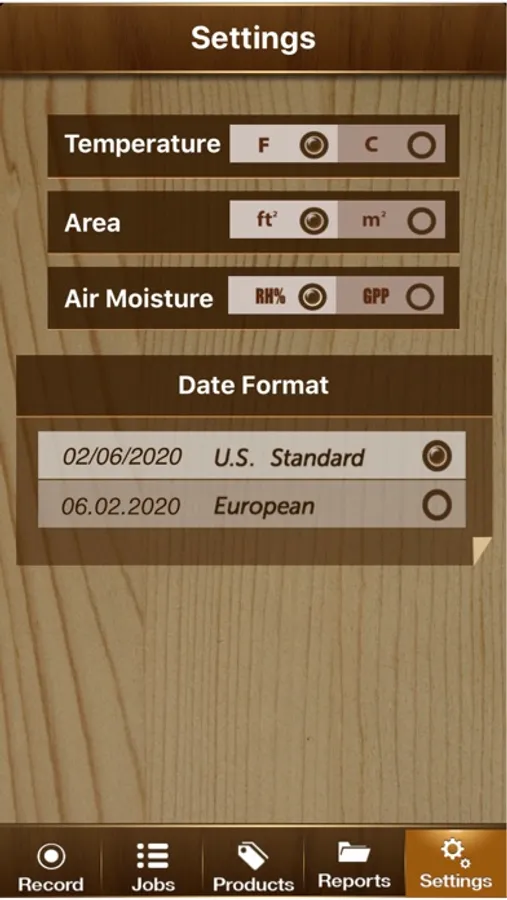
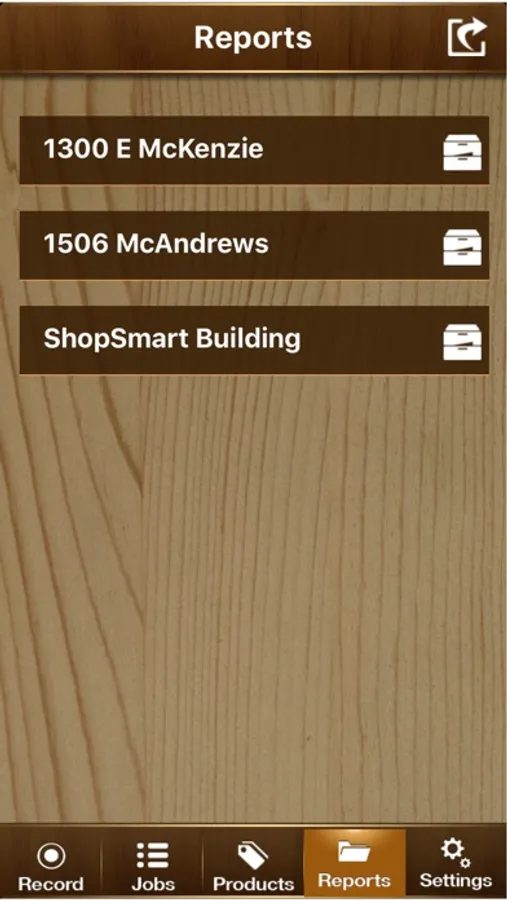
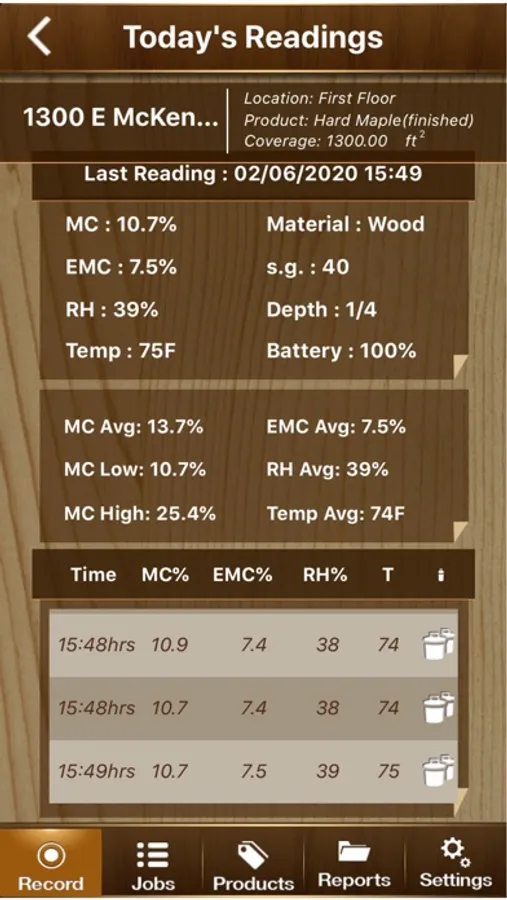
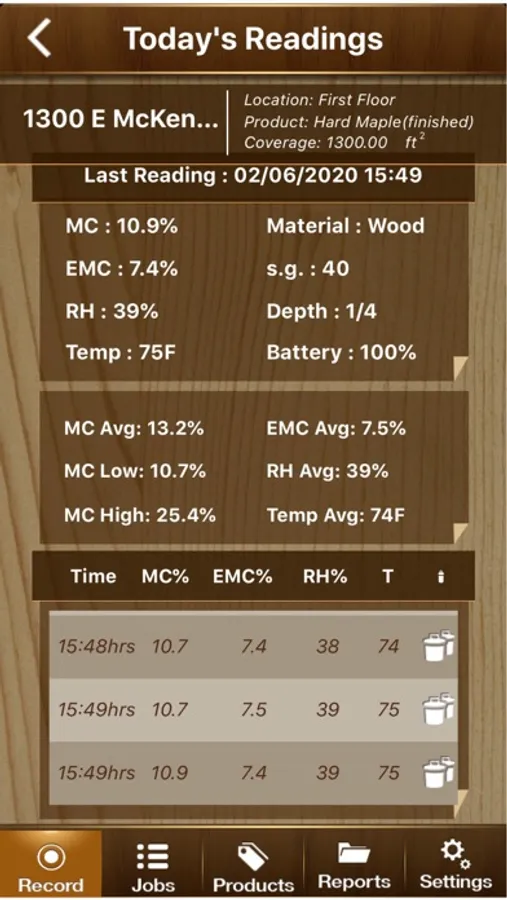
FloorSmart Screenshots
Tap to Rate:
Reviews for FloorSmart
HOOT3N
Can’t connect
Can’t get app to connect to meter through bluetooth
yo baby!
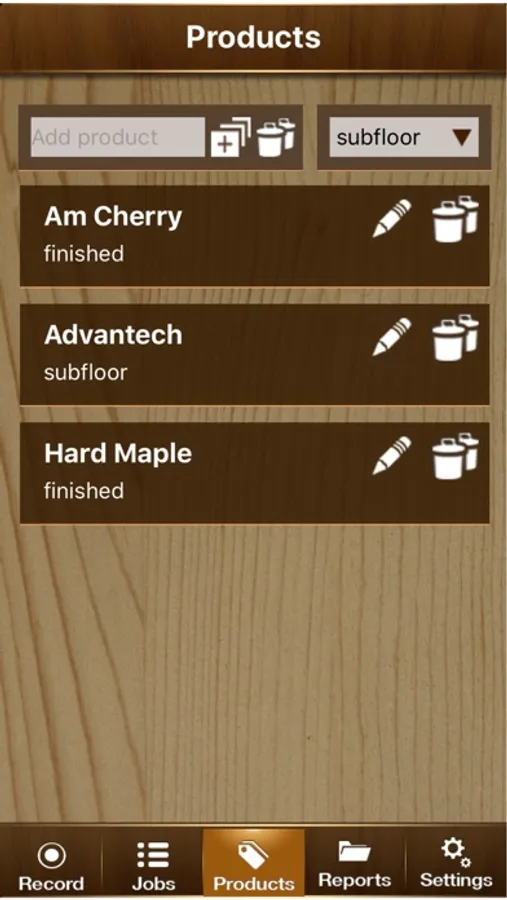
Poor Interface
The app does what it’s supposed to do but takes a ton of time to set up a job with an address and wood species since each of the three are done in different places. Then if you finally figure it out I’m still not sure if I can change from subfloor to the actual flooring readings without starting over and creating a second “job” or clearing out all the previous reading. Also if you want to change depths on the fly, the report will not note the depth differently for each measurement but rather shows one depth for the entire “job”. The app is not user friendly and does very little to make you look competent in front of a customer.