In this app, you can control compatible Integra network products remotely using your iOS device and stream music from various sources. Includes remote control functions, music playback options, and setup features.
AppRecs review analysis
AppRecs rating 1.7. Trustworthiness 71 out of 100. Review manipulation risk 29 out of 100. Based on a review sample analyzed.
★☆☆☆☆
1.7
AppRecs Rating
Ratings breakdown
5 star
8%
4 star
5%
3 star
14%
2 star
9%
1 star
65%
What to know
✓
Low review manipulation risk
29% review manipulation risk
⚠
Mixed user feedback
Average 1.8★ rating suggests room for improvement
⚠
High negative review ratio
74% of sampled ratings are 1–2 stars
About Integra Control Pro
The intuitive, user-friendly interface makes it easy to get more from your AV home entertainment experience.
Main functions that can be operated through this application.
(1) Play music in each room or every room
- Lets you play music from music streaming services such as Pandora, Spotify, DEEZER and TIDAL, your music library on your smart device, or your NAS drive on compatible products.
- You can play your music via radio, Bluetooth and USB.
(2) Remote control functions
- You can operate general control functions (play/stop, control the volume, select the input source, etc.) from your smartphone.
(3) Operation of connected product(home theater product such as AV amplifier)
- Lets you control a Blu-Ray Disc player or TV that is connected to an AV amplifier or home theater product via HDMI.
(4) Dirac Live-enabled products measure automatic sound field correction. In addition, filters can be edited.
(5) Audio/Video formats of input and output can also be checked.
*By setting the “Network Standby” menu item in the unit’s initial settings to ON, you can use this application to turn on the power of the unit.
Compatible models
Receivers and Pre Amps in April 2016 or later
■ Please note:
・To use Application it needs to read and agree Terms of Service.
・All models require a firmware update to use Integra Control Pro.
・Available Service depends on regions.
・Why Device's location is needed? Answer: In order to set-up your wireless devices which are located around you, SSID and Access Point info is needed. There is no other purpose to use the information of Device’s Location.
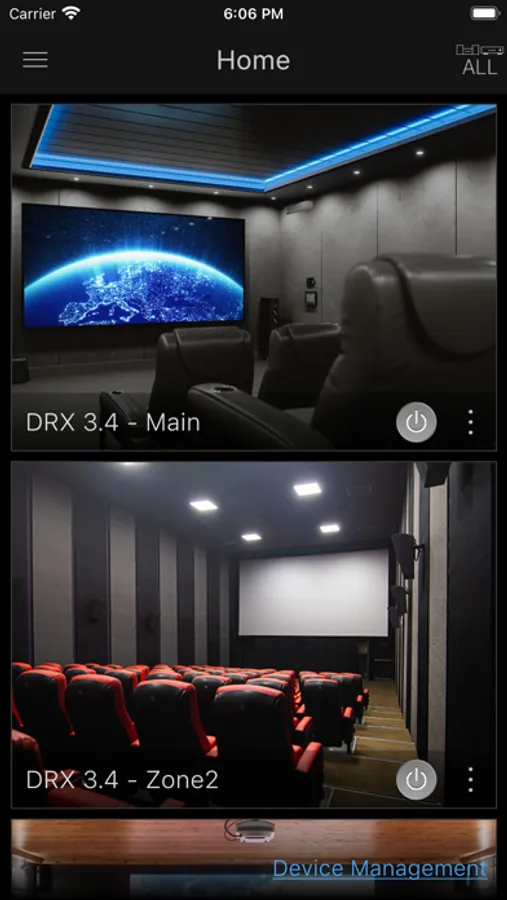
Integra Control Pro Screenshots
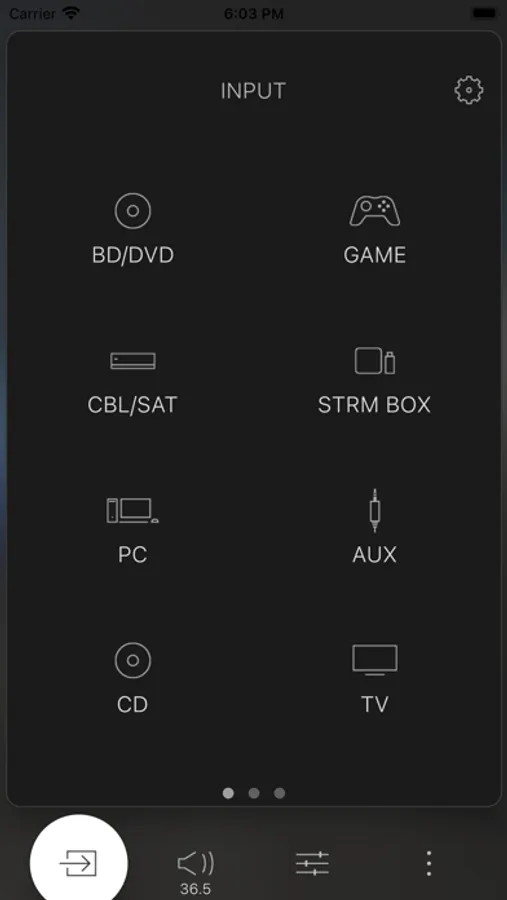
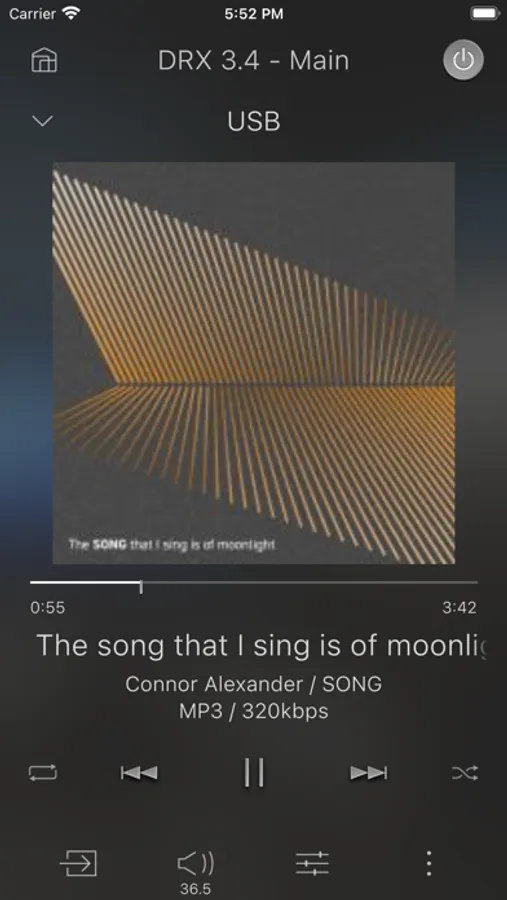
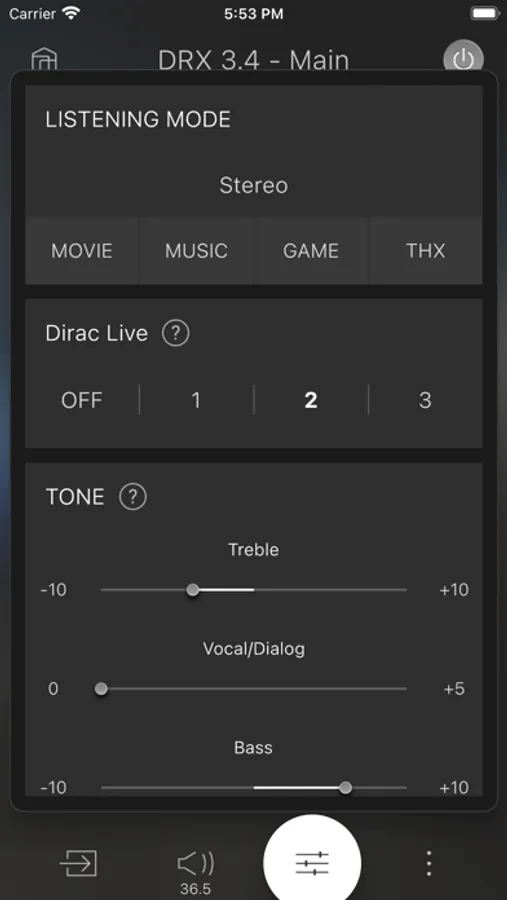
Tap to Rate:
Reviews for Integra Control Pro
AVEA-CEO
Needs more functionality
It would be nice if it displayed the speakers that are in use as you change the sound mode like the Denon app does. I’d expect much more functionality out of a $3200 AVR!
funkyjim
Does what it’s supposed to do
The app works great as an optional remote for my DRX-3.4. The app is also used to configure Dirac Live, and it worked perfectly for that task as well. No complaints.