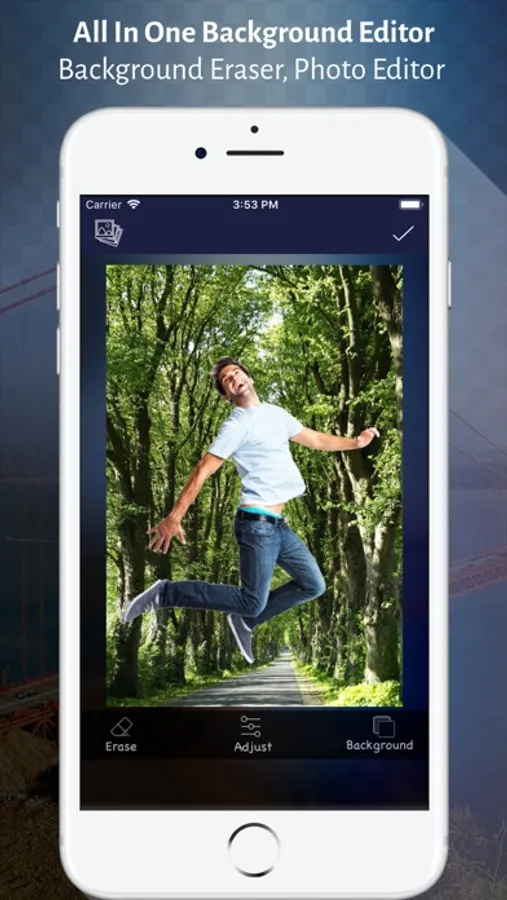
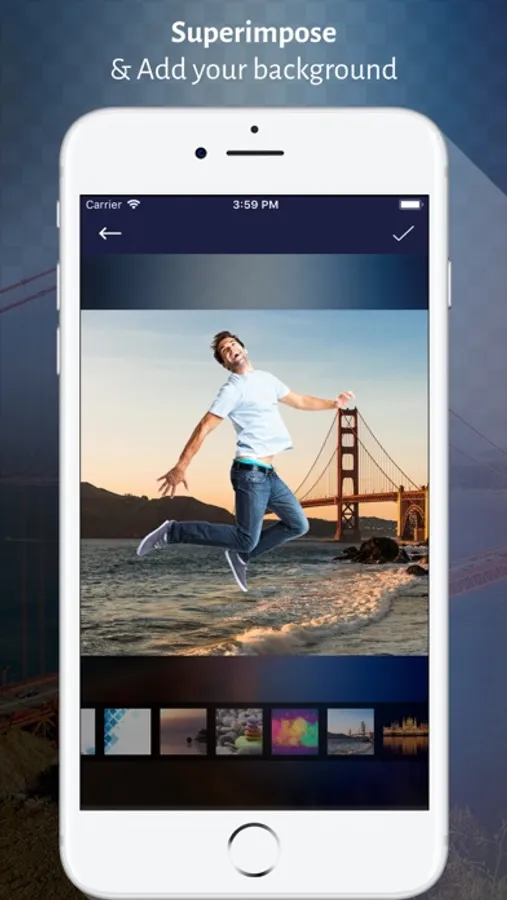
In this photo editing app, you can easily remove or replace photo backgrounds using tools like automatic and manual selection, then preview and save your images. Includes options for undo, redo, and background color adjustments.
About Background Eraser - Photo Cut
Photo editing is an art. The people love to edit their photos, be uploading the pic on the social networking website, making it their profile pic or sharing it with their friends. It has become too common to cut the background of the captured photo and replace it with a new one.
Background Eraser Editor App right on the mobile phone also lets you change the image background like a magic stick. In a few taps, the background of any picture can be easily removed and changed.
See how?
Click the photo from your mobile camera or simply add a picture from the album whose background you want to change. Either remove the background or select the background you want to keep. Preview the picture with a modified background and then save the beautiful image in png or jpg format.
Take a glance at what you can do with your photo:
- Lets you do photo editing on free
- Replace the picture's background with a new one
- Make the background white, transparent or other
- Add the text, stickers or emojis
- The filters to change the looks of the picture
- Advance selection to apply the changes to the limited portion of the background
- Undo or redo the changes made
- A reverse tool to restore the original background
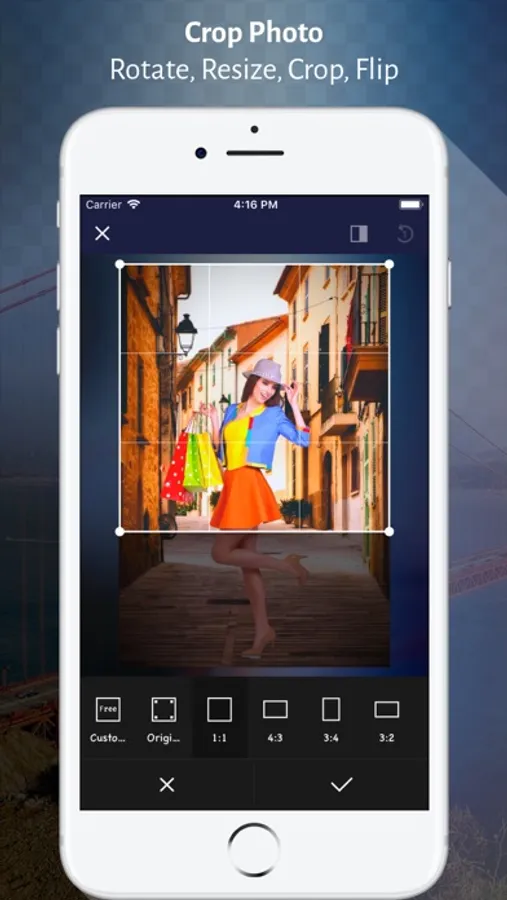
- Enable resizing the output image
Erasing Photo Background is truly amazing and Great fun to create a new album where your best images can be kept.
Background Eraser Editor App right on the mobile phone also lets you change the image background like a magic stick. In a few taps, the background of any picture can be easily removed and changed.
See how?
Click the photo from your mobile camera or simply add a picture from the album whose background you want to change. Either remove the background or select the background you want to keep. Preview the picture with a modified background and then save the beautiful image in png or jpg format.
Take a glance at what you can do with your photo:
- Lets you do photo editing on free
- Replace the picture's background with a new one
- Make the background white, transparent or other
- Add the text, stickers or emojis
- The filters to change the looks of the picture
- Advance selection to apply the changes to the limited portion of the background
- Undo or redo the changes made
- A reverse tool to restore the original background
- Enable resizing the output image
Erasing Photo Background is truly amazing and Great fun to create a new album where your best images can be kept.
Background Eraser - Photo Cut Screenshots



Tap to Rate: