Teach Yourself Library
Hachette UK (Holdings)Limited
3.9 ★
143 ratings
Free
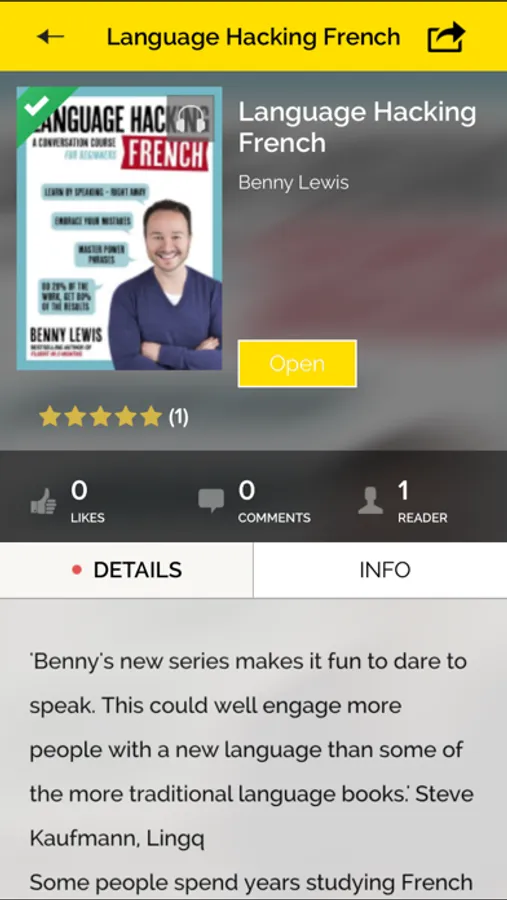
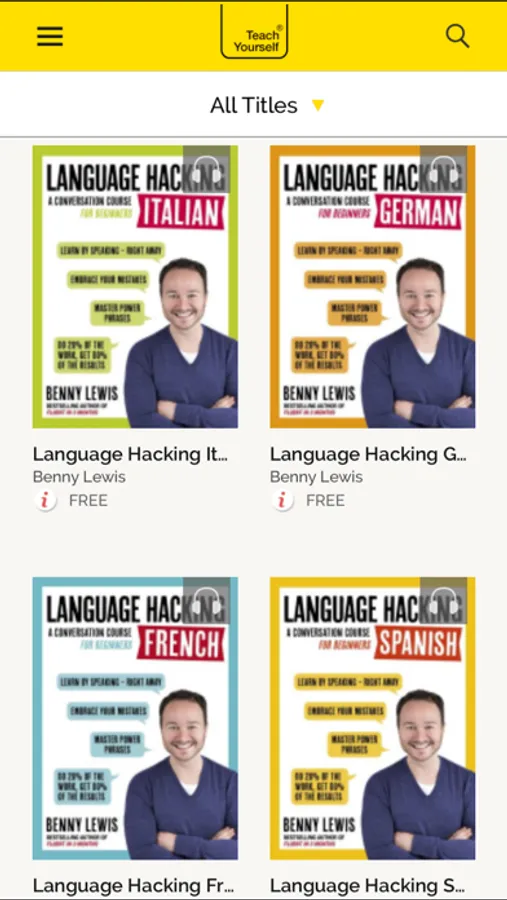
With this app, you can access and download free audio and learning resources for various courses. Includes offline access, content management, and cross-device synchronization.
AppRecs review analysis
AppRecs rating 3.8. Trustworthiness 78 out of 100. Review manipulation risk 23 out of 100. Based on a review sample analyzed.
★★★☆☆
3.8
AppRecs Rating
Ratings breakdown
5 star
56%
4 star
15%
3 star
6%
2 star
6%
1 star
17%
What to know
✓
Low review manipulation risk
23% review manipulation risk
✓
Credible reviews
78% trustworthiness score from analyzed reviews
✓
Good user ratings
71% positive sampled reviews
About Teach Yourself Library
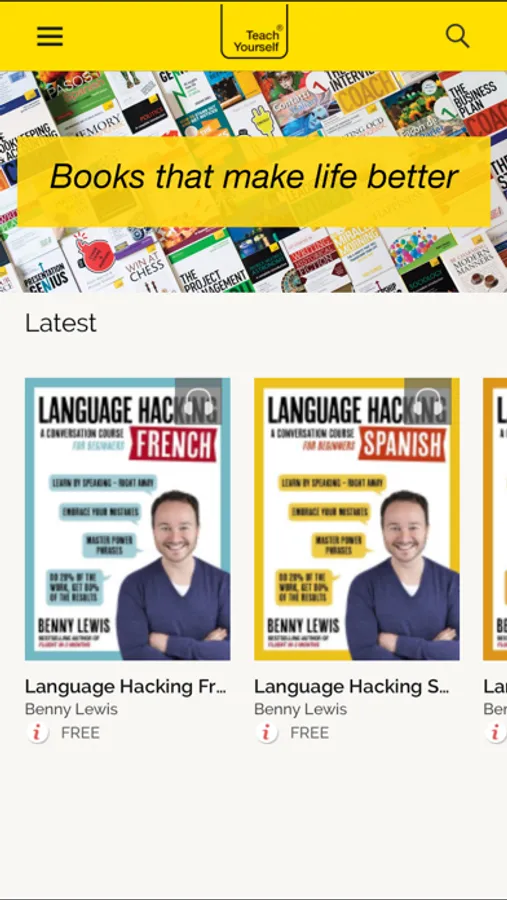
Teach Yourself has been trusted by learners for over 75 years to deliver expert learning materials across a wide range of topic areas – languages, business, careers, self-help, creative writing and hobbies.
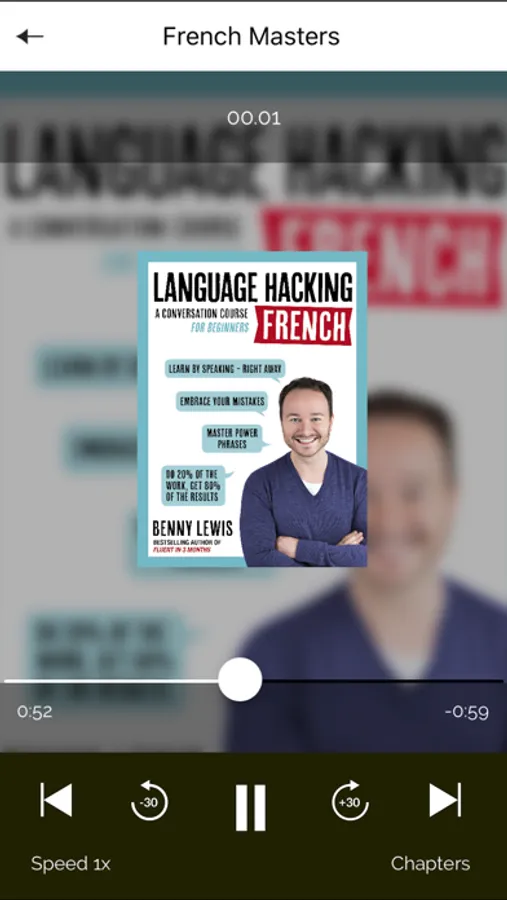
Now for the first time you can access any accompanying audio or learning resources in this free app. Download the resources to your Library and access anywhere anytime. You can even sign in from a different device and all your content will be queued for easy downloading.
Teach Yourself: books that make life better.
Teach Yourself Library Screenshots
Tap to Rate:
Reviews for Teach Yourself Library
abrolon87
Enhanced ebooks?
To my understanding, I should be able to click on the icon within the ebook to hear the audio but it does not work. I can only seem to listen to the audio by going to the audio playlist. It would be very convenient to be able to use tap on the audio icon in the lesson to listen.
NikLinna
Just an awful experience
This app is an iPad app that was made available for macos with no extra effort to actually support macos. You can't even use the arrow keys to turn pages! There's nothing in the menus other than stock commands. What little UI exists is a mystery. Clicking near the edges of pages goes forward and back, sure, but there are things in my book that look like buttons, and clicking them...pages forward and back. There's no way to pop directly from the guts of a book to my whole collection (supplemental audio for the book). Visual affordances are utterly lacking. Sometimes clicking on the page makes text appear or disappear on the page instead of paging forward or backward—I have no idea why! Book content that should really be shown together onscreen is broken across pages, so I have to go back and forth too much. Also, the default font is incredibly tiny, and opening the font settings and clicking the larger A changes the margins and line spacing, but the font remains the exact same size. That's...not helpful. Then I opened the Advanced submenu and suddenly the font got bigger. Yay? Some of the controls on that menu don't do what they promise, but at least I got the font size upped. Reading the book I bought is going to be a struggle, and I doubt I'll be buying any more for use in this app.