With this 3D sketching app, you can sculpt using Apple Pencil and 3D Touch support, export your models in OBJ or STL formats, and apply various materials like plastic or gold. Includes pressure-sensitive sculpting, device compatibility, and export options.
AppRecs review analysis
AppRecs rating 4.0. Trustworthiness 79 out of 100. Review manipulation risk 23 out of 100. Based on a review sample analyzed.
★★★★☆
4.0
AppRecs Rating
Ratings breakdown
5 star
62%
4 star
14%
3 star
8%
2 star
5%
1 star
11%
What to know
✓
Low review manipulation risk
23% review manipulation risk
✓
Credible reviews
79% trustworthiness score from analyzed reviews
⚠
Pricing complaints
Many low ratings mention paywalls or pricing
About Putty 3D
IMPORTANT: Putty 3D requires iPhone 5s, iPad Air, iPad Mini 2 or any newer iPhone or iPad with iOS 11 or newer.
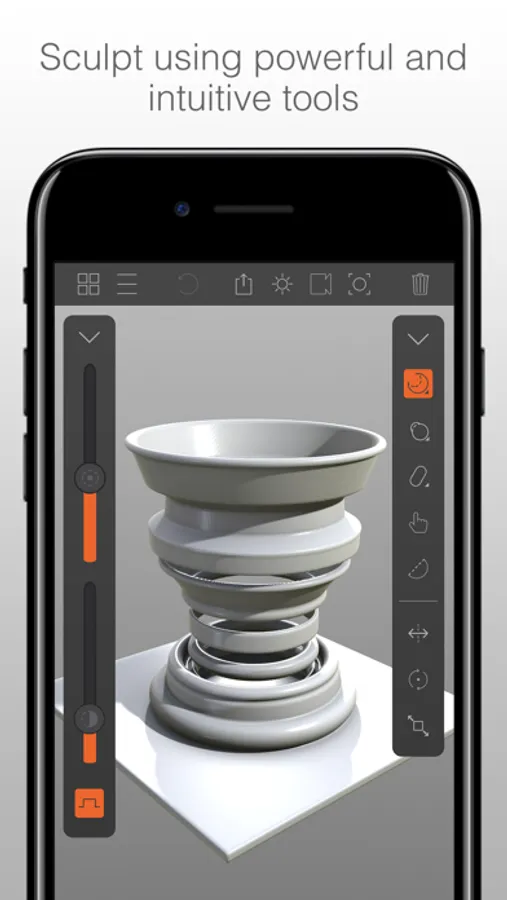
Putty is the best 3D sketchbook for artists and enthusiasts on the go. Whether you’re on holiday, on the train or just relaxing on the couch, Putty 3D is your perfect companion.
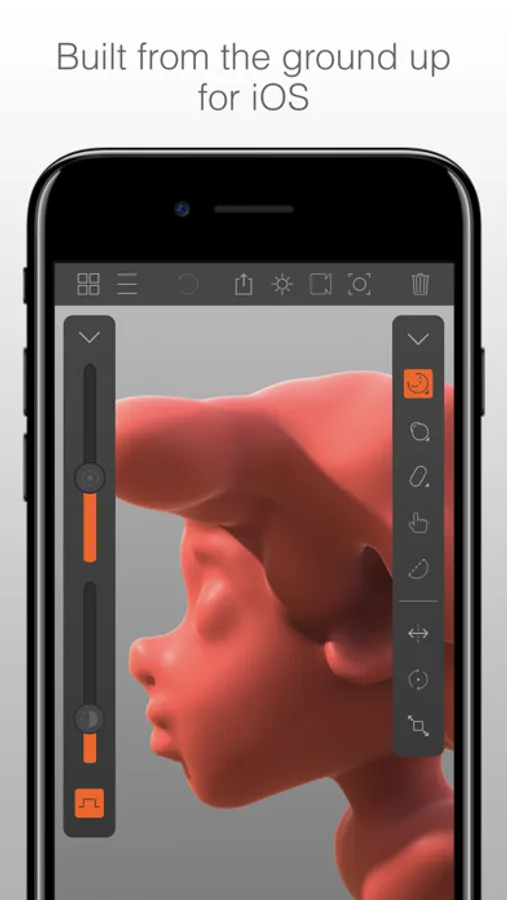
It uses the powerful graphics processor in your device to create a smooth and intuitive sculpting experience, exclusively on iOS.
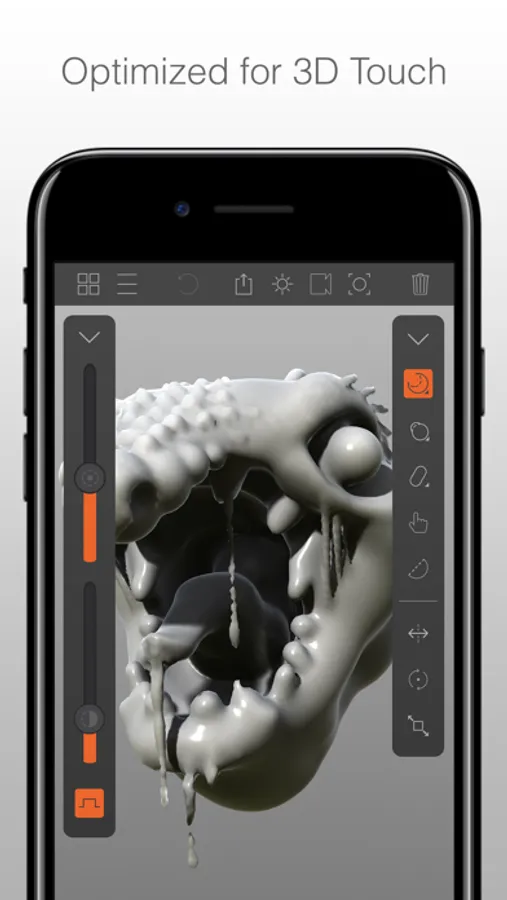
Putty 3D supports Apple Pencil, 3D Touch and Wide Color, and has been optimized for iPad Pro and iPhone 7, meaning it can deliver bigger sculpting volumes and even smoother performance.
The built-in support for OBJ and STL export (only on iPhone 6 and iPad Air 2 or newer devices) allows you to transfer your creations to modelling and animation packages on your PC or Mac, or you can even bring them into the real world through 3D printing (specifics and compatibility may vary depending on the printing hardware and software).
In a nutshell you can:
- Sculpt on the go with Apple Pencil and 3D Touch support for precise and pressure sensitive sculpting.
- Bring your creations into to your favourite modelling, animation or even 3D printing apps on PC or Mac using the built in OBJ and STL export (only on iPhone 6 and iPad Air 2 or newer devices).
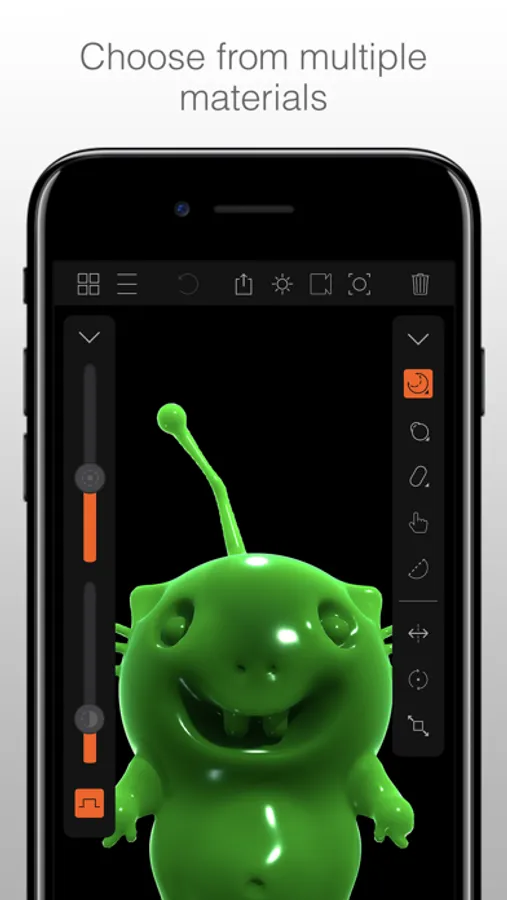
- Use materials like Plastic, Ceramic or even Gold to make your work shine (sometimes quite literally), all brought to life by physically based rendering techniques.
- Easily record videos of your work or take high resolution screenshots with optional camera effects.
For the latest updates on Putty follow us @putty3d on Twitter, Facebook or Instagram. For any feedback or issue please email us at contact@putty3d.com, we look forward to hearing from you!
Putty is the best 3D sketchbook for artists and enthusiasts on the go. Whether you’re on holiday, on the train or just relaxing on the couch, Putty 3D is your perfect companion.
It uses the powerful graphics processor in your device to create a smooth and intuitive sculpting experience, exclusively on iOS.
Putty 3D supports Apple Pencil, 3D Touch and Wide Color, and has been optimized for iPad Pro and iPhone 7, meaning it can deliver bigger sculpting volumes and even smoother performance.
The built-in support for OBJ and STL export (only on iPhone 6 and iPad Air 2 or newer devices) allows you to transfer your creations to modelling and animation packages on your PC or Mac, or you can even bring them into the real world through 3D printing (specifics and compatibility may vary depending on the printing hardware and software).
In a nutshell you can:
- Sculpt on the go with Apple Pencil and 3D Touch support for precise and pressure sensitive sculpting.
- Bring your creations into to your favourite modelling, animation or even 3D printing apps on PC or Mac using the built in OBJ and STL export (only on iPhone 6 and iPad Air 2 or newer devices).
- Use materials like Plastic, Ceramic or even Gold to make your work shine (sometimes quite literally), all brought to life by physically based rendering techniques.
- Easily record videos of your work or take high resolution screenshots with optional camera effects.
For the latest updates on Putty follow us @putty3d on Twitter, Facebook or Instagram. For any feedback or issue please email us at contact@putty3d.com, we look forward to hearing from you!
Putty 3D Screenshots
Tap to Rate:
Reviews for Putty 3D
vip cod boy
Good
this app takes a while to learn, but a useful tool that helped me was the mirror tool, which is in the bottom right corner it is very fun to make things if you have a 3-D printer I’m pretty sure you can export it to that I have one, I haven’t tried yet
donghua jinlong glycine
Scam
They have hidden any ability to cancel your subscription