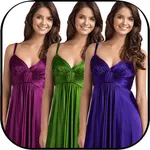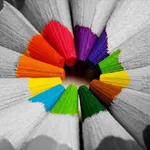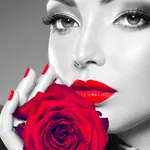
In this photo editing app, you can recolor images, apply color effects, and highlight specific areas with full color while converting the rest to black and white. Includes editing tools, color options, and sharing features.
AppRecs review analysis
AppRecs rating 4.1. Trustworthiness 78 out of 100. Review manipulation risk 31 out of 100. Based on a review sample analyzed.
★★★★☆
4.1
AppRecs Rating
Ratings breakdown
5 star
92%
4 star
3%
3 star
1%
2 star
1%
1 star
3%
What to know
✓
Credible reviews
78% trustworthiness score from analyzed reviews
✓
High user satisfaction
92% of sampled ratings are 5 stars
⚠
Ad complaints
Many low ratings mention excessive ads
About Color Change.r & Recolor Pop
With this Totally FREE app, you can recolor your photos and apply various color effects to them.
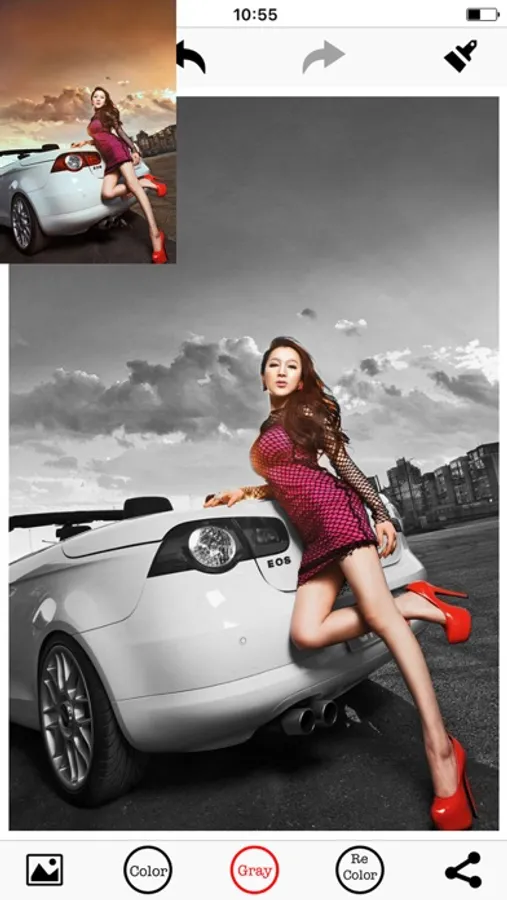
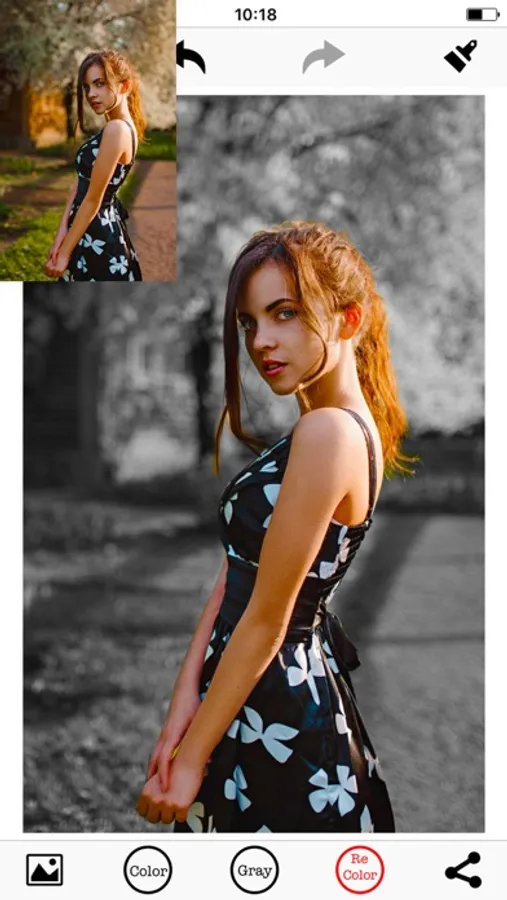
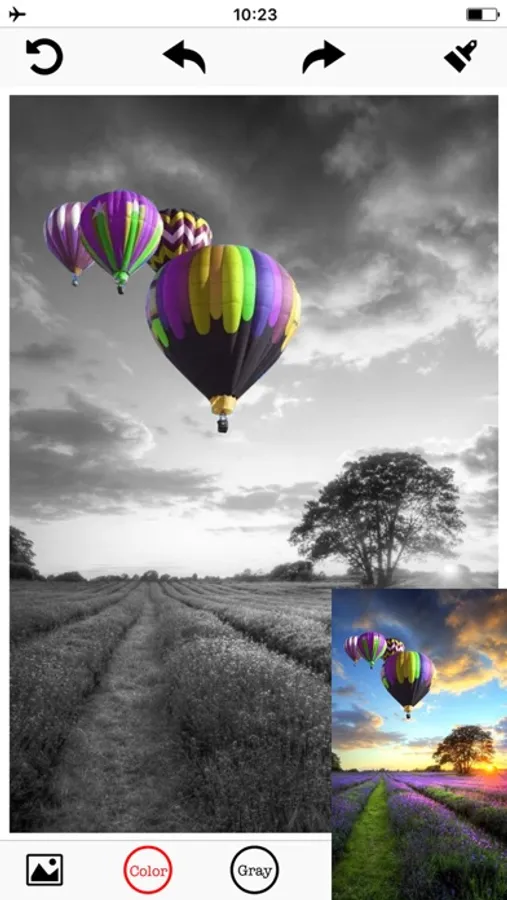
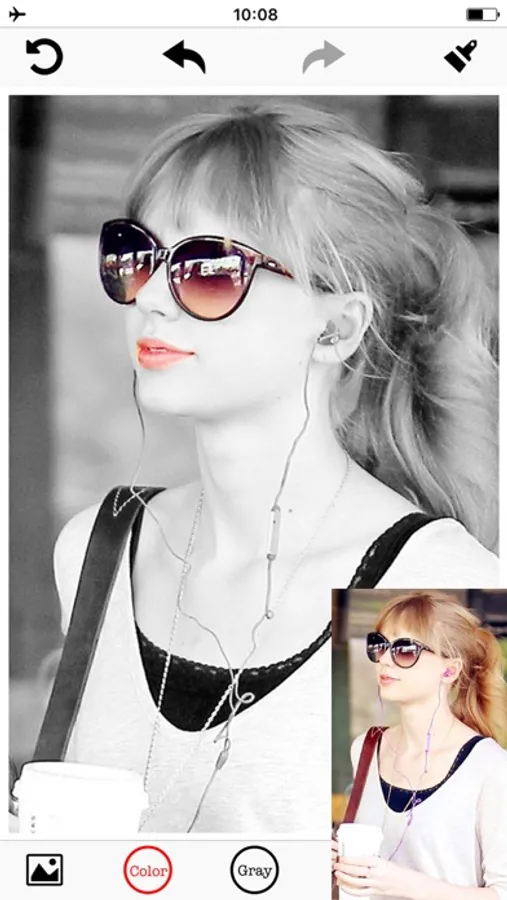
It highlights selected parts of your photo by keeping those areas in full color and converting the rest to black and white. The results can be dramatic!
It provides you the most easy-to-use enhancements for creating art photos.
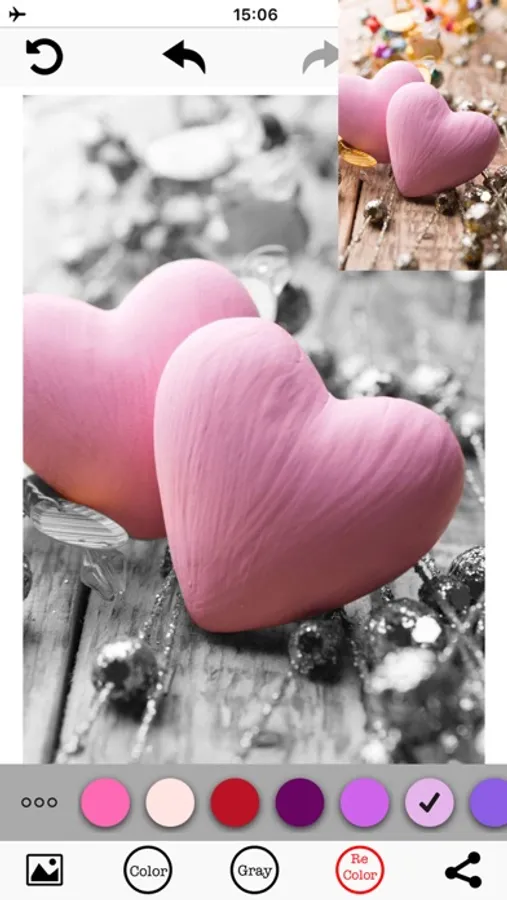
You can choose to recolor your photos with vivid colors: red, yellow, blue, green or the boring black and white.
Or splash lovely colors on the boring images and make them joyful.
Surely, it lets you gray out everyone in an image, except for yourself.
Gray out everyone in an image, except for you like color splash!
So much fun to play with your ordinary photos.
It lets you become the most creative painter to paint the hair yellow, the sky red, the trees blue or anything weird but wonderful.
And what you need to do is to use your fingers. One for painting while two for zooming or moving.
Key Features:
- Instantly snap a photo or use one from the photo album
- Simply move your index finger to paint or splash colors on the images
- Lots of colors for you to decorate photos
- Easily change the Brush Size, Intensity or Translucence
- Zoom in or out with two fingers
- Quickly to undo or redo the effects with only a tap
- Automatic Edge Correction
- Multiple sharing ways: Facebook, Twitter and many more.
It highlights selected parts of your photo by keeping those areas in full color and converting the rest to black and white. The results can be dramatic!
It provides you the most easy-to-use enhancements for creating art photos.
You can choose to recolor your photos with vivid colors: red, yellow, blue, green or the boring black and white.
Or splash lovely colors on the boring images and make them joyful.
Surely, it lets you gray out everyone in an image, except for yourself.
Gray out everyone in an image, except for you like color splash!
So much fun to play with your ordinary photos.
It lets you become the most creative painter to paint the hair yellow, the sky red, the trees blue or anything weird but wonderful.
And what you need to do is to use your fingers. One for painting while two for zooming or moving.
Key Features:
- Instantly snap a photo or use one from the photo album
- Simply move your index finger to paint or splash colors on the images
- Lots of colors for you to decorate photos
- Easily change the Brush Size, Intensity or Translucence
- Zoom in or out with two fingers
- Quickly to undo or redo the effects with only a tap
- Automatic Edge Correction
- Multiple sharing ways: Facebook, Twitter and many more.
Color Change.r & Recolor Pop Screenshots
Tap to Rate:
Reviews for Color Change.r & Recolor Pop
Dla2
Not working. Please fix. Loved it before.
Not working. Please fix. Loved it before.
K Kpreston
Confused as to all the great reviews
I can color an object but I cannot zoom in for more precise coloring. When I use the eraser, once again, without being able to zoom in on the object it’s impossible to erase with precision.