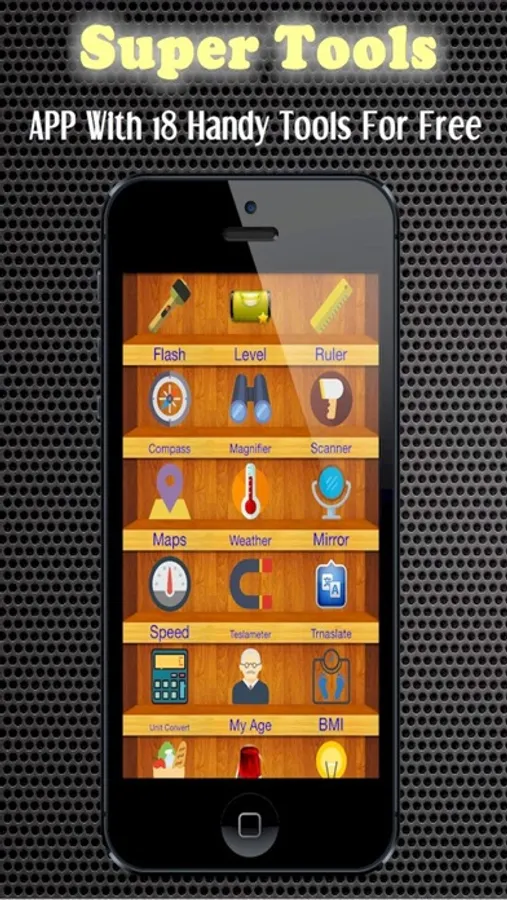
With this app, you can access tools like a ruler, level, speedometer, and QR code scanner. Includes measurement, conversion, location tracking, and illumination features.
AppRecs review analysis
AppRecs rating 4.0. Trustworthiness 70 out of 100. Review manipulation risk 28 out of 100. Based on a review sample analyzed.
★★★★☆
4.0
AppRecs Rating
Ratings breakdown
5 star
65%
4 star
6%
3 star
12%
2 star
6%
1 star
12%
What to know
✓
Low review manipulation risk
28% review manipulation risk
✓
Credible reviews
70% trustworthiness score from analyzed reviews
✓
High user satisfaction
71% of sampled ratings are 4+ stars (4.1★ average)
About Your Pocket-Sized Toolbox
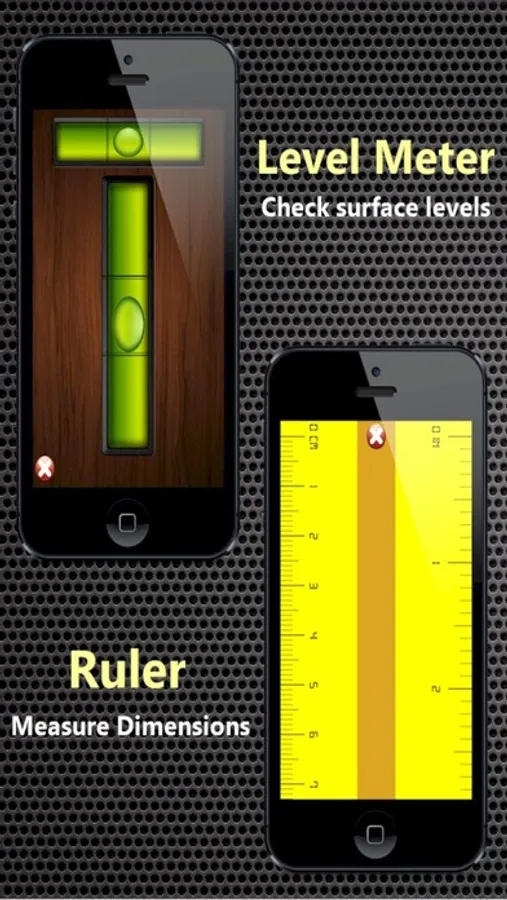
1. Ruler
Measure dimensions with 1m ruler, No calibration needed.
2. Level meter
Check the surface levels.
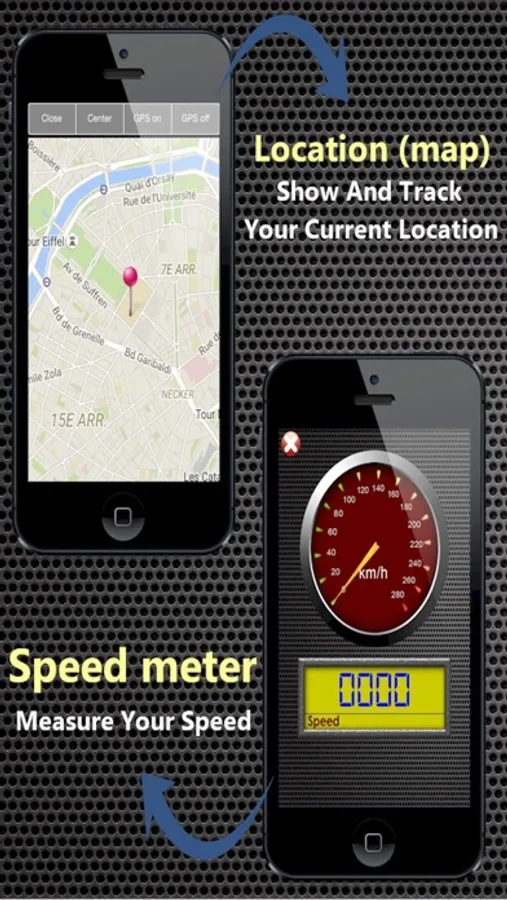
3. Speed meter
Displays your speed using GPS
4. Location (map)
Shows your current location on the map, and track your move
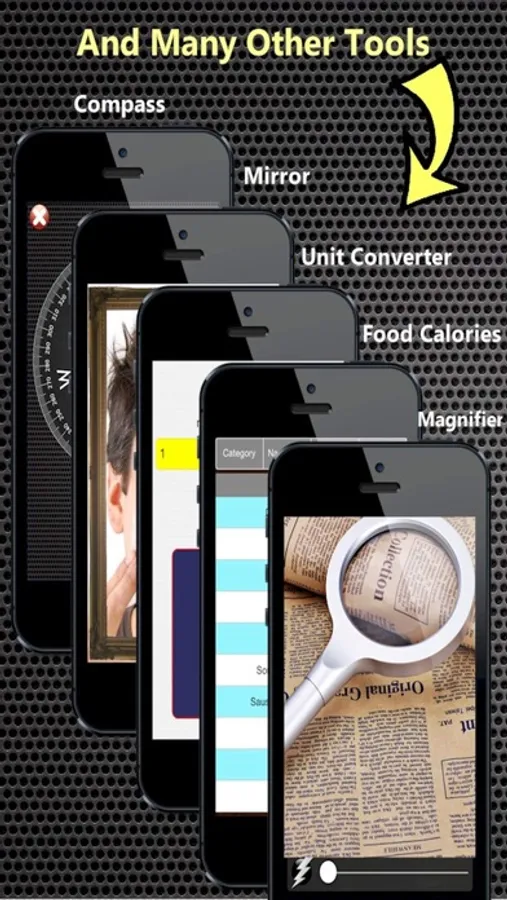
5. Compass
Will help you discover the right direction.
6. Magnifier
Magnify small objects that are hard to see. It also includes a flash light.
7. Mirror
See yourself using the front facing camera.
8. Metal detector
Detect magnetic field of nearby materials and observe it on real time chart.
9. Unit converter
Convert between different currencies and physical units.
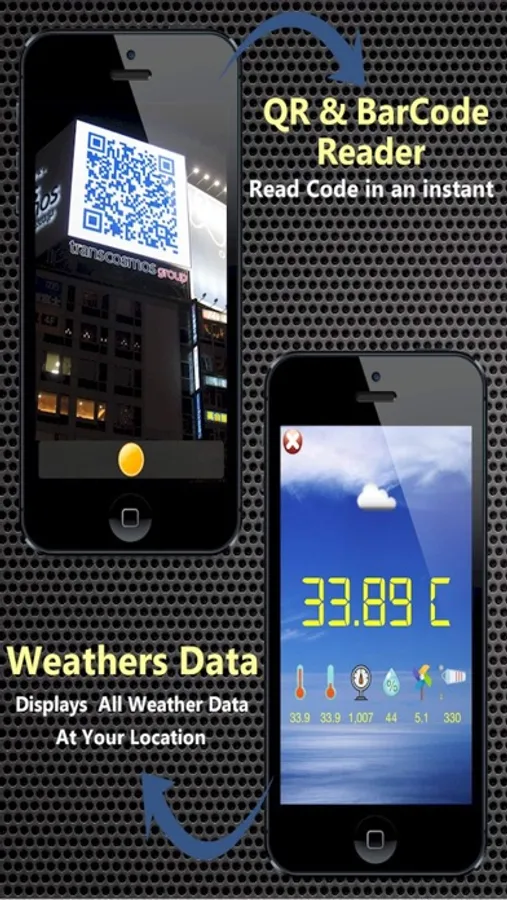
10. Code scanner
Scan bar and QR codes quickly with your camera.
11. Weathers Data
Displays current temperature, humidity and other weather data at your location.
12. My Age
Calculate your age accurate in years, months, days, weeks, hours .
13. BMI
Calculate your BMI with weight evaluation .
14. Food Calories
More than 8000 different food Calories in 25 categories
15. Fast Translator
Open online translator page directly, to translate from/to any language
16-18. Smart light
Use it as a manual torch light, as a strobe light or as a police alarm light.
Your Pocket-Sized Toolbox Screenshots
Tap to Rate:
Reviews for Your Pocket-Sized Toolbox
Poorscratcher
Love this app
I love this app but how can I switch to Fahrenheit instead of Celsius and mph instead of km/h and nanoteslas instead of micro teslas and can you fix the maps button please it seems to make this app crash fix that and add a settings button to change units on weather speed and teslameter thx
Alex has swag
Icon for the app?
The App Store has the nice icon for the app but when downloaded to the phone, the icon is just a plain blue icon with no image? Pls fix this bug to make it more appealing. The app itself is very good and easy to use. Could be better if it can switch the unit to F degree or miles, …