
In this transit app, you can plan trips, view departure times, and purchase tickets on the go. Includes trip planning tools, real-time arrival updates, and mobile ticketing options.
AppRecs review analysis
AppRecs rating 1.2. Trustworthiness 81 out of 100. Review manipulation risk 22 out of 100. Based on a review sample analyzed.
★☆☆☆☆
1.2
AppRecs Rating
Ratings breakdown
5 star
9%
4 star
4%
3 star
2%
2 star
5%
1 star
80%
What to know
⚠
Pricing complaints
Many low ratings mention paywalls or pricing
⚠
Mixed user feedback
Average 1.6★ rating suggests room for improvement
⚠
High negative review ratio
85% of sampled ratings are 1–2 stars
About Metro Transit
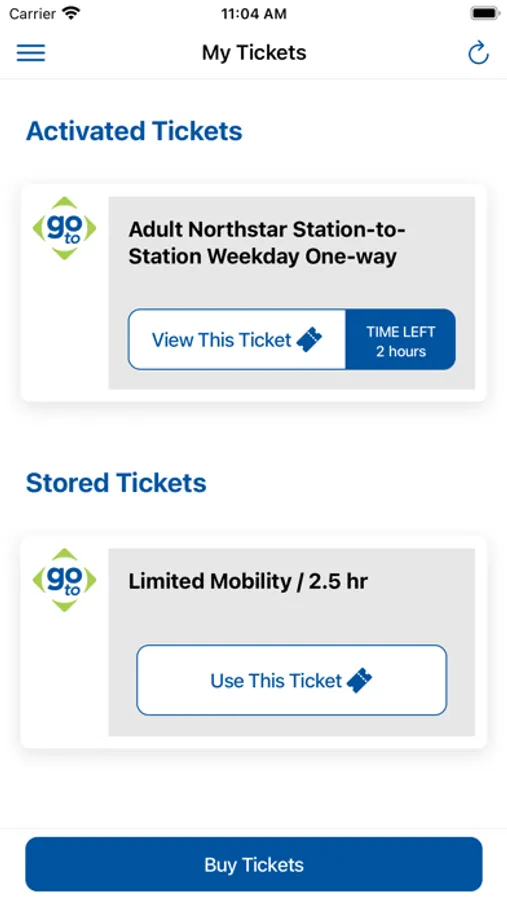
The Metro Transit app is a tool to make riding the bus, METRO system and Northstar in the Twin Cities a little bit easier. After you’ve identified your desired trip and transit departure time, you can buy and use Metro Transit mobile tickets right from your smartphone – it’s like having a ticket machine right in your pocket!
KEY FEATURES:
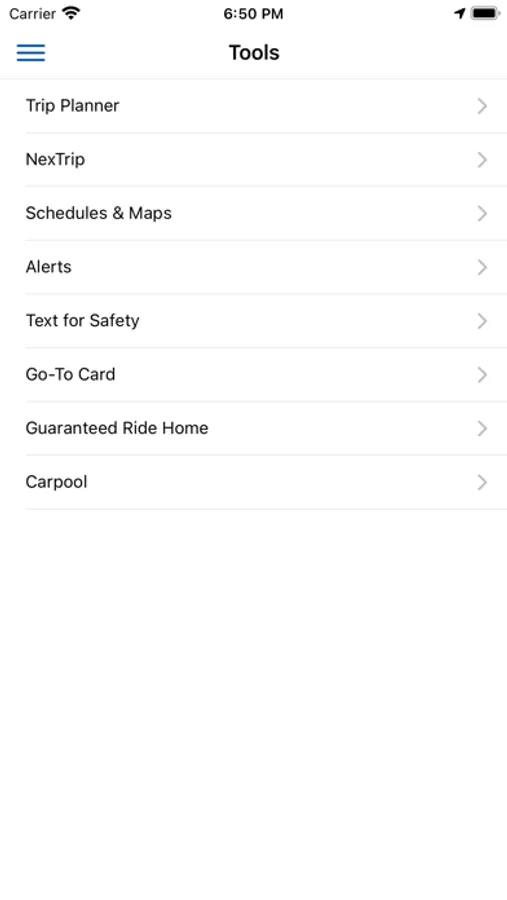
Find the right bus, light rail, or train for you through the Trip Planner.
See the next available bus, light rail, or train for your desired trip with NexTrip.
Pay a single fare or multiple fares for a group of riders, and store multiple tickets on your phone for future use.
Simply create an account and enter your credit/debit card information in our secure system.
If you’re looking to pay with cash, you can use a pre-paid debit card or pre-paid gift card.
HOW IT WORKS:
1. SELECT RIDER TYPE: Adult, Senior/Youth/Medicare, Mobility, Family
2. SELECT SERVICE: Local Bus/METRO, Express Bus, or Northstar
3. SELECT: Station for Northstar or time-based fare for Bus/METRO
4. CHECKOUT: Pay with Visa, MasterCard, American Express, Discover, pre-paid debit or gift card, or Apple Pay
COMMON QUESTIONS:
Do I need to be connected?
An internet connection is required create an account, sign-in and purchase and activate tickets.
What if my battery dies?
Just like with paper tickets, you're responsible for making sure you have a valid fare at all times, so be sure to plan ahead!
IMPORTANT REMINDERS:
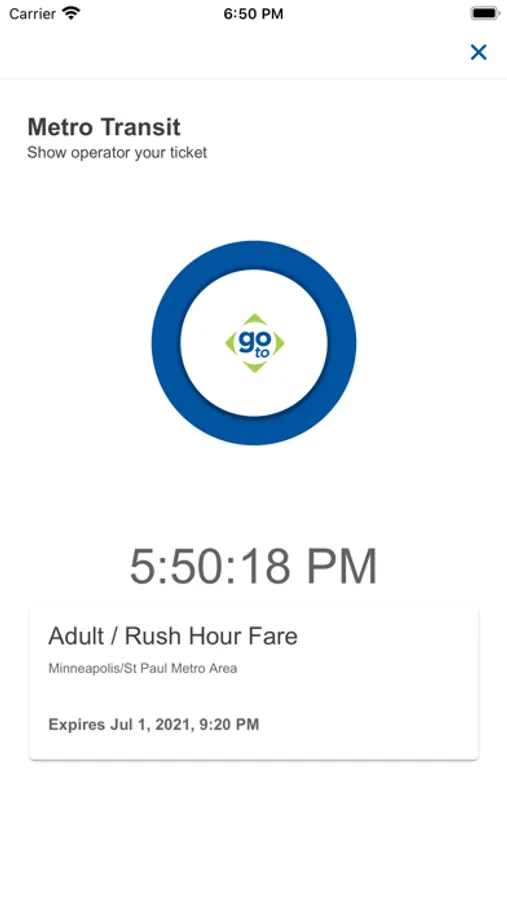
• Activate your ticket when you see your bus or train approaching. Your ticket must be activated before boarding a vehicle.
• Watch your battery level... Just like with paper tickets, you're responsible for making sure you have a valid fare at all times.
Metro Transit Screenshots
Tap to Rate:
Reviews for Metro Transit
Jpapa72
No issues here
Worked great. Paid using Apple Pay for my light rail fare without any issues
heheheyyywhatsup
Mid.
There are zero in-app features aside from ticketing. All tools like the trip planner and bus schedules STILL direct you to the website years later. I do appreciate that I can buy a ticket with Apple Pay now, but even that is a little tedious when buying a ticket last minute. I can’t believe I’m giving 2 stars.. The bar is so low.