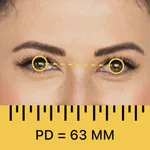
In this app, you can measure your pupillary distance and obtain glasses prescription details quickly using computer vision technology. Includes features for free PD measurement, glasses scans, and prescription extraction.
AppRecs review analysis
AppRecs rating 4.3. Trustworthiness 78 out of 100. Review manipulation risk 27 out of 100. Based on a review sample analyzed.
★★★★☆
4.3
AppRecs Rating
Ratings breakdown
5 star
92%
4 star
5%
3 star
1%
2 star
0%
1 star
1%
What to know
✓
Low review manipulation risk
27% review manipulation risk
✓
Credible reviews
78% trustworthiness score from analyzed reviews
✓
High user satisfaction
92% of sampled ratings are 5 stars
About The Framery
The Framery app: Measure PD & Get Glasses Prescription Details at Home
Looking to buy glasses online and need your PD (pupillary distance) and prescription details?
The Framery app helps you measure your PD in under a minute and scan your current glasses to extract key Rx values in minutes.
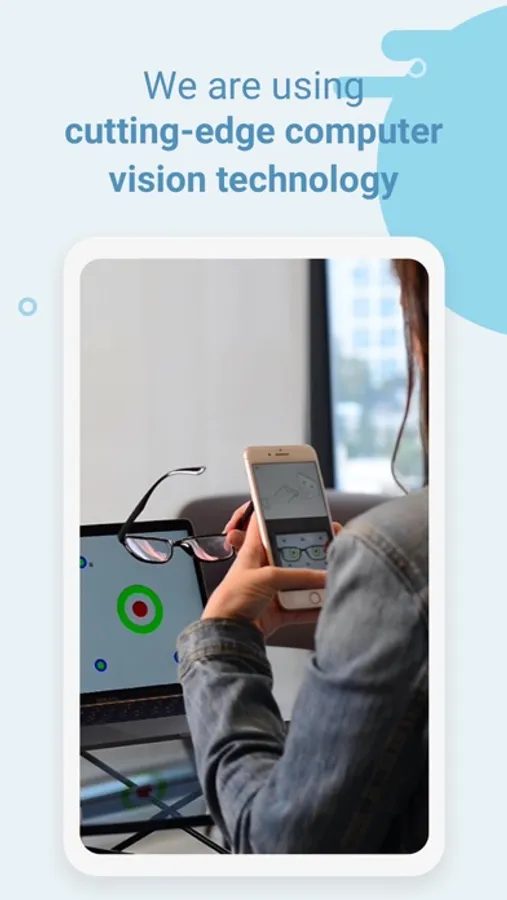
Formerly known as GlassesOn, The Framery app is built with advanced computer vision technology to make it easier to get the numbers you need for online eyewear shopping, including glasses and AR/VR headset lenses.
Why people use The Framery app
- Measure PD for glasses quickly and easily
- Get essential prescription lens parameters from your current glasses
- Order new glasses online with more confidence
- No ruler, mirror, or manual adjustments needed
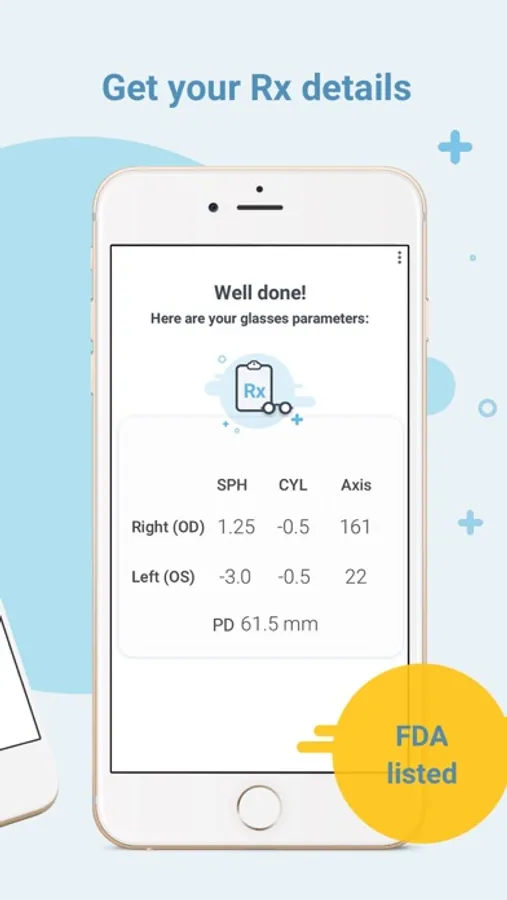
The Framery app provides your key optical parameters, including:
- PD (Pupillary Distance)
- Sphere (power)
- Cylinder (astigmatism)
- Axis
Key features
- Free PD measurement
- Free glasses scan
- Fast, user-friendly guided flow
- Clinically tested accuracy aligned with ANSI-80.17 guidelines
- Rx within 0.25D
- PD within 2 mm
- FDA, CE, and TGA listed
To measure PD, you need:
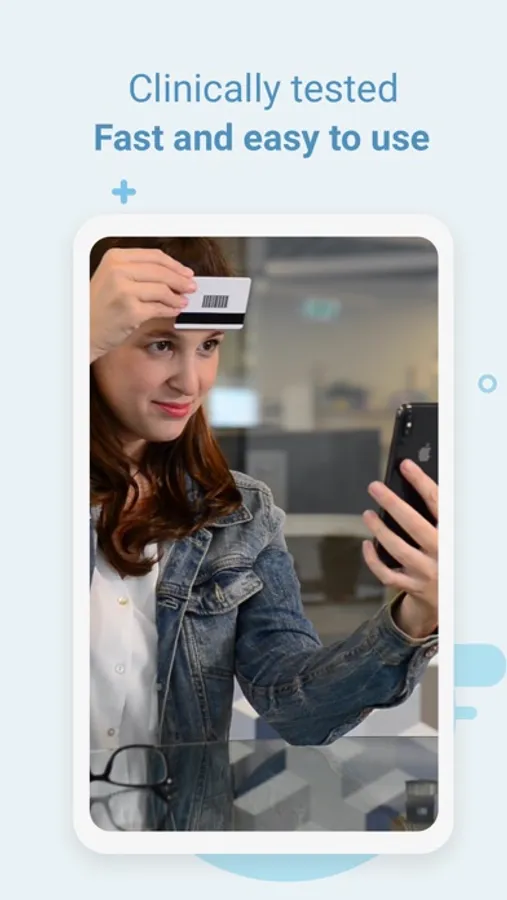
- Any standard magnetic card (e.g., library card; light-colored cards work best)
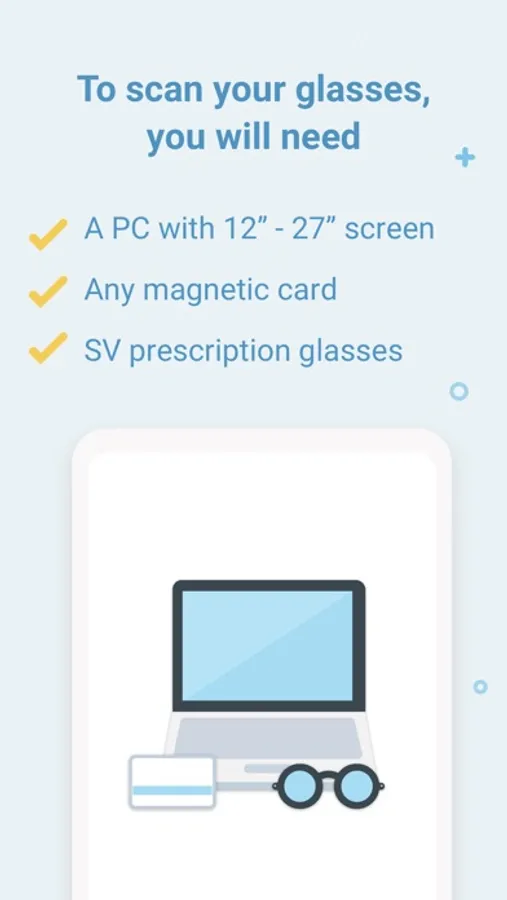
To extract glasses parameters, you need:
- A flat computer screen (12"–27")
- Your current pair of glasses
- Any standard magnetic card (light-colored preferred)
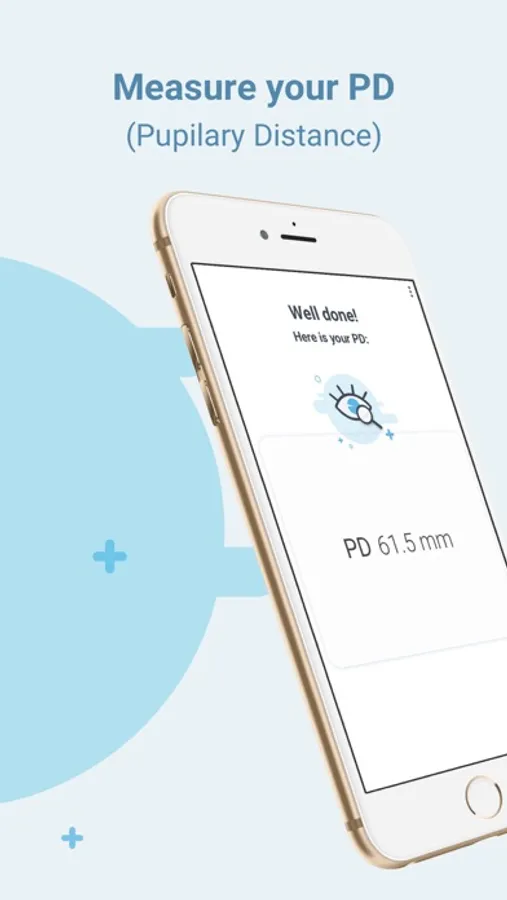
How to measure your PD
1. Open the app and tap “Start PD”
2. Follow the voice instructions
3. Let The Framery app complete the measurement automatically
Anyone can use The Framery app to measure PD and scan eligible glasses details for free.
For lens parameter extraction, best suited for users who:
- Are healthy adults (18+)
- Have stable vision and are satisfied with their current prescription
- Have single-vision prescription between -6.00 and +3.00
- Have cylinder up to -2.50
Not recommended for Rx extraction if you:
- Wear multifocal, bifocal, or progressive lenses
- Have prism in your prescription
- Have high single-vision distance, reading, and/or astigmatism power
- Take medication that affects vision
- Have an ocular condition (consult your eye doctor)
Privacy
We respect your privacy.
Read our full policy: https://www.glasseson.com/privacy
Important medical notice
The Framery app (formerly GlassesOn) is listed as a Class 1 Exempt Medical Device on the FDA Medical Device Listings, CE (EU) self-declared Class 1, and a registered Class 1 Medical
Device on the TGA Medical Device Listings.
The Framery app does not provide medical advice and does not replace a comprehensive eye health exam. Please visit your eye doctor regularly.
Manufactured by 6over6 Vision Ltd.
Learn more at 6over6.com
Looking to buy glasses online and need your PD (pupillary distance) and prescription details?
The Framery app helps you measure your PD in under a minute and scan your current glasses to extract key Rx values in minutes.
Formerly known as GlassesOn, The Framery app is built with advanced computer vision technology to make it easier to get the numbers you need for online eyewear shopping, including glasses and AR/VR headset lenses.
Why people use The Framery app
- Measure PD for glasses quickly and easily
- Get essential prescription lens parameters from your current glasses
- Order new glasses online with more confidence
- No ruler, mirror, or manual adjustments needed
The Framery app provides your key optical parameters, including:
- PD (Pupillary Distance)
- Sphere (power)
- Cylinder (astigmatism)
- Axis
Key features
- Free PD measurement
- Free glasses scan
- Fast, user-friendly guided flow
- Clinically tested accuracy aligned with ANSI-80.17 guidelines
- Rx within 0.25D
- PD within 2 mm
- FDA, CE, and TGA listed
To measure PD, you need:
- Any standard magnetic card (e.g., library card; light-colored cards work best)
To extract glasses parameters, you need:
- A flat computer screen (12"–27")
- Your current pair of glasses
- Any standard magnetic card (light-colored preferred)
How to measure your PD
1. Open the app and tap “Start PD”
2. Follow the voice instructions
3. Let The Framery app complete the measurement automatically
Anyone can use The Framery app to measure PD and scan eligible glasses details for free.
For lens parameter extraction, best suited for users who:
- Are healthy adults (18+)
- Have stable vision and are satisfied with their current prescription
- Have single-vision prescription between -6.00 and +3.00
- Have cylinder up to -2.50
Not recommended for Rx extraction if you:
- Wear multifocal, bifocal, or progressive lenses
- Have prism in your prescription
- Have high single-vision distance, reading, and/or astigmatism power
- Take medication that affects vision
- Have an ocular condition (consult your eye doctor)
Privacy
We respect your privacy.
Read our full policy: https://www.glasseson.com/privacy
Important medical notice
The Framery app (formerly GlassesOn) is listed as a Class 1 Exempt Medical Device on the FDA Medical Device Listings, CE (EU) self-declared Class 1, and a registered Class 1 Medical
Device on the TGA Medical Device Listings.
The Framery app does not provide medical advice and does not replace a comprehensive eye health exam. Please visit your eye doctor regularly.
Manufactured by 6over6 Vision Ltd.
Learn more at 6over6.com
The Framery Screenshots
Tap to Rate:
Reviews for The Framery
👎🏽⚫️
Wasted my time
Doesn’t work
Alexandra Read
Useless.
I couldn't get past the initial glasses test. The tilting part failed every time. My husband tried too and failed. Maybe it because I was using sunglasses? But I tried like 10 times so I don't know if it was user error or what but I did it perfectly most of the times and it still failed.