
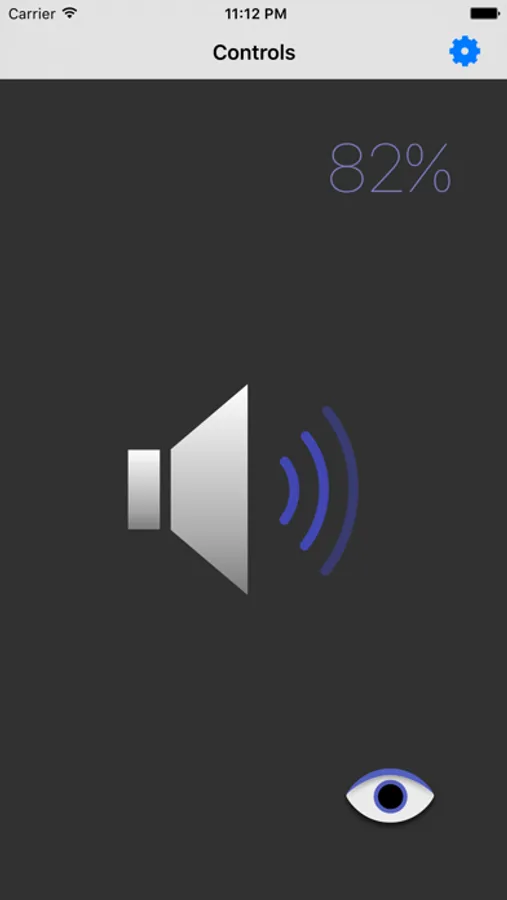
With this app, you can remotely control your Mac's volume and put it to sleep using your iOS device. Includes wireless control, password protection, and support for multiple devices.
AppRecs review analysis
AppRecs rating 3.8. Trustworthiness 71 out of 100. Review manipulation risk 19 out of 100. Based on a review sample analyzed.
★★★☆☆
3.8
AppRecs Rating
Ratings breakdown
5 star
58%
4 star
8%
3 star
8%
2 star
8%
1 star
17%
What to know
✓
Low review manipulation risk
19% review manipulation risk
✓
Credible reviews
71% trustworthiness score from analyzed reviews
✓
Good user ratings
67% positive sampled reviews
About Volume Remote
Great when listening to music or watching a movie on your computer. The Volume Remote app can be used from any room in your house, or the convenience of your arm chair. The app uses your wireless network so it doesn't suffer the drawbacks of infra-red controllers.
Features
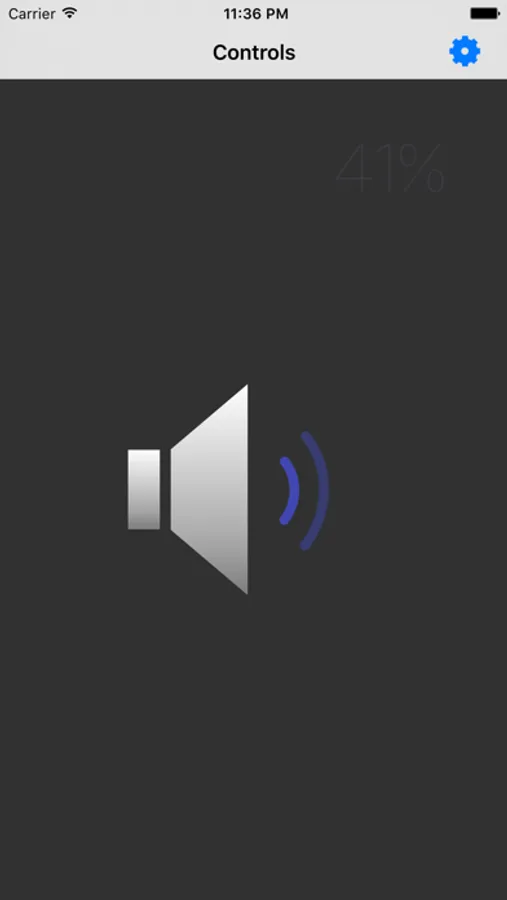
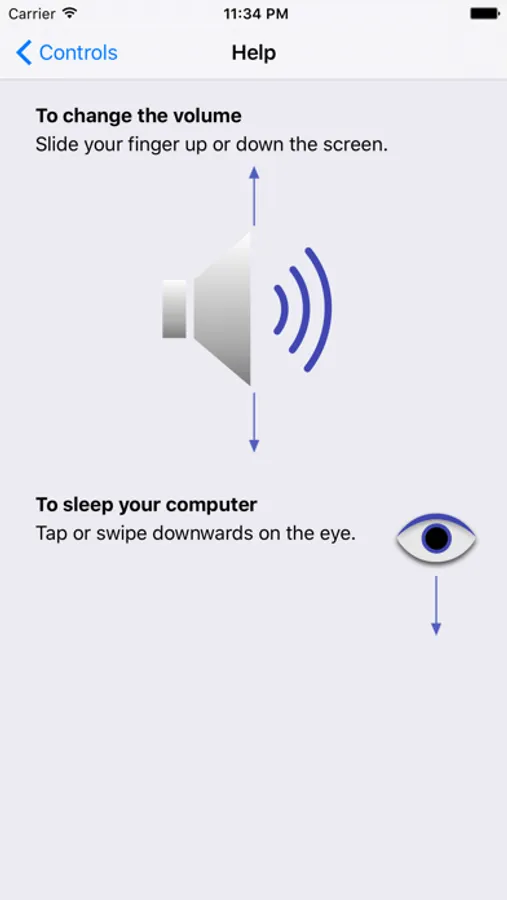
• Remotely control your computer's volume
• Remotely sleep your computer
• Works from multiple iOS devices at the same time
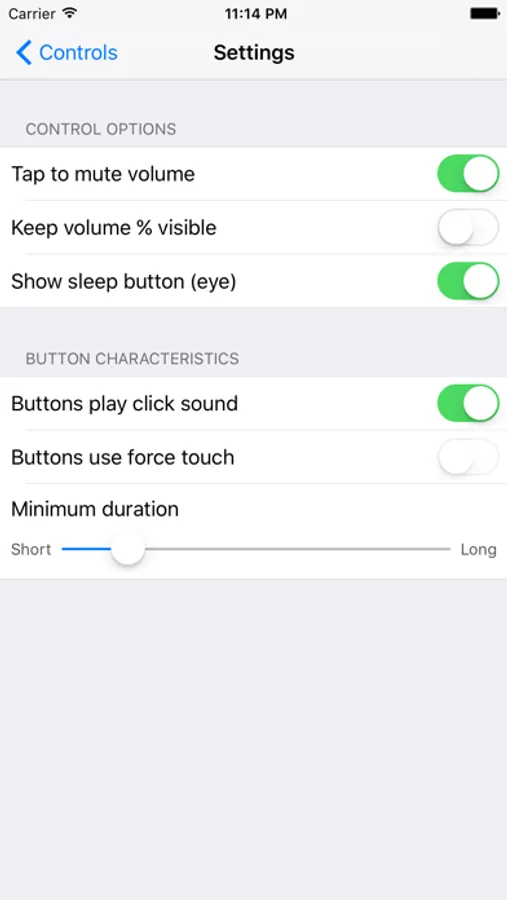
• Optional password protection, to stop the kids taking over. (Set the password in the server software).
Requires
• A MacOS computer with system software OS-X 10.10 or later installed
• An iPhone or iPad with the Volume Remote software installed
• Installation of free server software on the Mac
Free server software can be obtained from https://www.jazzmedia.com.au/volume/
If you have a feature request or bug to report, please use the support link instead of leaving a comment. In this way we can better communication with you to resolve any issue. Thank you.
Volume Remote Screenshots
Tap to Rate:
Reviews for Volume Remote
jfkaess
Outstanding support
I've been using this app to control the volume on my iMac and it quit working. I emailed the author from his website. Over a period of 2 days he patiently had me check various things via the console, terminal and system settings and we found the glitch keeping the server from running, and now everything is working again! I've haven't gotten this level of support fromma software company in years.
mohawkmohawk
Awesome Muting App
If you need an iOS app to mute sound instantly on your Mac, say if you are streaming a sporting event and commercials start blaring, this is an awesome solution. No more needing to rush over to your Mac and press just the right key, or, God forbid, deal with the unspeakable irritation of the Touch Bar. The app can be a bit flaky at startup, but once it gets going, touching almost any part of the screen mutes Mac volume. It's also somewhat of a challenge to find the Mac server app, but it's out there.