
AppRecs review analysis
AppRecs rating 4.0. Trustworthiness 65 out of 100. Review manipulation risk 30 out of 100. Based on a review sample analyzed.
★★★★☆
4.0
AppRecs Rating
Ratings breakdown
5 star
0%
4 star
0%
3 star
0%
2 star
0%
1 star
100%
About PicMov - Slideshow Editor
Unlimited possibilities for its use, from weddings to recording your child’s growth to creating a cartoon flip book!
It is also great for when you want to record birthday videos or even just everyday events.
[Main Features]
■Export Movie Size
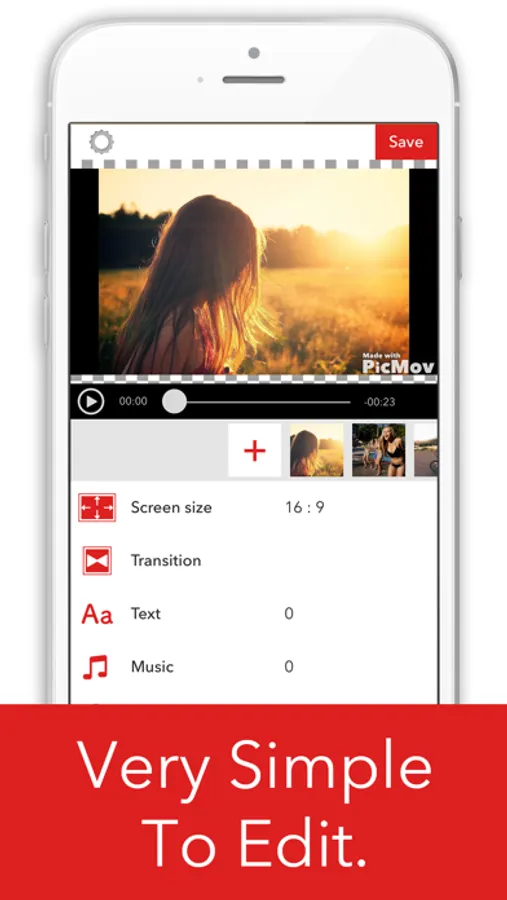
- Change the size of exported movie to your liking.
- The size can by changed to your liking at any time during editing.
- Selectable sizes are listed below.
- Square: 1:1
- Landscape: 16:9, 4:3
- Portrait: 9:16, 3:4
■Image Import
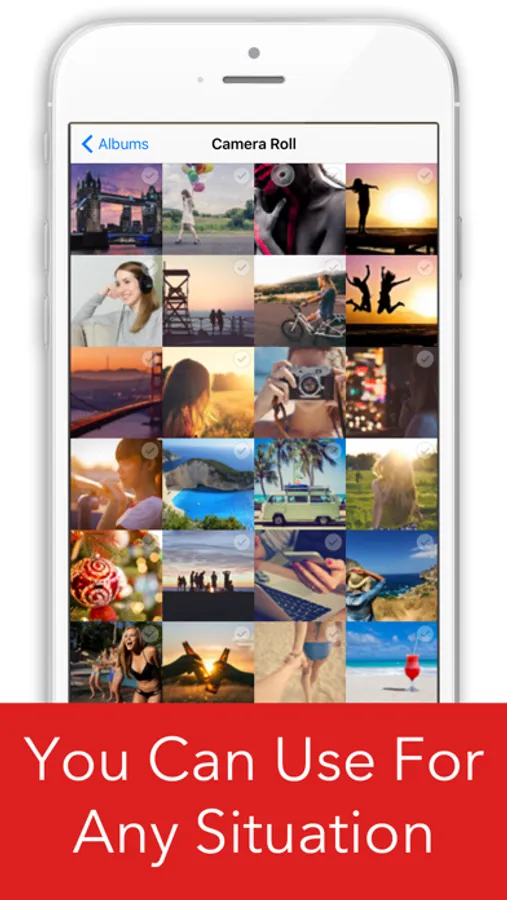
- Select your favorite images and load them as video.
- The same image can be added multiple times.
■Burst Photo Import
- Burst photos can be imported as video by selecting the start and end photo and playback speed.
■Video Import
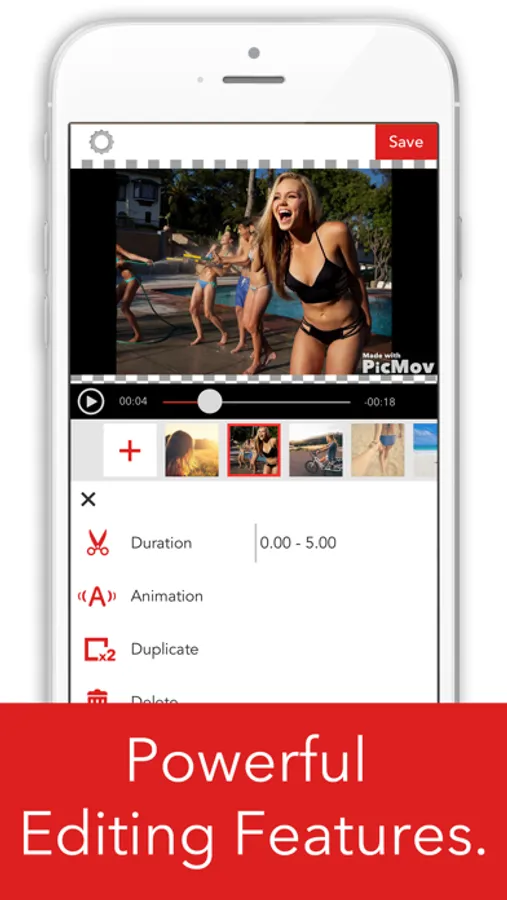
- You can select your preferred span of the video.
- The same video can be loaded multiple times.
- The volume can be adjusted.
■ Color Panel
- Select your favorite color and load as video.
- Perfect to add titles and between each video.
■Video Rearrange Function
- Long press on the video cell to and simply drag it to the location you want it to go to rearrange the videos.
■Animation
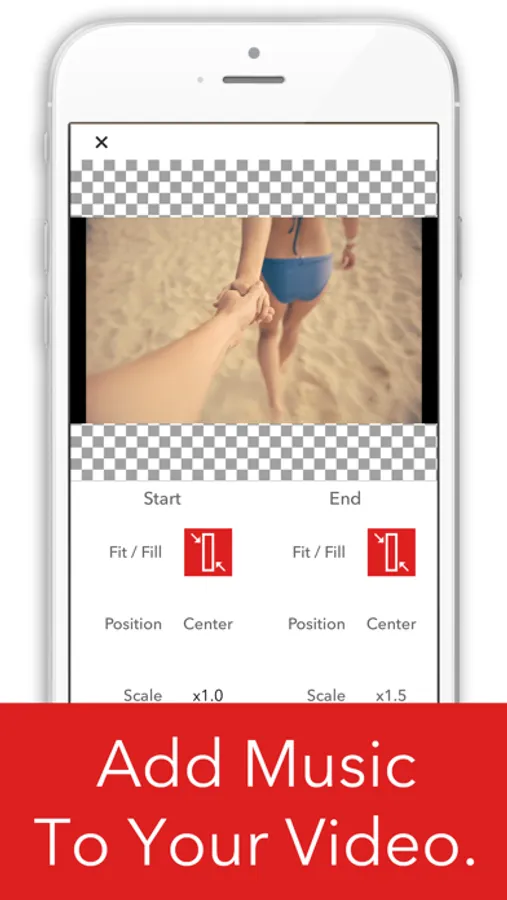
- You can change the video location and size and add your favorite animations.
■Transitions
- Three transitions effects are available.
- The duration of the effect can be selected, from 0.5 to 2.0 seconds.
- A convenient editing function allows all transitions to be modified at once.
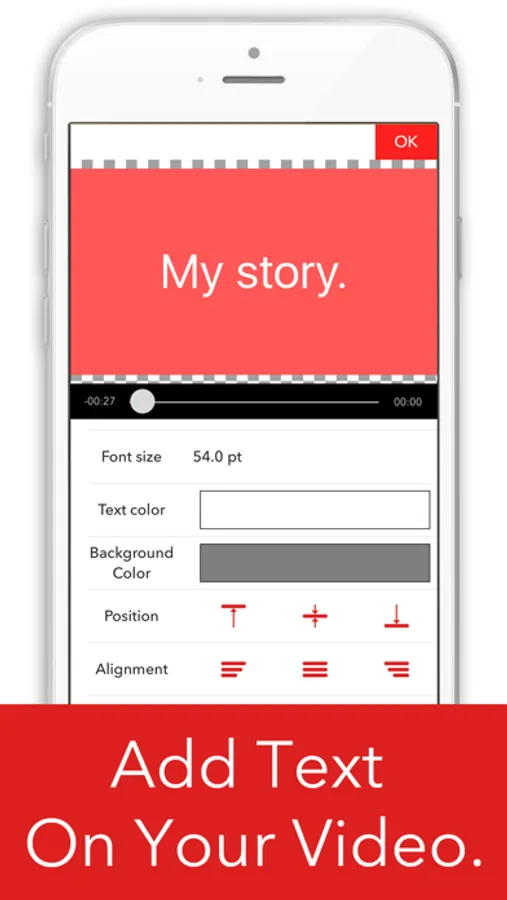
■Add Subtitles & Text
- You can add text to video for whichever period of time you like.
- You can set the text position where you like, top, middle, bottom, left, right, or center justified.
- The font, text color, shadows, and background color can all be adjusted.
- You can select from fade in and fade out animations.
■Batch Editing
- A convenient editing function allows you to change transitions, movie animations, subtitle fonts, and font sizes all at once.
■Music
- Your favorite music can be used as background music by selecting it from your iPod or iTunes.
- The audio from your videos can be used as background music.
- Multiple songs can be arranged in the order you prefer.
- The volume can be adjusted.
- Music can be cut to use your favorite parts before being added.
PicMov - Slideshow Editor Screenshots
Tap to Rate:
Reviews for PicMov - Slideshow Editor
MDonabue
After trying to save the file a few times, something goes wrong. Lost files
After trying to save the file a few times, something goes wrong and you can’t save it and lose the entire file and video. This happened to me both times. Waste of time and money. I paid for the app too. It is a very useful app and user friendly, but after awhile using it, something happens and you’ll lose your entire video. That is so frustrating. I did 2 videos on different days and both times, the files are completely gone. I emailed them. Hopefully someone will get back to me.