AppRecs review analysis
AppRecs rating 3.3. Trustworthiness 86 out of 100. Review manipulation risk 21 out of 100. Based on a review sample analyzed.
★★★☆☆
3.3
AppRecs Rating
Ratings breakdown
5 star
50%
4 star
8%
3 star
0%
2 star
11%
1 star
32%
What to know
✓
Low review manipulation risk
21% review manipulation risk
✓
Credible reviews
86% trustworthiness score from analyzed reviews
✓
Detailed user feedback
47% of sampled reviews provide substantial detail
About GridMaker
No ads or tracking.
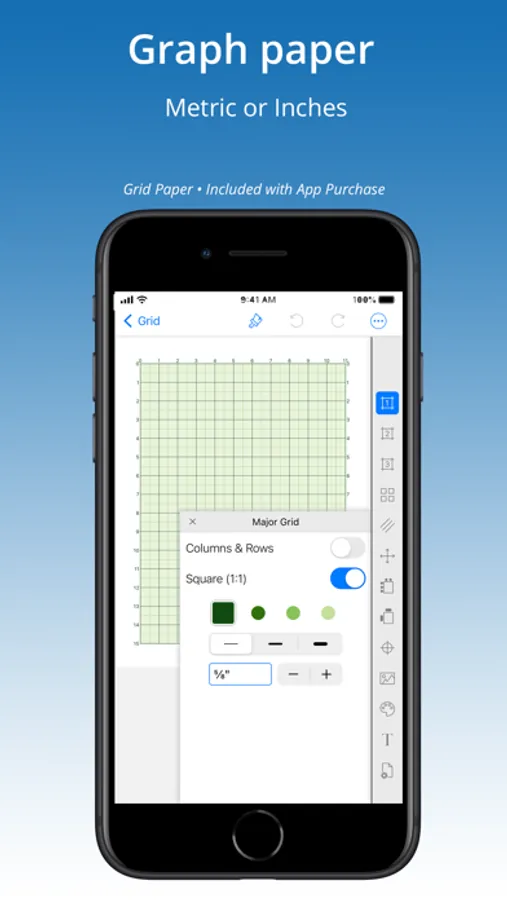
Purchase includes 3 papers GRID, DIAGONAL, DOT:
— GRID —
• Set to square or rectangle grid.
• Adjust grid line weight.
Set grids to an exact size — perfect for knitters and crafters!
Up to four line colors on a grid, special feature adds custom line colors.
• Label rows & columns with numbers [1,2,3] or letters [A,B,C] and set starting corner, values, and stepping.
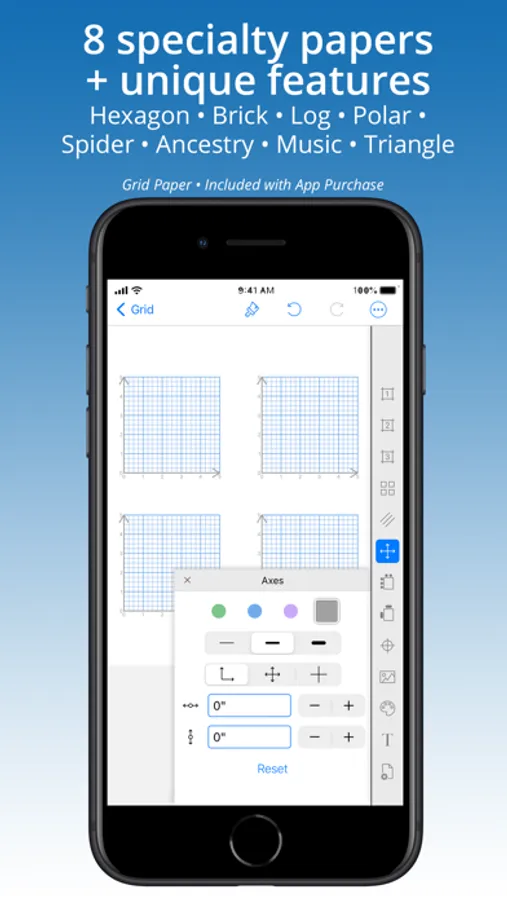
• Label grid axes.
• Place axis and label.
• Add diagonal lines to split grid into half- or quarter- triangles.
• Place a center-dot with adjustable placement.
— DOT (ISOMETRIC) —
• 5 dot styles.
• Set to isometric or rectangular dot pattern.
• Specify exact dot spacing, then connect dots with horizontal, vertical, and diagonal lines.
• Place a center-dot anywhere on the page.
• Label rows & columns with numbers [1,2,3] or letters [A,B,C]. Set starting corner.
— DIAGONAL —
• Adjust grid line weight.
• Divide & sub-divide blocks.
Add spacing between blocks, grid, and center-point.
— InApp PURCHASES —
Add 8 hard-to-find specialty papers. Buy any five papers (or
purchase the ’All Papers Forever’ BUNDLE) to unlock all papers forever. Credit is given for every purchase so that on purchase of any fifth paper the bundle is instantly added:
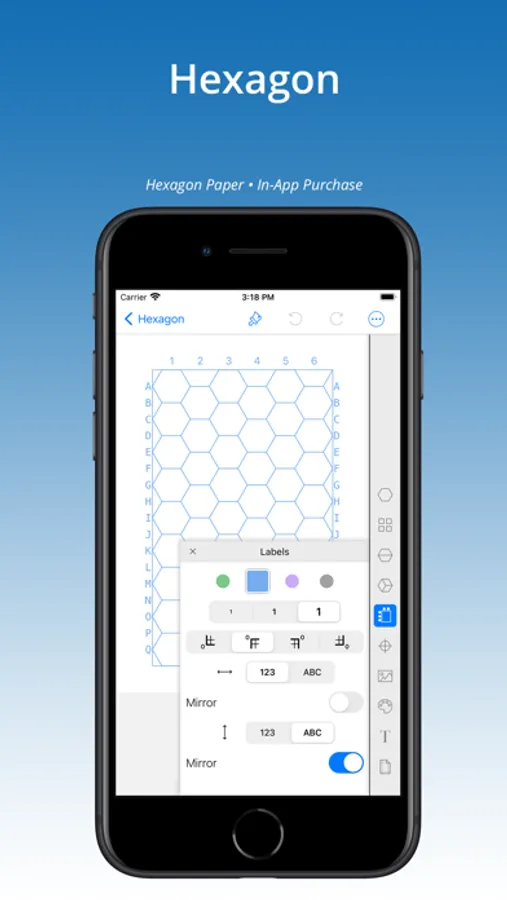
Hexagon
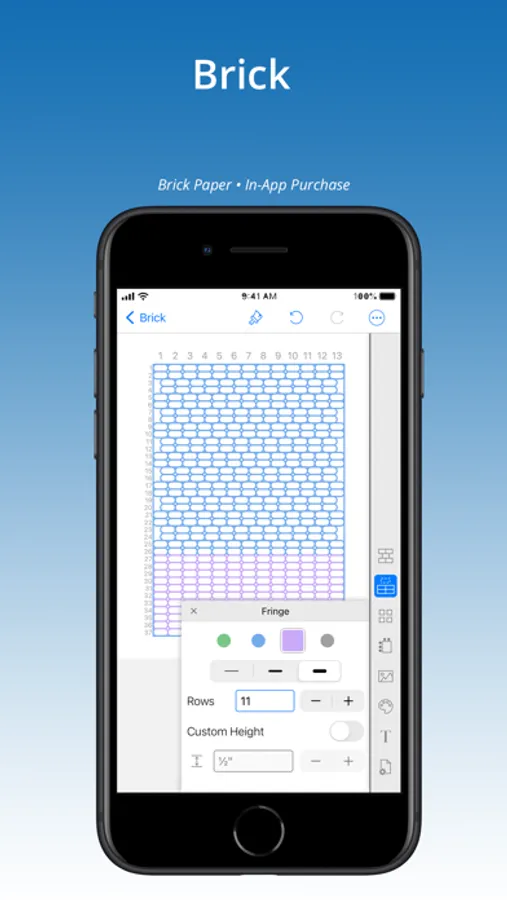
Brick
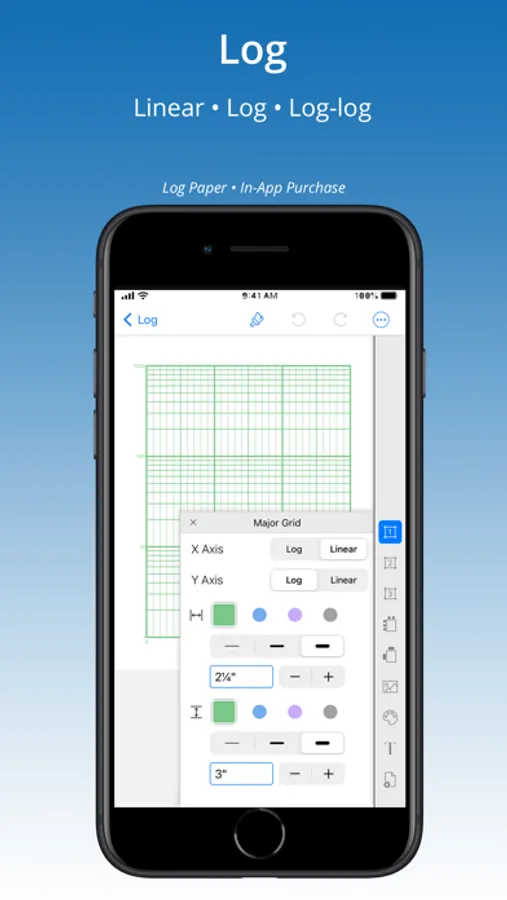
Log-Log & Semi-Log
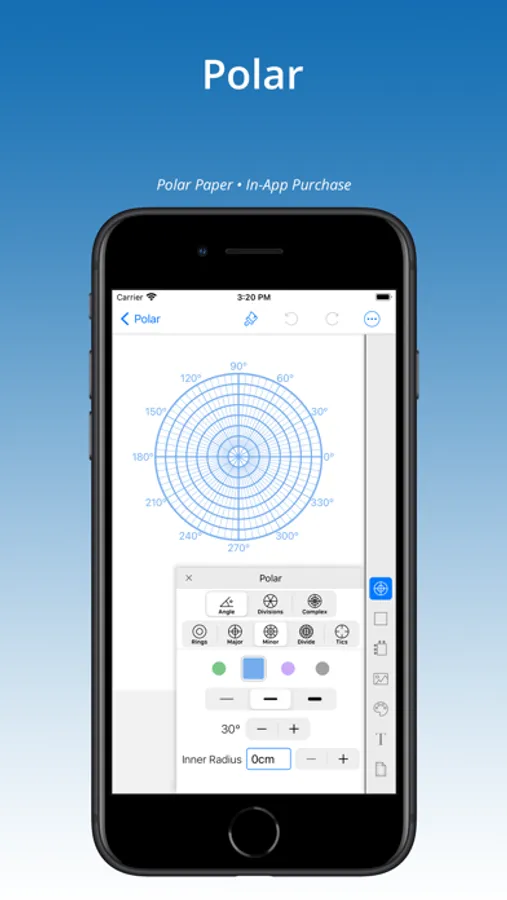
Polar
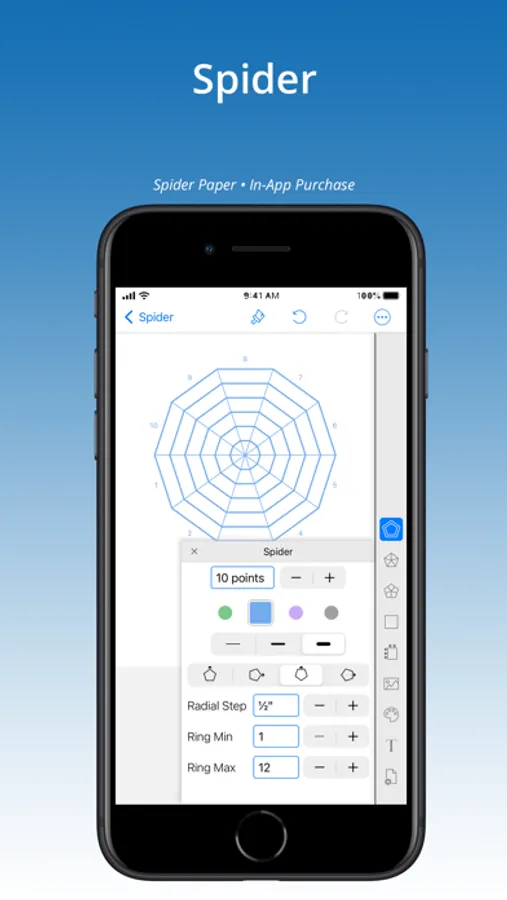
Spider
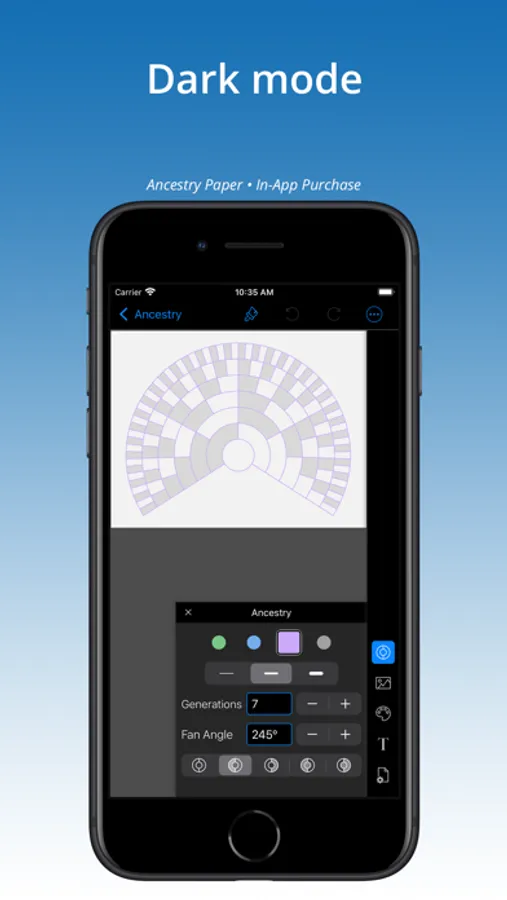
Ancestry
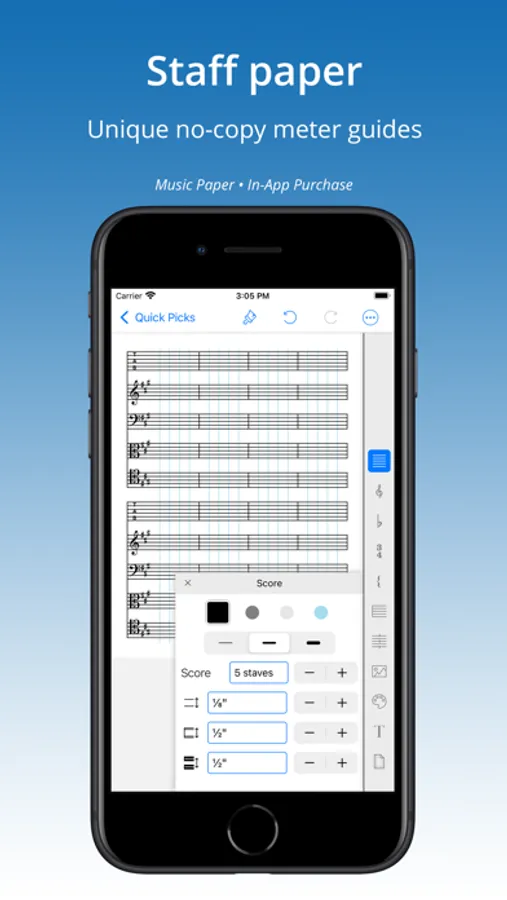
Music
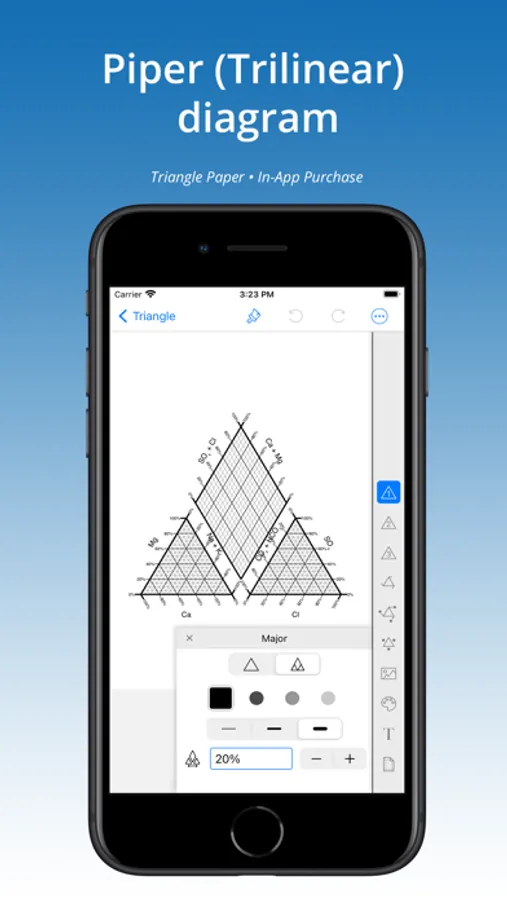
Triangle (Ternary)
— FEATURES OF ALL PAPERS —
√ Paint Tool. Color grid. Make custom color palettes. Add annotations.
√ Place an image under any grid, then adjust size and placement.
√ Metric (cm or mm) and Inch settings for grid and page size.
√ Choice of Print Settings for standard papers (such as 8.5x11 or A4) with adjustable margins, or set page at a custom size.
√ Print or share grids as a PDF, PNG or SVG to other apps for further editing — even as templates to laser or pattern cutting machines.
√ Share painted grids as a PNG or PDF.
√ Work up close using pinch-n-zoom.
√ Show multiple grids on a page with tiling.
√ Up to four grid line colors, special feature adds custom line colors.
√ Title grid with choice of font, size, bold/italic, and color.
√ Place a center-point on several papers.
√ Library of templates (Quick Picks) offer inspiration and a short cut to creating grids.
√ Purchases work on all devices — iPhone, iPad, and iPod.
Don’t see the paper or feature you need? Send an email and we’ll see what we can do!
GridMaker Screenshots
Tap to Rate:
Reviews for GridMaker
Susana Katrinka
Perfect w/ a suggestion
This app was just what I wanted. Perfect, with a caveat. I wanted an app to help me in designing, or editing, a Bargello quilt design. This app was a perfect solution. It allowed me to choose the size of grid I wanted (68x108) and to copy or import a picture file onto the grid. The picture underlying the grid let me see that my calculated grid size was off by a few rows AND I was able to adjust the grid to fit the actual “size I need. The only suggestions I would make would be to allow the modification of individual rows (horizontally and vertically), and to allow substitution of color to the imported picture; ie from original purple to blue. This app would be a great addition for quilters.
Teinn
Fantastic
I love this app for all kinds of grid types. I use it for weaving pattern grids, who’s is like pixel art. Being able to add row and column numbers is nice. So many choices! I recommend this app to anyone that needs regular spaced lines and shapes for their projects