
With this security app, you can generate verification codes and approve sign-in requests easily using biometric authentication or PIN. Includes support for multiple accounts, QR code setup, and offline verification code generation.
AppRecs review analysis
AppRecs rating 1.1. Trustworthiness 66 out of 100. Review manipulation risk 29 out of 100. Based on a review sample analyzed.
★☆☆☆☆
1.1
AppRecs Rating
Ratings breakdown
5 star
4%
4 star
1%
3 star
1%
2 star
2%
1 star
92%
What to know
✓
Low review manipulation risk
29% review manipulation risk
⚠
Mixed user feedback
Average 1.2★ rating suggests room for improvement
⚠
High negative review ratio
94% of sampled ratings are 1–2 stars
About Thomson Reuters Authenticator
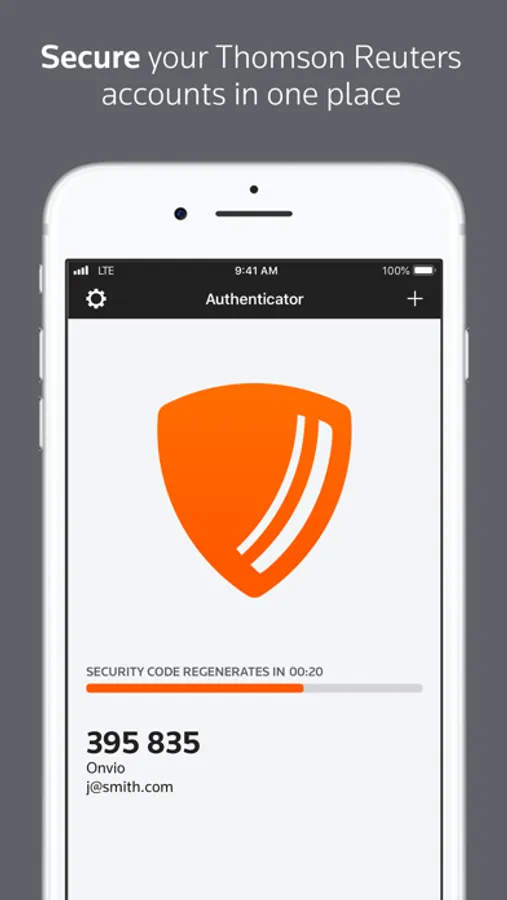
Whether using this app to access Thomson Reuters software for work or personal use, multi-factor authentication adds an extra layer of protection to your data, wherever your software or data are stored. The easy-to-use design makes it simple.
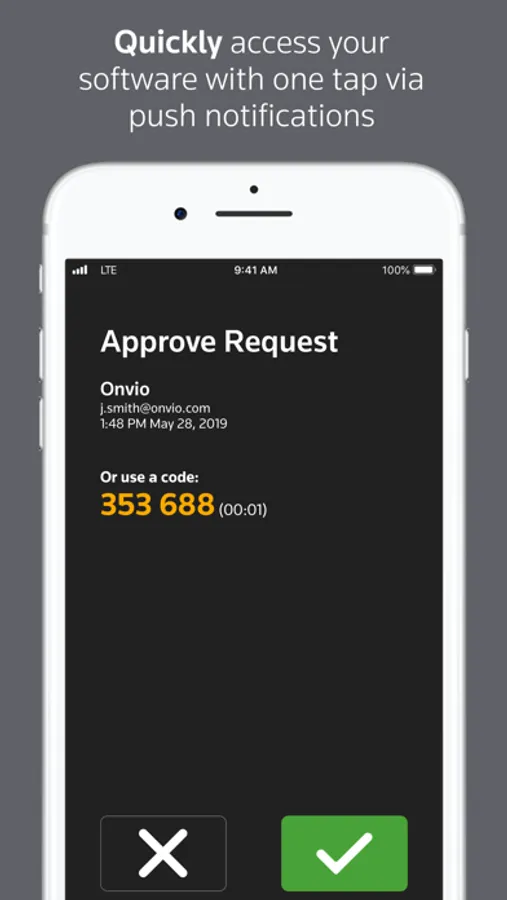
If you’ve enabled multi-factor authentication for any of your Thomson Reuters software, logging in to that software will trigger the Authenticator app to notify you on your device. Simply press approve (or use Face ID / Touch ID) to complete the sign-on process, or press ignore if you’re not trying to access the software at the time.
Software that works with Thomson Reuters Authenticator allows you to authenticate on three levels:
1) Something you KNOW (your login and password)
2) Something you HAVE (your mobile device with the Thomson Reuters Authenticator app)
3) Something you ARE (Face ID / Touch ID)
Features include:
• Automatic setup via QR code
• Support for multiple accounts
• Generate verification codes without a data connection
Thomson Reuters Authenticator Screenshots
Tap to Rate:
Reviews for Thomson Reuters Authenticator
Ibrahim ibn nasser
app is impossible to use if one is not a corporation.
This app is impossible to use if one is not a corporation. Opening the app requires scanning a QR code, but there is no instrction to locate such a code. I tried to create an account on Reuters connect, but the site will not let me create an account with my yahoo email address, insisting on a corporate account. I do not want to use my company’s servers for this personal task, which is a violation of our company’s policies punishable by dismissal and would give my boss access to my personal financial information. This app is practically unusable by regular people. Unfortunately, no way to rate 0 stars.
louky2021
Frigging stupid
Horrible