AppRecs review analysis
AppRecs rating 2.2. Trustworthiness 80 out of 100. Review manipulation risk 25 out of 100. Based on a review sample analyzed.
★★☆☆☆
2.2
AppRecs Rating
Ratings breakdown
5 star
17%
4 star
14%
3 star
3%
2 star
6%
1 star
61%
What to know
✓
Low review manipulation risk
25% review manipulation risk
✓
Credible reviews
80% trustworthiness score from analyzed reviews
⚠
Mixed user feedback
Average 2.2★ rating suggests room for improvement
About Char-Broil SmartChef Grill
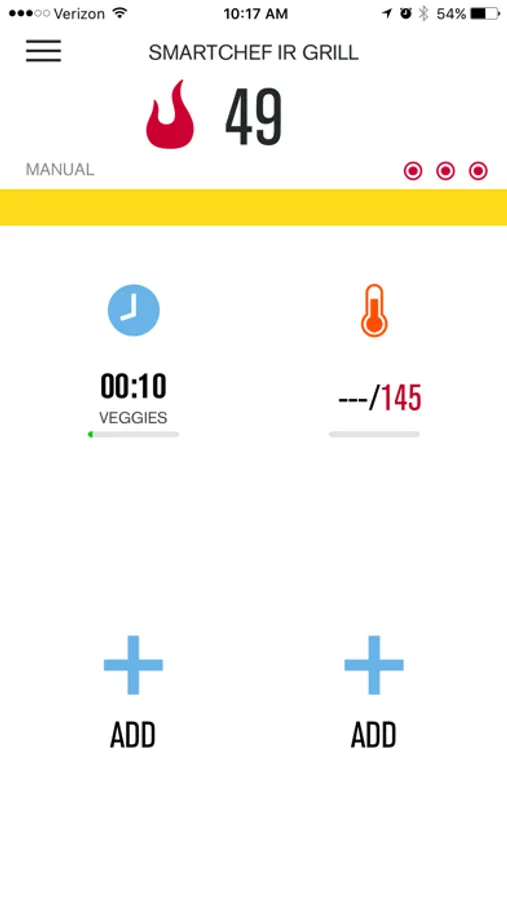
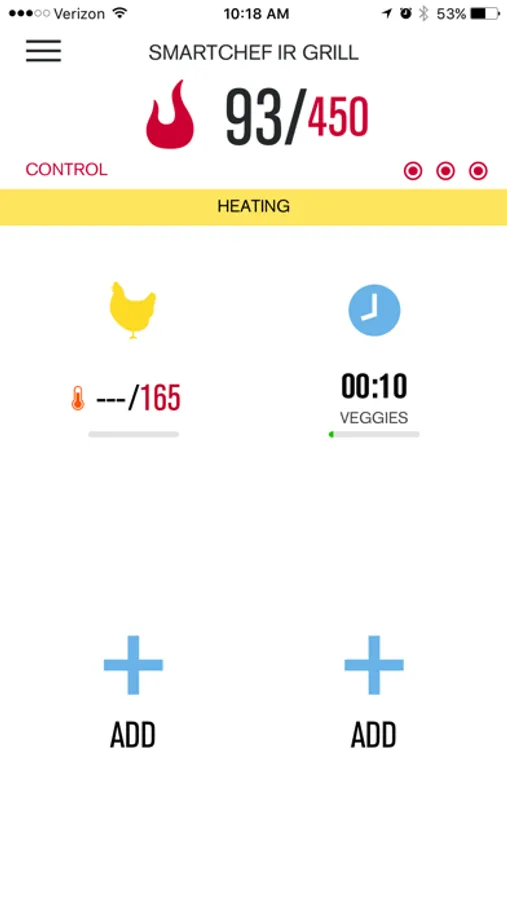
Char-Broil SmartChef technology utilizes the cloud to wirelessly exchange information between your gas grill and your iPhone, allowing you to monitor your gas grill in real time from anywhere with a Wi-Fi connection. SmartChef technology combined with our TRU-Infrared cooking system makes it easier than ever to deliver great tasting food every time.
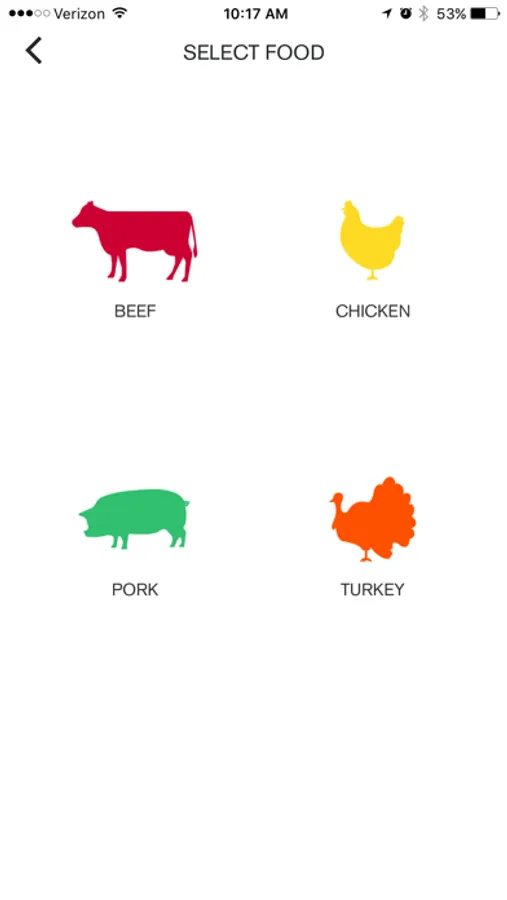
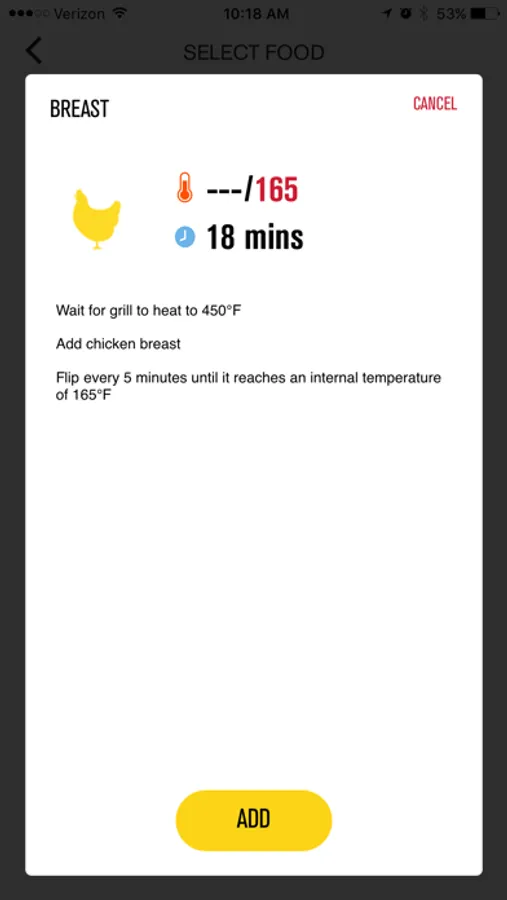
Discover new recipes and expert tricks for a perfect cook every time. The Char-Broil SmartChef Gas Grill app can guide your meal every step of the way, or step into the background and only notify you when your food is almost done.
The Char-Broil SmartChef Gas Grill app delivers ‘real-time’ alerts and monitors your grill while you spend more time with friends and family. With the Char-Broil SmartChef Gas Grill app, you can:
• Control pre-heat settings and grill temperatures.
• Choose between a step-by-step, guided cook that automatically sets up recipes and cooking cycles, or manually set the temps and timers to your own liking.
• Get updates on grill and food temperatures, fuel levels and burner status.
• Get alerts so you know when your grill is ready for grilling, cool enough to cover and even if your grill experiences any significant temperature changes.
Now you’re cookin’!
Char-Broil SmartChef Grill Screenshots
Tap to Rate:
Reviews for Char-Broil SmartChef Grill
I love Da South
App is worthless
Trying to setup this app currently before the Super Bowl. Customer service is useless turned off wi-fi assist and all the other things and still useless.
matthewsoft
Finally, I got it connected! Follow these instructions if you need help.
I’m pretty sure the firmware these grills shipped with had a bug. Some WiFi routers don’t work well for whatever reason. It could be the network name, password, something. I tried changing all types of settings on my WiFi, but I finally got it working using my personal hotspot. I used an iPhone 11 (iOS 13) and set my user name to all lowercase letters “matthew” and my password to my phone number “1234567890” (for example). After reading several reviews, I thought the grill might be rejecting some “special” characters, which could be capitals or symbols, who knows. To change the name of the hotspot, go to Settings > General > About > Name. The password can be modified in Settings > Personal Hotspot. I did use an Android phone to go through the setup of the app (since my iPhone was supplying the WiFi). I would suggest connecting the extra phone to your hotspot first before going through setup in the app. If you can’t see the grill network name pop up under WiFi and are getting a solid white dado button, then you need to turn off your existing WiFi. You could change the name of the your 2.4 GHz network if you want, but unplugging the router temporarily is probably easiest. Once the grill no longer sees your existing WiFi, the dado button should start blinking, and then you can connect to the CB_GRILL_DADO network. If you get an error, reboot the grill and then try to reconnect. Be patient. Once I completed the setup and the grill connected to my phone’s hotspot, the dado started flashing more rapidly, which means a firmware upgrade is ready. The app should also say something. I didn’t turn the grill off and back on, but pressed the dado button since it was already flashing. The circle of lights flashed for a while, 3 minutes or so. I think it did go green completely once and then started flashing green/yellow again. Might have took about 5 minutes total. Once it was back to normal, I turned off my hotspot and then went through the settings on the app to change networks again. The dado light should start slowly blinking again once the hotspot is off. It connected fine to the 2.4 GHz band of my 802.11ac router with WPA2 AES security just fine (make sure to plug your router back in if you unplugged it earlier). The WiFi module itself is 802.11g so you can’t run in n-only mode. I am pretty sure 5.8 GHz WiFi will not work as 802.11g never supported it. I’m so glad it’s finally connected. My WiFi network does include a dash in the name with an uppercase letter and the password is all lowercase letters. I’m hoping the new firmware can support all types of network names/passwords. If you don’t want to change your network name/password to get it working, a simple guest network setup might do it. Check your router’s manual for how to enable that feature. I have two of these grills and this worked fine on both so hope it helps someone else!