AppRecs review analysis
AppRecs rating 1.0. Trustworthiness 62 out of 100. Review manipulation risk 29 out of 100. Based on a review sample analyzed.
★☆☆☆☆
1.0
AppRecs Rating
Ratings breakdown
5 star
0%
4 star
0%
3 star
0%
2 star
0%
1 star
100%
What to know
✓
Low review manipulation risk
29% review manipulation risk
⚠
Mixed user feedback
Average 1.0★ rating suggests room for improvement
About Interphone Control
APP NEEDS LATEST FIRMWARE AVAILABLE ON YOUR INTERPHONE UNIT.
Interphone Control is compatible with:
- Interphone Avant and Avant Twin Pack.
- Interphone Active and Active Twin Pack.
- Interphone Connect and Connect Twin Pack.
- Interphone Link and Link Twin Pack.
- Interphone Tour and Tour Twin Pack.
- Interphone Sport and Sport Twin Pack.
- Interphone Urban and Urban Twin Pack.
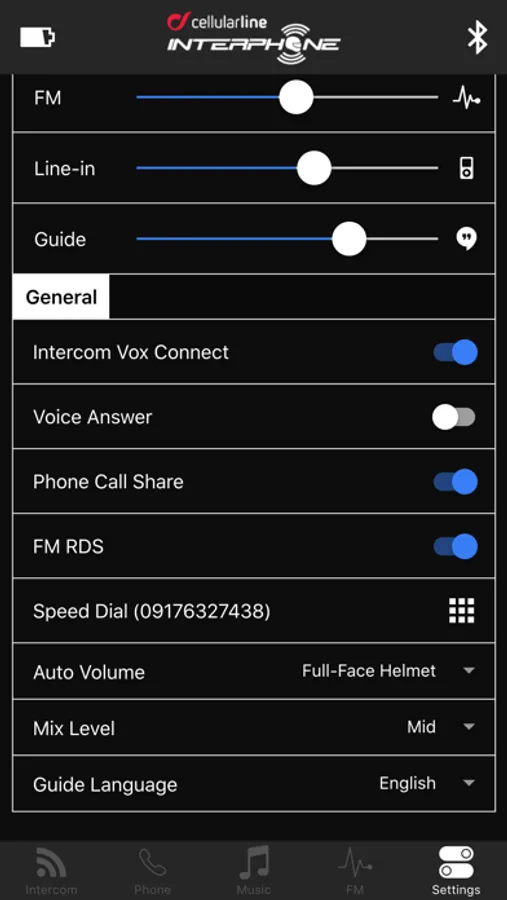
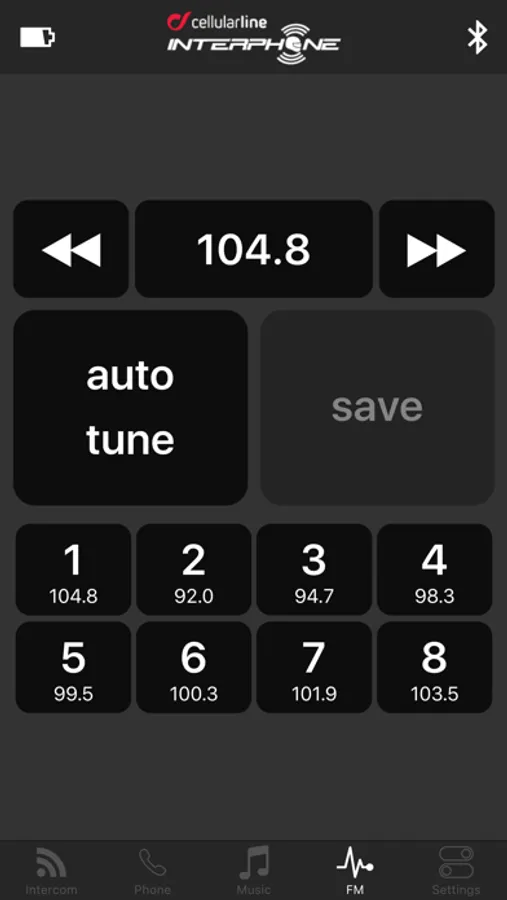
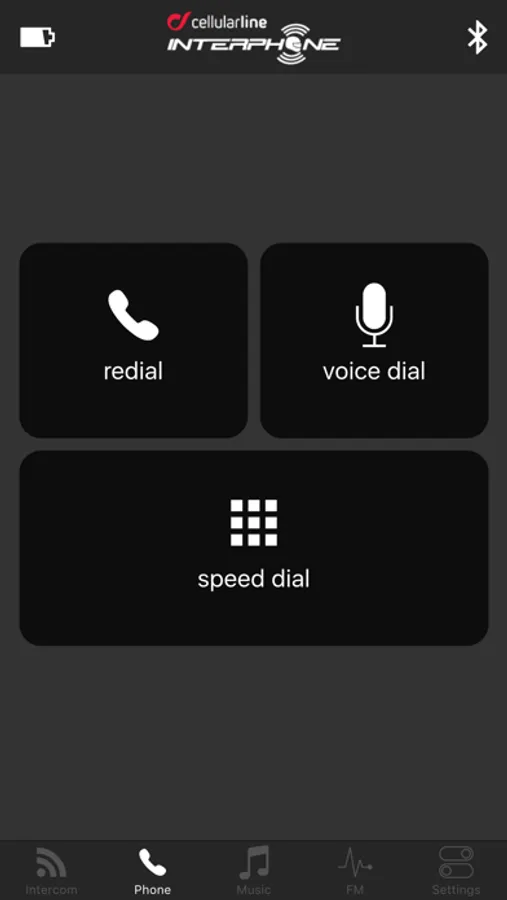
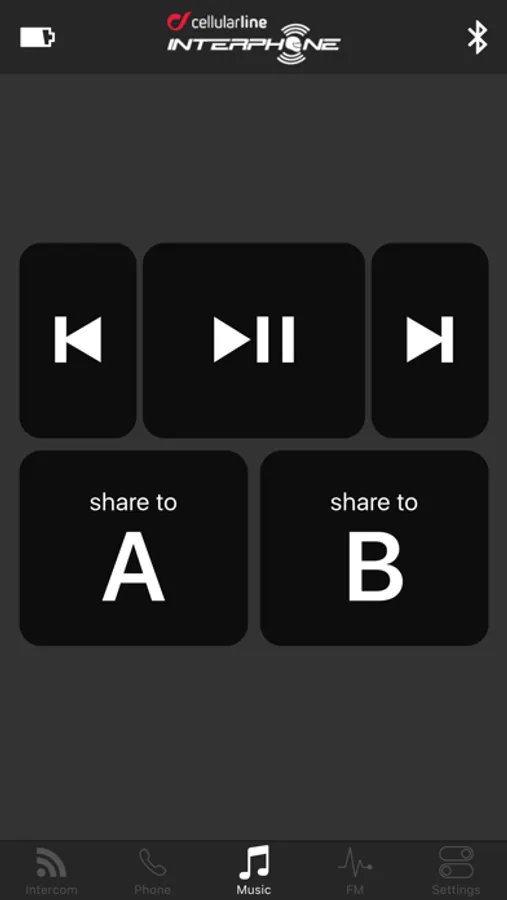
Just install the App on your smartphone, connect it to your Interphone unit via Bluetooth and access to all your Intephone settings. You can also operate all the features of your unit, using the smartphone as a remote control.
Use one of our smartphone holders at http://www.interphone.com/ , to get an easy and safe access to your smartphone.
NOTE: Before using this App, make sure your unit is updated with the latest firmware, visit http://www.interphone.com/ to download the Software Updater.
Follow us on our pages:
Facebook: facebook.com/pages/Interphone/893269997389720
Youtube: youtube.com/user/InterphoneChannel
Interphone Control Screenshots
Tap to Rate:
Reviews for Interphone Control
Ojanhoo
Garbage app
Doesn't work at all. Connecting problem and its a shame for interphone.
Wanjoza
Simply doesn’t work
If they did any testing they would realize that app doesn’t stay connected, connection breaks every few seconds...I have tour model with latest firmware, it is listed in description as supported, and just don’t wanna stay connected which it makes it useless...Hope that someone reads these reviews and will take some action and update app...