
Sound Museum
Kawai Musical Instruments Manufacturing Co., Ltd.
3.5 ★
6 ratings
Free
AppRecs review analysis
AppRecs rating 3.5. Trustworthiness 64 out of 100. Review manipulation risk 16 out of 100. Based on a review sample analyzed.
★★★☆☆
3.5
AppRecs Rating
Ratings breakdown
5 star
33%
4 star
17%
3 star
17%
2 star
33%
1 star
0%
What to know
✓
Low review manipulation risk
16% review manipulation risk
About Sound Museum
Learn about the various instrument sounds included with your Kawai digital piano, listen to inspirational song demos, select Dual and Split playing modes, and store favourite sounds - all from a beautiful touch interface.
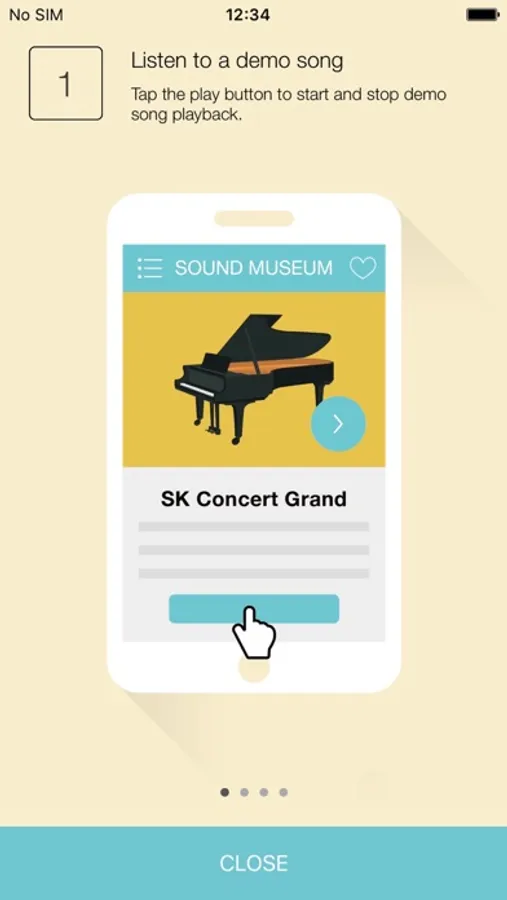
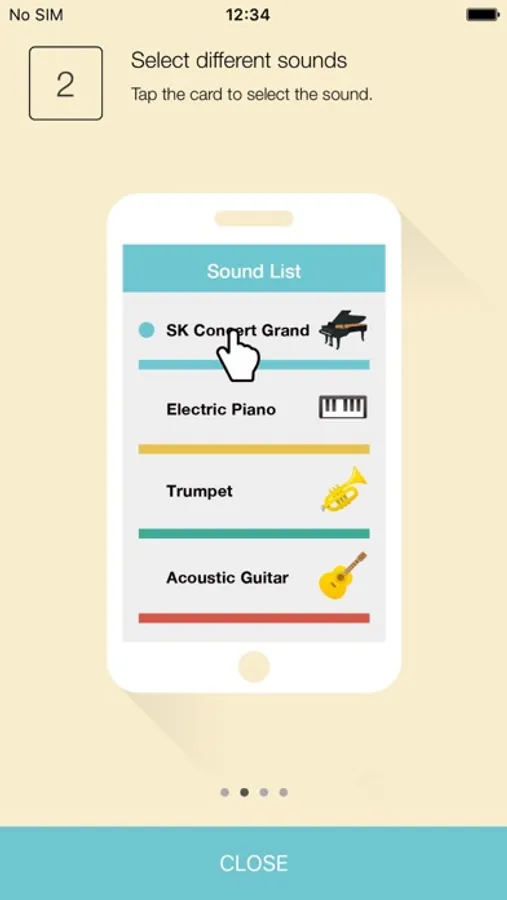
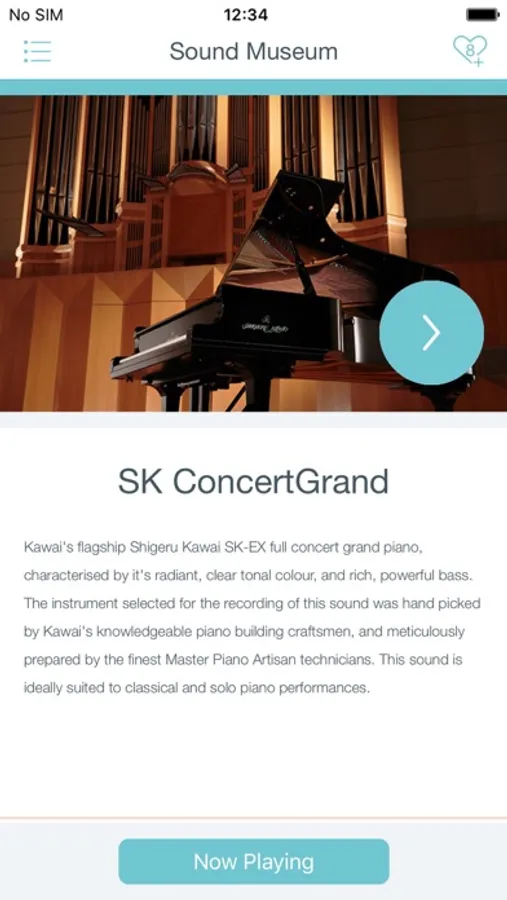
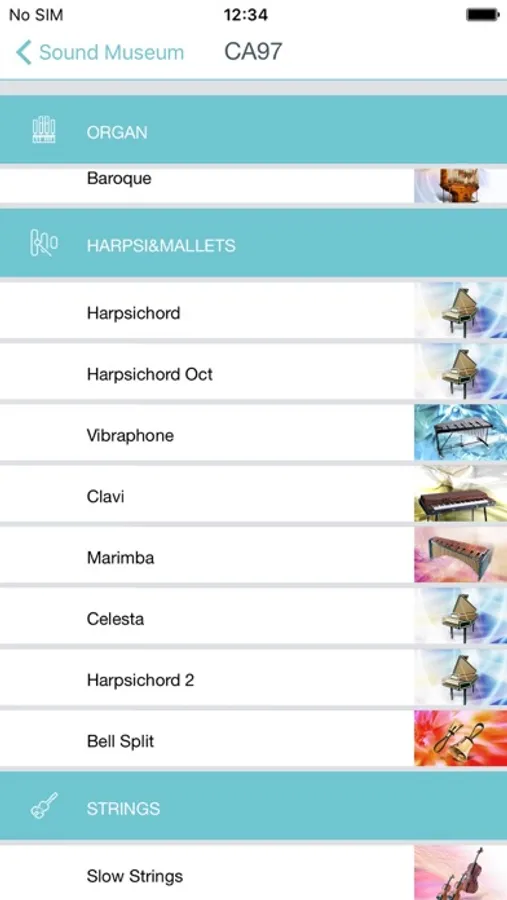
Sound Museum is musical instrument learning app developed especially for Kawai digital pianos, providing an opportunity for players of all levels to explore the various instrument voices available in their piano. Using the attractive touch interface, players can easily select sounds, read about each instrument's tonal characteristics and suitable musical genre, and listen to professionally recorded demonstration pieces.
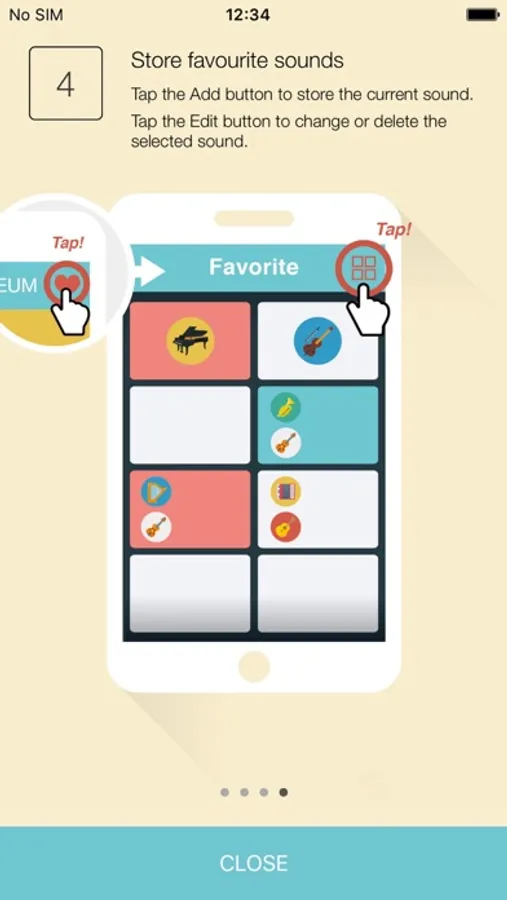
It's also possible to use Sound Museum to select sound combinations for Dual and Split playing modes, adjusting the volume balance and split point as desired. Popular sounds or sound combinations can even be stored to one of eight Favourite memories for convenient recall at a later date.
Sound Museum is compatible with a broad range of Kawai digital pianos, and fully supports the Quicco Sound mi.1 Bluetooth MIDI interface for cable-free wireless connectivity.
Feature Summary
===============
- Learn about the musical instrument sounds available in Kawai digital pianos.
- Listen to built-in demonstration songs and new musical performances.
- Select Dual and Split playing modes and adjust relevant settings.
- Store popular sounds to Favourite memories for convenient recall.
- Connect wirelessly using the Quicco Sound mi.1 Bluetooth MIDI interface.
Compatible models:
Kawai CN39/CN29/CN37/CN27/CN17/CN35/CN25/CN14/KDP110/KDP90/KDP70, CS11/CS8, ES8/ES100/ES110, CA58/CA48/CA28/CA97/CA67/CA17/CA33
* The 'Lightning to USB Camera Adapter', 'Lightning to USB 3 Camera Adapter', or 'Apple iPad Camera Connection Kit' accessory is required in order to connect an iOS device to the Kawai digital piano using a USB cable. It is also possible to connect the iOS device wirelessly using the Quicco Sound 'mi.1' Bluetooth MIDI interface.
* When connecting via Bluetooth MIDI using an iPhone 7/iPhone 7 Plus, the CN37, CN27, ES110, and QuiccoSound mi.1 may need to be updated to the latest BLE MIDI firmware in order to function correctly.
Sound Museum is musical instrument learning app developed especially for Kawai digital pianos, providing an opportunity for players of all levels to explore the various instrument voices available in their piano. Using the attractive touch interface, players can easily select sounds, read about each instrument's tonal characteristics and suitable musical genre, and listen to professionally recorded demonstration pieces.
It's also possible to use Sound Museum to select sound combinations for Dual and Split playing modes, adjusting the volume balance and split point as desired. Popular sounds or sound combinations can even be stored to one of eight Favourite memories for convenient recall at a later date.
Sound Museum is compatible with a broad range of Kawai digital pianos, and fully supports the Quicco Sound mi.1 Bluetooth MIDI interface for cable-free wireless connectivity.
Feature Summary
===============
- Learn about the musical instrument sounds available in Kawai digital pianos.
- Listen to built-in demonstration songs and new musical performances.
- Select Dual and Split playing modes and adjust relevant settings.
- Store popular sounds to Favourite memories for convenient recall.
- Connect wirelessly using the Quicco Sound mi.1 Bluetooth MIDI interface.
Compatible models:
Kawai CN39/CN29/CN37/CN27/CN17/CN35/CN25/CN14/KDP110/KDP90/KDP70, CS11/CS8, ES8/ES100/ES110, CA58/CA48/CA28/CA97/CA67/CA17/CA33
* The 'Lightning to USB Camera Adapter', 'Lightning to USB 3 Camera Adapter', or 'Apple iPad Camera Connection Kit' accessory is required in order to connect an iOS device to the Kawai digital piano using a USB cable. It is also possible to connect the iOS device wirelessly using the Quicco Sound 'mi.1' Bluetooth MIDI interface.
* When connecting via Bluetooth MIDI using an iPhone 7/iPhone 7 Plus, the CN37, CN27, ES110, and QuiccoSound mi.1 may need to be updated to the latest BLE MIDI firmware in order to function correctly.
Sound Museum Screenshots
Tap to Rate:
Reviews for Sound Museum
CHRIS FT LAUDERDALE
My 2 centd
This App needs an update. Too many pages to change to get to what u want to do. Please update
mfpiano
Works but doesn't do enough
Works seamlessly with kawai es110 but doesn't do much.. You can select sounds and split keyboard but it would be most useful to be able to do things that are very complicated to do otherwise, like selecting one of the many drum patterns, adjusting tempo etc.