In this file extraction app, you can open and extract archive files such as zip, rar, tar, gz, and 7z, including password-protected ones. Includes support for organizing files, creating archives, sharing files, and managing passwords.
About File Extractor - zip rar tar gz 7z
File Extractor - Supports extracting all archive formats zip, car,tar,gz and 7z
Save all email attachments, messages attachments directly to the App and extract and view the archived files
Extract Zip files, Transfer files between your computer and iPhone, quick search files in spotlight search, easily share files with any file extension and open attachments.
- Transfer files between your PC or Mac computer and iPhone/iPad from your computer web browser by using drag and drop method
Main Fatures:
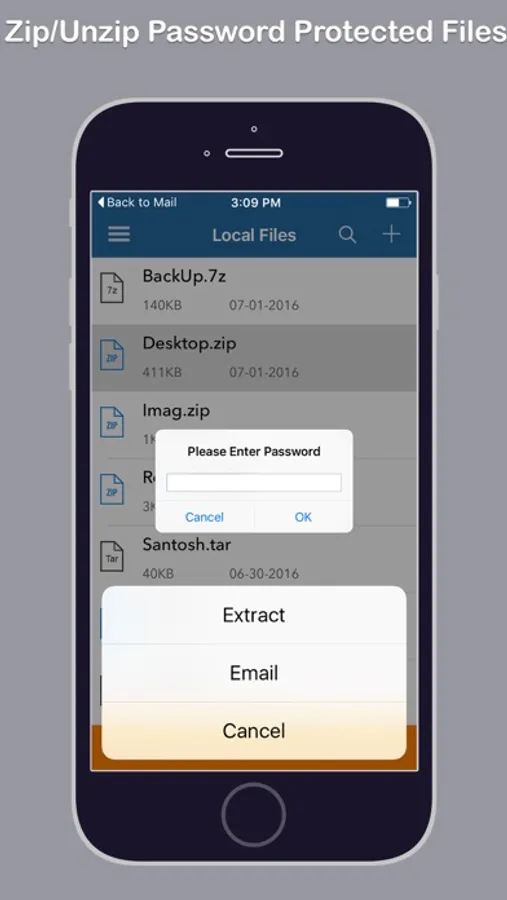
- Easy to open and extract files from ZIP format, including password protected ZIP files.
- Open and extract many other compressed file formats: RAR, 7Z, ZIPX, TAR, GZIP.
- Create Zip files with and without password
- Easy to share Zip files
- Extract Zip files ( Supports files with password also)
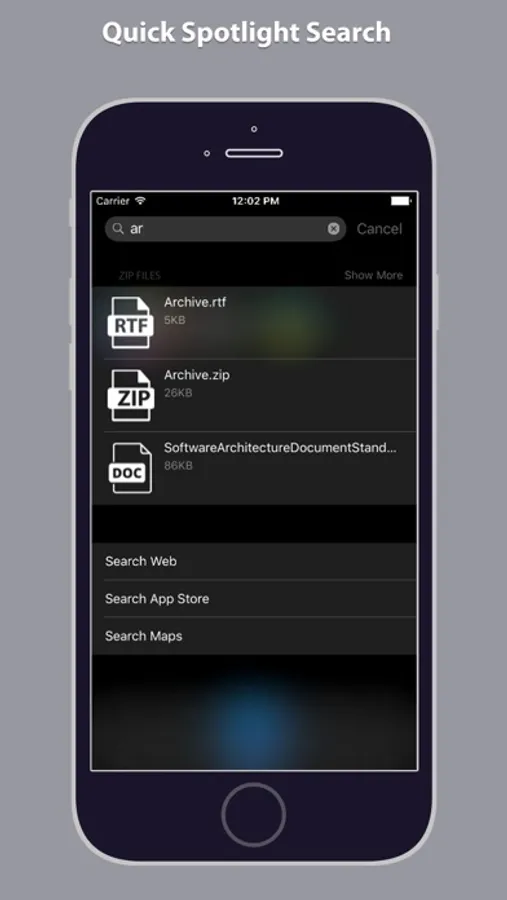
- Quick search files in spotlight search
- Easy to manage all files at one place
- Transfer files between your computer and iPhone
ORGANIZE DOCUMENTS:
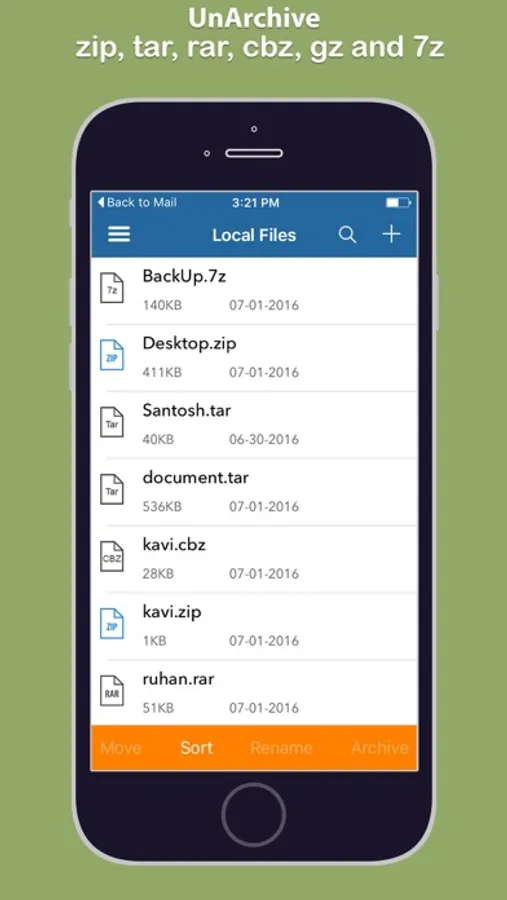
With easy to interface you can organize the files the way you want. The app allows you to:
-Create Folders
-Email Files
-Unzip Files
-Move Files from one folder to another folder
-Sort Files By Date, Name or Type
-Rename Files/Folders
-Open files with other apps
-Play media files with in the app
Save all email attachments, messages attachments directly to the App and extract and view the archived files
Extract Zip files, Transfer files between your computer and iPhone, quick search files in spotlight search, easily share files with any file extension and open attachments.
- Transfer files between your PC or Mac computer and iPhone/iPad from your computer web browser by using drag and drop method
Main Fatures:
- Easy to open and extract files from ZIP format, including password protected ZIP files.
- Open and extract many other compressed file formats: RAR, 7Z, ZIPX, TAR, GZIP.
- Create Zip files with and without password
- Easy to share Zip files
- Extract Zip files ( Supports files with password also)
- Quick search files in spotlight search
- Easy to manage all files at one place
- Transfer files between your computer and iPhone
ORGANIZE DOCUMENTS:
With easy to interface you can organize the files the way you want. The app allows you to:
-Create Folders
-Email Files
-Unzip Files
-Move Files from one folder to another folder
-Sort Files By Date, Name or Type
-Rename Files/Folders
-Open files with other apps
-Play media files with in the app
File Extractor - zip rar tar gz 7z Screenshots
Tap to Rate: