Rasengan Photomaker: Edition Naru Pro
Florian Winter
4.2 ★
70 ratings
Free
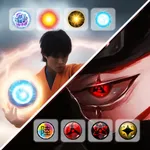
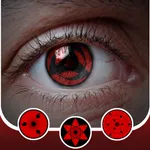
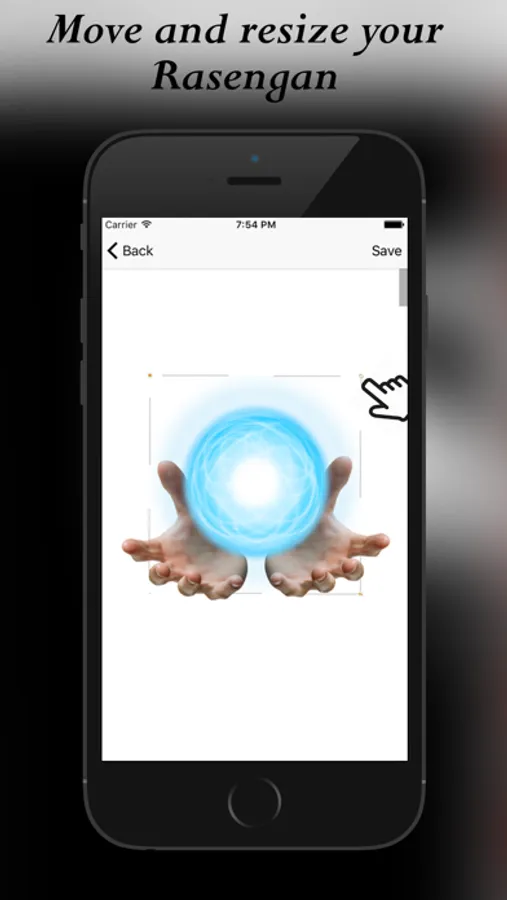
In this photo editing app, you can select images, add rasengan effects, and apply filters to create customized photos. Includes various rasengan variants, filters, and sharing options.
AppRecs review analysis
AppRecs rating 4.2. Trustworthiness 72 out of 100. Review manipulation risk 32 out of 100. Based on a review sample analyzed.
★★★★☆
4.2
AppRecs Rating
Ratings breakdown
5 star
69%
4 star
9%
3 star
9%
2 star
4%
1 star
10%
What to know
✓
Credible reviews
72% trustworthiness score from analyzed reviews
✓
High user satisfaction
77% of sampled ratings are 4+ stars (4.2★ average)
✓
Authentic reviews
Natural distribution, no red flags
About Rasengan Photomaker: Edition Naru Pro
For an indescribable look, we have paid particular attention to the best HD screen quality. Free for a limited time!
Create stunning photos with the new Rasengan Photoeditor App.
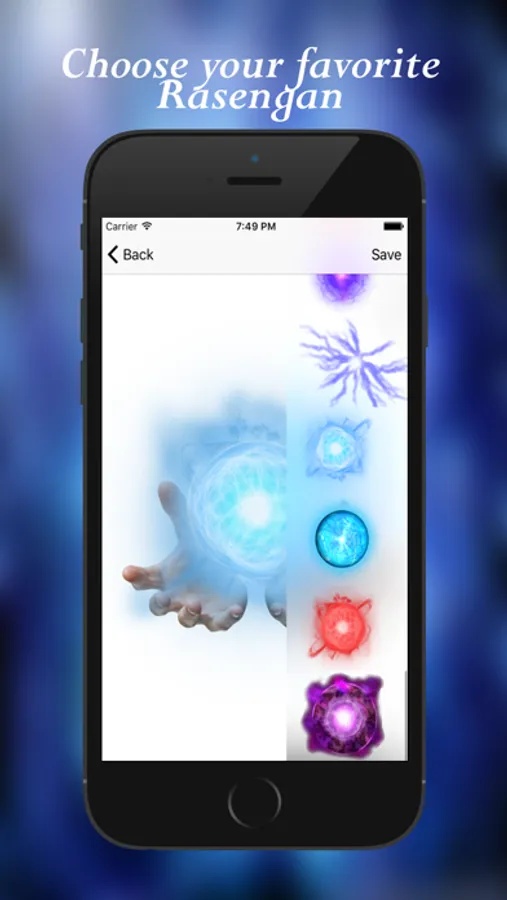
You can choose between different variants of rasengan.
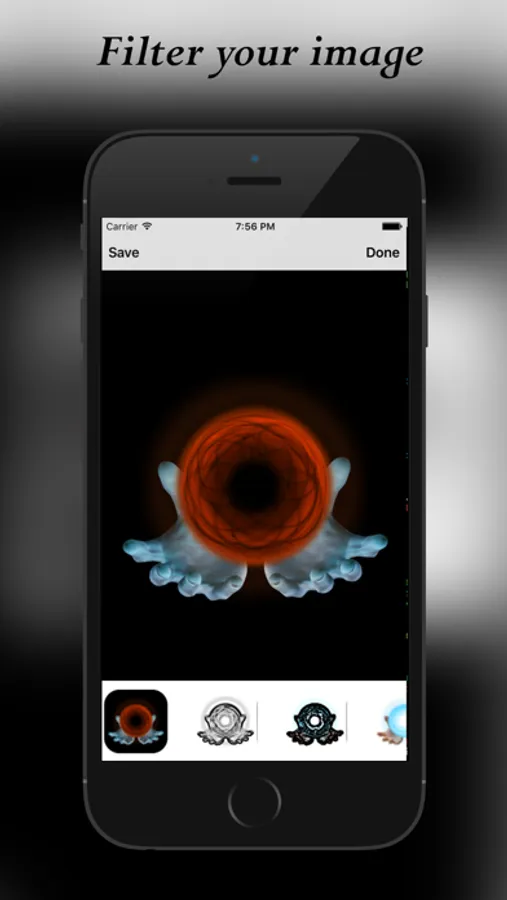
Take a picture or choose one from your camera roll, load your favorite rasengan and apply some awesome filter to it.
Share your pics on all sozial media platfroms (Whatsapp, Facebook, Twitter, ...).
Walk-through
________________________________________
1) Download the app
2) Choose a picture (Camera or Gallery)
3) Select your favorite rasengan
4) Apply color or blend filter to your images
5) Save your image or share it.
6) Have fun! ;)
Compatible with iOS8+ and all iPhone and iPad devices!
Rasengan Photomaker: Edition Naru Pro Screenshots
Tap to Rate:
Reviews for Rasengan Photomaker: Edition Naru Pro
NinjaEDL
Nope
The stickers do not move you can only resize it
PhelineCat
Edits disappear
There's a decent pencil sketch edit I used a few times; it didn't save twice, saved the entire screen once, then was gone from the editing choices the next time. I guess I'll leave it off my phone and only add it when I need/want a Rasengan or other kind of floating orb. I'll be able to blur details if I need something more generic since I don't need Rasengan often. It's incredibly easy to use but reminds me constantly of how to use it. Every single time I start editing a new photo, it's there, just like Clippy in the evil days of Clippy.