AppRecs review analysis
AppRecs rating 2.8. Trustworthiness 64 out of 100. Review manipulation risk 25 out of 100. Based on a review sample analyzed.
★★☆☆☆
2.8
AppRecs Rating
Ratings breakdown
5 star
40%
4 star
0%
3 star
0%
2 star
20%
1 star
40%
What to know
✓
Low review manipulation risk
25% review manipulation risk
⚠
Mixed user feedback
Average 2.8★ rating suggests room for improvement
About AlertOps
AlertOps is an incident management platform that helps enterprises, big and small, optimize their alerts from varied digital systems, by reducing alert fatigue, and improving response and mean time to resolution (MTTR). AlertOps supports IT Ops, DevOps, SecOps, Building Management, Facilities, Data Center Operations, and executives respond and react to incidents.
AlertOps ensures that the alerts reach the right person the first time, every time! We use smart routing technology, routing rules based on user priorities and schedules that integrate with your on-call schedule. AlertOps manages your incident management process by reducing alert noise and resolution time with our multi-tiered escalation rule.
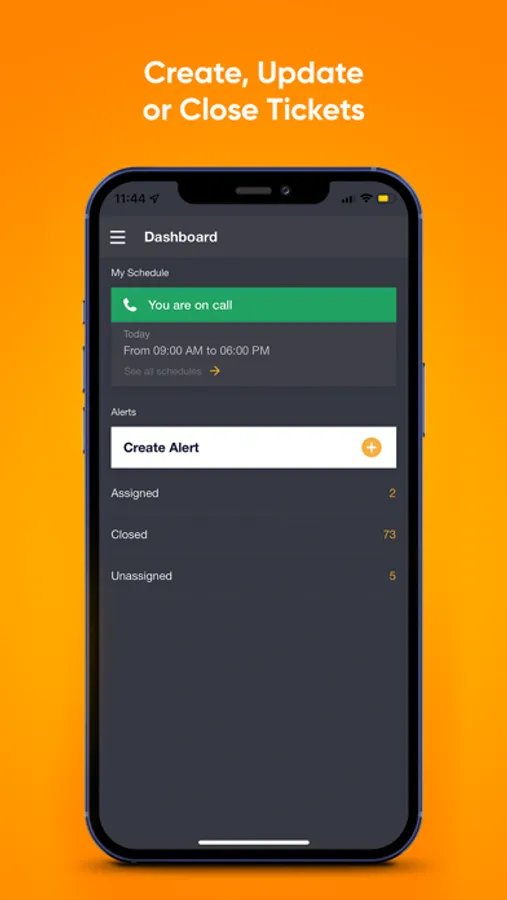
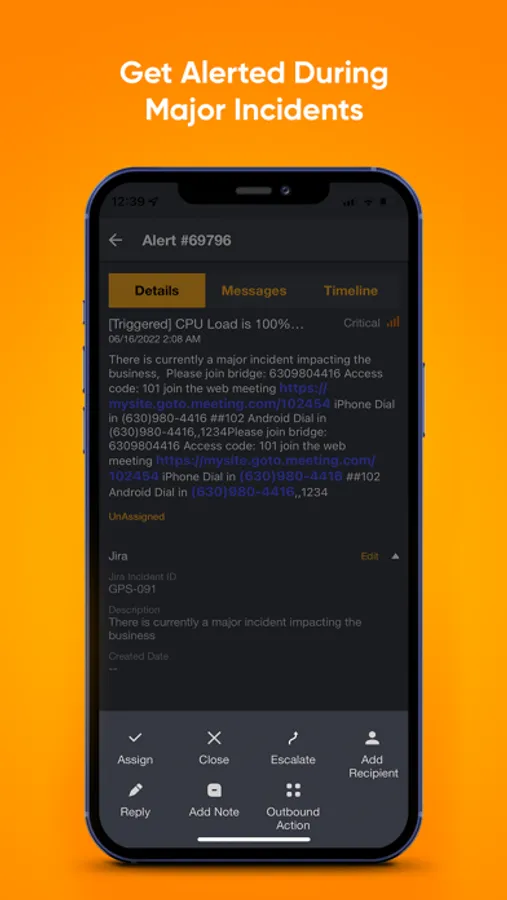
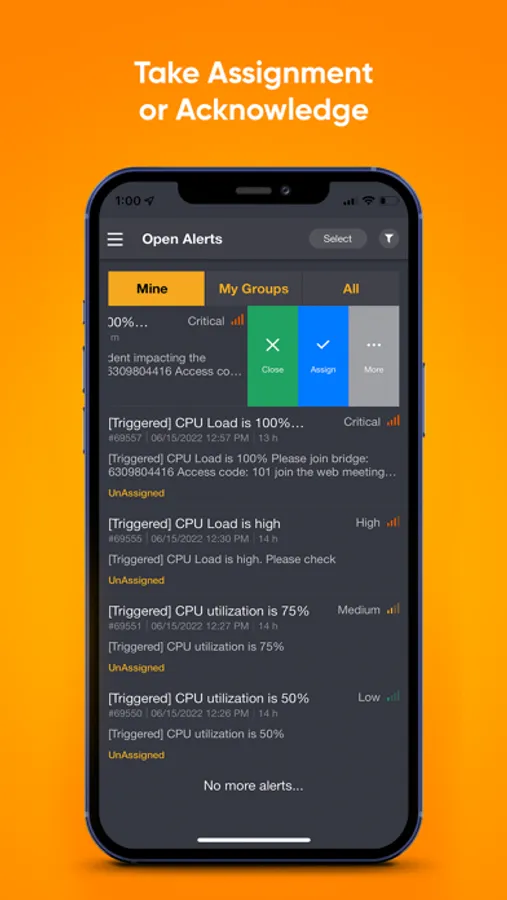
AlertOps for iOS allows you to
• Receive unlimited push notifications
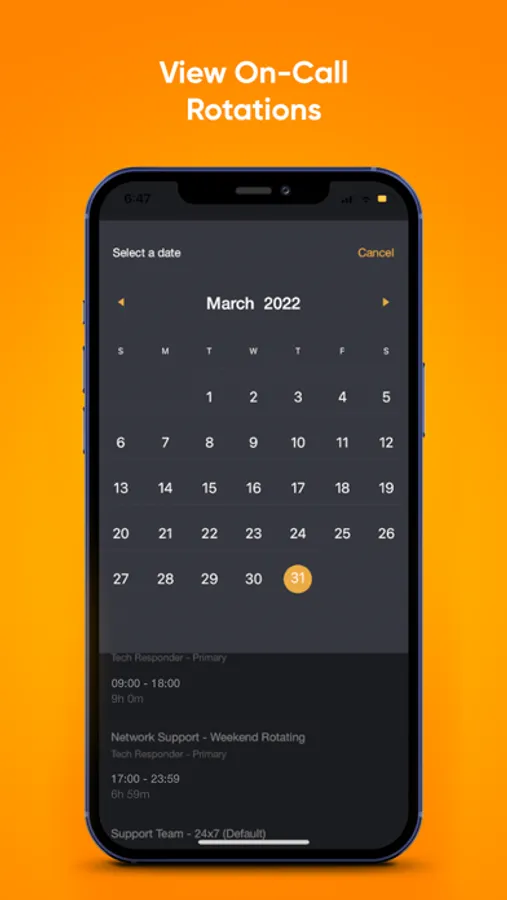
• View and quickly respond to open alerts (take assignment, close or escalate to the next on call person)
• View alert details, messages, notes, timelines, and resolution
• Add relevant teams to an ongoing incident
• Set custom sounds based on alert priority
• Create new alerts from the mobile app
• List of groups and users and their contact methods
• Execute custom preconfigured actions (clear logs, restart servers, collect diagnosis etc.) directly from mobile app
Note: An AlertOps subscription is required to use this application. Please contact sales@alertops.com to purchase a subscription. Please contact support@alertops.com with any feedback and comments.
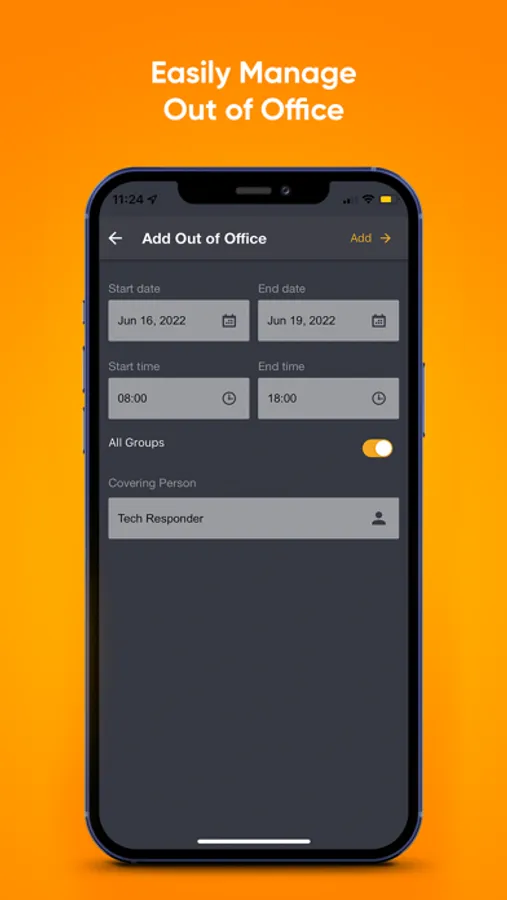
AlertOps Screenshots
Tap to Rate:
Reviews for AlertOps
n1cknamerequ1red
Not Intuitive At All
The app is decent for what it’s use is, however the UI is god awful. The previous UI before the update was much easier to use for managing alerts. The confirmation for an alert covers the back arrow so you have to wait every time an alert is closed or assigned when you make changes within the alert. There’s no back arrow to go back to the dashboard after opening unassigned/open or assigned alerts, you have to open the three bar menu to navigate which is annoying. The “unassigned” option from dashboard takes you to “open” alerts and usually doesn’t even load. A lot of this may be configuration changes as a user but some of these may need to be redeveloped. This app needs serious improvements to be more user friendly, or should be reverted back to a previous updates’ UI that was more intuitive.
Lord King bb
Doesn’t work
This thing is garbage. Nothing works the app is a joke