In this vessel monitoring app, you can view live engine data, monitor fuel usage, and receive maintenance alerts. Includes engine diagnostics, location tracking, weather updates, and fault notifications.
AppRecs review analysis
AppRecs rating 3.0. Trustworthiness 78 out of 100. Review manipulation risk 19 out of 100. Based on a review sample analyzed.
★★★☆☆
3.0
AppRecs Rating
Ratings breakdown
5 star
23%
4 star
22%
3 star
19%
2 star
16%
1 star
20%
What to know
✓
Low review manipulation risk
19% review manipulation risk
✓
Credible reviews
78% trustworthiness score from analyzed reviews
⚠
High negative review ratio
36% of sampled ratings are 1–2 stars
About VesselView Mobile
Features:
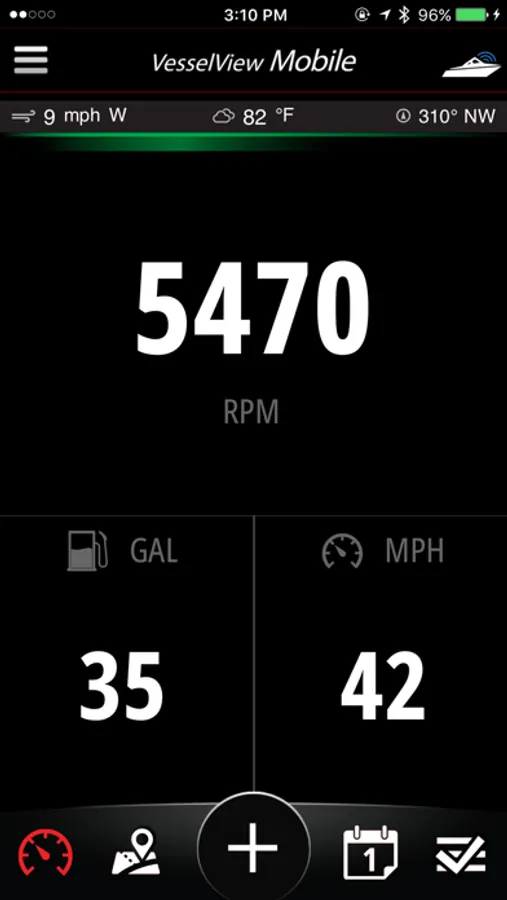
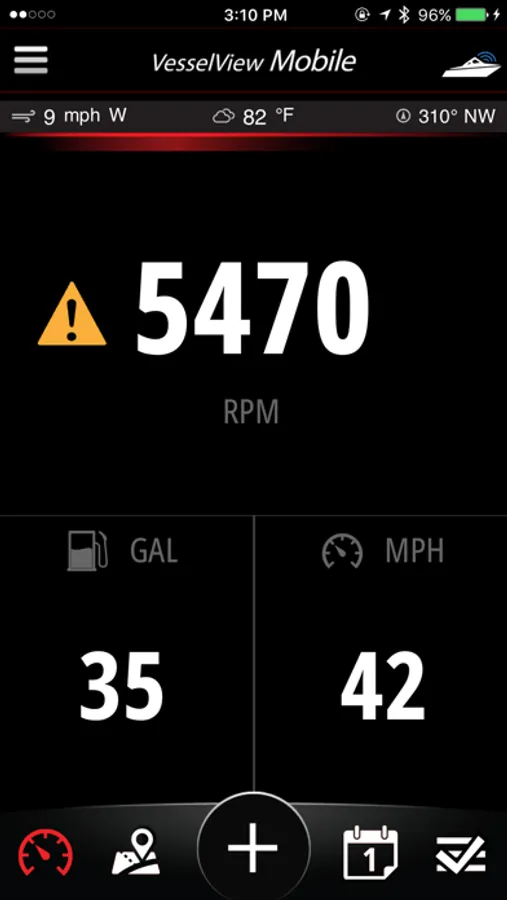
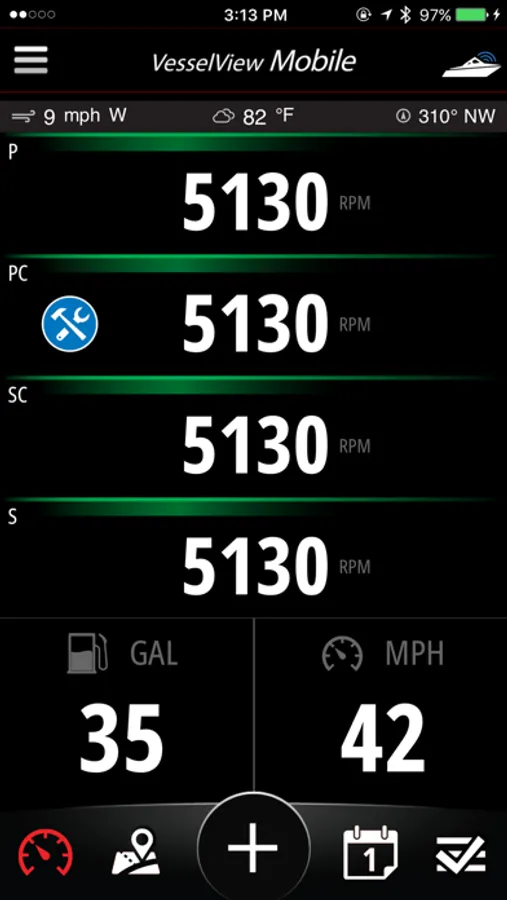
• View live SmartCraft® engine data : RPM, Battery Voltage, Engine Temperature, Engine Hours, Oil Temperature, Oil Pressure, Coolant Temperature, Sea Temperature and more!
• Speed is determined from your device
• Your Top Speed is captured so you can share with friends
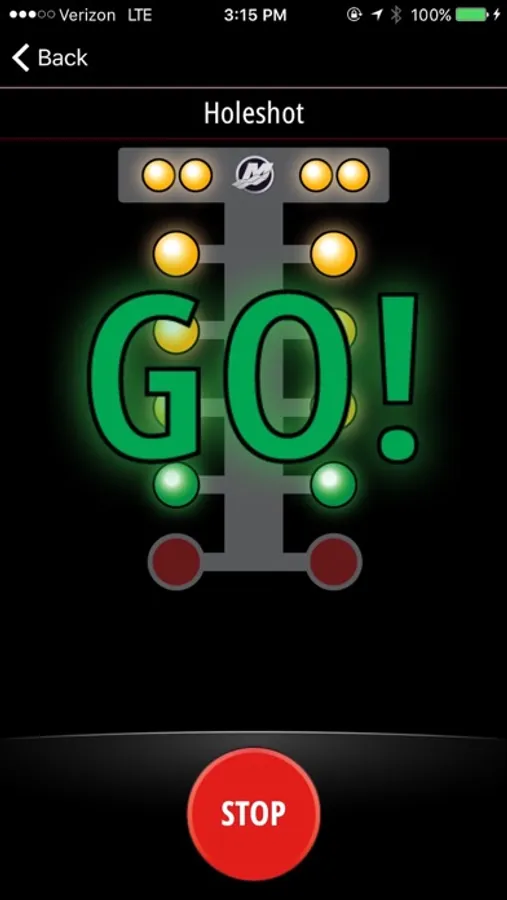
• Holeshot. A racing game that uses your device's GPS to see how soon you can get to 20mph or 30mph
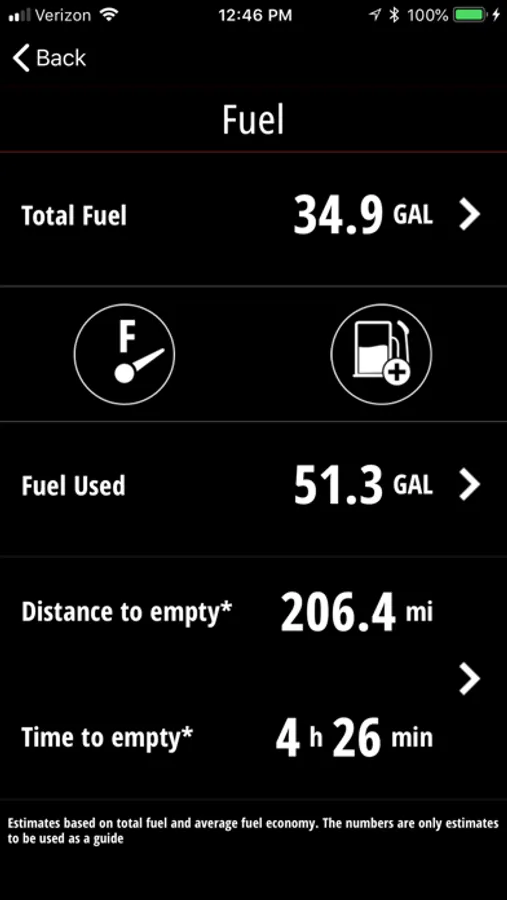
• Enter fuel on-board and the app tracks fuel usage
• Average speed and fuel economy is calculated and used to estimate Distance to Empty and Time to Empty
• Receive active fault alerts and corresponding descriptive fault information
• Enter Maintenance records and get appropriate reminders in the future
• See your location on a map with nearby Points of Interest
• Capture Moments such as pictures or fish caught with a location tag
• Use the timeline to review Moments or Maintenance
• Weather and wind conditions updated periodically
• Communicate wirelessly to your SmartCraft® engine through a Bluetooth Low Energy connection
• Allows for normal phone operation – call, text, streaming music, search the web, etc. while connected to your Mercury Marine SmartCraft® engine
************ IMPORTANT INFORMATION *************************
• Mercury Marine’s VesselView Mobile app is free to install. The VesselView Mobile module can be purchased through Mercury Marine dealers or through a link inside the app.
• The VesselView Mobile module works with SmartCraft® capable engines built since 2003 (40HP and up). One to four engines can be viewed simultaneously.
• The VesselView Mobile module simply connects to a SmartCraft® connector located either at the helm or on the engine.
• Continued use of GPS running in the background can dramatically decrease battery life.
VesselView Mobile Screenshots
Tap to Rate:
Reviews for VesselView Mobile
Fixing connection problems
Fixing connection problem
I have a iPhone XR and it all of a sudden would not connect at all but with other phones it would not have any problems. I had to install an app called light blue and connect to it through that app and it started to work as normal again 👍. App itself has been great
George L 3
No trim angle
Really would need this feature more that some others, crazy that you can’t see trim angle