
AppRecs review analysis
AppRecs rating 4.0. Trustworthiness 74 out of 100. Review manipulation risk 23 out of 100. Based on a review sample analyzed.
★★★★☆
4.0
AppRecs Rating
Ratings breakdown
5 star
57%
4 star
14%
3 star
0%
2 star
29%
1 star
0%
What to know
✓
Low review manipulation risk
23% review manipulation risk
✓
Credible reviews
74% trustworthiness score from analyzed reviews
✓
High user satisfaction
71% of sampled ratings are 4+ stars (4.0★ average)
About Onions for layout videos
“Onions” is an application that allows you to layout, save, and play your images and videos.
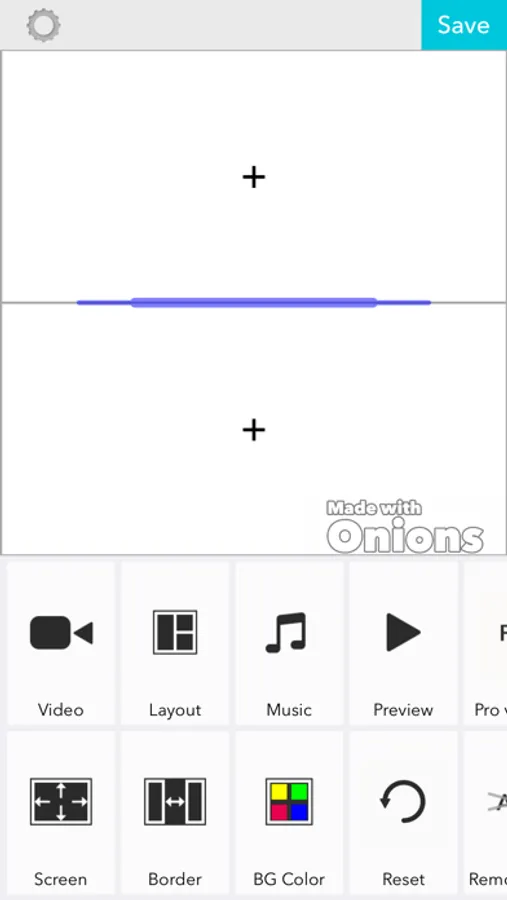
It’s extremely easy to use. Simply select your desired photos and videos from your camera roll and then select a layout.
Potential uses are unlimited, and include wedding memories, collection of childhood memories, vacation photos and more!
Videos and photos can be combined into a single video, so it’s convenient for documenting everyday life or creating birthday videos.
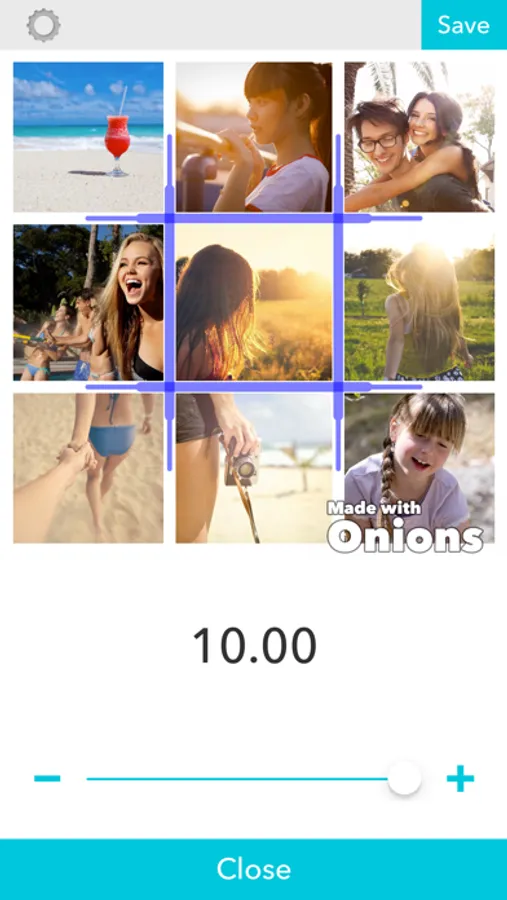
From 1 to 9 videos can be arranged.
*Editing videos
After placing a video, simply tap it once to open the editing menu.
Tap again to return to the normal menu.
*Arranging videos
Long-press on any video cell and you’ll be able to drag the video to your desired position.
*Adjusting the frame size
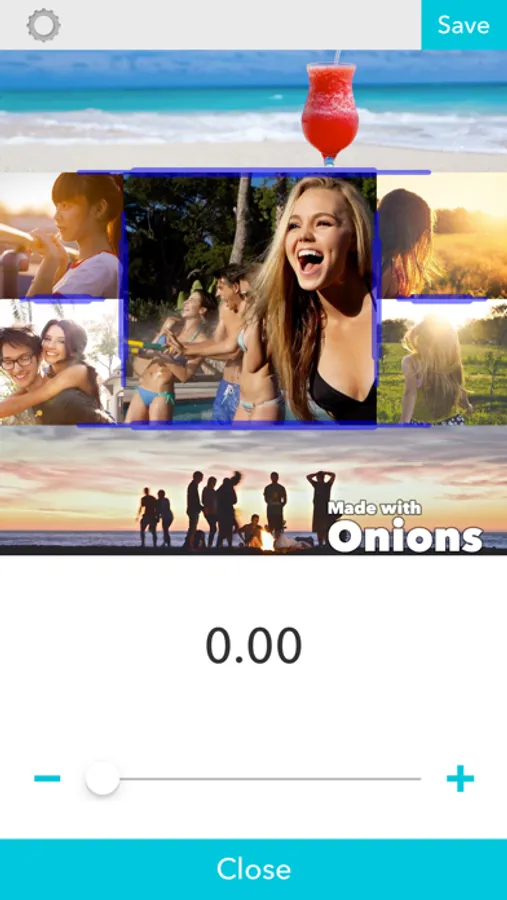
The size of the frames can be adjusted using the handles that appear between frames.
[Other Functions]
*Exported video size
-You may change the size of the exported video.
-During editing, you may select any size that you wish.
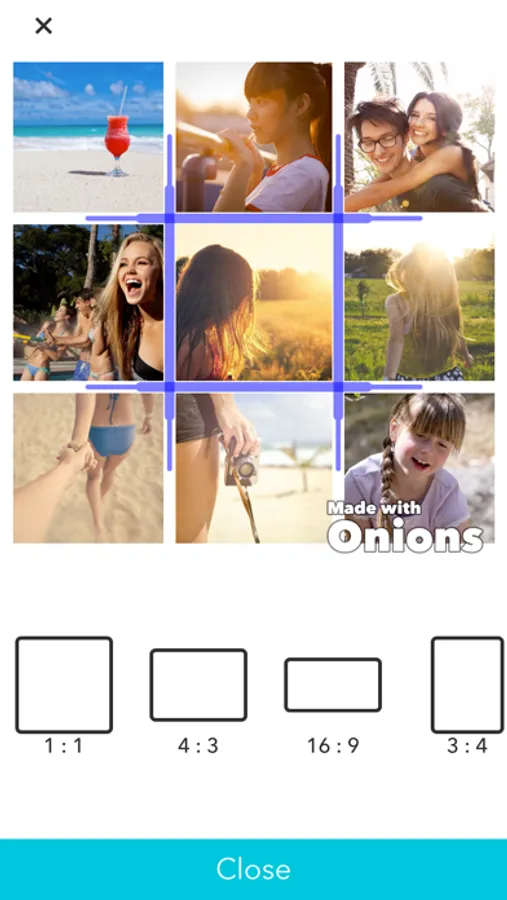
-The choices are as follows:
-Square: 1:1
-Long: 16:9 4:3
-Tall: 9:16 3:4
*Reading images
You may select any image for inclusion in a video.
The same image can be used multiple times.
*Loading burst images
- With burst images, you can select the range and the playback speed during loading.
*Loading Videos
- You may select a time range.
- The same video can be used multiple times.
- You may adjust the volume.
- It is possible to reverse or rotate the video.
- The playback speed can be adjusted.
*Color Panel
You may select a color and load it as an image.
*Music – you can select background music from your iPod or from iTunes.
- The music from a local video can be used as background music.
- Multiple songs can be arranged in the order of your choosing.
- You may adjust the volume.
- You can select the start and end times.
*Professional Version
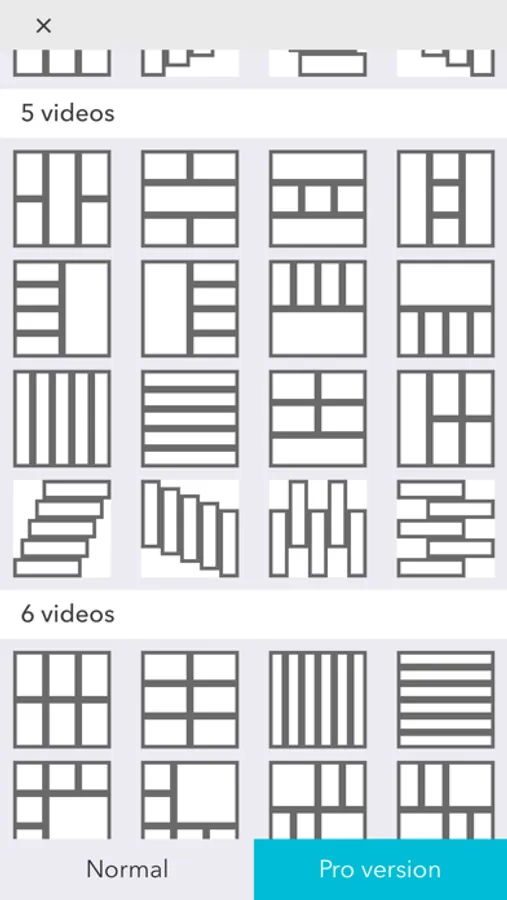
Purchasing the professional version will give you access to professional layouts and will remove the automatic watermark from videos.
It’s extremely easy to use. Simply select your desired photos and videos from your camera roll and then select a layout.
Potential uses are unlimited, and include wedding memories, collection of childhood memories, vacation photos and more!
Videos and photos can be combined into a single video, so it’s convenient for documenting everyday life or creating birthday videos.
From 1 to 9 videos can be arranged.
*Editing videos
After placing a video, simply tap it once to open the editing menu.
Tap again to return to the normal menu.
*Arranging videos
Long-press on any video cell and you’ll be able to drag the video to your desired position.
*Adjusting the frame size
The size of the frames can be adjusted using the handles that appear between frames.
[Other Functions]
*Exported video size
-You may change the size of the exported video.
-During editing, you may select any size that you wish.
-The choices are as follows:
-Square: 1:1
-Long: 16:9 4:3
-Tall: 9:16 3:4
*Reading images
You may select any image for inclusion in a video.
The same image can be used multiple times.
*Loading burst images
- With burst images, you can select the range and the playback speed during loading.
*Loading Videos
- You may select a time range.
- The same video can be used multiple times.
- You may adjust the volume.
- It is possible to reverse or rotate the video.
- The playback speed can be adjusted.
*Color Panel
You may select a color and load it as an image.
*Music – you can select background music from your iPod or from iTunes.
- The music from a local video can be used as background music.
- Multiple songs can be arranged in the order of your choosing.
- You may adjust the volume.
- You can select the start and end times.
*Professional Version
Purchasing the professional version will give you access to professional layouts and will remove the automatic watermark from videos.
Onions for layout videos Screenshots
Tap to Rate:
Reviews for Onions for layout videos
skysaud
Video
if I put two videos why they play at the same time ?
Joseph_Joseph
Happy results
Enjoyed using app for years. Easy to use. Nice easy application options. Results are fun and exciting to look at. I can’t find the exit when deciding to not continue designing the current collage. Hope you enjoy it too. 3/31/23.