In this image editing app, you can analyze and modify light and dark elements using threshold and grayscale tools. Includes features like level adjustments, color filtering, and image inversion.
AppRecs review analysis
AppRecs rating 4.3. Trustworthiness 76 out of 100. Review manipulation risk 22 out of 100. Based on a review sample analyzed.
★★★★☆
4.3
AppRecs Rating
Ratings breakdown
5 star
75%
4 star
8%
3 star
0%
2 star
7%
1 star
10%
What to know
✓
Low review manipulation risk
22% review manipulation risk
✓
Credible reviews
76% trustworthiness score from analyzed reviews
✓
High user satisfaction
83% of sampled ratings are 4+ stars (4.3★ average)
About NotanIzer
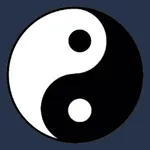
Nōtan is a Japanese design concept involving the play and placement of light and dark elements next to the other in the composition of art and imagery. The Yin Yang symbol is an example of this design philosophy. The use of Nōtan in art composition is a powerful tool to help the artist identify the structure of the light and dark portions of the image they want to incorporate into their project.
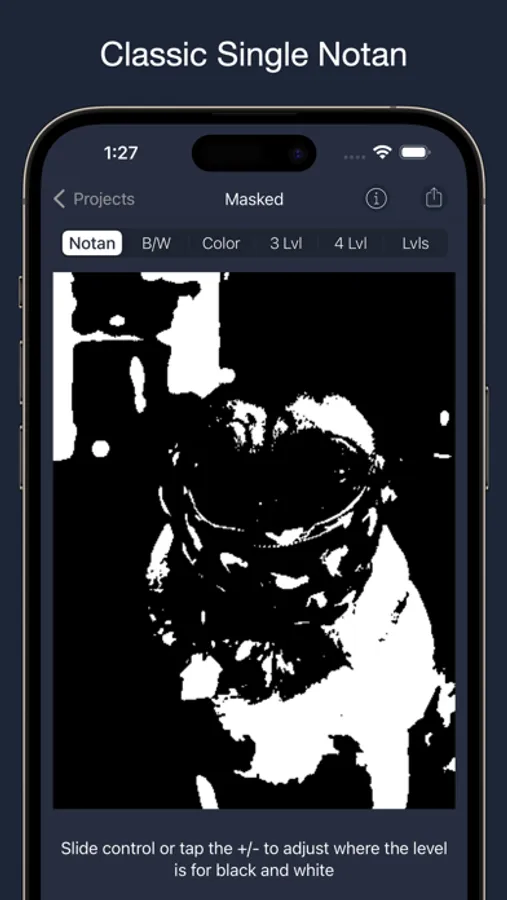
The first function simply divides the image into black and white with colors above the set value being white and those below being black. You can then use the slider to move that line to enhance detail that may otherwise be obscured.
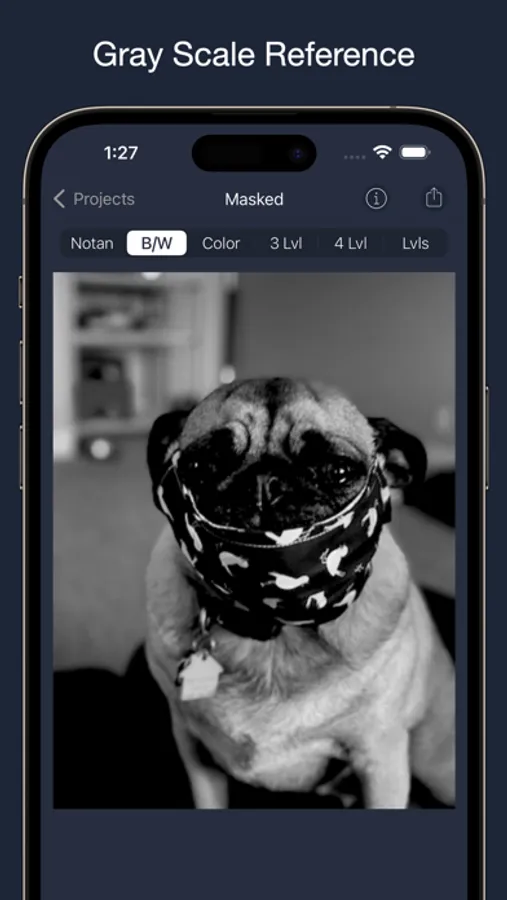
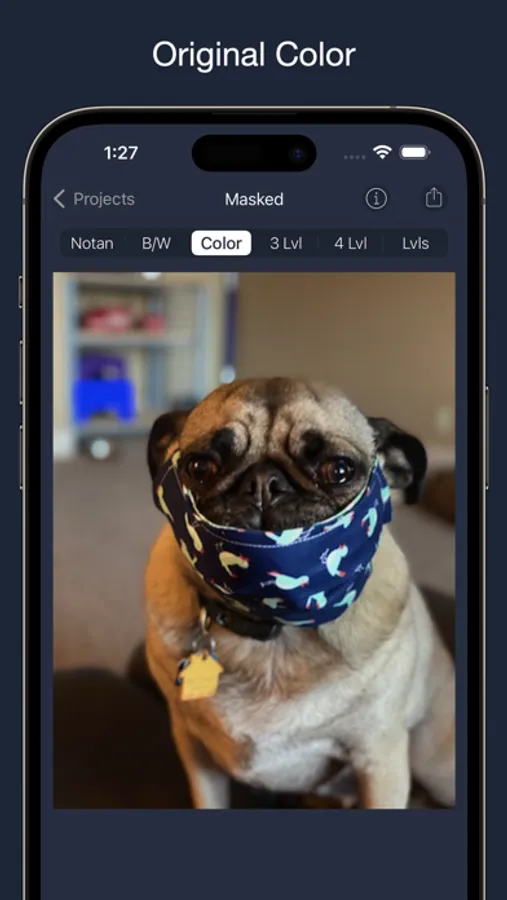
The second and third functions displays the image in either a grayscale or color so the artist can focus on the structure and design of the image.
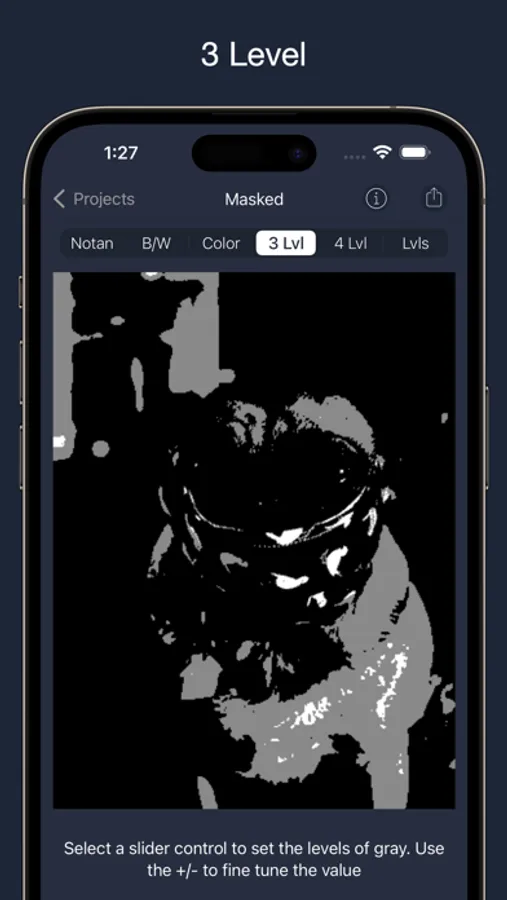
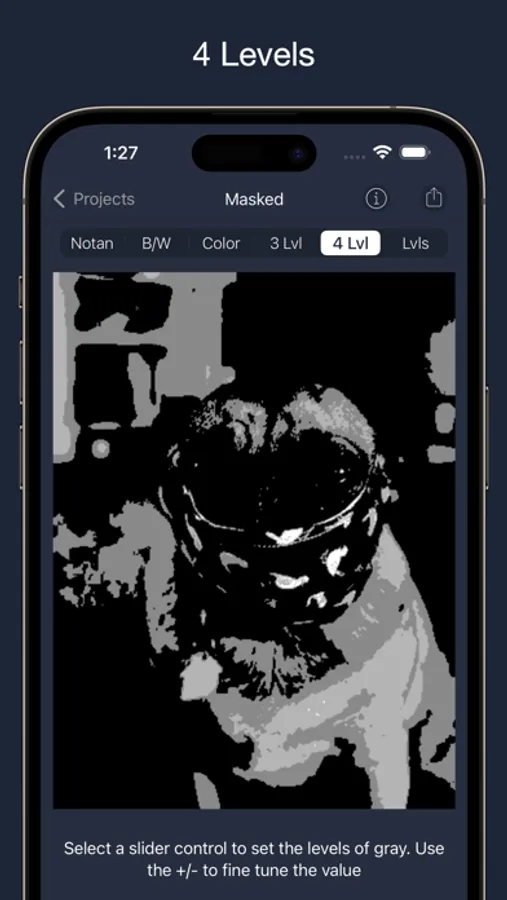
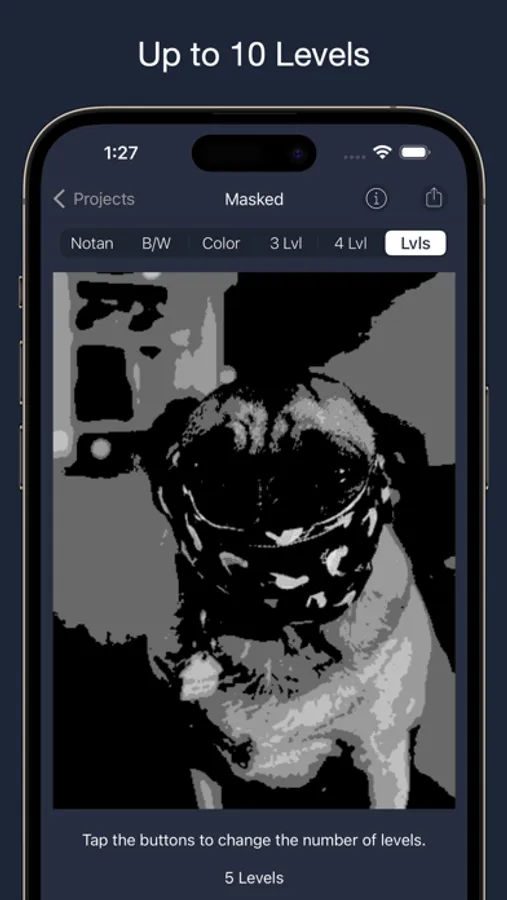
The next 3 functions are Levels. They set either 3, 4, or up to 10 levels of color spread over black, gray and white pallets. The 3 and 4 levels have sliders to adjust where those levels are while the Levels function just evenly divides the image by the number of levels.
Finally the last function is Slice. It allows you to select a small range of values and highlight those in black and everything else white.
And as of version 3.1 you can now invert the display of each of the filters. Lighter values have been displayed in white, but now you can invert them to see those in black which can really help bring out detail.
And of course, share your image in many ways.
Any artist will benefit from seeing their work in a different light. NotanIzer is that light.
The first function simply divides the image into black and white with colors above the set value being white and those below being black. You can then use the slider to move that line to enhance detail that may otherwise be obscured.
The second and third functions displays the image in either a grayscale or color so the artist can focus on the structure and design of the image.
The next 3 functions are Levels. They set either 3, 4, or up to 10 levels of color spread over black, gray and white pallets. The 3 and 4 levels have sliders to adjust where those levels are while the Levels function just evenly divides the image by the number of levels.
Finally the last function is Slice. It allows you to select a small range of values and highlight those in black and everything else white.
And as of version 3.1 you can now invert the display of each of the filters. Lighter values have been displayed in white, but now you can invert them to see those in black which can really help bring out detail.
And of course, share your image in many ways.
Any artist will benefit from seeing their work in a different light. NotanIzer is that light.
NotanIzer Screenshots
Tap to Rate:
Reviews for NotanIzer
highlikeafly
Yes
i don’t use it to paint (necessarily) i just dig the images it creates. Bravo!
Artovitch
Simple and brilliant
I take many art classes and they always recommend this app, so you had to something right.