
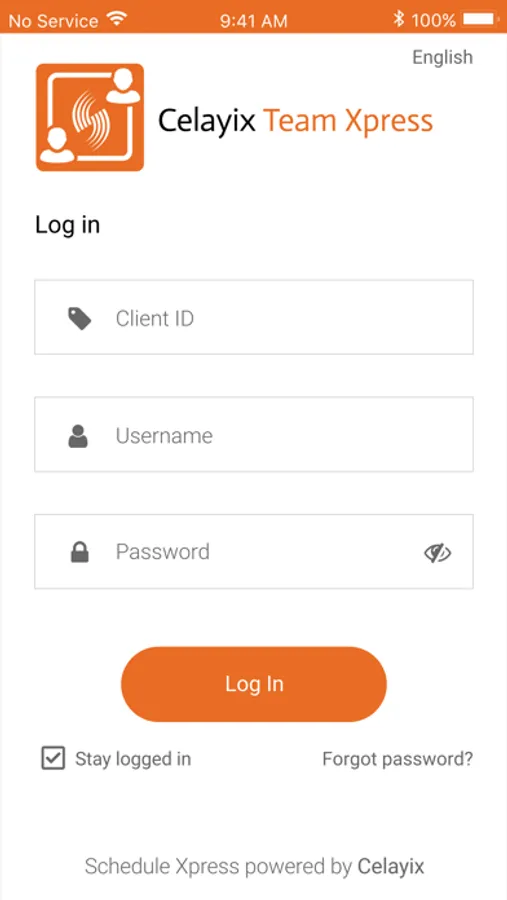
In this scheduling and time tracking app, users can submit availability, confirm shifts, and clock in or out of shifts. Includes features for time-off requests, real-time messaging, and safety checks.
AppRecs review analysis
AppRecs rating 1.9. Trustworthiness 72 out of 100. Review manipulation risk 23 out of 100. Based on a review sample analyzed.
★☆☆☆☆
1.9
AppRecs Rating
Ratings breakdown
5 star
18%
4 star
5%
3 star
3%
2 star
6%
1 star
68%
What to know
✓
Low review manipulation risk
23% review manipulation risk
⚠
Mixed user feedback
Average 2.0★ rating suggests room for improvement
⚠
High negative review ratio
74% of sampled ratings are 1–2 stars
About Celayix Team Xpress
SCHEDULES
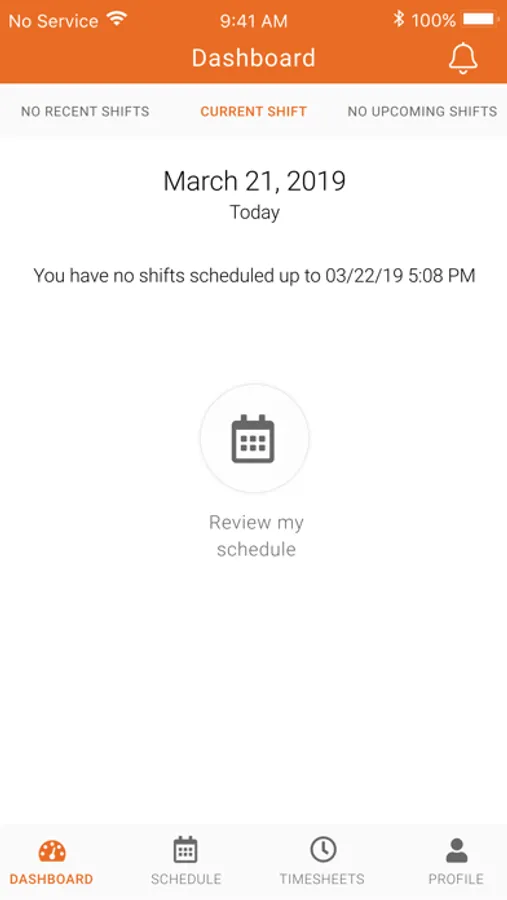
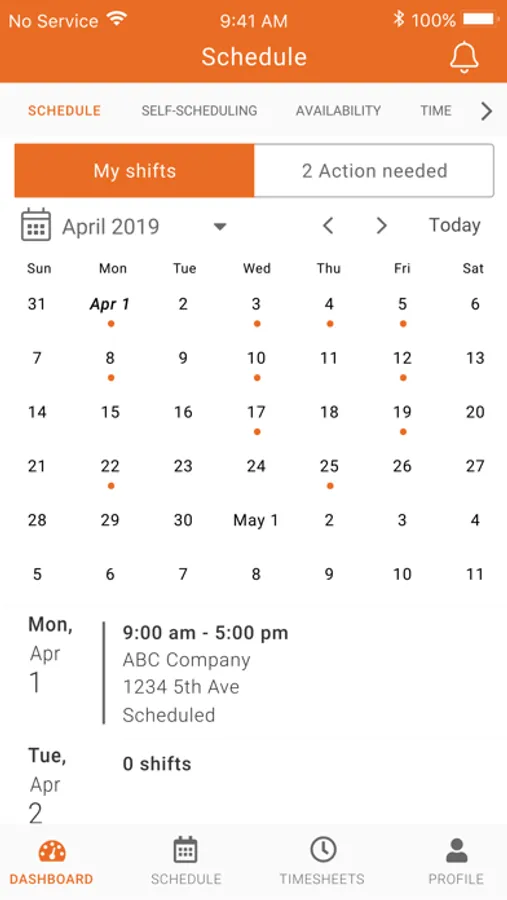
Team members can view and confirm their schedules, as well as receive and acknowledge any shift changes.
CLOCK-IN/CLOCK-OUT
Team members can clock-in/out of shifts, record meal breaks and perform safety checks directly from the app, avoiding a dedicated time capture device at every location. The result is precise time capture and compliance record, all delivered to supervisors in real time, notifying them of late arrivals and missed shifts.
TIME SHEETS
Mobile or field team members can keep track of time spent on projects or customers right on their mobile device and deliver their tracked hours to supervisors in real time for accurate payroll and billing.
AVAILABILITY
Team members can submit and communicate their availability to supervisors. This reduces the amount of time spent creating schedules. In cases of missed shifts, supervisors can also use the availability module to quickly find replacements without spending hours calling around.
TIME OFF
Team members can submit Time Off requests for supervisor review and approval with decisions communicated back through the app.
MESSAGING
Communicate in real time through in-app messaging, eliminating the need to use other methods such as email, text, or phone.
Celayix Team Xpress Screenshots
Tap to Rate:
Reviews for Celayix Team Xpress
Matt_ring
App Update Needed
The alignment of the buttons in the app for the new iPhone 17 Pro Max does not align with the screen clicking on the phone. Everything seems to be off an eighth of an inch where you have to click approximately 1/8 of an inch lower than the actual selection on the screen. This is messing up, selecting dates in the date picker for availability and other actions when trying to click the buttons on the bottom of the screen.
Ms. Diamond Lee
BROKEN APP
Every time I click on the date to choose my specific dates, the app buttons shift downwards. In order to click the buttons I have to click below the actual button for it to register and the buttons on the bottom of the screen are unclickable until I force restart the app. THIS HAS MESSED UP MY BOOKINGS FOR THE PAST 3 WEEKS