In this photo organization app, you can categorize and access screenshots and images quickly. Includes features for storing online content and sharing collections with others.
AppRecs review analysis
AppRecs rating 4.4. Trustworthiness 73 out of 100. Review manipulation risk 24 out of 100. Based on a review sample analyzed.
★★★★☆
4.4
AppRecs Rating
Ratings breakdown
5 star
73%
4 star
7%
3 star
13%
2 star
0%
1 star
7%
What to know
✓
Low review manipulation risk
24% review manipulation risk
✓
Credible reviews
73% trustworthiness score from analyzed reviews
✓
High user satisfaction
80% of sampled ratings are 4+ stars (4.4★ average)
About FLDR, Photo Screenshot Manager
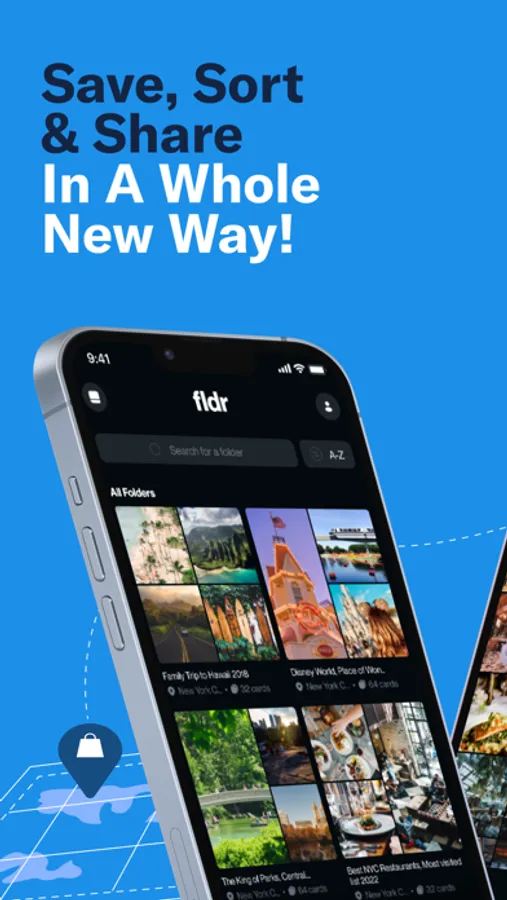
Are you tired of forgetting those must-visit restaurants, hotels, museums, and attractions? Fed up searching your cluttered camera roll filled with screenshots and photos? Struggling to organize your online finds and favorite websites? Look no further! FLDR is here to revolutionize the way you keep track of your interests and memories.
Key Features:
**Seamless Attraction Tracking**
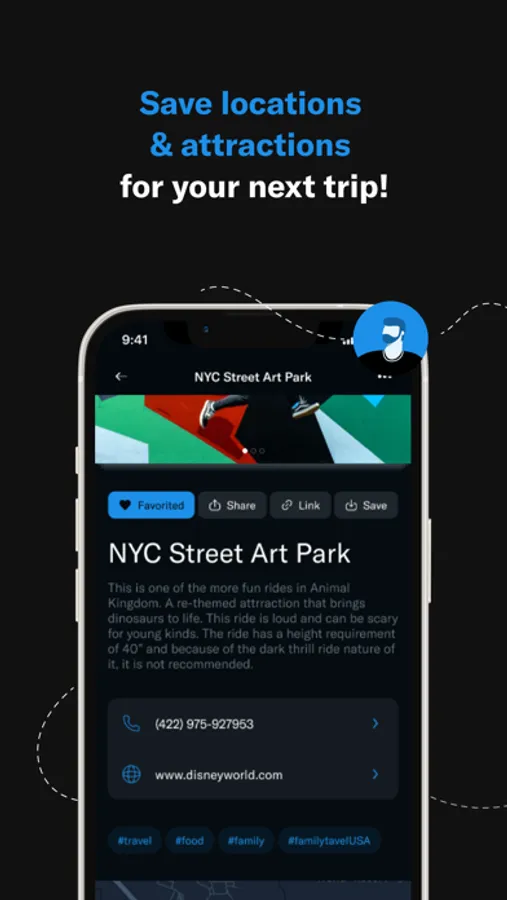
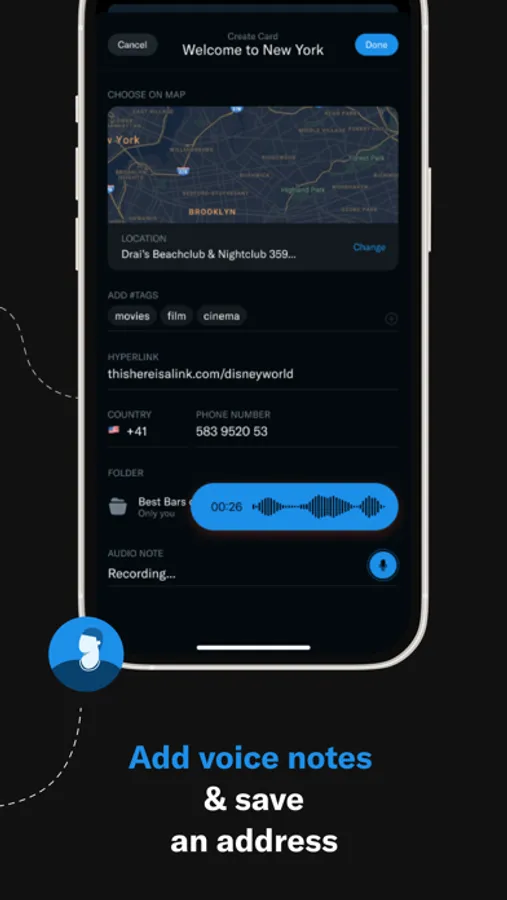
Say goodbye to missing out on exciting places to visit. With FLDR, you can effortlessly save attractions, restaurants, hotels, and more into neatly categorized folders. Whether it's a personal recommendation or an online discovery, you'll never forget a spot again.
** Photo Organization**
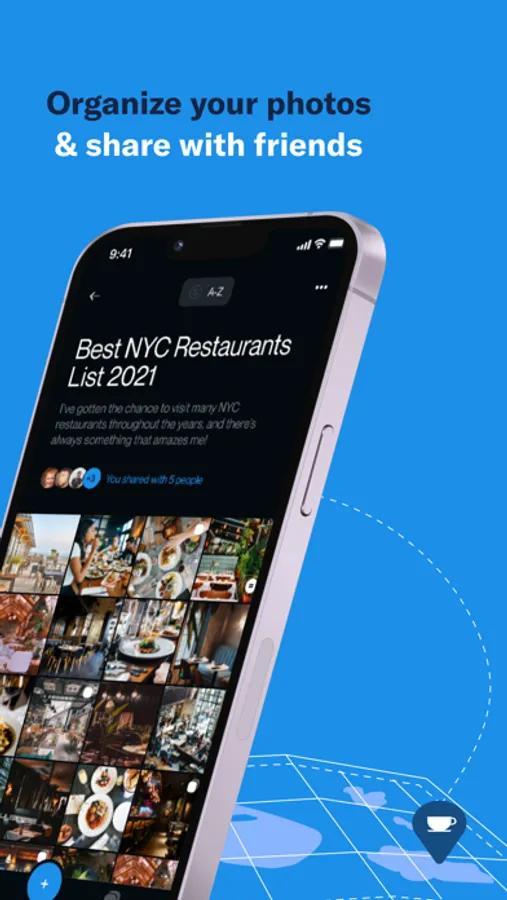
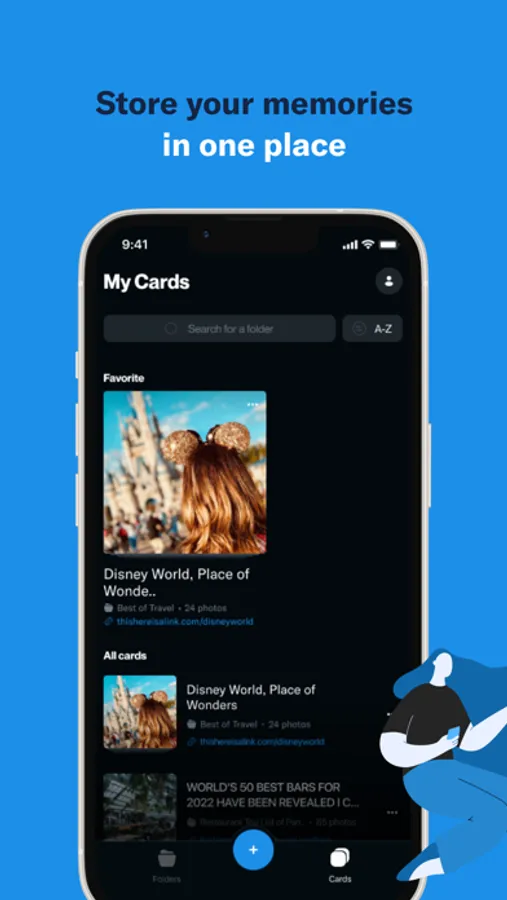
No more sifting through hundreds of photos and screenshots in your camera roll. Our app lets you organize your images in a snap. Categorize and access them easily, preserving your memories without the clutter.
**Effortless Content Management**
Keep track of websites, product pages, and articles effortlessly. FLDR provides a sleek, organized space to store and manage your online discoveries. Save, categorize, and access them whenever you need, hassle-free.
**Share Your Finds**
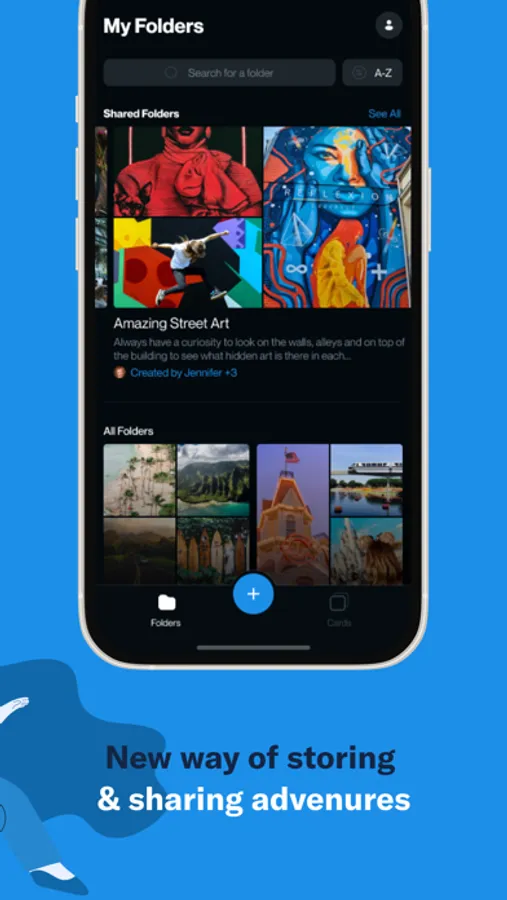
Found something amazing? Share it with friends, family, or fellow enthusiasts directly from the app. Collaborate on folders, exchange recommendations, and explore together!
**Why FLDR?**
- Say goodbye to forgetfulness and clutter.
- Easily organize your interests and memories.
- Keep everything in one convenient place.
- Collaborate and share your discoveries with others.
Transform the way you keep track of your world with FLDR. Download now and experience a smarter, more organized life! FLDR - for life done right!
FLDR, Photo Screenshot Manager Screenshots
Tap to Rate:
Reviews for FLDR, Photo Screenshot Manager
witfulklutz
Useful app, responsive support
I love being able to organize screenshots and keep them off my camera roll. The developers are very responsive and even emailed me to tell me that a feature I’d requested had been incorporated. Thanks for a great app, David!
PixelRo
FLDR is getting real.
09/17/20 Interface STILL awkward as hell. Not intuitive. 12/15/18 HUGE improvement, app is getting much better. Less bugs, more complete. Moving stars to 3. You can also now communicate with the developer. Bugs: - App freezes when adding or removing an item from favorites. - cancel x icon is white on white. That would be a fail on accessibilty, hard for a hone to see. ----- Needed for higher stars (in priority order): - Local only version (do not force cloud.) - Horizontal scrolling between images (requirement) - Auto delete (don't make someone go back to the photo album to re-select these same imported images all over again to then manually delete them from the album after import. (requirement) - Ability to change view options. Change size of thumbnails (zoom slider,) a list view. - Ability to view larger thumbnails from the camera roll when importing. Other - the animation from the + button is nice and slick. Effective, easy to understand. The reverse of the animation, though, is trying too hard...slow and not necessary. Seems broken - the plus icon for add works so well, and then the is the much larger redundant and horsie awkward Create New FLDR icon. The app would be much better simply by removing this item. - filter criteria gets distracting. Consider s similar review icon (like the + icon) to hide the filters yet keep them handy near by. - consider folder cover title options ... title covere. - is the app icon really needed.once in the app? If so, then also give it a functional purpose. As it stands now, it hurts wastes space. - imports and deletes seem slow? 11/15/18 Long hard hunt to fund an active email address, but did find one. Developer never saw the email but did see the review (then found the email) and reached out with a personable response to the inquiries. 1) Site was not yet ready when they went live so none of the contact info was connected. - future consideration: do not go live until everything is ready. 2) They had a decided to go cloud based (easier to develop, small team) and they will be adding additional popular cloud options and 2.5 will then include local storage option. (yea! can't wait until 2.5.) 3) They are a small team with few if any resources. I agreed to up the stars at the developers request. We are now at two stars and looking forward to hoping stars in the future as the app matures. 11/05/18 1 star (no working contact info, no way to create an account, buggy app) Dev site gives contact options of twitter Facebook and Google space...but... selecting any of them (from an iPhone) is nothing more than an anchor to the top of the page.