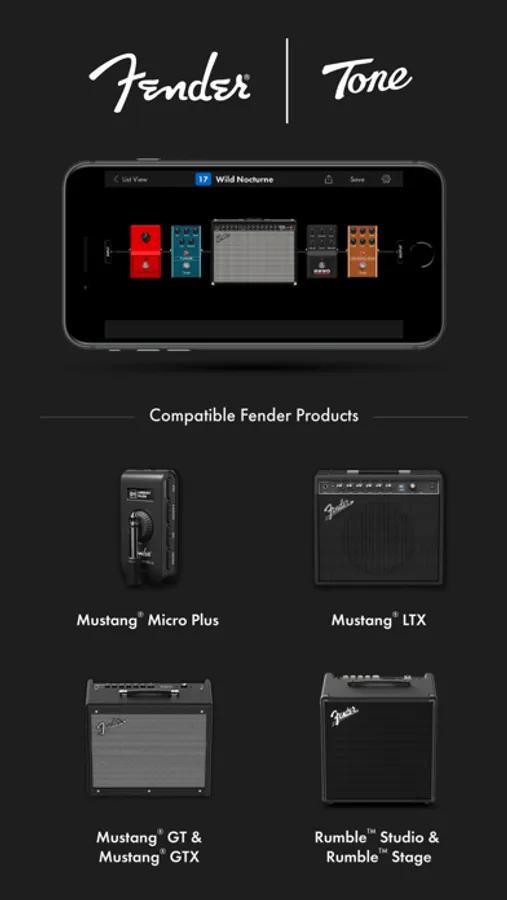
In this app, you can connect wirelessly to Fender Mustang Micro Plus, LTX, GTX, GT, or Rumble amps to edit and manage presets. Includes cloud backup, preset sharing, and community downloads.
AppRecs review analysis
AppRecs rating 4.5. Trustworthiness 76 out of 100. Review manipulation risk 22 out of 100. Based on a review sample analyzed.
★★★★☆
4.5
AppRecs Rating
Ratings breakdown
5 star
81%
4 star
9%
3 star
3%
2 star
2%
1 star
5%
What to know
✓
Low review manipulation risk
22% review manipulation risk
✓
Credible reviews
76% trustworthiness score from analyzed reviews
✓
High user satisfaction
81% of sampled ratings are 5 stars
About Fender Tone
• REQUIRES A FENDER® MUSTANG™ MICRO PLUS, LTX, GTX, GT, OR RUMBLE™ STAGE/STUDIO AMPLIFIER *
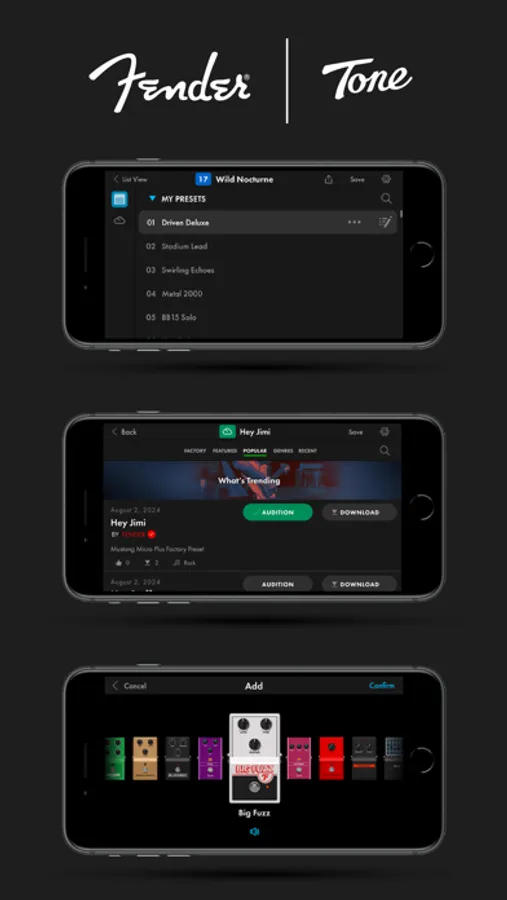
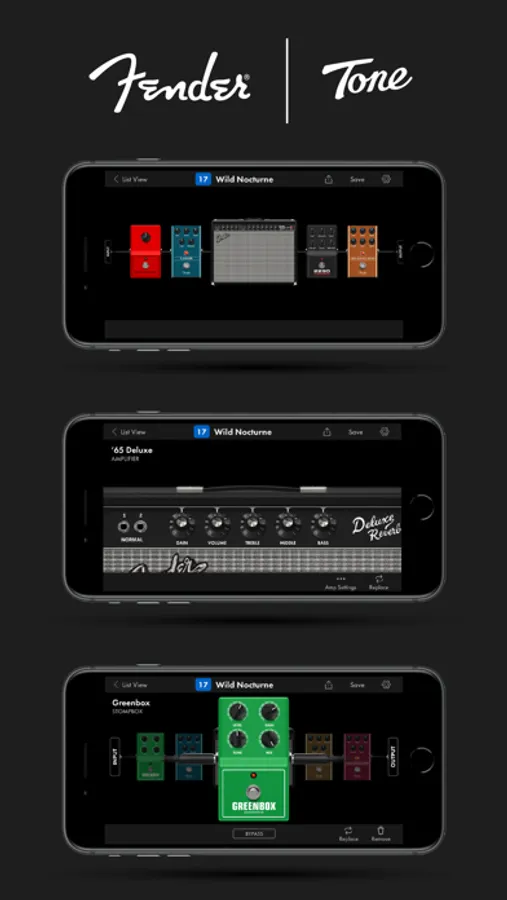
Fender Tone® connects wirelessly to your amp so you can edit your sounds in real-time from across the room, backup & restore your presets to the cloud, or audition and download thousands of tones created by Fender’s community of players and artists.
MANAGE PRESETS
• Quickly navigate presets on your amp.
• Edit, save, and play in real-time through your connected Mustang™ Micro Plus, LTX, GTX, GT, or Rumble™ Stage/Studio amp.
EASY EDITING
• Intuitive interface & responsive design for easy editing.
• Endless sound tweaking for your Mustang™ Micro Plus, LTX, GTX, GT or Rumble™ amps.
CLOUD PRESETS
• Search, browse and download presets from the Fender Tone® community.
• Discover presets by well-known artists & players created exclusively for Fender Tone®.
• Create your own custom tones and share your presets with others.
Fender Tone Screenshots
Tap to Rate:
Reviews for Fender Tone
marcan0
Broke
Doesn’t connect cycles through ever gd preset loading or working icon just goes but never connects. POs
PhantomForce01
Impossible to use
I’ve been trying to create my own tone on this app with my mustang gtx50 and it just simply cannot persist a Bluetooth connection. Once you’re connected (which is trial and error of turning the amp off/on and closing the app and reopening it) you get about 1-2 mins before the Bluetooth library this app uses just loses your phone. This is unusable and very frustrating since this is one of the big selling points for this type of amp. Also makes no sense that you cannot just plug this amp into your laptop/desktop via usb and edit presets that way. That’s only allowed for “Lt” model amps.