
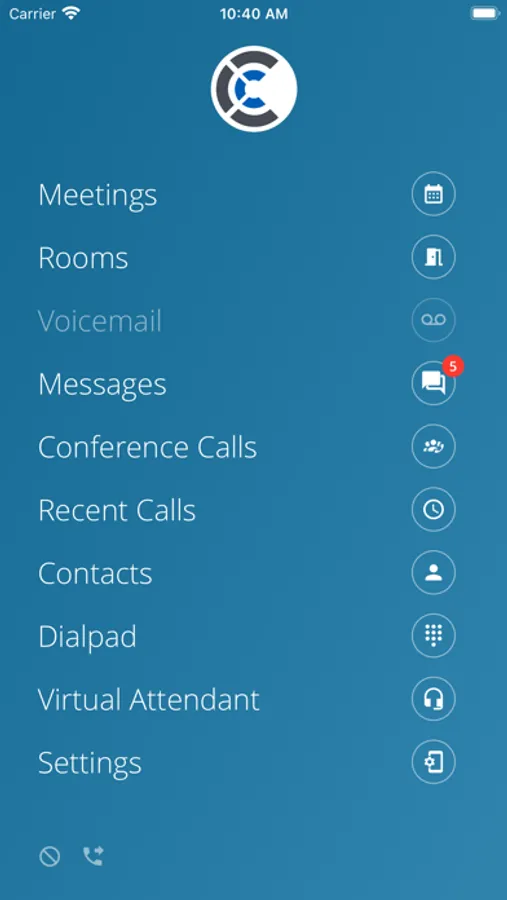
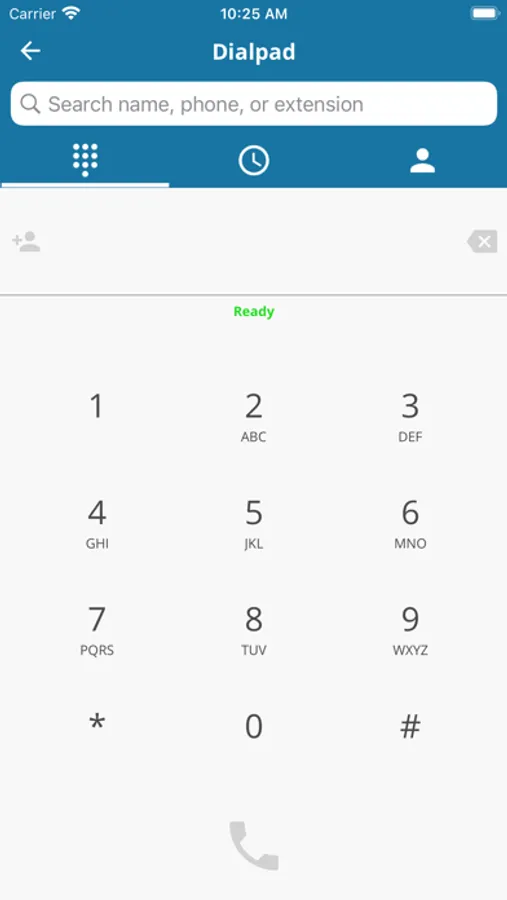
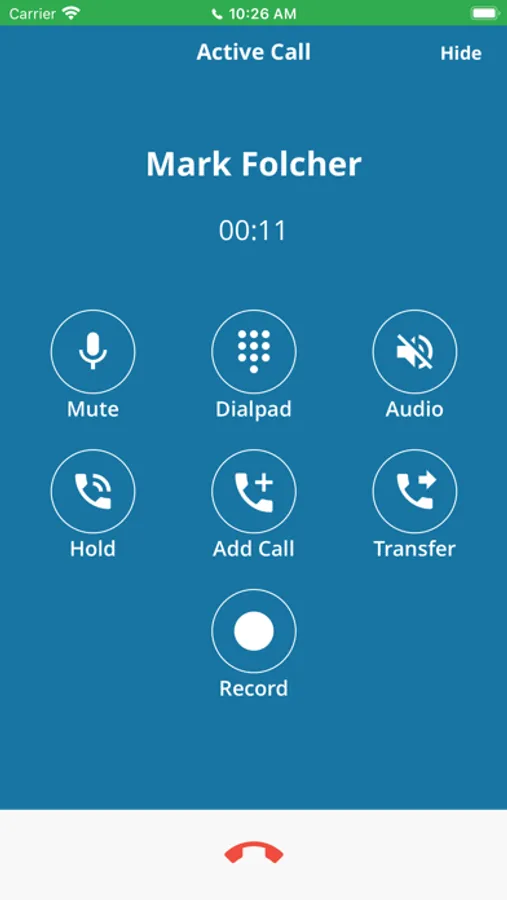
With this communication app, you can make and receive calls, access voicemails, and manage virtual attendant features. Includes call history, directory access, and conference bridge controls.
AppRecs review analysis
AppRecs rating 2.2. Trustworthiness 77 out of 100. Review manipulation risk 21 out of 100. Based on a review sample analyzed.
★★☆☆☆
2.2
AppRecs Rating
Ratings breakdown
5 star
25%
4 star
5%
3 star
2%
2 star
13%
1 star
55%
What to know
✓
Low review manipulation risk
21% review manipulation risk
⚠
Mixed user feedback
Average 2.3★ rating suggests room for improvement
⚠
High negative review ratio
68% of sampled ratings are 1–2 stars
About CoreNexa
Some key benefits of the mobile app include the following:
· Making calls using your business calling plan and your business caller ID
· Receiving calls made to your business phone number on the app
· Being able to extension dial co-workers
· Using the shared contacts directory and having access to all extensions in the company
· Viewing recent calls
· Clicking to dial back any of your recent callers
· One-click to dial your conference bridges as a moderator or attendee
· Listening to your voicemail
· Updating your voicemail greetings
· Managing virtual attendant schedules, including the ability to override your current schedule
· Updating your virtual attendant greetings
To Use this App:
· Download and install the app on your iPhone or iPad
· Sign-in using your phone system portal username and password
NOTE: If you need more information or can’t log in, check with your service provider to see if you have the necessary permissions to use this application.
CoreNexa Screenshots
Tap to Rate:
Reviews for CoreNexa
emaciel74
Error messages galore
Unfortunately I’m unable to use it for work. Continuously getting error messages of not being able to access or connect to make calls.
Turkeyvolvo
Randomly won’t let you make calls
I don’t know what triggers it, but randomly you can’t make calls out. It just sits there “Connecting…” forever and ever. Logging out / back in and rebooting rarely works. You just wait it out or use your cell phone itself, looking unprofessional.