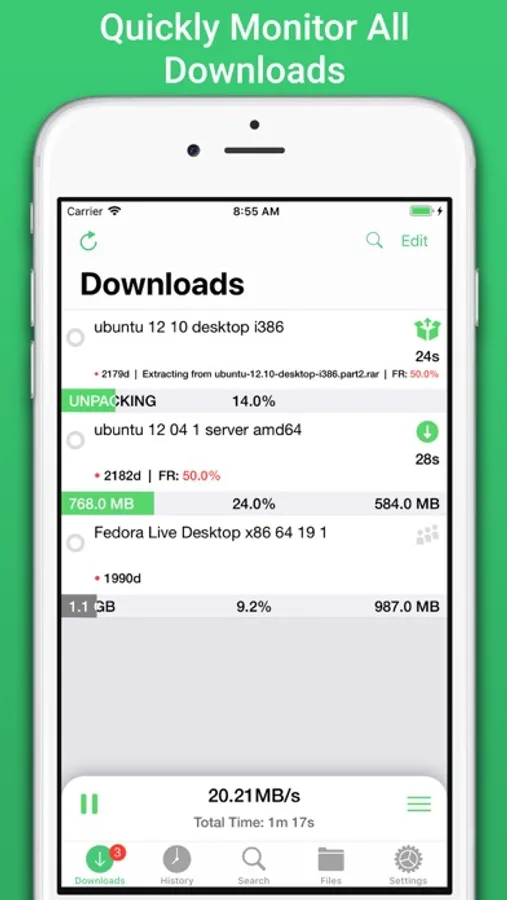
In this app, you can monitor and manage your NZBGet server, search for new NZBs, and customize notifications. Includes multi-server support, download controls, and advanced search features.
AppRecs review analysis
AppRecs rating 4.3. Trustworthiness 65 out of 100. Review manipulation risk 24 out of 100. Based on a review sample analyzed.
★★★★☆
4.3
AppRecs Rating
Ratings breakdown
5 star
88%
4 star
4%
3 star
2%
2 star
1%
1 star
5%
What to know
✓
Low review manipulation risk
24% review manipulation risk
✓
High user satisfaction
88% of sampled ratings are 5 stars
✓
Authentic reviews
No red flags detected
About NZBClient for NZBGet
Including support for multiple servers with fast switching, great for local/remote access setups.
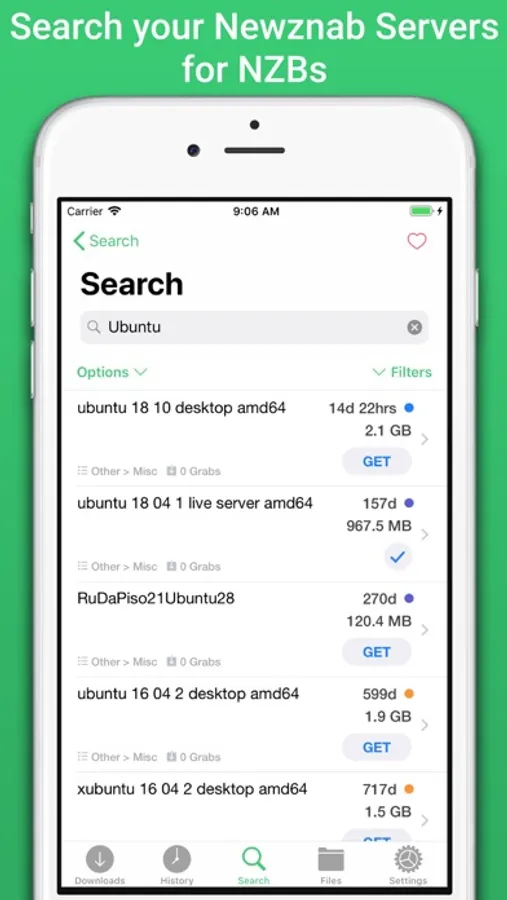
Search or Browse Newznab based servers for new NZB's, then fetch or save them. Create custom searches then automatically search and fetch results.
Get push notifications from NZBGet or any other service, when new NZB's are added to queue, deleted, fail, or downloaded.
With custom settings and menus you can fully customisable the app to suit your needs.
Features include:
- Search, Browse & Fetch from Newznab servers,
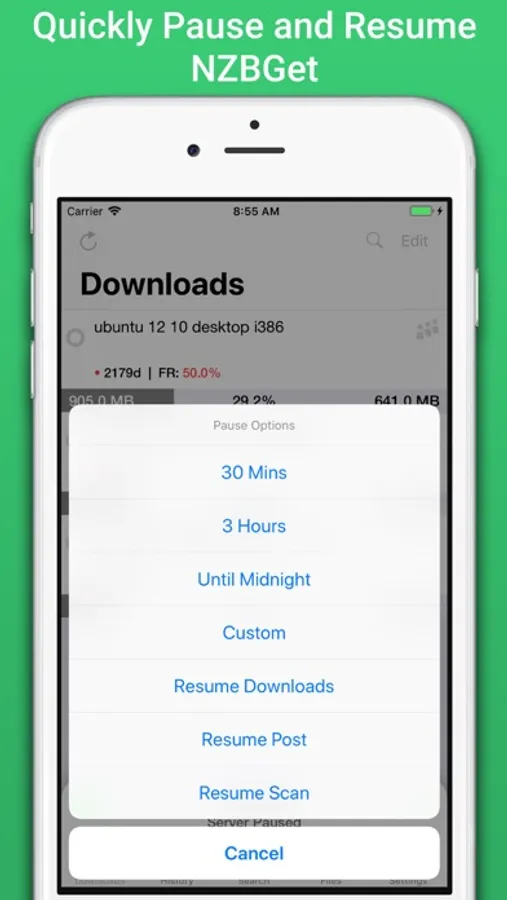
- Pause, Resume downloads
- Push Notifications
- E2E Encrypted Push Notifications
- Delete history or active downloads
- Upload .NZB files
- Multiple Servers
- HTTPS/SSL
- Set Speed limit
- Pause queue for set time,
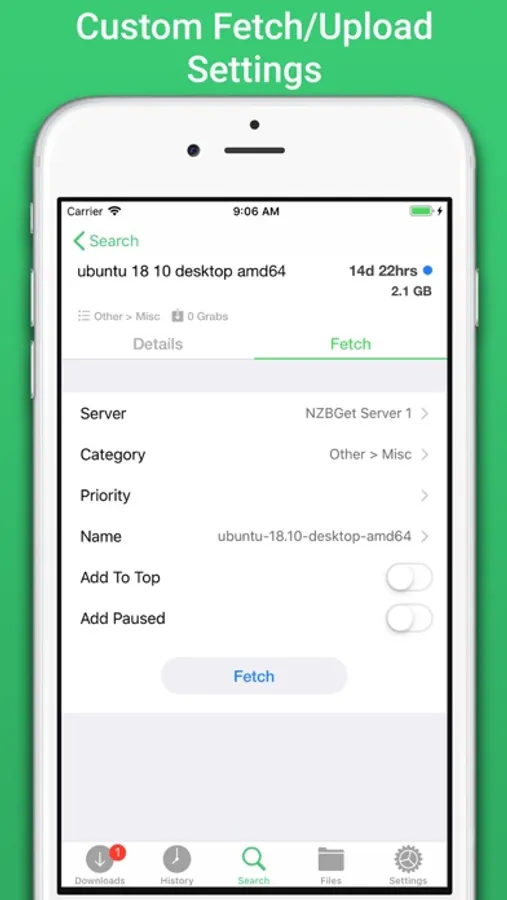
- Set Category when uploading
- Set Priority when uploading
- Add to top when uploading
- Add paused when uploading
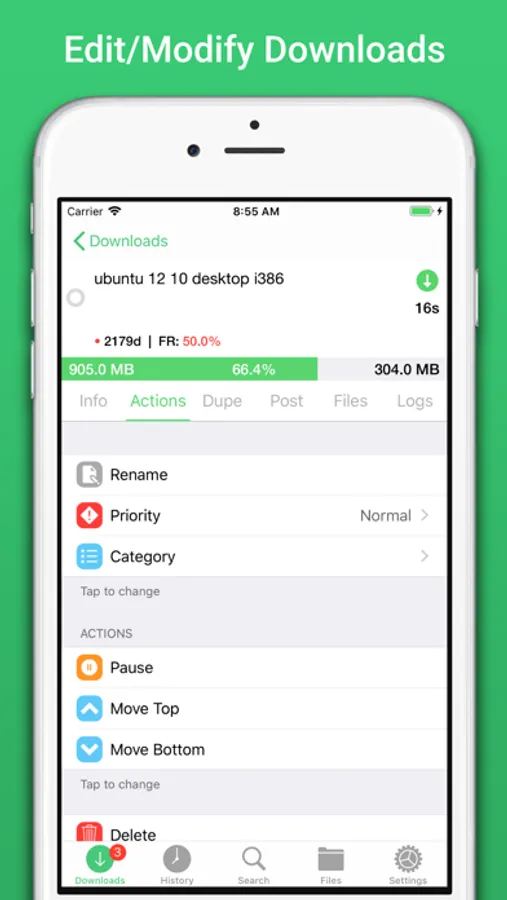
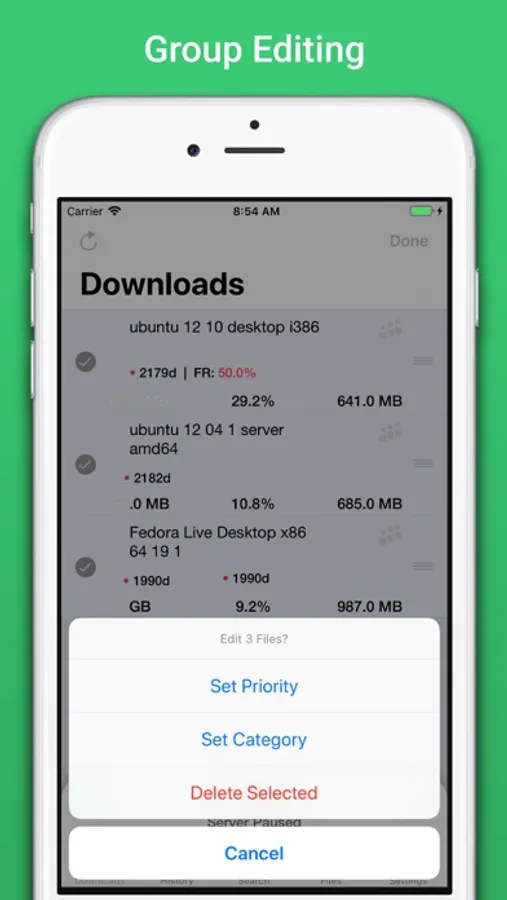
- Change priority of NZB in queue,
- Change category of NZB in Queue,
- Pause resume single NZB file in queue,
- Save NZB files locally on device
- Re-upload local NZB files
- Set Default server
- View History
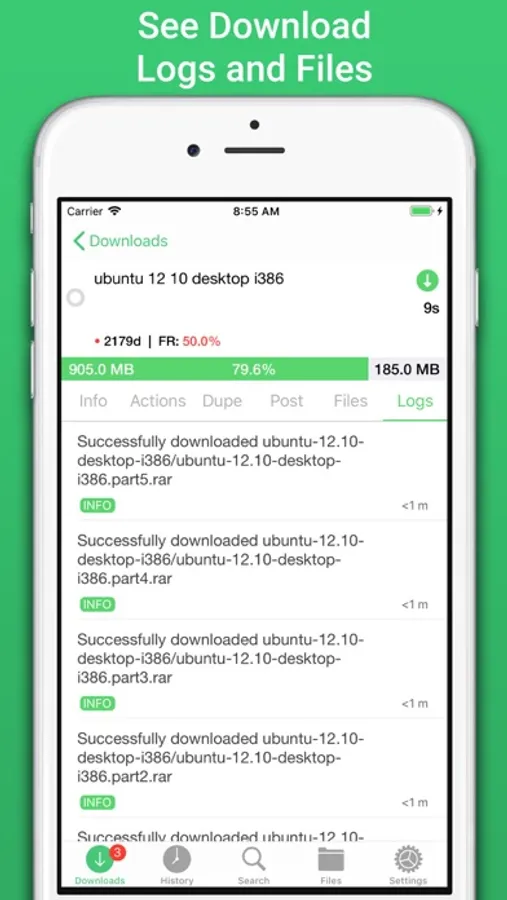
- View Log files
- Edit and delete Servers
- Set Refresh time
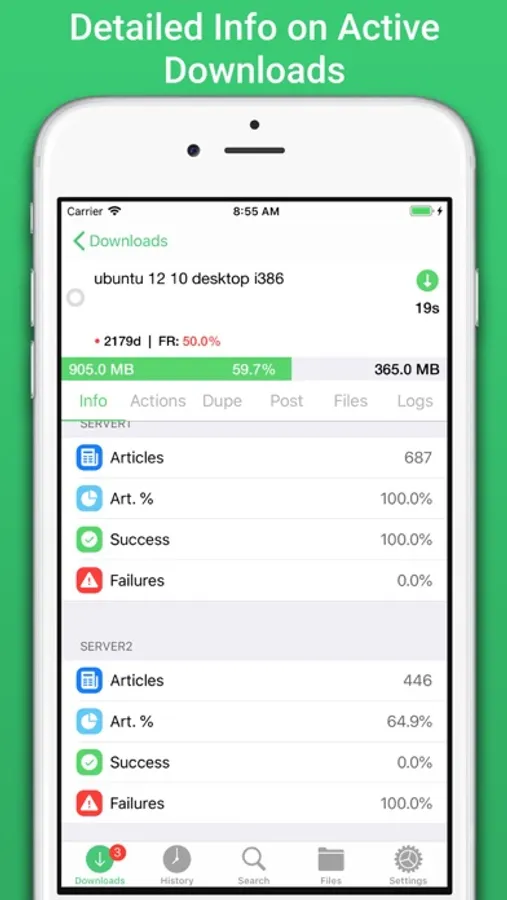
- See detailed overview of each active download
- Mark History items as good/bad
- Re-download and Re-Postprocess history items
- View Hidden items in history
- View server log
- Open and Uncompress .zip files
- Group upload NZB files
- Set unpack password
- RSS fetching
- Search and filter Downloads and History
- Full App customisation
Note: Some features require a one-time in-app purchase or a monthly/yearly subscription to use, this helps support independent development.
You need to have a Laptop, NAS or PC running NZBGet v13+ to use this app.
NZBClient is a free download and offers a limited feature set for free forever! If you would like to unlock the full potential of the app and support independent development, you can purchase a one-time purchase of Premium to access some extra features, or subscribe (monthly or yearly) to Ultra to access all features.
NZBClient has monthly and yearly subscription options available that unlock all features. Subscriptions can be canceled at any time at least 24 hours before the next billing cycle.
Privacy policy: https://nzbclient.app/privacy
Terms of use: https://nzbclient.app/terms
NZBClient for NZBGet Screenshots
Tap to Rate:
Reviews for NZBClient for NZBGet
Псевдоним99996
Не працює
Гамвно софт
00ce6b185359fe8d64f320c
Nags you for IAP to do pretty much anything; just use the web interface
I downloaded this considering the lifetime license as I don't rent software, but I found the constant "this is a premium/ultra feature" pop-ups so off-putting that I felt I had to write a review. The list of what you can do is far shorter than what you can't: you can view your queue, pause/resume it (but not individual items, apparently even if you pay for it), view RSS feeds (but not fetch them) and search for NZBs. That's all, and what's worse is that it doesn't even work well — it barely actually controls nzbget, it seems the developer's attention was mostly focused on developing "premium" features like notifications. A developer needs to prove their product is worth buying before I'm willing to buy it; this doesn't even come close. I will just use nzbget's web interface instead, it works very well in Safari and has more functionality in controlling nzbget, which this app purports to do. You have to subscribe for notifications — you don't get them if you purchase "premium" — which was my main interest for this, so not having them (even if I had bought it!) changes nothing for me.