
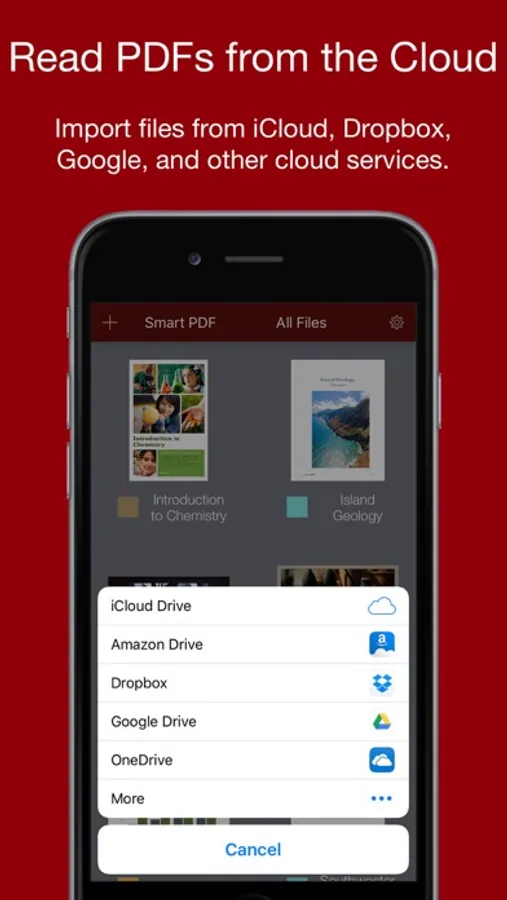
In this PDF editor, you can annotate, sign, and organize documents using an Apple Pencil. Includes features for marking up files, managing documents, and sharing with others.
AppRecs review analysis
AppRecs rating 4.0. Trustworthiness 72 out of 100. Review manipulation risk 26 out of 100. Based on a review sample analyzed.
★★★★☆
4.0
AppRecs Rating
Ratings breakdown
5 star
60%
4 star
10%
3 star
4%
2 star
2%
1 star
25%
What to know
✓
Low review manipulation risk
26% review manipulation risk
✓
Credible reviews
72% trustworthiness score from analyzed reviews
✓
Good user ratings
69% positive sampled reviews
About Smart PDF+ Editor
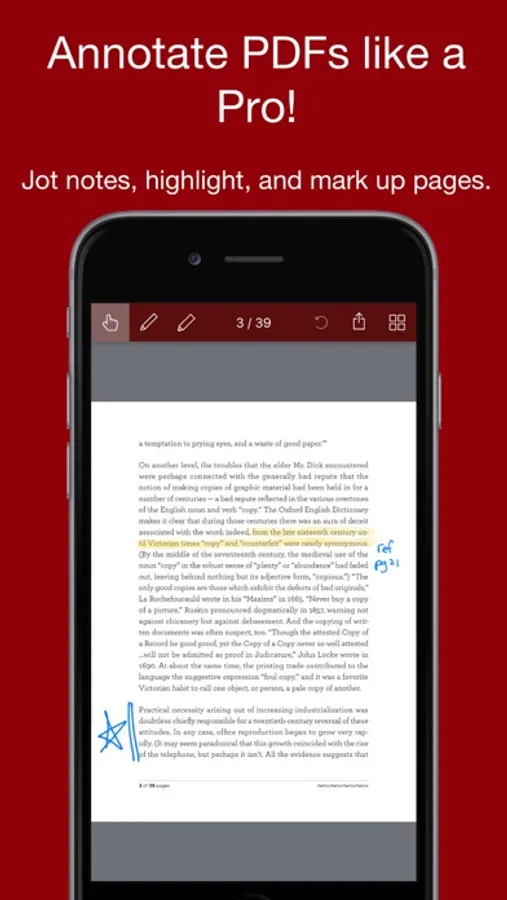
Smart PDF is a PDF editor specially optimized for ink annotations. Use it with an Apple Pencil for the ultimate ease in note taking.
Great for professionals
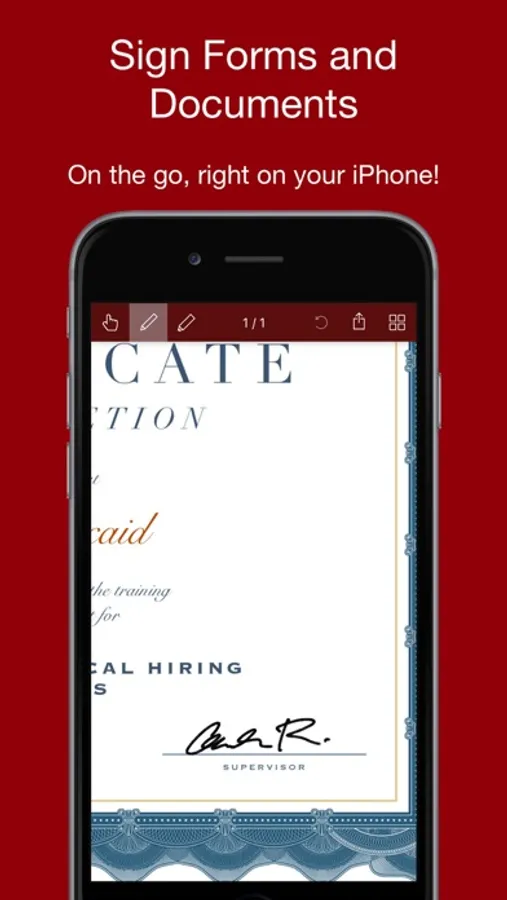
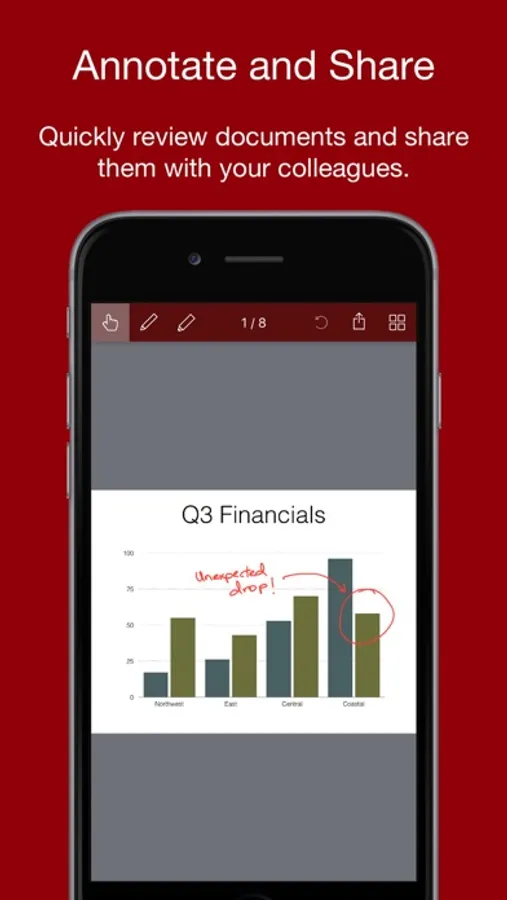
Quickly sign and send documents. Review, annotate and share files with your colleagues.
Great for students
If you spend a lot of time reading and studying documents on your iPad, then Smart PDF is an indispensable tool for getting the most out of your study time.
Take notes on documents in class, or while studying at home.
Keep all your files organized with the built-in file manager, with color-coded categories.
We hope you enjoy Smart PDF!
-- The App Makers @ Qrayon
Great for professionals
Quickly sign and send documents. Review, annotate and share files with your colleagues.
Great for students
If you spend a lot of time reading and studying documents on your iPad, then Smart PDF is an indispensable tool for getting the most out of your study time.
Take notes on documents in class, or while studying at home.
Keep all your files organized with the built-in file manager, with color-coded categories.
We hope you enjoy Smart PDF!
-- The App Makers @ Qrayon
Smart PDF+ Editor Screenshots

Tap to Rate:
Reviews for Smart PDF+ Editor
ALTB42
Problem
Cannot get it to show the text but will in Adobe.
DW3737
Love the app but….
This app is very user friendly, however sometimes when I email the document, it can take more than a day to arrive in my inbox. Please fix this glitch