
Stream high-resolution music over Wi-Fi using this app for KEF speakers. Includes support for local libraries, TIDAL, Spotify Connect, and playlist management.
AppRecs review analysis
AppRecs rating 1.1. Trustworthiness 73 out of 100. Review manipulation risk 24 out of 100. Based on a review sample analyzed.
★☆☆☆☆
1.1
AppRecs Rating
Ratings breakdown
5 star
3%
4 star
1%
3 star
4%
2 star
5%
1 star
86%
What to know
⚠
Pricing complaints
Many low ratings mention paywalls or pricing
⚠
Mixed user feedback
Average 1.3★ rating suggests room for improvement
⚠
High negative review ratio
92% of sampled ratings are 1–2 stars
About KEF Stream
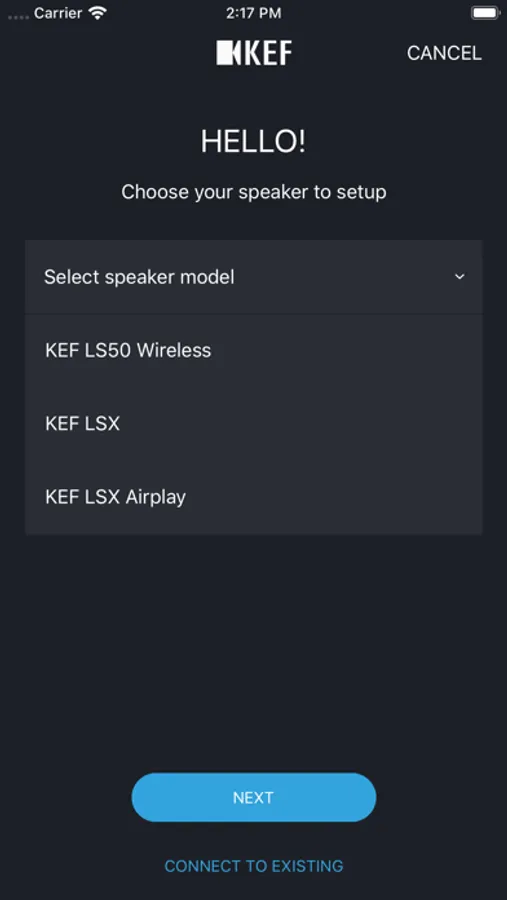
Play music content up to 192kHz/24bit resolution over Wi-Fi to your LS50 Wireless and LSX
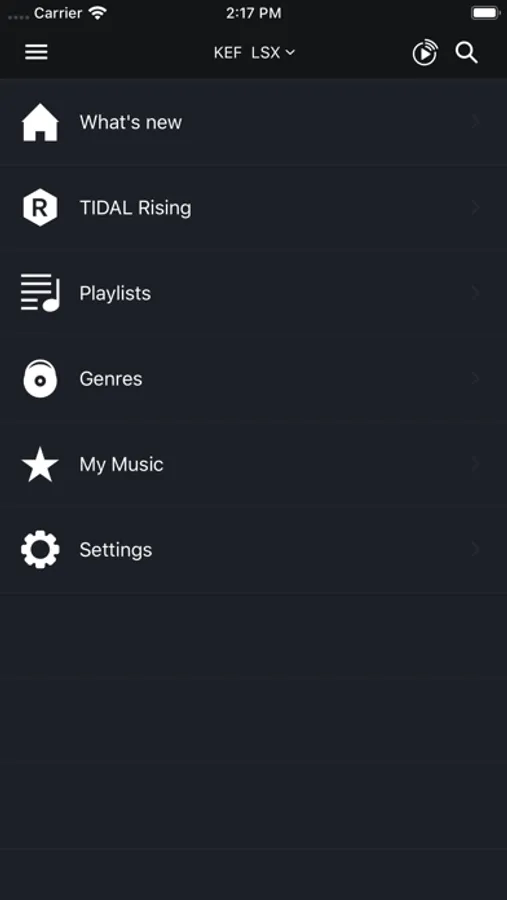
This app allows you to play music content up to 192kHz/24bit resolution over Wi-Fi to your LS50 Wireless and LSX. Together with the KEF Control app, you can have full control over your speaker system.
Key features:
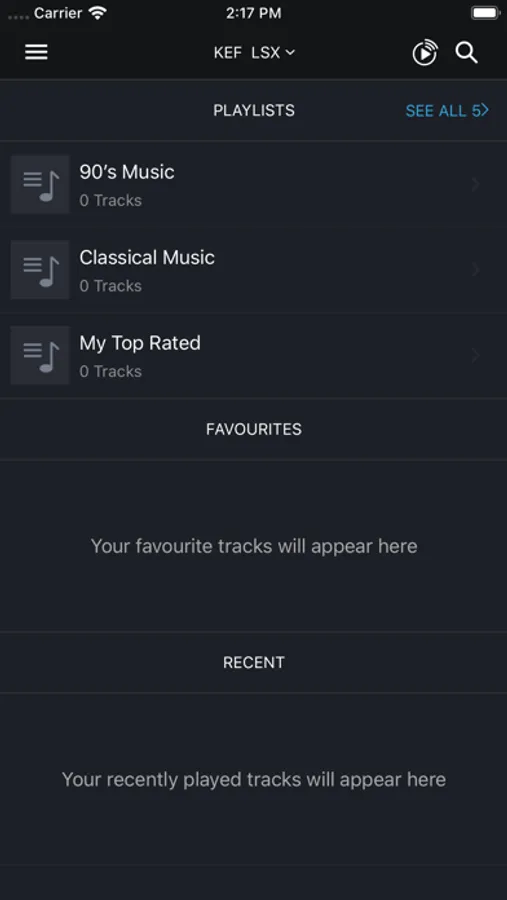
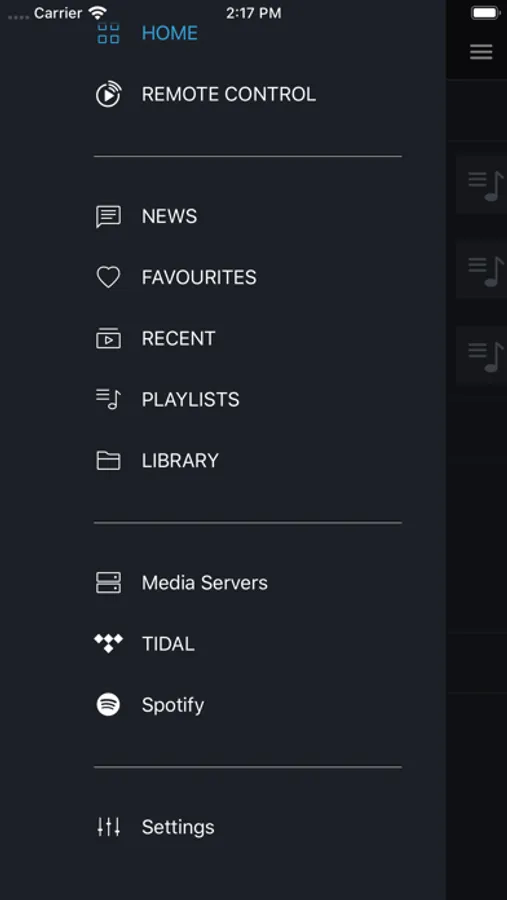
• Stream music from your local Library, Media Servers, TIDAL, and Spotify Connect.
• Create and save custom playlists
Note: to play Apple Music purchased from iTunes store (this excludes Apple Music Streaming Service) and your own music collection imported to your iTunes Library, you must first download it offline to your device before you can stream it to the LS50 Wireless.
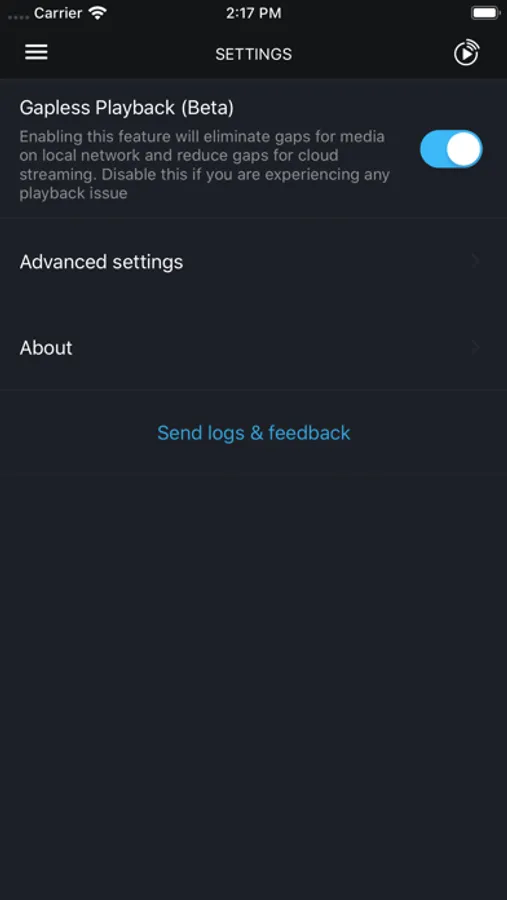
If you experience any issues with the app, please use the Send Feedback option in Settings > About with a short description of the issue you are encountering.
This app allows you to play music content up to 192kHz/24bit resolution over Wi-Fi to your LS50 Wireless and LSX. Together with the KEF Control app, you can have full control over your speaker system.
Key features:
• Stream music from your local Library, Media Servers, TIDAL, and Spotify Connect.
• Create and save custom playlists
Note: to play Apple Music purchased from iTunes store (this excludes Apple Music Streaming Service) and your own music collection imported to your iTunes Library, you must first download it offline to your device before you can stream it to the LS50 Wireless.
If you experience any issues with the app, please use the Send Feedback option in Settings > About with a short description of the issue you are encountering.
KEF Stream Screenshots

Tap to Rate:
Reviews for KEF Stream
UsrnameemanrsU
Company has no respect for customers
Company does not take responsibility for their products last update 2 years ago what a shame
Greek 2004
What it is
Absolute trash. What a waste of money for the speakers.