
AppRecs review analysis
AppRecs rating 3.7. Trustworthiness 78 out of 100. Review manipulation risk 21 out of 100. Based on a review sample analyzed.
★★★☆☆
3.7
AppRecs Rating
Ratings breakdown
5 star
50%
4 star
10%
3 star
10%
2 star
20%
1 star
10%
What to know
✓
Low review manipulation risk
21% review manipulation risk
✓
Credible reviews
78% trustworthiness score from analyzed reviews
✓
Good user ratings
60% positive sampled reviews
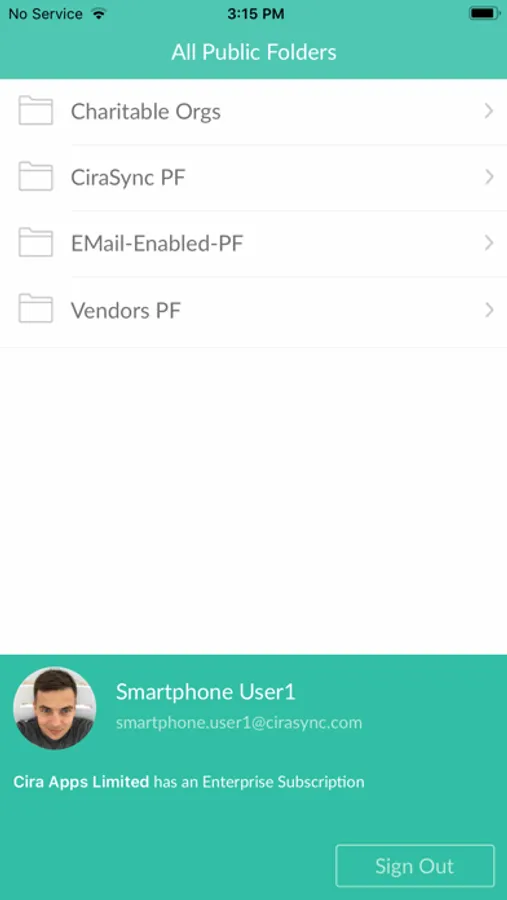
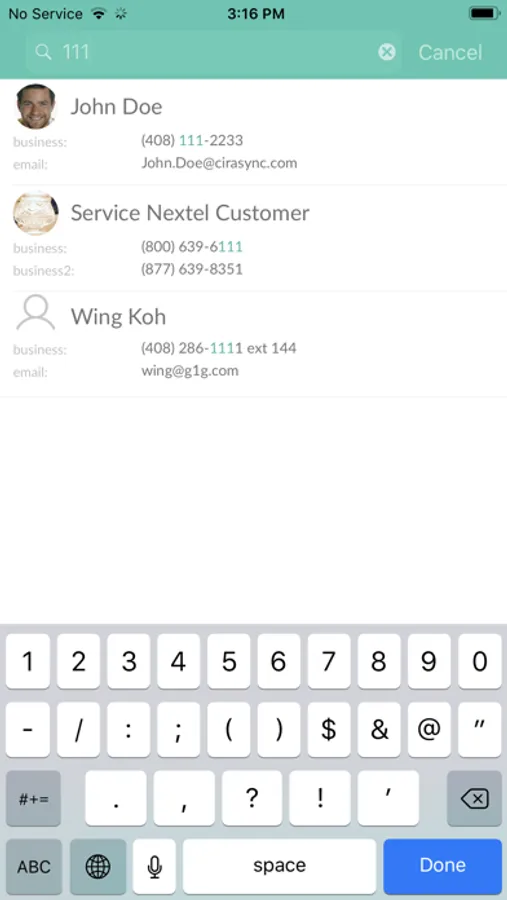
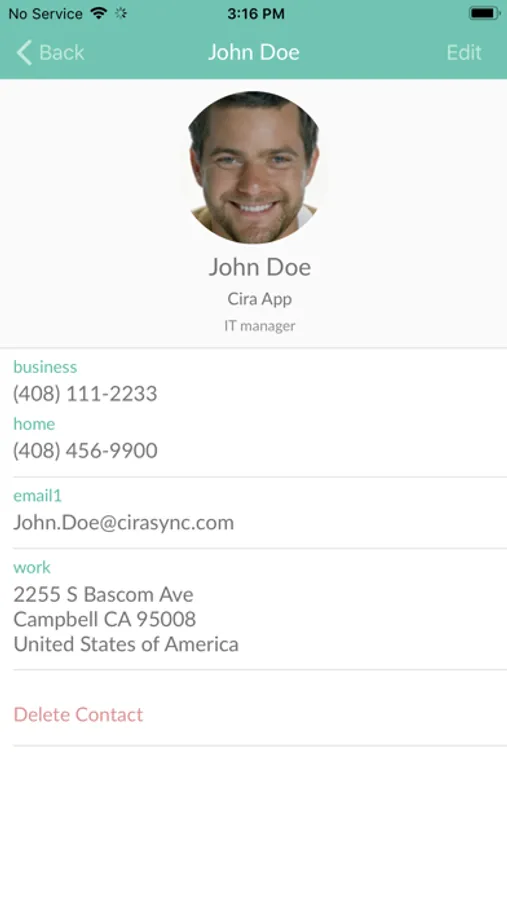
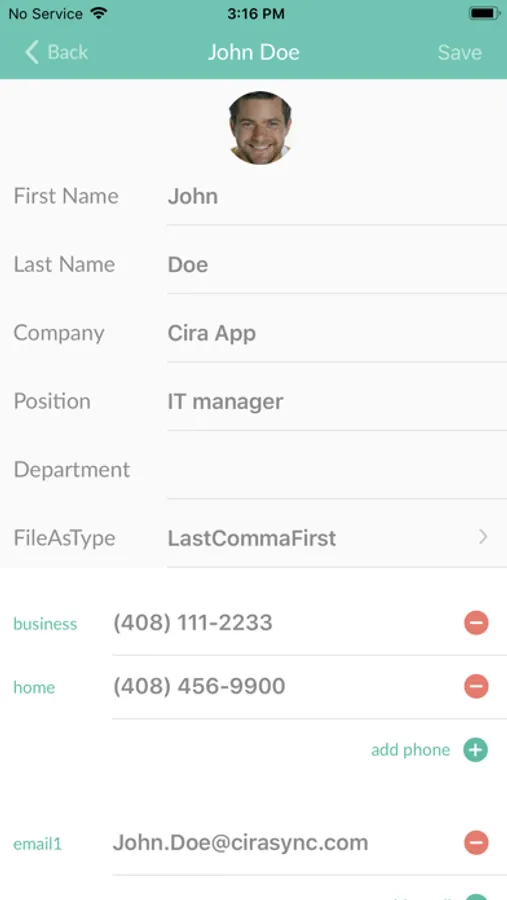
About CiraSync Public Folders O365
There are no ads and no in-app purchases. The app does NOT see or store your password.
After the first logon to the app, a CiraSync Personal Edition subscription is automatically created.
Through the CiraSync dashboard, you can also sync Public Folder contacts and calendars directly to your Office 365 mailbox so they will be visible in Outlook and on the iPhone. The web dashboard is available at https://dashboard.cirasync.com.
You can also sync the GAL (Global Address List) to your smartphone contacts via Outlook and the iOS address book.
CiraSync EE users can also sync Outlook contact subfolders to the iOS address book.
This app does NOT work with GMail, on premise Exchange or hosted Exchange.
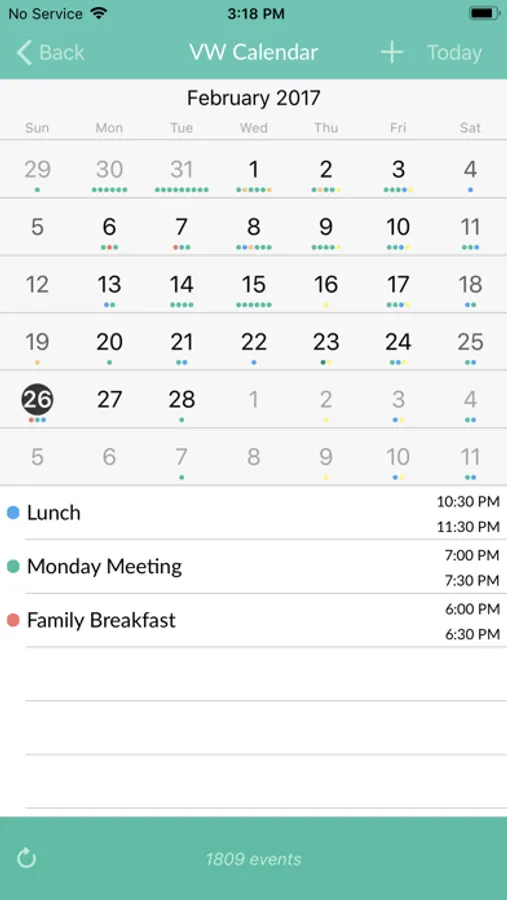
CiraSync Public Folders O365 Screenshots
Tap to Rate:
Reviews for CiraSync Public Folders O365
HelloWorld!200
Missing Features
I really love the mission the developers have after reviewing their website, however the app misses features such as calendar sync on iOS, and a functioning contact sync. Sometimes it won’t even sync all contacts. One issues I have is also the separation of business and personal iCloud contacts. The current sync method places it under the iCloud section allowing for the backup of all contacts to a users personal iCloud. This can be problematic if a user doesn’t want this or wants to just see personal contacts. I really look forward to a new release.
SnakeEyez
They tried, unfortunately it doesn’t really work.
Well you can the delivers tried but, unfortunately, the app just doesn’t really work. Downloading the 4000+ calendar events/appointments for some reason takes like 20 minute. And this was not some fluke. I’ve cleared the cache multiple times and each time the download after is LONG. The download doesn’t continue in the background so you have keep the app in front until it competes. Once completed the app does not update with any new appointments/events that you or others have added to the calendar, outside of the app, when you use sync. It says it completed but the number never increases and they don’t show on the calendar. The only way to get the new appointments/events is to clear the cache each time and redos load the entire calendar. Which, as I mentioned above, takes too long. That’s makes this product unusable.