
My Watermarks
ChengDu PinGuo Technology Co., Ltd.
4.5 ★
410 ratings
Free
With this photo editing app, you can add personal watermarks, signatures, and logos to your images. Includes watermark management, editing tools, and customizable signature options.
AppRecs review analysis
AppRecs rating 4.6. Trustworthiness 74 out of 100. Review manipulation risk 32 out of 100. Based on a review sample analyzed.
★★★★☆
4.6
AppRecs Rating
Ratings breakdown
5 star
74%
4 star
12%
3 star
4%
2 star
4%
1 star
5%
What to know
✓
Credible reviews
74% trustworthiness score from analyzed reviews
✓
High user satisfaction
87% of sampled ratings are 4+ stars (4.5★ average)
✓
Authentic reviews
Natural distribution, no red flags
About My Watermarks
Looking for an app that add personal watermark, signature, or logo to your photo? Here we present – My Watermarks.
Developed by world’s leading photography app developer Camera 360, My Watermarks aims at helping people to watermark photo the way they want.
=== Credit Cookie Start===
As Simple As PPAP, Uh!
I have a Photo, I choose an Art, Uh!
PhotoArt!
I take a Photo, Use My Watermarks, Uh!
Watermark!
Watermark, PhotoArt, Uh!
Watermark My Photo Art!
=== Credit Cookie End===
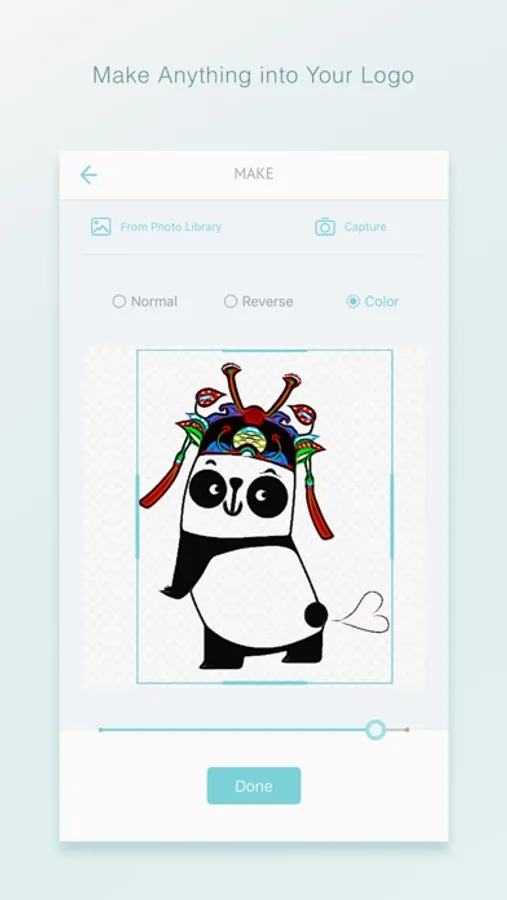
===Make Anything into Your Logo===
With My Watermarks, you can take a photo or choose a photo of anything you have as long as it’s on pure background. This outstanding feature helps you to create your personal logo as long as you love. Your loved fashion items, a memorable present, hit icon or whatever your creativity inspires you, would be your unique and stylish logo on your photos.
===Make Your Logo in Your Way===
You can choose black and white, reverse or color mode to make your logo. The logo or icon can be dragged to anywhere on the photo and can be resized. You can also scale, adjust, or add filter to the photo to paste the logo.
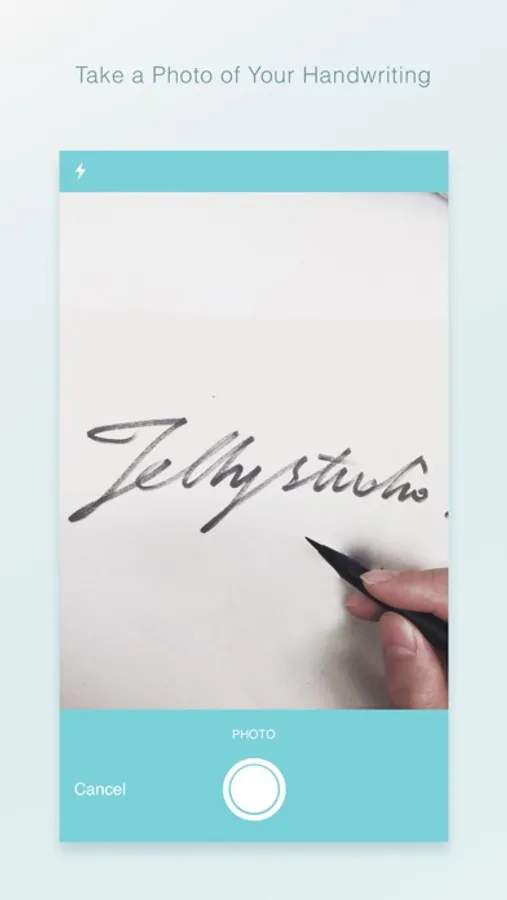
===Take a Photo of Your Handwriting===
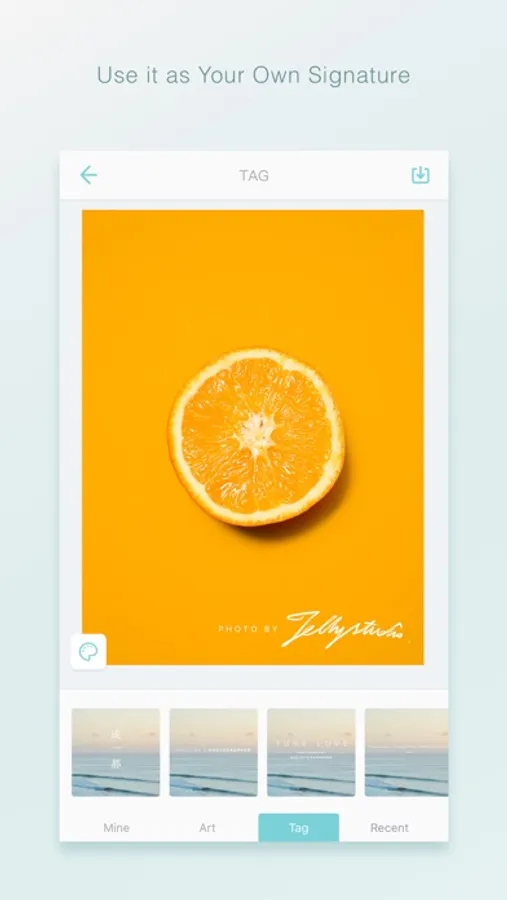
Another way to take a good advantage of My Watermarks feature is to make your own handwriting into a photo signature. Pick up a blank paper, write your name, and take a photo of the handwriting with My Watermarks Camera, keep the Normal mode. You can easily apply the signature to any photo on your device. You can change the color of it in the color panel.
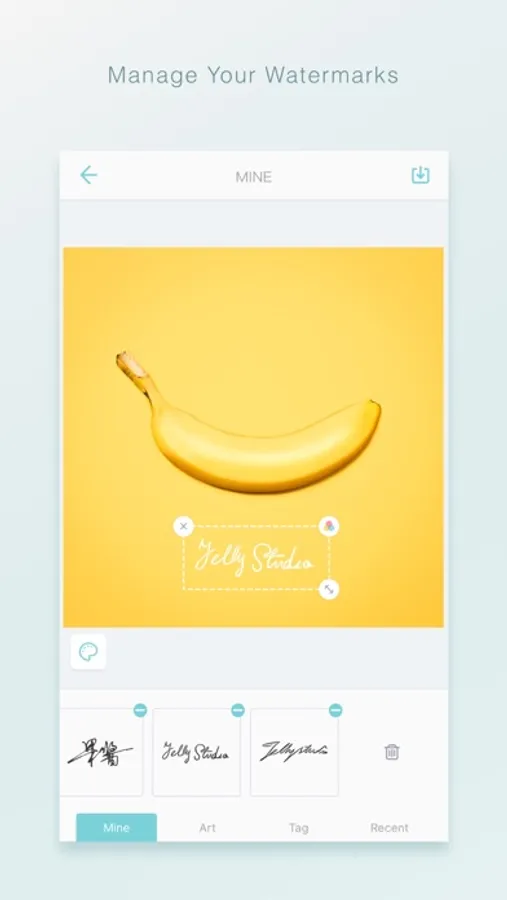
=== Manage Your Watermarks===
My Watermarks keeps a record your history logo, icon, signature, or watermarks only on your device. You can quickly add what you made to the future photo arts. You can delete anyone you don’t want as well.
=== Get in Touch with My Watermarks===
We would like to hear your feedback to make this new app awesome.
Let us anything about My Watermarks by:
Email: guojiang@camera360.com
My Watermarks Screenshots

Tap to Rate:
Reviews for My Watermarks
theflopp
Awesome for content and NFC creators
This is a really awesome, completely free ad free app that allows you to add your watermark to your artwork to make it yours. You can sign your NFTs and artwork signed photos for printing and I highly recommend you use this when you’re printing out Life print printer photos. This is not a sponsored review
Leesi B.
I’ve had this app for YEARS 😊
I use this app sporadically and I really like that it’s free, it doesn’t crash or glitch out, it’s been very consistent and I’m happy with it. Even the filters it comes with are neat. I’ve used it on several different iPads, including the Pro, and I like the watermarks I’ve made with it. Thanks, guys! 🙂