
AppRecs review analysis
AppRecs rating 3.0. Trustworthiness 75 out of 100. Review manipulation risk 21 out of 100. Based on a review sample analyzed.
★★★☆☆
3.0
AppRecs Rating
Ratings breakdown
5 star
38%
4 star
13%
3 star
0%
2 star
13%
1 star
38%
What to know
✓
Low review manipulation risk
21% review manipulation risk
✓
Credible reviews
75% trustworthiness score from analyzed reviews
About Rest Break Optimizer
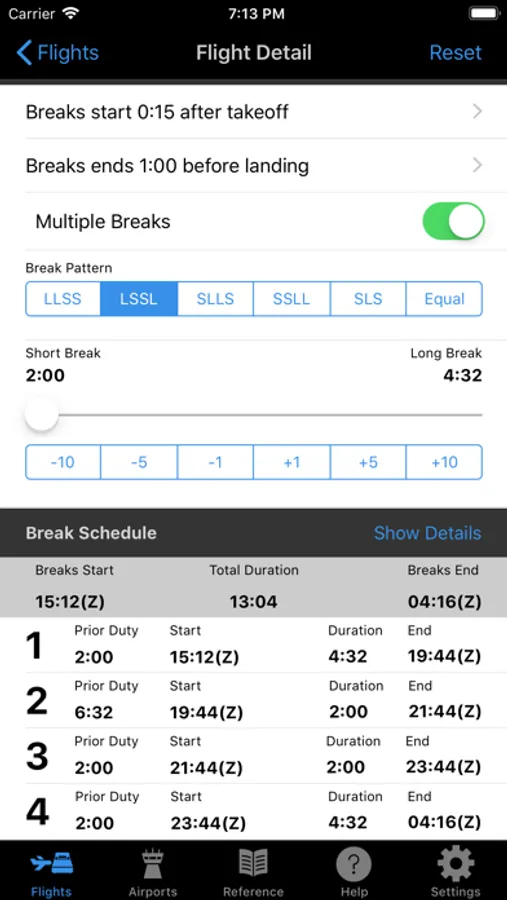
• Multi break patterns and options are available with just one tap.
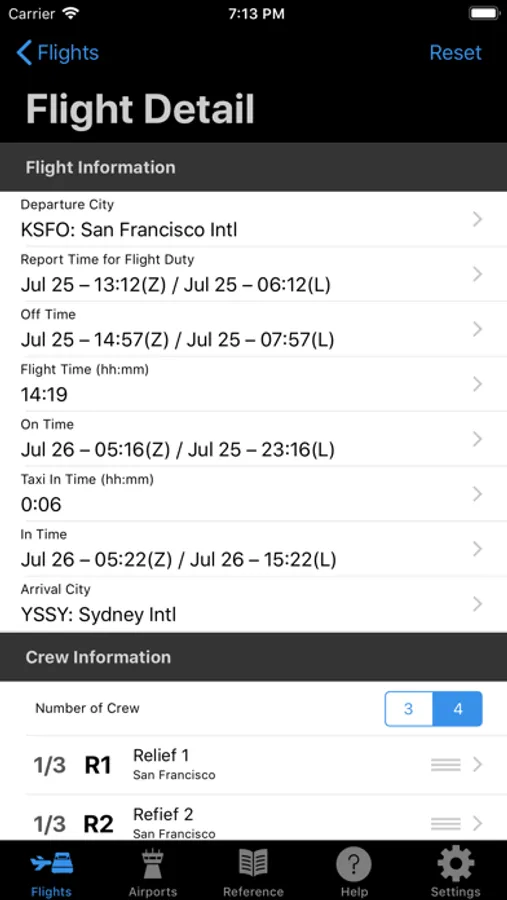
• Only four entries are needed to generate a break schedule.
• Changes to any input automatically updates the break schedule.
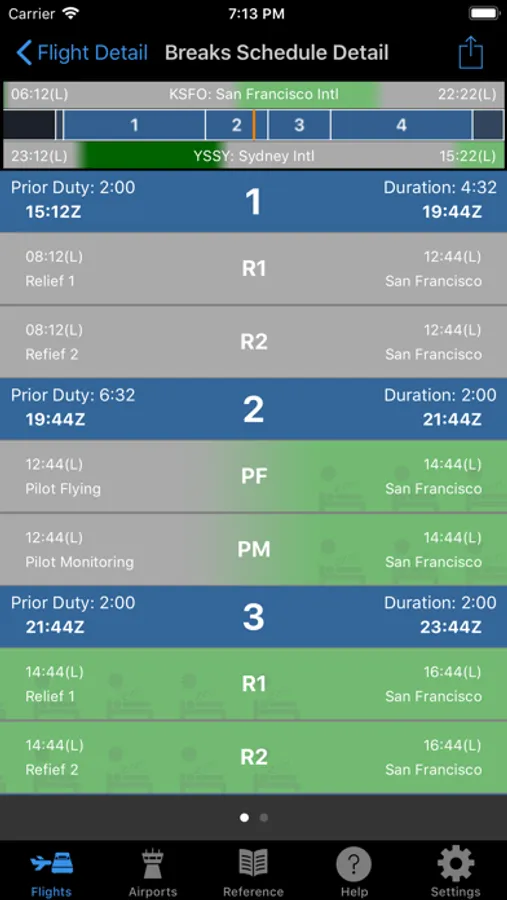
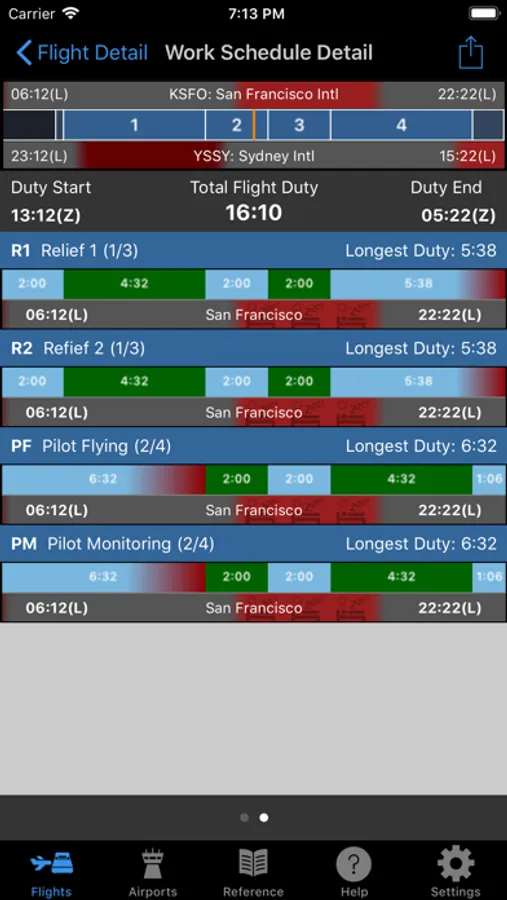
• Break schedules can be viewed in both a compact textual format and two expanded graphical displays (break & work).
• The graphical displays provide Window of Circadian Low (WOCL) and on duty time information for each pilot. Use this information to determine an optimum break schedule with the highest quality of rest and lowest on duty fatigue.
Key features
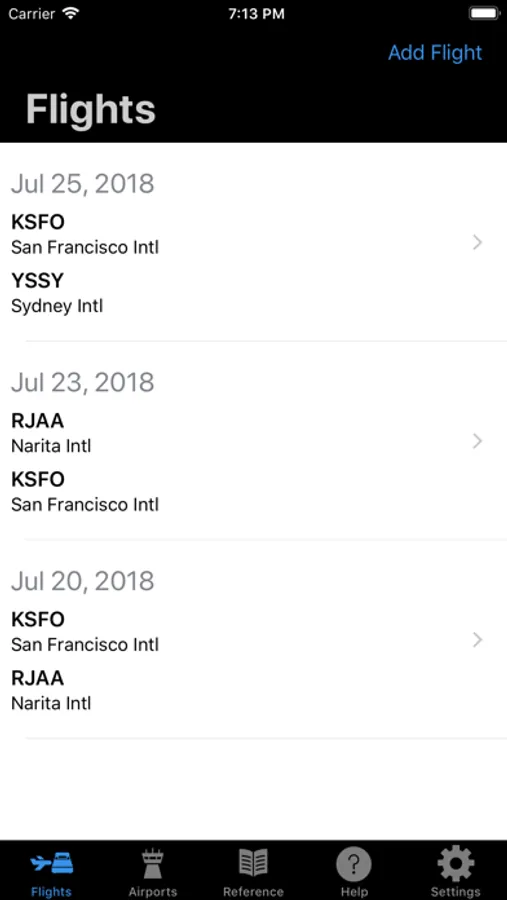
Flights (break schedules)
• Save flights
• Create a return flight or add the next flight with a swipe
• Customize Pilot information (Name, WOCL rest time zone, assigned break)
• Multi break options (LLSS, LSSL, SLLS, SSLL, SLS, Equal)
• Share PDF of graphical break and work schedules (Email, Airport, etc.)
Airports
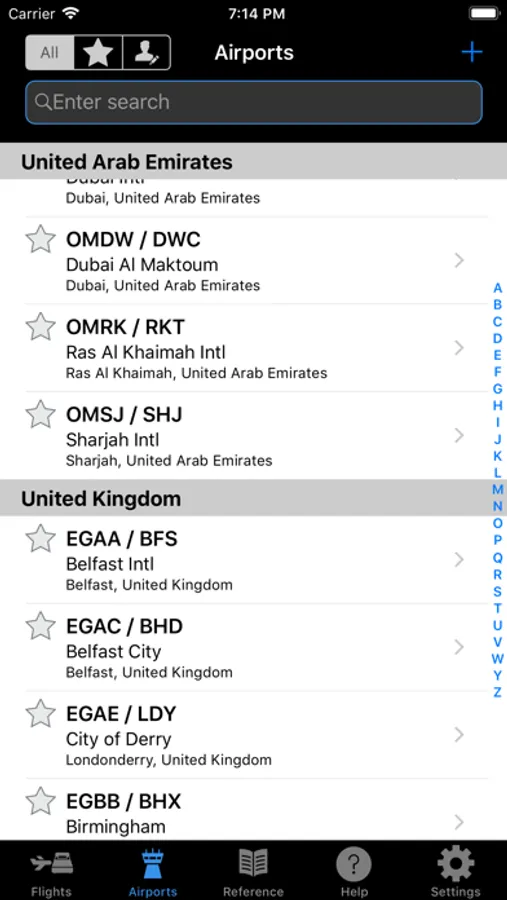
• Built in extensive list of international airports with time zone
• Add your own airports
• Save airports as a Favorite
Reference
• Guide to understanding the science behind inflight rest and fatigue
Help
• Help on using the application and features with graphics to grasp the concept quickly
Settings
• Customize the program to the way you use it
Rest Break Optimizer Screenshots
Tap to Rate:
Reviews for Rest Break Optimizer
wilsonrobertr
Unnecessarily complicated
Needs way too much extraneous information to work. City pairs? Date? Who cares.
Bigfoot777
Too much information
For me this app is the Windows version of a crew rest app. It’s not intuitive. It’s hard to read. It’s not obvious. First you’ve got to add all your favorite airports. Then you should set up the possible city pairs so it’s easy to program the breaks and get all your FAR 117 rules covered. Already it’s cumbersome. The best apps automatically use UTC time. This doesn’t. Ultimately here’s the issue. I don’t want an excel spreadsheet. I want easy to fill boxes with large enough font to read. No one likes FAR 117. I don’t need to see all my sleep cycles. I’ve got a 9:43 minute flight. I just want a break schedule. My flight is 14:53, just give me some simple options. But this app is too much stuff, too small and too hard to find numbers. I appreciate the effort. But the reason the first iPod became so popular was because it was so simple. I tried to get other crews to use this app. In nearly every case I was greater with glassy eyed pilots saying, yeah but this other one is easier. In fact most would do it manually rather than use this. In general we pilots want the KISS principle. This app missed the plot.