
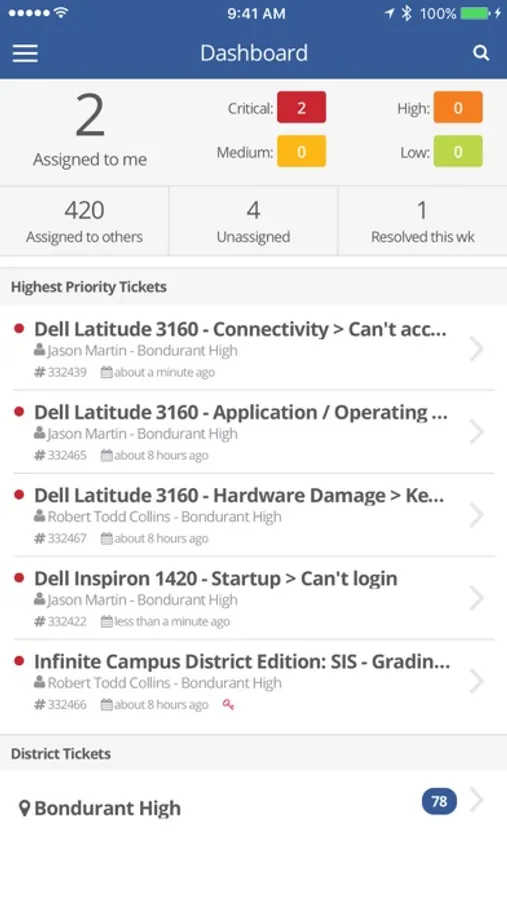
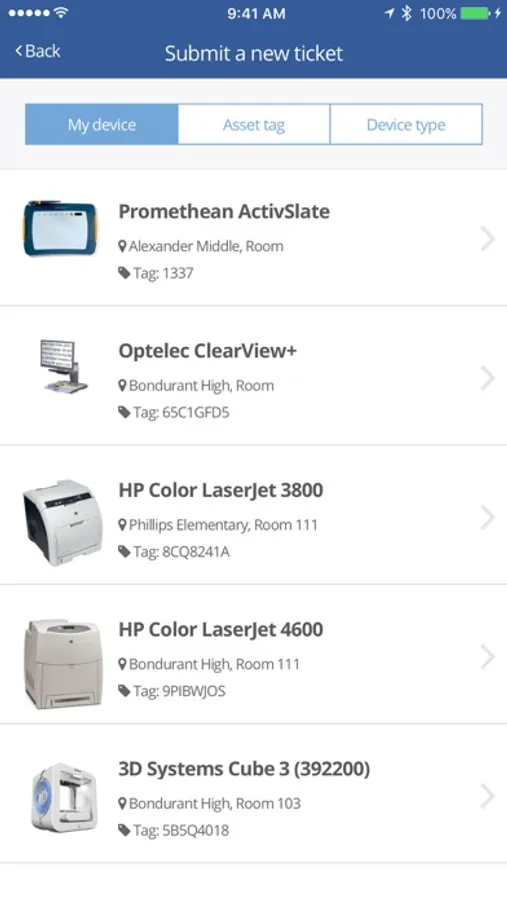
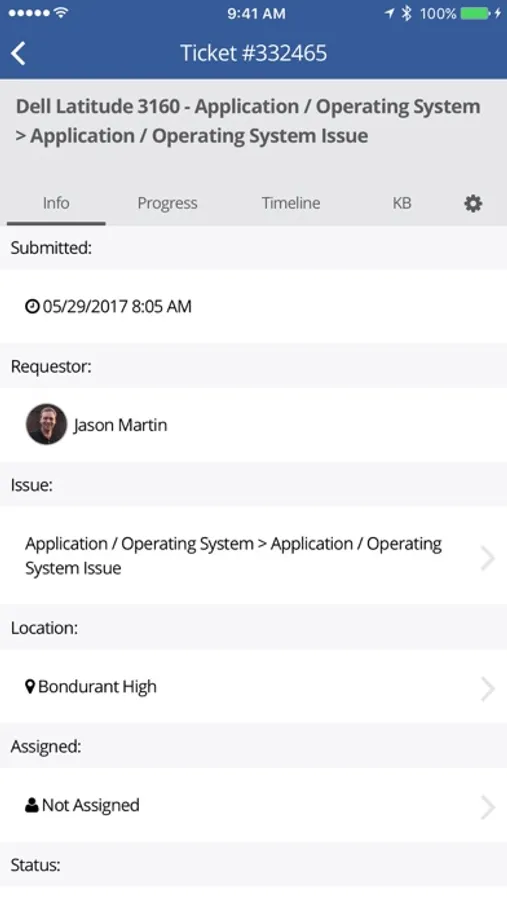
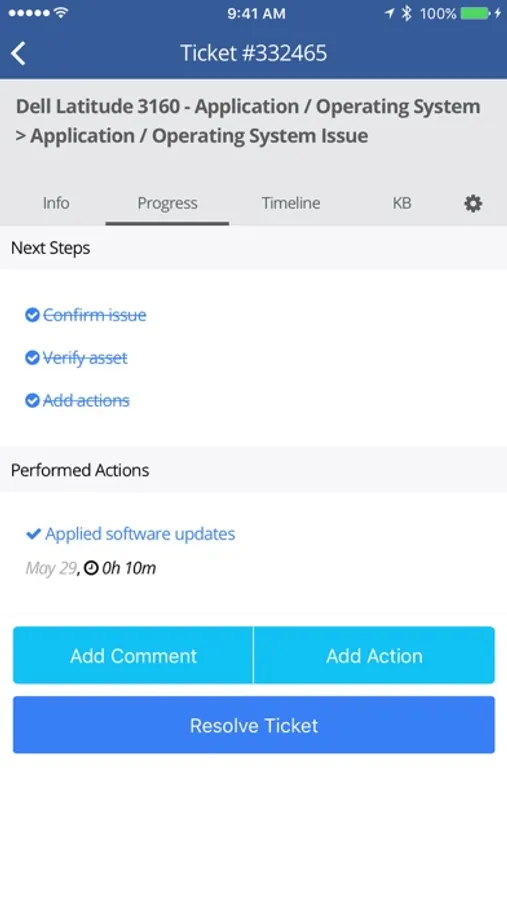
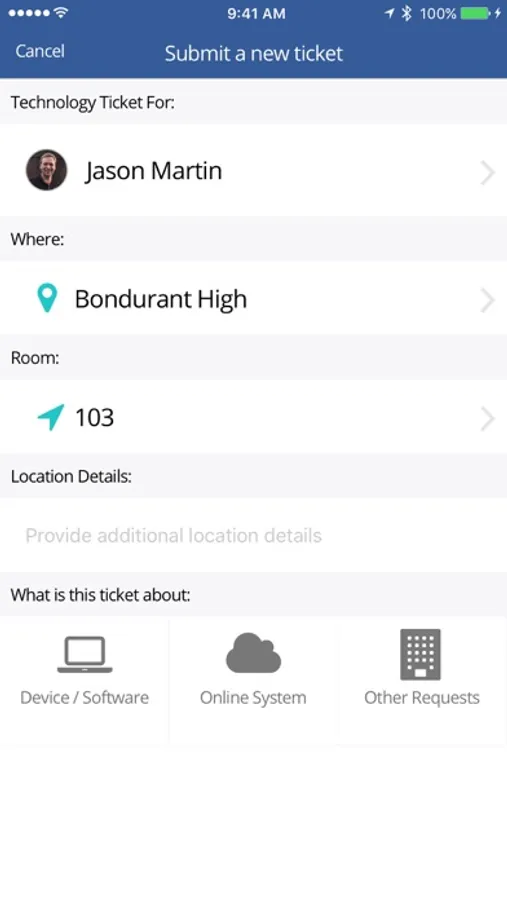
In this workflow management app, users can submit help requests, track work orders, and scan asset tags. Includes ticket management, asset tracking, and progress updates.
AppRecs review analysis
AppRecs rating 1.8. Trustworthiness 69 out of 100. Review manipulation risk 24 out of 100. Based on a review sample analyzed.
★☆☆☆☆
1.8
AppRecs Rating
Ratings breakdown
5 star
17%
4 star
1%
3 star
3%
2 star
18%
1 star
61%
What to know
✓
Low review manipulation risk
24% review manipulation risk
⚠
Mixed user feedback
Average 1.9★ rating suggests room for improvement
⚠
High negative review ratio
79% of sampled ratings are 1–2 stars
About Incident IQ
About Incident IQ:
Incident IQ is a workflow management platform built for K-12 school districts. Incident IQ brings support operations to a unified platform with tools for K-12 IT, facilities, HR, and event management teams.
**Note: An Incident IQ account is required to use this app.**
Incident IQ Screenshots
Tap to Rate:
Reviews for Incident IQ
A Suffering User
Patch One Thing, Breaks Another
I would give this 0 stars if it allowed. I cannot get over how infuriating this app is. Their online site is great, when it’s working. But because I travel and look to this for convenience it only slows me down. Info and data I rely on when using their website is not accessible through the app. Simple data points for assets can’t be viewed. It barely shows any relevant data when I try. The most recent crutch was scanning an asset then trying to open the ticket linked to it only to have it go back to my main dashboard. Like, why do ya’ll patch stuff but not test it? Waste of my time!
Matt202420
Useful features broken
The main feature I use the mobile app for vs the website is the ability to easily scan/type in a ticket # to look it up and apply quick edits. Currently you can’t select the view ticket option, it just kicks you back to the dashboard, which almost defeats the whole purpose of the convenience of the app. Also, at least once a week the app will fail to launch entirely but instead just gets stuck on a loading screen. This requires me to uninstall and reinstall the app. Overall an incredibly frustrating experience.