AppRecs review analysis
AppRecs rating 4.7. Trustworthiness 61 out of 100. Review manipulation risk 26 out of 100. Based on a review sample analyzed.
★★★★☆
4.7
AppRecs Rating
Ratings breakdown
5 star
50%
4 star
50%
3 star
0%
2 star
0%
1 star
0%
What to know
✓
Low review manipulation risk
26% review manipulation risk
✓
High user satisfaction
100% of sampled ratings are 4+ stars (4.7★ average)
About Month View Calendar
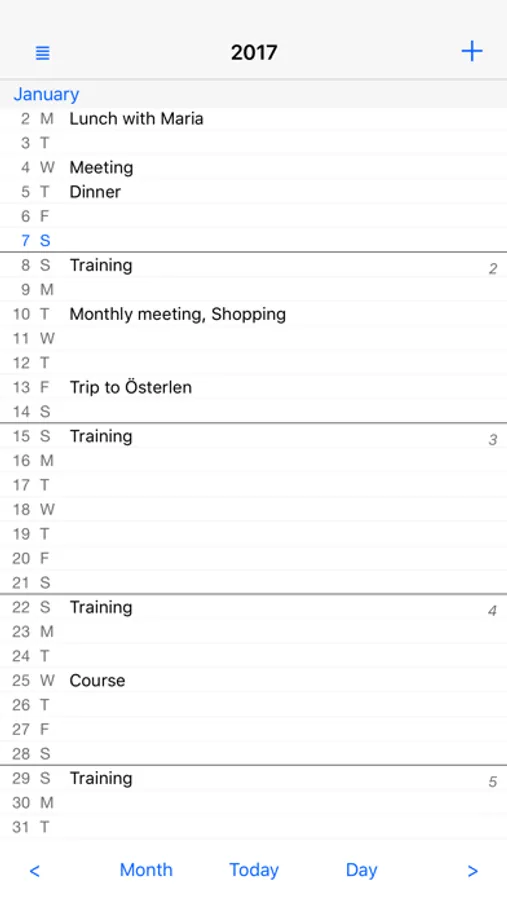
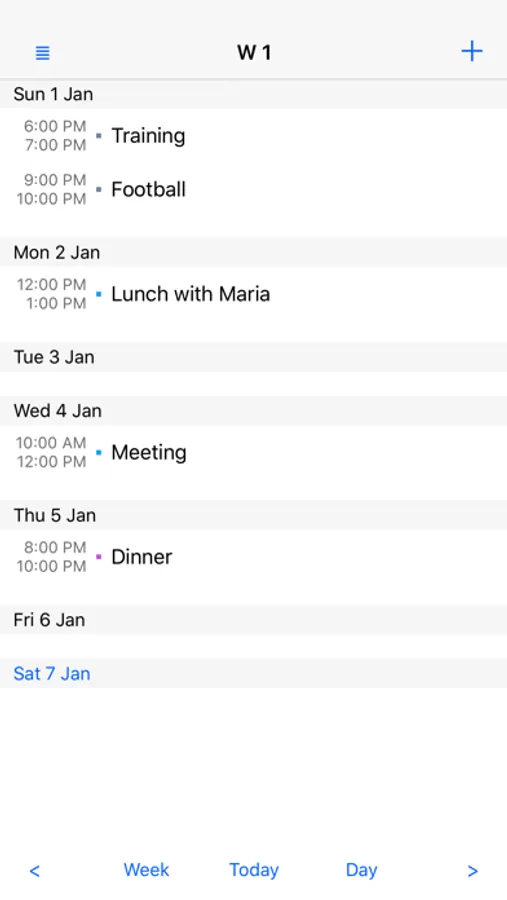
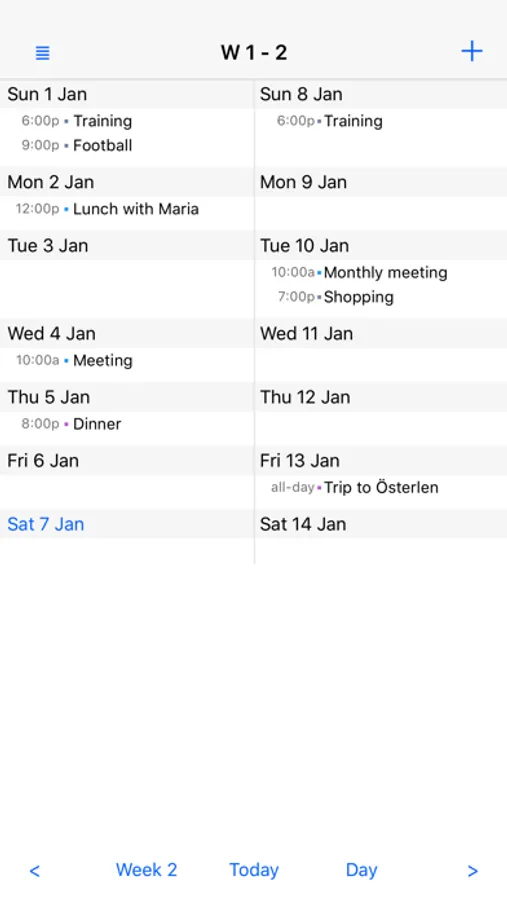
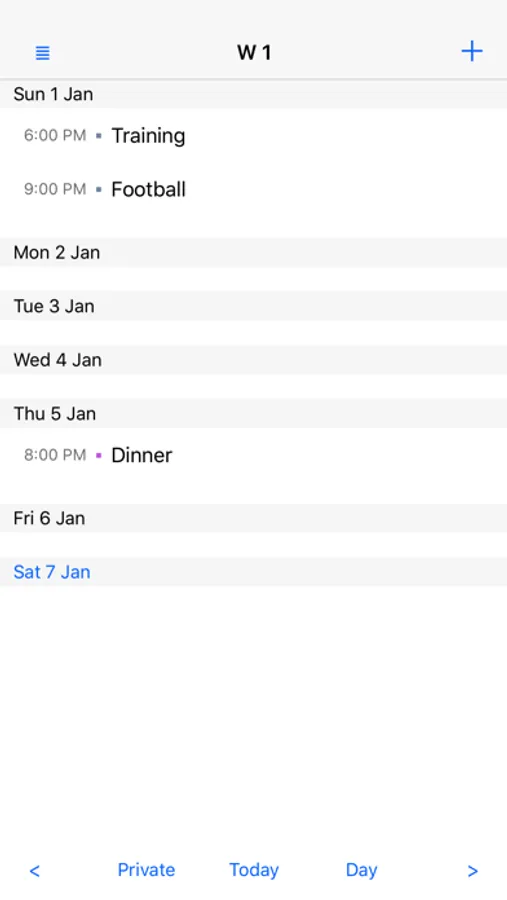
Are you looking for a calendar with a really good overview of your month or week? Do you want to get rid of unnecessary features and graphics? Do you prefer a clear and simple overview of your content? Then this is the perfect calendar app for you!
With Month View Calendar you can easily customize different views, such as work calendar view, family calendar view. Or you can create a view that shows a combination of two or more calendars. And it is really easy to switch between the views!
Available settings in each view:
- Name
- Presentation mode
- One or two months/weeks on the screen
- Calendars to show
- Calendar color (on or off)
...
You can have as many views as you like!
Month View Calendar uses and stores information in the iPhone/iPad Calendar. Everything you see there can be seen in Month View Calendar as well. What you add/change/delete in one of the calendars will be shown also in the other! When you start using Month View Calendar all your existing calendar entries will be shown directly.
Key Features
- Views
- Month or Week based
- Focus on your content
- Synchronizes entries with the regular calendar
- Possibility to show the week number on the app icon
You can use this version for one week without upgrading to Premium or current year.
Download now and you will get a calendar with focus on your content!
With Month View Calendar you can easily customize different views, such as work calendar view, family calendar view. Or you can create a view that shows a combination of two or more calendars. And it is really easy to switch between the views!
Available settings in each view:
- Name
- Presentation mode
- One or two months/weeks on the screen
- Calendars to show
- Calendar color (on or off)
...
You can have as many views as you like!
Month View Calendar uses and stores information in the iPhone/iPad Calendar. Everything you see there can be seen in Month View Calendar as well. What you add/change/delete in one of the calendars will be shown also in the other! When you start using Month View Calendar all your existing calendar entries will be shown directly.
Key Features
- Views
- Month or Week based
- Focus on your content
- Synchronizes entries with the regular calendar
- Possibility to show the week number on the app icon
You can use this version for one week without upgrading to Premium or current year.
Download now and you will get a calendar with focus on your content!
Month View Calendar Screenshots
Tap to Rate:
Reviews for Month View Calendar
RLot
Nice app but need 1 important change
I like the app and purchased it. I thought purchasing it would allow me to change the first day of the week to Monday, but it didn’t. Any chance you could add that ability. It would be huge. Thanks.
nickelsa
I am going to buy the premium
Really nice, most efficient layouts I have seen.