AppRecs review analysis
AppRecs rating 4.5. Trustworthiness 45 out of 100. Review manipulation risk 20 out of 100. Based on a review sample analyzed.
★★★★☆
4.5
AppRecs Rating
Ratings breakdown
5 star
100%
4 star
0%
3 star
0%
2 star
0%
1 star
0%
What to know
⚠
Unusually uniform ratings
100% of sampled ratings are 5 stars with very little variation
About X80 Remote
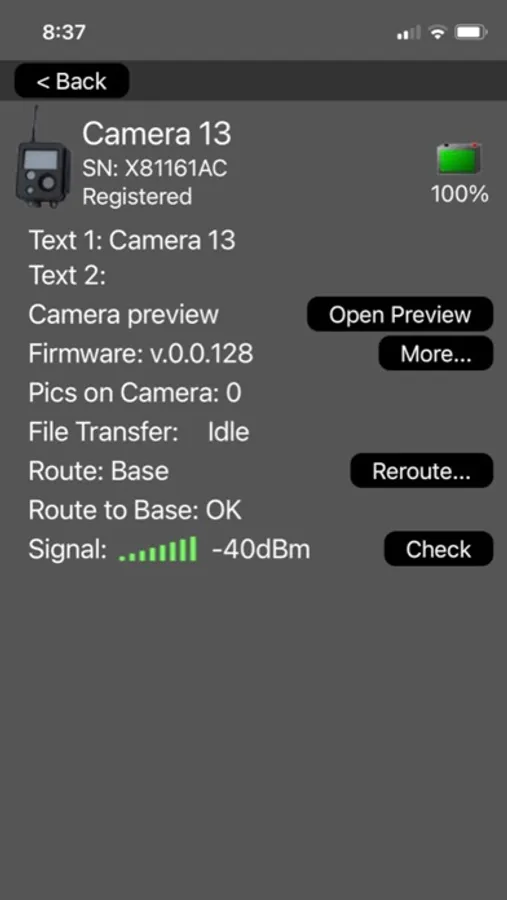
X80 Remote App is a tool that will help you set up your X80NET® certified devices. It provides easy access to camera information such as your camera status, battery level, signal strength and routing information on X80 device network.
The X80 Remote app lets you log in to your Buckeye Cloud account to view images, manage devices, and stay connected to your system from anywhere in the world. Receive real-time push notifications and stay up to date with ease—whether you’re in the field or on the go.T
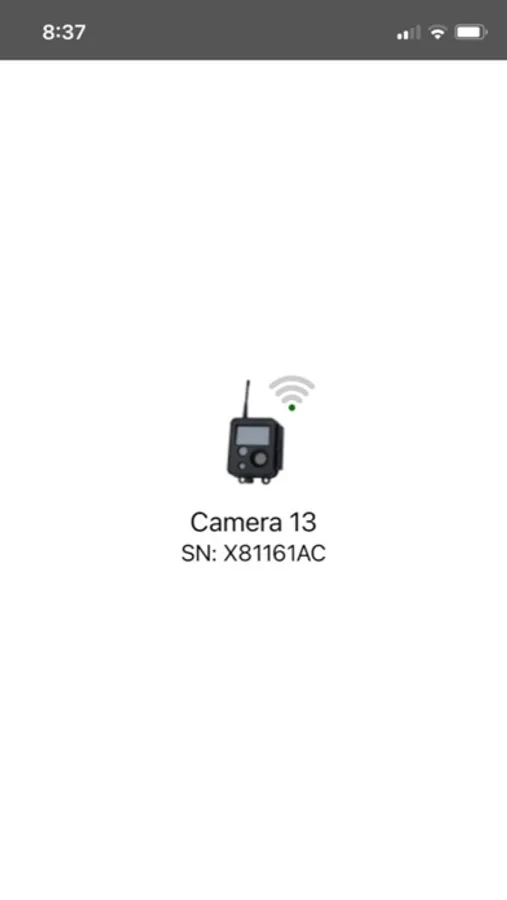
o control your device start the X80 Remote App. The app will search and display the nearby devices it finds. Select the device to connect. Once the connection is established, the user will be able to see the current battery level, number of pictures remaining on the camera along with transfer progress, and current routing.
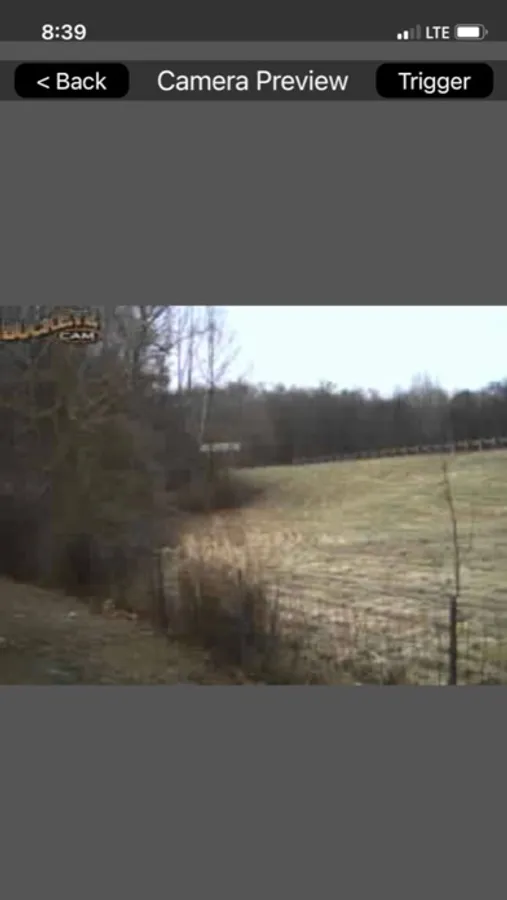
To help with aiming the camera X80 Remote App provides a camera preview mode. In preview mode the user can trigger a camera from the app or by walking in front of the camera. The preview picture will be downloaded and displayed in the app.
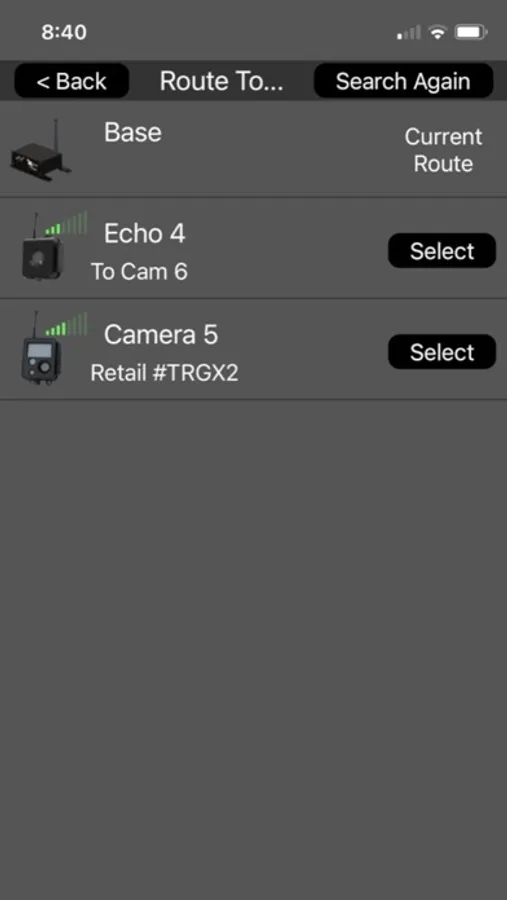
Device routing can also be changed using the Reroute option in the X80 Remote App.
Note: This app can only be used with Bluetooth enabled devices.
The X80 Remote app lets you log in to your Buckeye Cloud account to view images, manage devices, and stay connected to your system from anywhere in the world. Receive real-time push notifications and stay up to date with ease—whether you’re in the field or on the go.T
o control your device start the X80 Remote App. The app will search and display the nearby devices it finds. Select the device to connect. Once the connection is established, the user will be able to see the current battery level, number of pictures remaining on the camera along with transfer progress, and current routing.
To help with aiming the camera X80 Remote App provides a camera preview mode. In preview mode the user can trigger a camera from the app or by walking in front of the camera. The preview picture will be downloaded and displayed in the app.
Device routing can also be changed using the Reroute option in the X80 Remote App.
Note: This app can only be used with Bluetooth enabled devices.
X80 Remote Screenshots
Tap to Rate:
Reviews for X80 Remote
Trail Cam User
Easy to Use
The app is super simple but you have a lot of flexibility on what you can do with it!