In this music maker app, you can compose loops by tapping animal instruments and mixing sounds into hypnotic tunes. Includes 160 musical elements, four environments, and different pitch levels to customize compositions.
AppRecs review analysis
AppRecs rating 3.5. Trustworthiness 73 out of 100. Review manipulation risk 25 out of 100. Based on a review sample analyzed.
★★★☆☆
3.5
AppRecs Rating
Ratings breakdown
5 star
62%
4 star
18%
3 star
9%
2 star
3%
1 star
8%
What to know
✓
Low review manipulation risk
25% review manipulation risk
⚠
Ad complaints
Many low ratings mention excessive ads
⚠
Pricing complaints
Many low ratings mention paywalls or pricing
About SoundForest
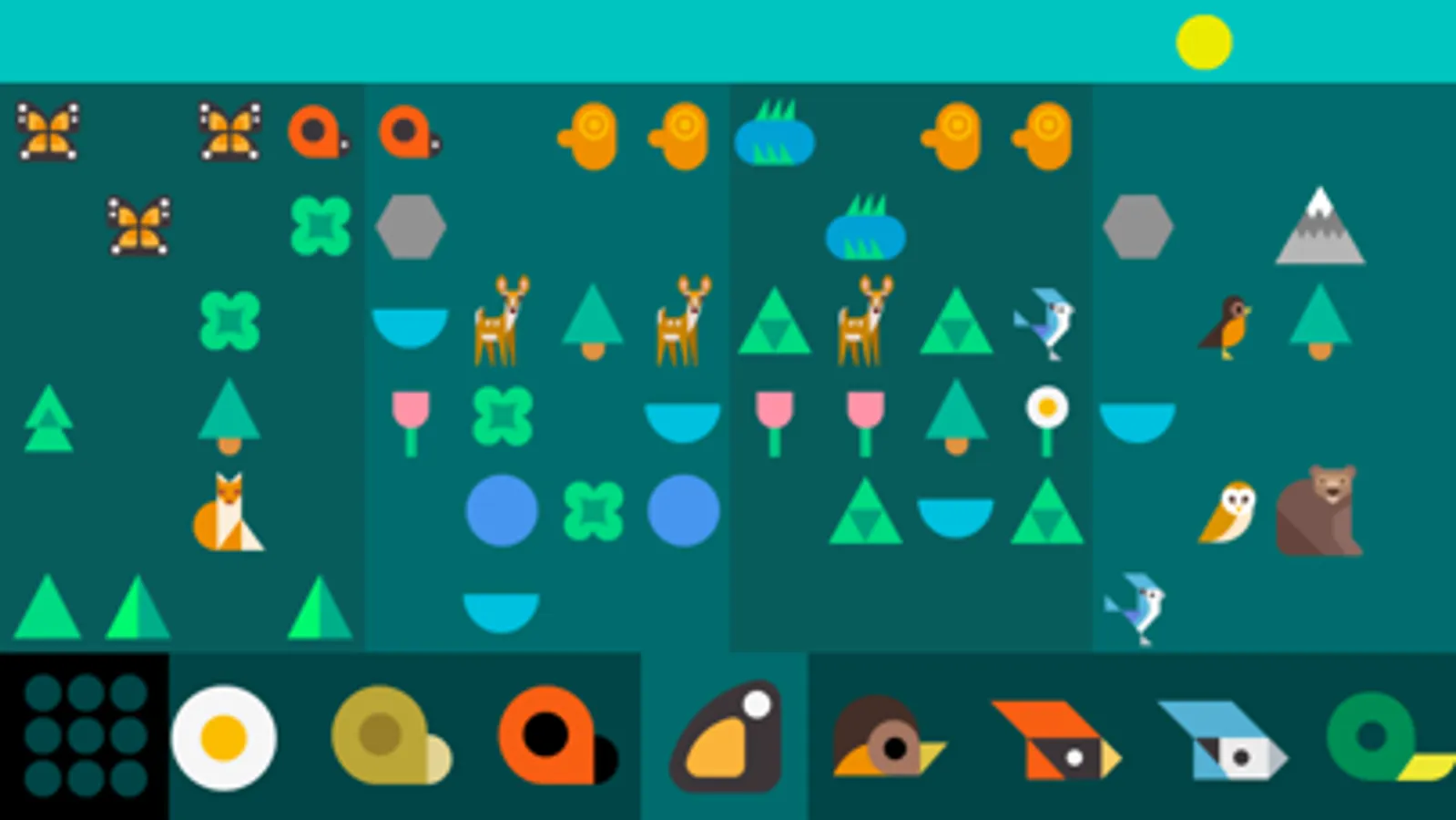
SoundForest is a mini music maker that allows you to instantly compose a song using a collection of musical creatures. Compose a loop by tapping animal instruments and mix them into a hypnotic tune. Make a musical ecosystem with SoundForest.
FEATURES:
* Instantly compose awesome music loops
* 160 elements, each a unique music note
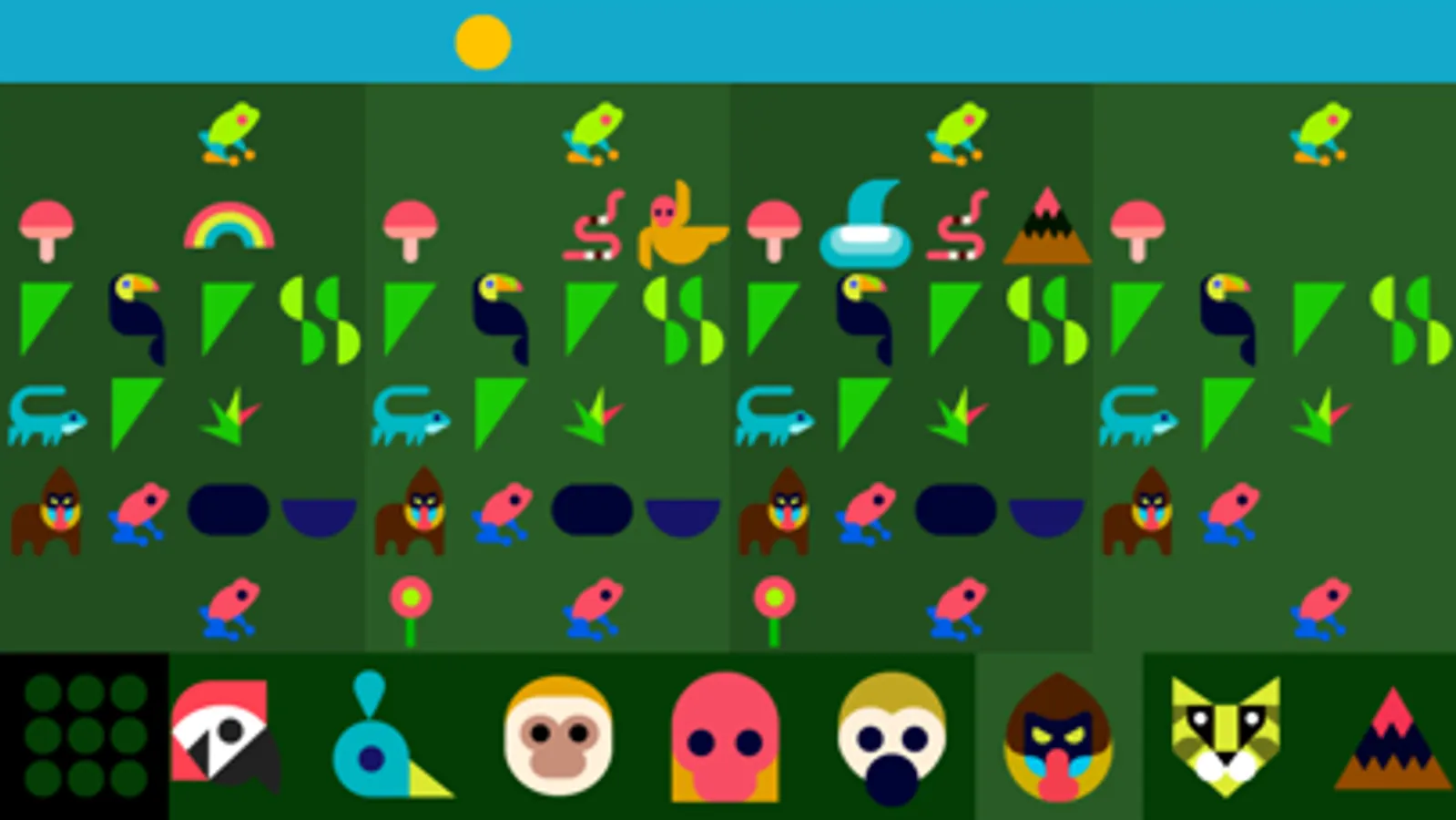
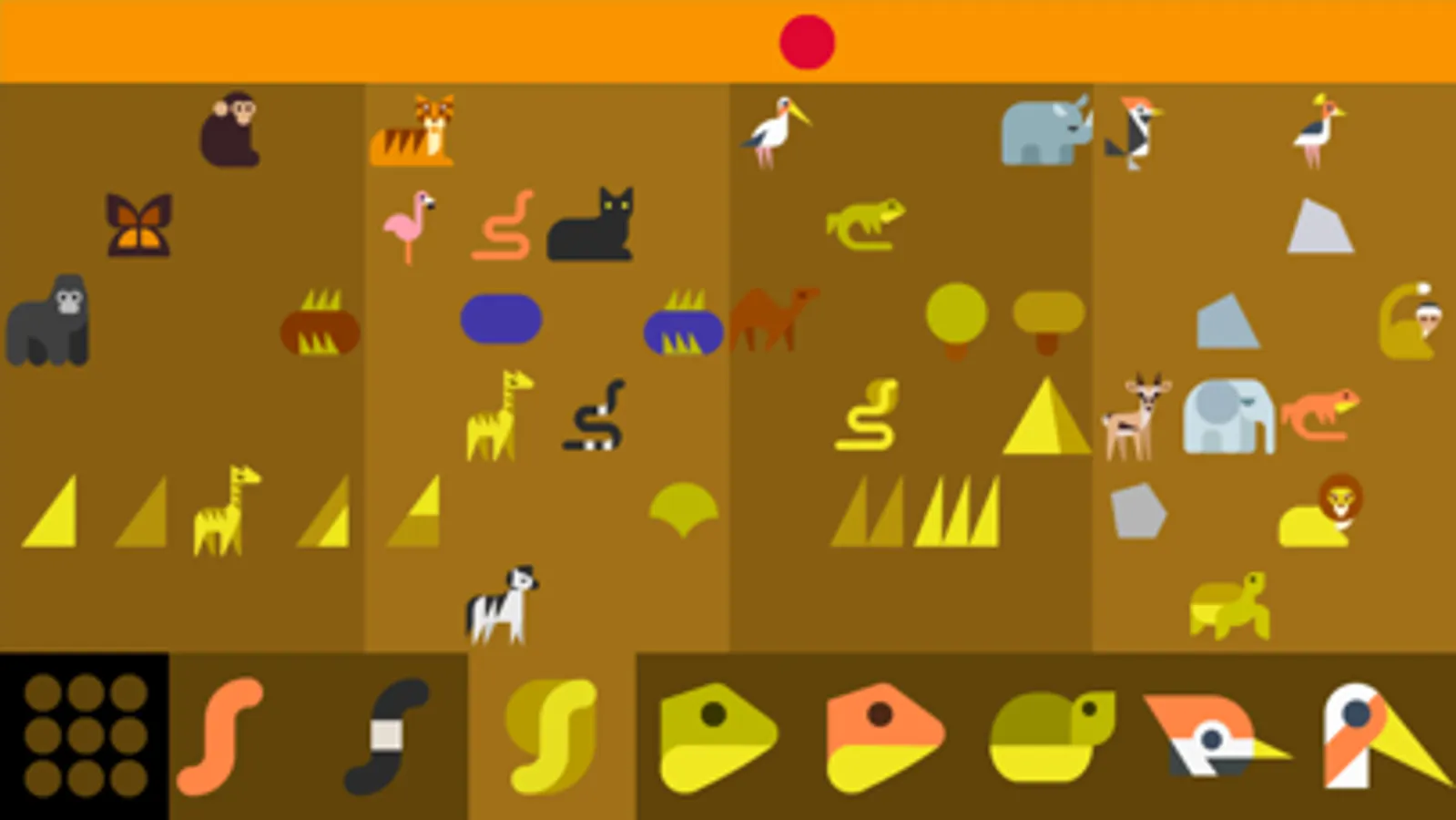
* 4 musical environments (SoundForest, ElectroJungle, SynthSavanna, EchoOcean)
* 6 pitch levels for each music note
* Make a quick loop or compose a mini song
* Endless song possibilities
TUTORIAL:
1. Listen to whatever the Alien says.
2. Creating music is best with headphones
3. Swipe and tap on the music note bar to select a music note
4. Tap on the song grid to add the music note to your song
5. Tap on the sky to pause or play your song
6. Double tap the sky to change you song's speed
7. Swipe the song grid over to make your song longer
8. Tap the menu button to return to the song modules
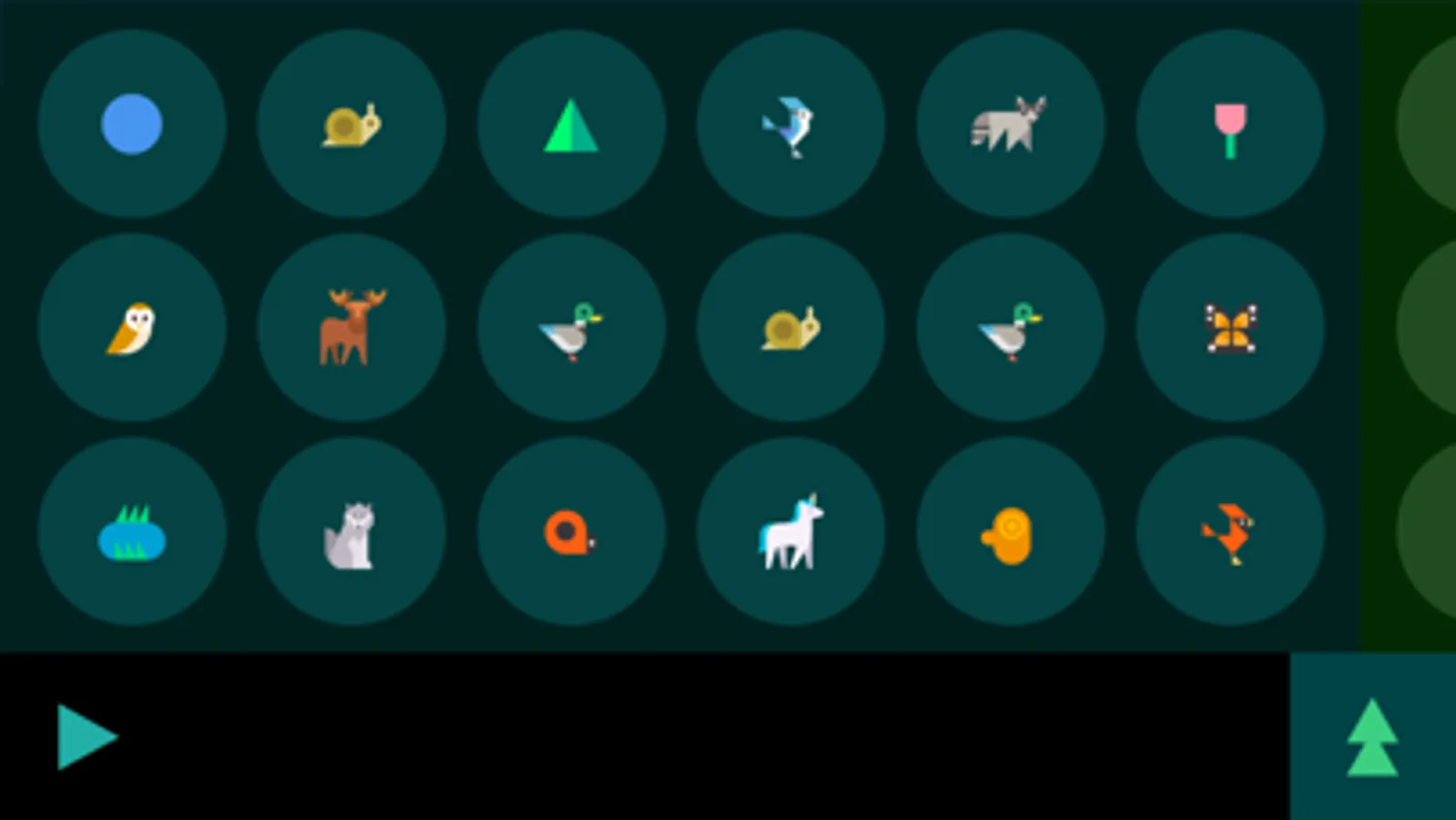
9. Tap a blank circle to create a new song
10. Swipe for more environments
Visit Soundforestapp.com for more information.
FEATURES:
* Instantly compose awesome music loops
* 160 elements, each a unique music note
* 4 musical environments (SoundForest, ElectroJungle, SynthSavanna, EchoOcean)
* 6 pitch levels for each music note
* Make a quick loop or compose a mini song
* Endless song possibilities
TUTORIAL:
1. Listen to whatever the Alien says.
2. Creating music is best with headphones
3. Swipe and tap on the music note bar to select a music note
4. Tap on the song grid to add the music note to your song
5. Tap on the sky to pause or play your song
6. Double tap the sky to change you song's speed
7. Swipe the song grid over to make your song longer
8. Tap the menu button to return to the song modules
9. Tap a blank circle to create a new song
10. Swipe for more environments
Visit Soundforestapp.com for more information.