With this remote control app, you can manage your Malatesta Teleprompter remotely by controlling playback, notes, and camera functions. Includes device connection setup, playback controls, and display options.
AppRecs review analysis
AppRecs rating 4.1. Trustworthiness 80 out of 100. Review manipulation risk 39 out of 100. Based on a review sample analyzed.
★★★★☆
4.1
AppRecs Rating
Ratings breakdown
5 star
50%
4 star
0%
3 star
0%
2 star
0%
1 star
50%
What to know
✓
Credible reviews
80% trustworthiness score from analyzed reviews
About Remote Control for Autokue App
Take full control of your Autokue Teleprompter from any compatible device with Autokue Remote Control.
Designed for creators, presenters, and video professionals, this app delivers a smoother and more reliable way to manage your teleprompter remotely—now with an improved interface and faster connectivity in version 3.0.0.
Set up your main device running Autokue Teleprompter, place it wherever you need it, and operate all essential functions from your secondary device with ease.
Key Features
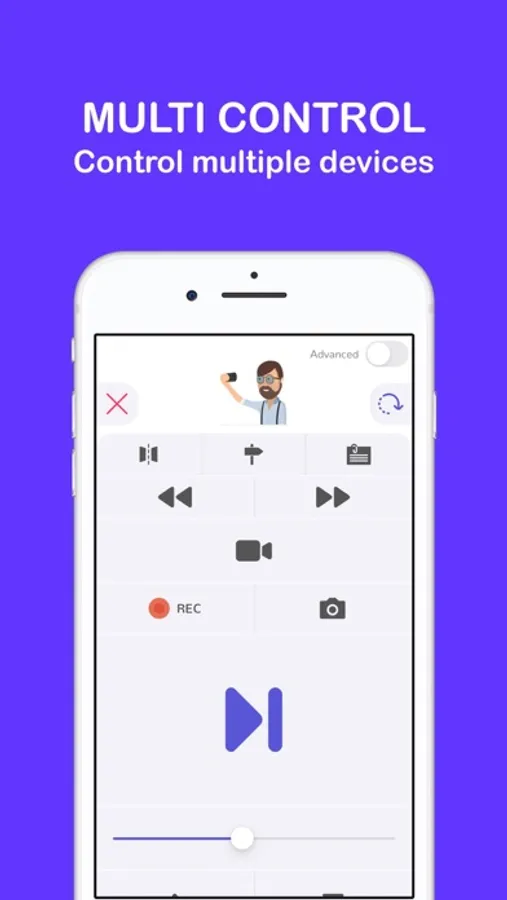
• Start and pause playback
• Switch the reading indicator
• Show or hide your notes
• Enable or disable mirror mode
• Show or hide the video preview
• Start or stop recording
• Adjust scroll speed in real time
• Capture photos remotely
Effortless Connection
Just launch both apps—they connect automatically. No pairing codes, no manual setup, no complications.
Designed for creators, presenters, and video professionals, this app delivers a smoother and more reliable way to manage your teleprompter remotely—now with an improved interface and faster connectivity in version 3.0.0.
Set up your main device running Autokue Teleprompter, place it wherever you need it, and operate all essential functions from your secondary device with ease.
Key Features
• Start and pause playback
• Switch the reading indicator
• Show or hide your notes
• Enable or disable mirror mode
• Show or hide the video preview
• Start or stop recording
• Adjust scroll speed in real time
• Capture photos remotely
Effortless Connection
Just launch both apps—they connect automatically. No pairing codes, no manual setup, no complications.
Remote Control for Autokue App Screenshots
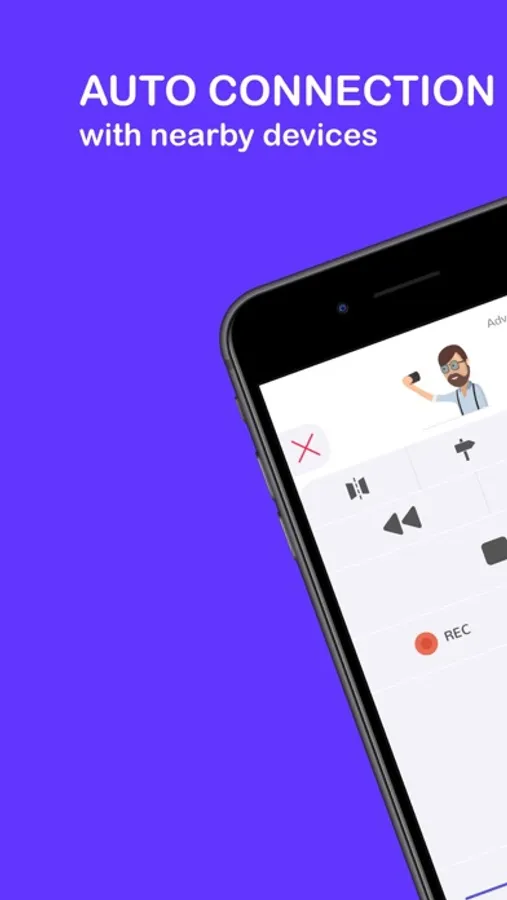
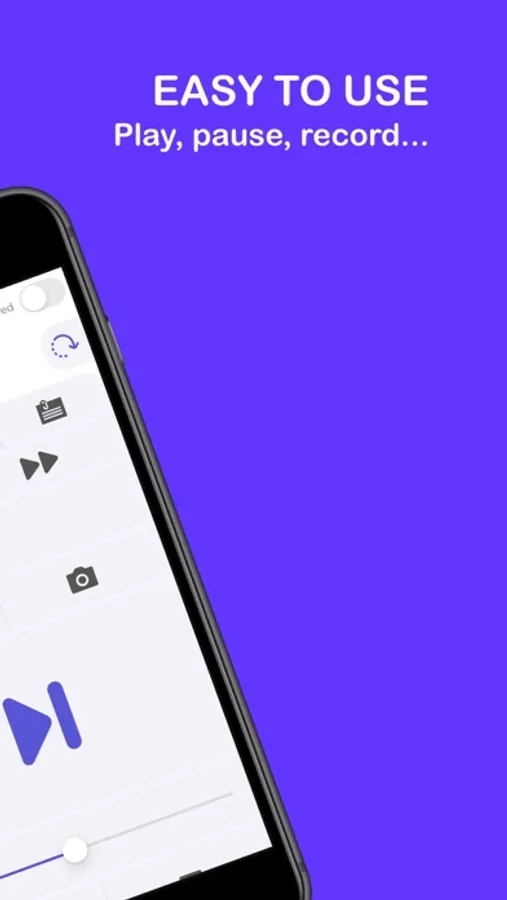
Tap to Rate:
Reviews for Remote Control for Autokue App
LauraSep
app doesn’t work
this app doesn’t work at all!! Which means this is not a plus of the paid prompter app. Horribly dissatisfied and frustrated as I really thought this was gonna be an amazing solution for me
Smirk212
Don’t waste your time
This does NOT work.