With this weather app, you can view interactive widgets on your Home Screen, access radar maps, and customize forecast sources. Includes weather maps, forecast options, and multiple data sources.
AppRecs review analysis
AppRecs rating 4.0. Trustworthiness 81 out of 100. Review manipulation risk 21 out of 100. Based on a review sample analyzed.
★★★★☆
4.0
AppRecs Rating
Ratings breakdown
5 star
74%
4 star
15%
3 star
5%
2 star
2%
1 star
3%
What to know
✓
Low review manipulation risk
21% review manipulation risk
✓
Credible reviews
81% trustworthiness score from analyzed reviews
⚠
Pricing complaints
Many low ratings mention paywalls or pricing
About Weather Up + AccuWeather Data
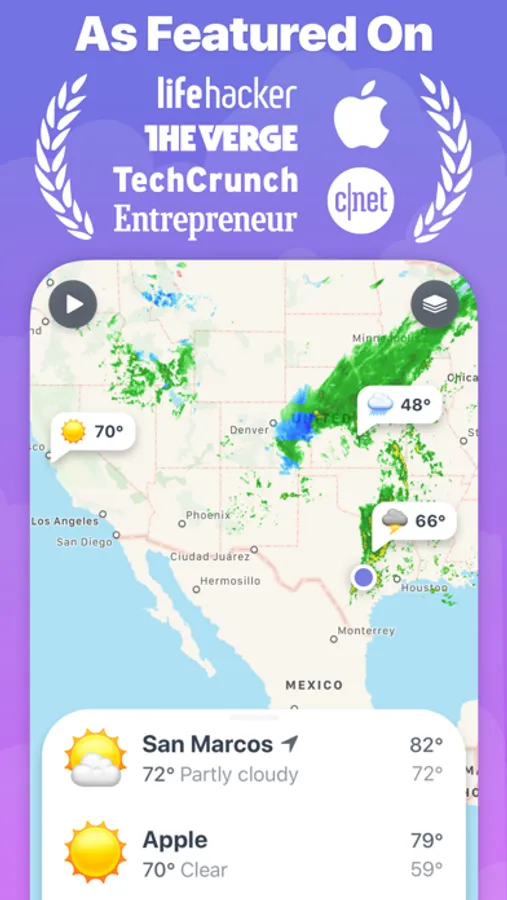
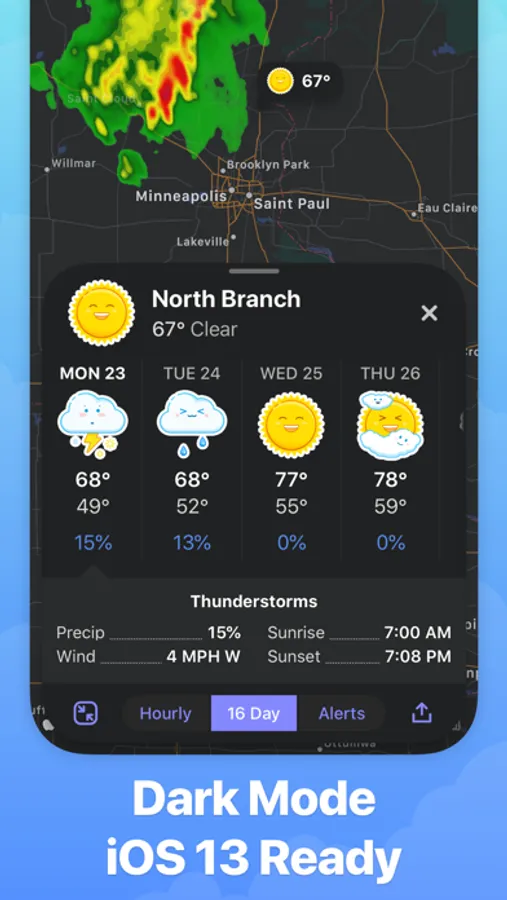
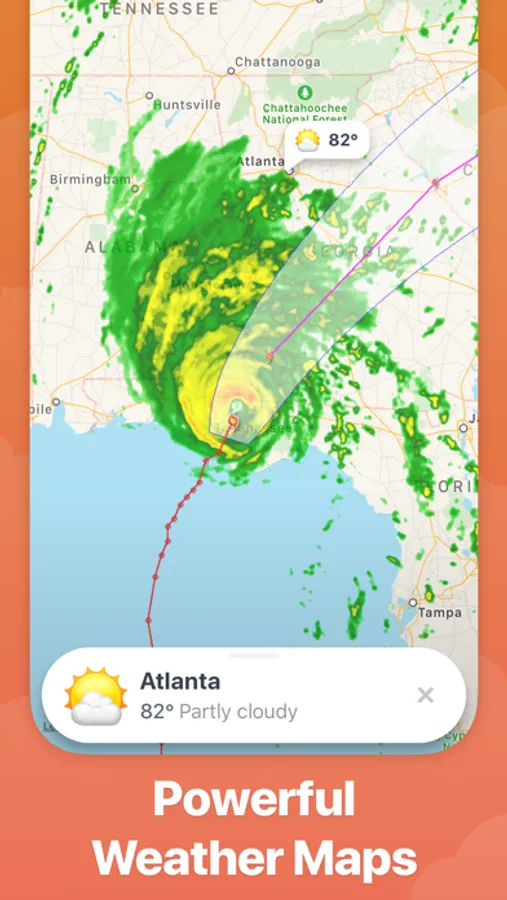
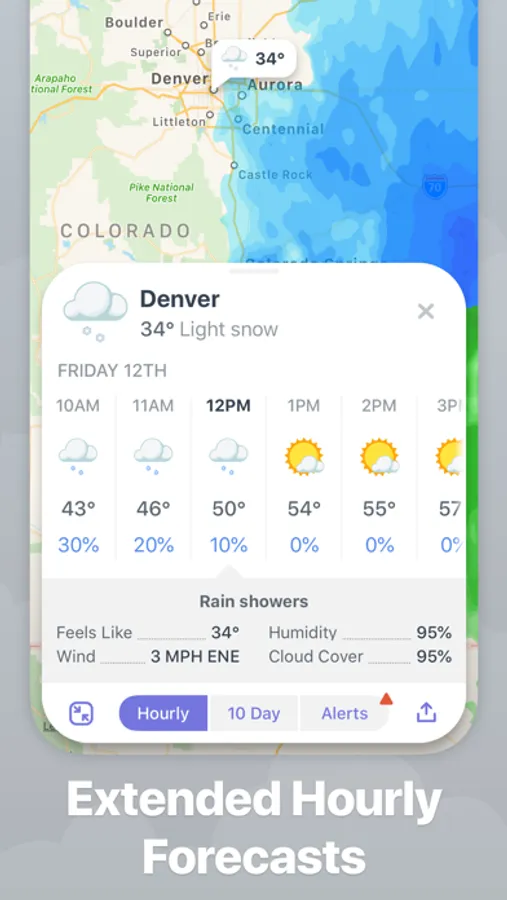
Weather Up brings the most important weather data right to your Home Screen with at-a-glance, interactive widgets. The Apple Watch app and complications bring that same glanceable forecast visualization to your wrist. And the app itself puts weather maps front and center so that when you do launch the app, you instantly see the radar and warning maps.
All the weather info you need:
• At-a-glance, interactive Home Screen widgets
• Apple Watch complications and full-featured app
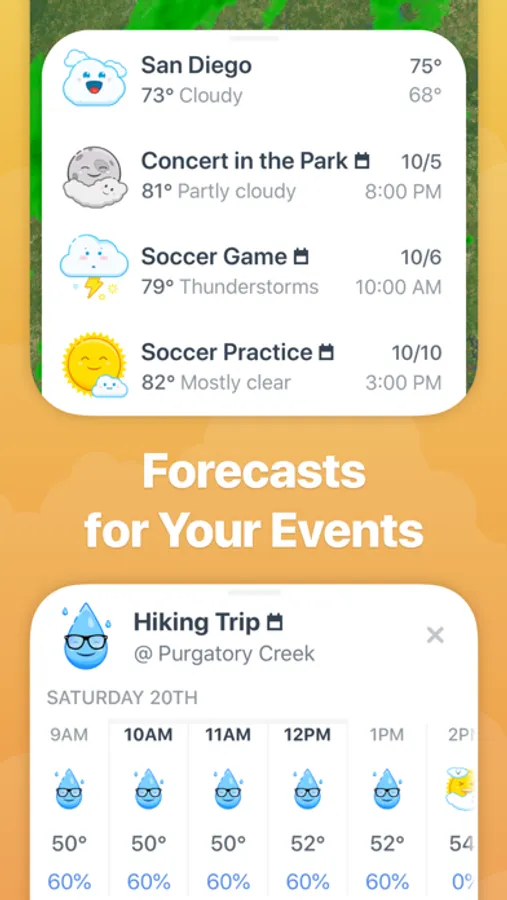
• Full Event Forecasts let you keep tabs on the weather for upcoming calendar events
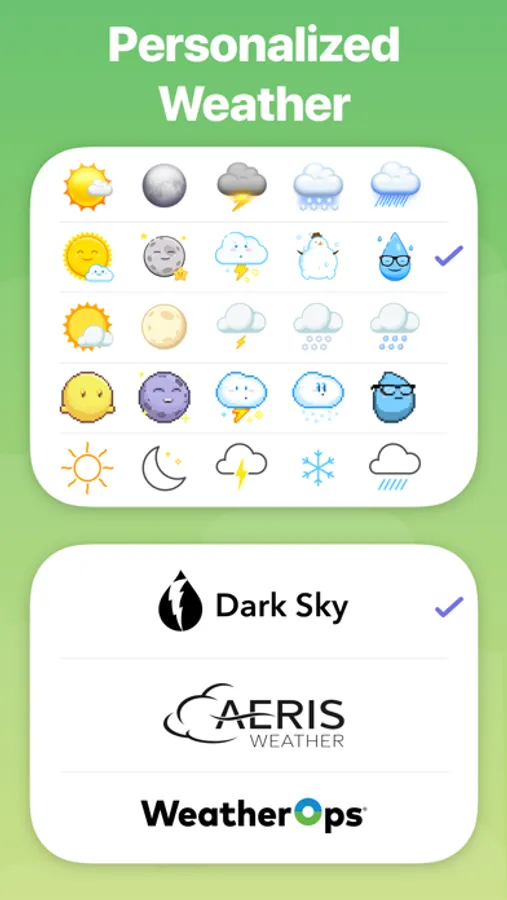
• 3 Forecast source options: Apple Weather, Aeris Weather, and AccuWeather*
• Weather map with radar, clouds, and lots more
• Beautiful, easy to understand icons for all weather conditions
Weather Up doesn’t overload you with info or waste space. It shows you everything you want to know and gets out of the way, so you will be prepared, whatever the weather.
*Apple Weather provides a 10 day forecast and 10 days of hourly
*Aeris Weather provides a 16 day forecast and 15 days of hourly
*AccuWeather provides a 15 day forecast and 5 days of hourly
Information about Weather Up Pro subscriptions:
- Monthly and Yearly subscriptions are available.
- Payment will be charged to your iTunes account at confirmation of purchase.
- Your subscription will automatically renew unless auto-renew is turned off at least 24-hours before the end of the current subscription period.
- Your account will be charged for renewal within 24-hours prior to the end of the current subscription period. Automatic renewals will cost the same price you were originally charged for the subscription.
- You can manage your subscriptions and turn off auto-renewal by going to your Account Settings on the App Store after purchase.
- Read our terms of service and privacy policy for more information.
Terms of Use: http://help.contrast.co/hc/en-us/articles/115001270251-Terms-of-Use
Privacy Policy: https://www.iubenda.com/privacy-policy/8201652
All the weather info you need:
• At-a-glance, interactive Home Screen widgets
• Apple Watch complications and full-featured app
• Full Event Forecasts let you keep tabs on the weather for upcoming calendar events
• 3 Forecast source options: Apple Weather, Aeris Weather, and AccuWeather*
• Weather map with radar, clouds, and lots more
• Beautiful, easy to understand icons for all weather conditions
Weather Up doesn’t overload you with info or waste space. It shows you everything you want to know and gets out of the way, so you will be prepared, whatever the weather.
*Apple Weather provides a 10 day forecast and 10 days of hourly
*Aeris Weather provides a 16 day forecast and 15 days of hourly
*AccuWeather provides a 15 day forecast and 5 days of hourly
Information about Weather Up Pro subscriptions:
- Monthly and Yearly subscriptions are available.
- Payment will be charged to your iTunes account at confirmation of purchase.
- Your subscription will automatically renew unless auto-renew is turned off at least 24-hours before the end of the current subscription period.
- Your account will be charged for renewal within 24-hours prior to the end of the current subscription period. Automatic renewals will cost the same price you were originally charged for the subscription.
- You can manage your subscriptions and turn off auto-renewal by going to your Account Settings on the App Store after purchase.
- Read our terms of service and privacy policy for more information.
Terms of Use: http://help.contrast.co/hc/en-us/articles/115001270251-Terms-of-Use
Privacy Policy: https://www.iubenda.com/privacy-policy/8201652
Weather Up + AccuWeather Data Screenshots
Tap to Rate:
Reviews for Weather Up + AccuWeather Data
AvTrax
Widget on iPad doesn’t recognize paid subscription
The iPad widget says Pro subscription is required. I have paid that a month ago. The regular iPad app works, buy the widget doesn’t. ZERO response from the app developers
John Gruber
Fantastic weather app with great widgets
Accurate, fast, and supports all the native features you might want.