AppRecs review analysis
AppRecs rating 2.1. Trustworthiness 63 out of 100. Review manipulation risk 23 out of 100. Based on a review sample analyzed.
★★☆☆☆
2.1
AppRecs Rating
Ratings breakdown
5 star
7%
4 star
14%
3 star
11%
2 star
21%
1 star
46%
What to know
✓
Low review manipulation risk
23% review manipulation risk
⚠
Mixed user feedback
Average 2.1★ rating suggests room for improvement
About ezDevice
Internet users at one time or another have experienced the pains of network loss. In most cases, this is resolved by rebooting the router which can be annoying and a pain if it involves a long drive to the site.
In comes UIS devices. These devices are designed to monitor and automatically power-cycle it’s outlet when a network failure is detected. This is achieved by connecting the router’s power to the UIS device and have it check the internet connectivity. Majority of network disconnections can be resolved this way - saving both time, costs and headaches.
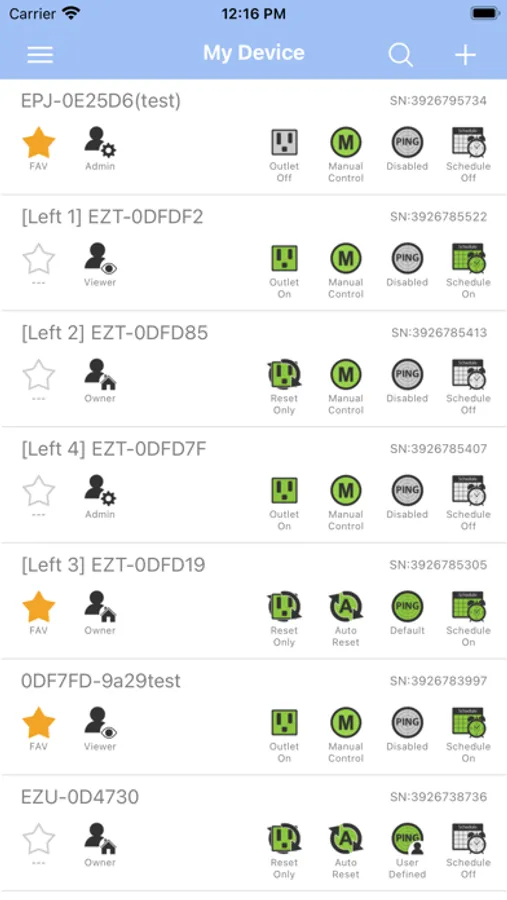
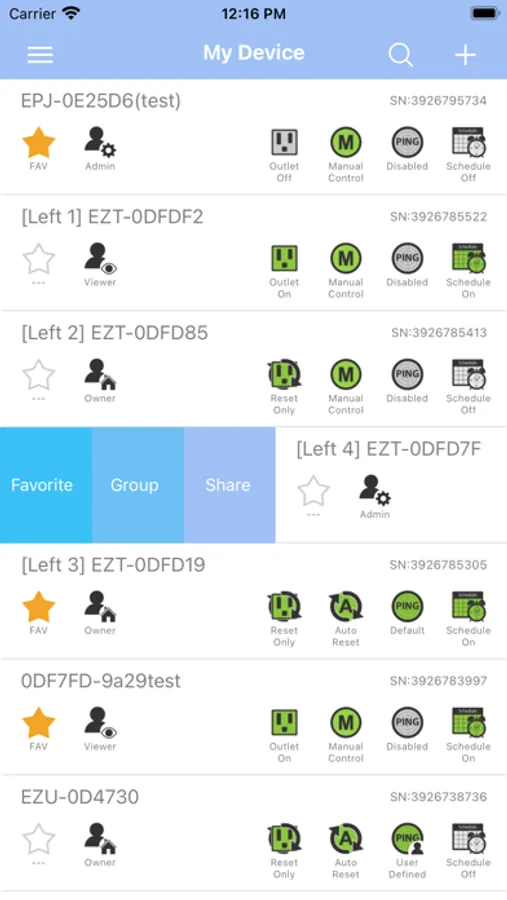
The user can also check on the status and perform a manual reboot of the network device to ensure optimal functionality. UIS devices can also be configured to perform power on, off and reset at scheduled times.
Setup is just a few simple steps;
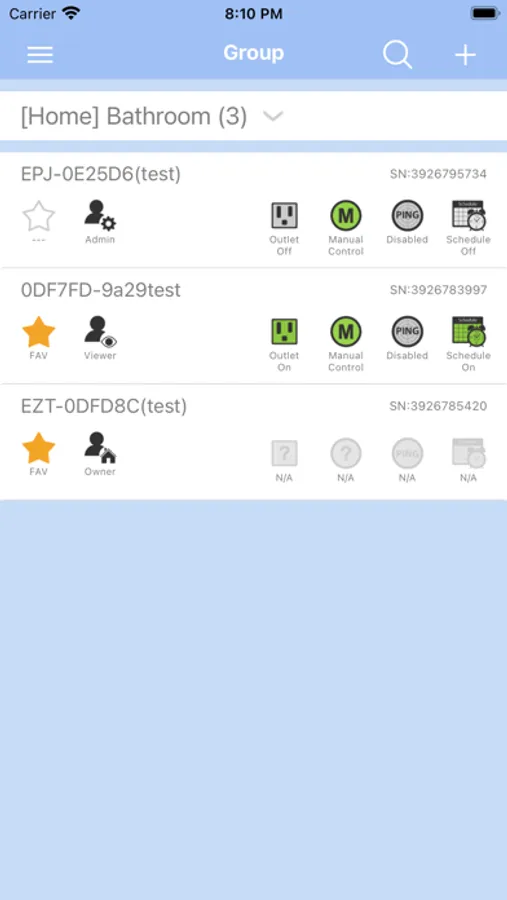
i. Install ezDevice APP and sign up for a free cloud account to centralize and manage your UIS devices.
ii. Connect power and ethernet to UIS device.
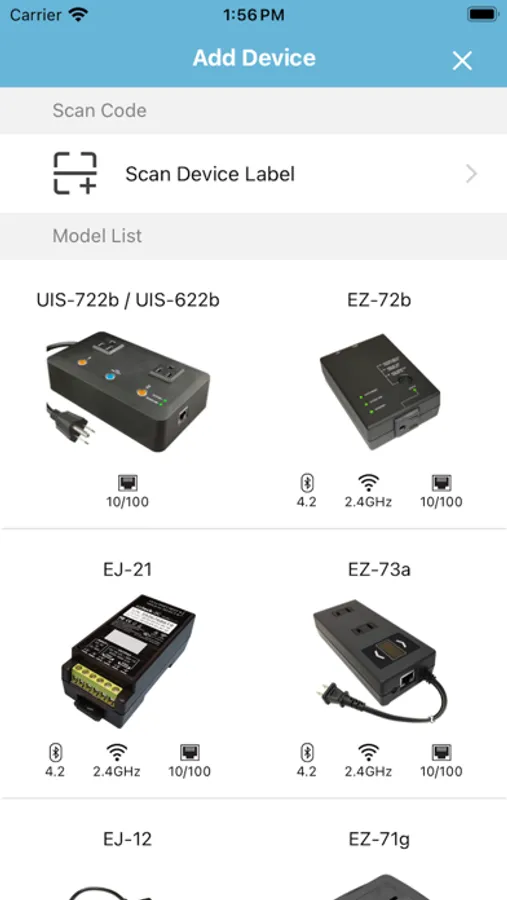
iii. Add UIS device to APP over LAN or WAN.
iv. Enable UIS (Auto Reset) function – Done.
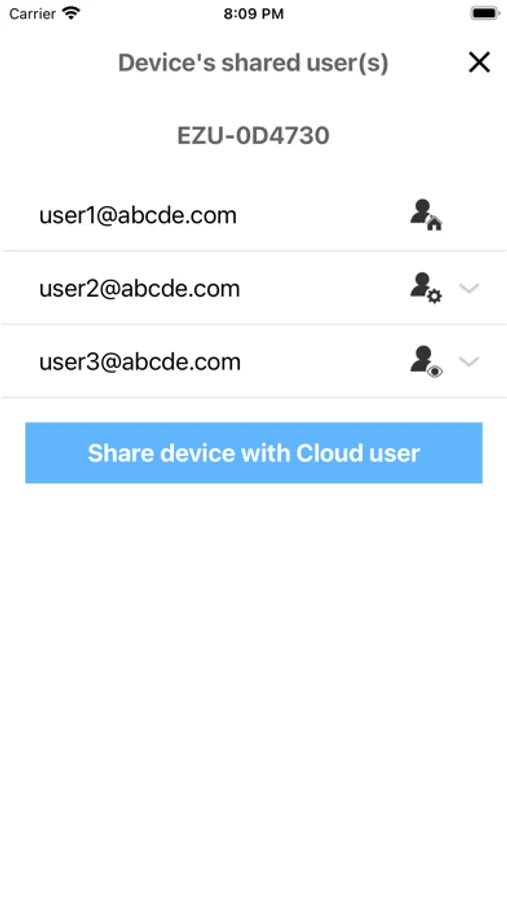
ezDevice Screenshots
Tap to Rate:
Reviews for ezDevice
Dbriere
Waste of time
Fails on every level
Jake¡
Just bad
Let’s start by saying, even the support link in the iOS app page doesn’t work. That should have been my first warning sign besides all the bad reviews. Pairing didn’t work in the app at all. I had to pair from the website. When I eventually did get it paired the app icons at the top are cut off and you can’t actually click them. So exiting from a window and going into settings are nearly impossible because of how they have designed the app. There doesn’t seem to be another way to tell the company because the support link is broken so all together this is a poorly supported system. Two stars only because it does seem to be working but I just can’t interface with it without the website.