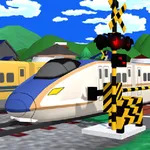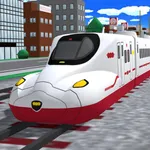
With this railway simulator, you can design and build railways with elevated, forked, and custom tracks, then run trains on your creations. Includes train management, building tools, and camera controls.
AppRecs review analysis
AppRecs rating 4.6. Trustworthiness 61 out of 100. Review manipulation risk 29 out of 100. Based on a review sample analyzed.
★★★★☆
4.6
AppRecs Rating
Ratings breakdown
5 star
81%
4 star
10%
3 star
4%
2 star
2%
1 star
3%
What to know
✓
Low review manipulation risk
29% review manipulation risk
✓
High user satisfaction
81% of sampled ratings are 5 stars
✓
Authentic reviews
Natural distribution, no red flags
About Train Go - Railway Simulator
Select the desired rail and connect it.
Just tap to lay rails.
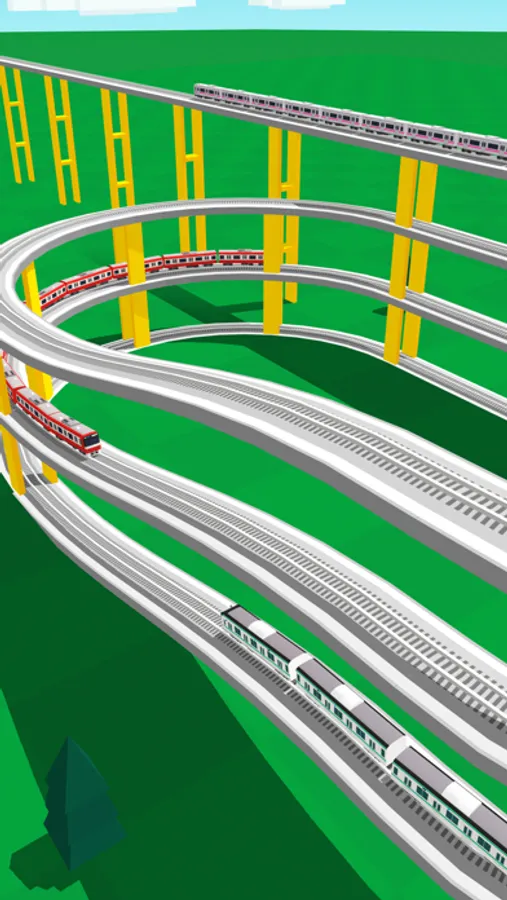
Create a railway with elevated rails, forking rails, etc., as you want.
Create a railway for your favorite train or bullet train and exercise your imagination and creativity.
Great fun to run a train on a railway you created, and a great sense of accomplishment!
Add train stations and tunnels to customize it. Then run trains on it!
Instructions
Tap the screen to add the desired rail.
Tap the arrow in the direction you want to lay the rail. Very easy to lay rails.
Tap on a background part to add buildings and trees wherever you want.
After building the railway, tap on the Put Train button and select a train!
You can add and delete trains and change the running direction.
After you are done, tap the Start Train button to start running the train.
When the train approaches a fork, use the following Fork button to switch the train's direction.
Camera Mode
Press "+" to zoom in.
Press "-" to zoom out.
Press the arrow to change the camera angle.
Train tracking: Press ON to track a train.
Just tap to lay rails.
Create a railway with elevated rails, forking rails, etc., as you want.
Create a railway for your favorite train or bullet train and exercise your imagination and creativity.
Great fun to run a train on a railway you created, and a great sense of accomplishment!
Add train stations and tunnels to customize it. Then run trains on it!
Instructions
Tap the screen to add the desired rail.
Tap the arrow in the direction you want to lay the rail. Very easy to lay rails.
Tap on a background part to add buildings and trees wherever you want.
After building the railway, tap on the Put Train button and select a train!
You can add and delete trains and change the running direction.
After you are done, tap the Start Train button to start running the train.
When the train approaches a fork, use the following Fork button to switch the train's direction.
Camera Mode
Press "+" to zoom in.
Press "-" to zoom out.
Press the arrow to change the camera angle.
Train tracking: Press ON to track a train.
Train Go - Railway Simulator Screenshots
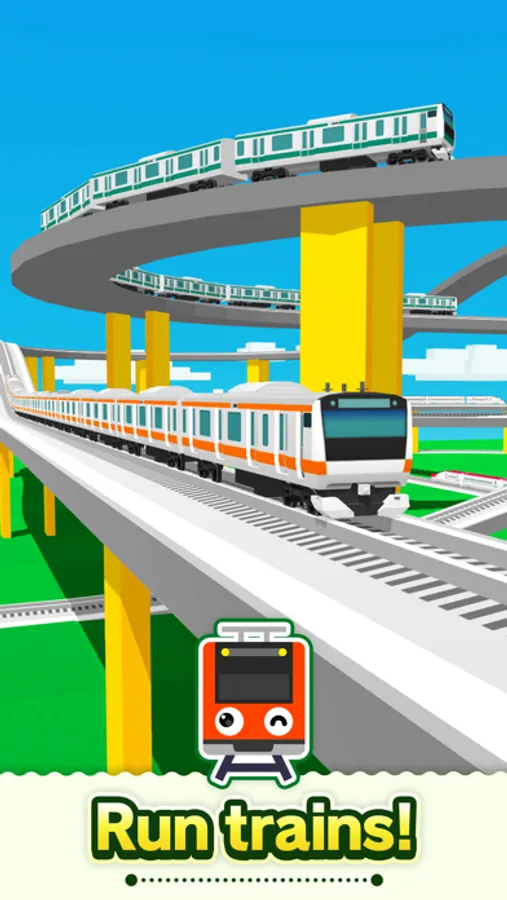
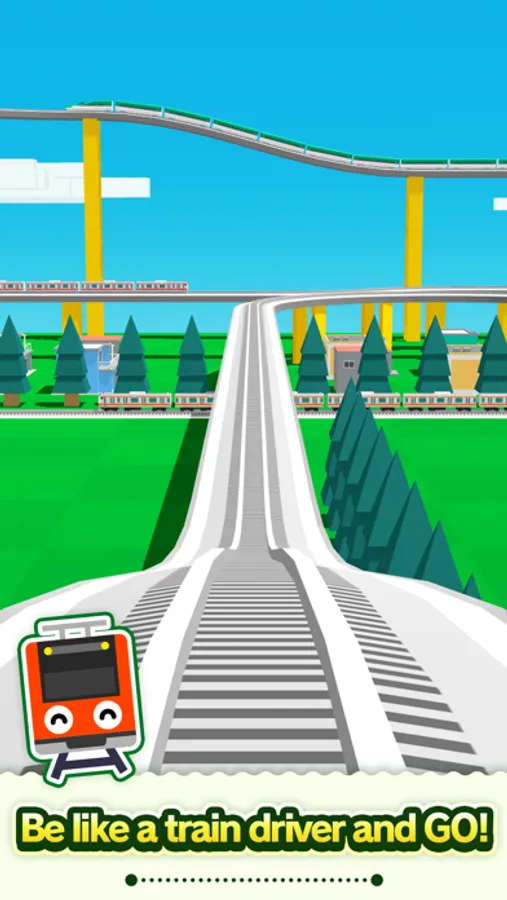
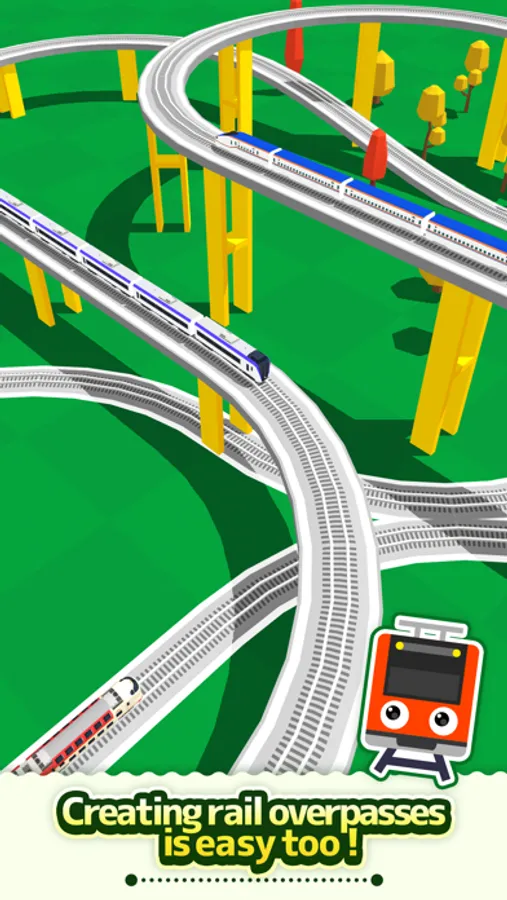
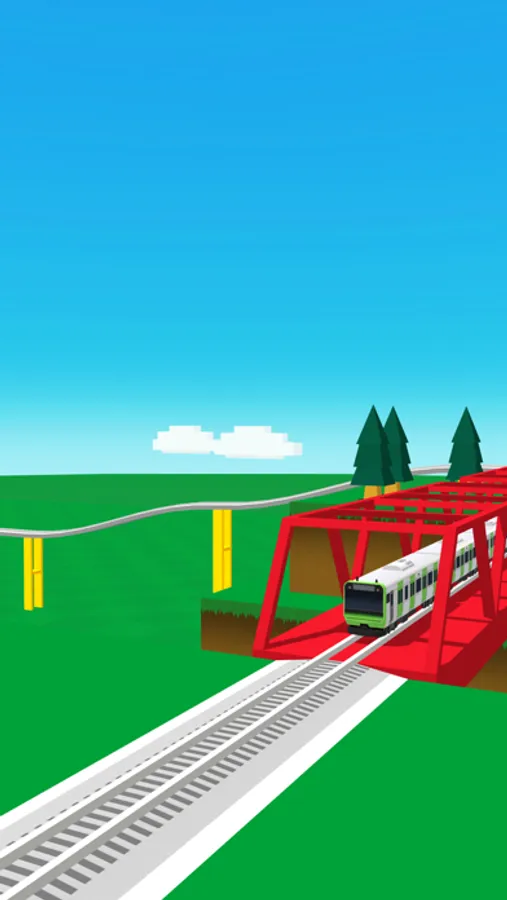
Tap to Rate:
Reviews for Train Go - Railway Simulator
Dabbott000
You lost my purchases
I am so angry I hate you so much you forgot my purchases over the years I will never forgive you for being so dumb
Change them back now!
I love this game!
Don’t change this!