In this fitness tracking app, you can monitor workout metrics and compare your performances over time. Includes heart rate monitoring, external device support, and workout exports.
AppRecs review analysis
AppRecs rating 3.2. Trustworthiness 82 out of 100. Review manipulation risk 19 out of 100. Based on a review sample analyzed.
★★★☆☆
3.2
AppRecs Rating
Ratings breakdown
5 star
33%
4 star
18%
3 star
16%
2 star
12%
1 star
21%
What to know
✓
Low review manipulation risk
19% review manipulation risk
✓
Credible reviews
82% trustworthiness score from analyzed reviews
⚠
High negative review ratio
34% of sampled ratings are 1–2 stars
About RowingCoach
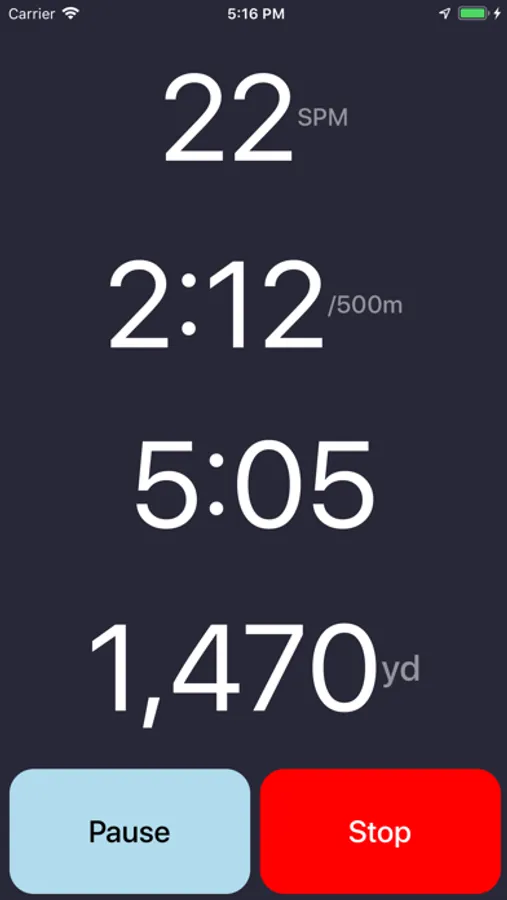
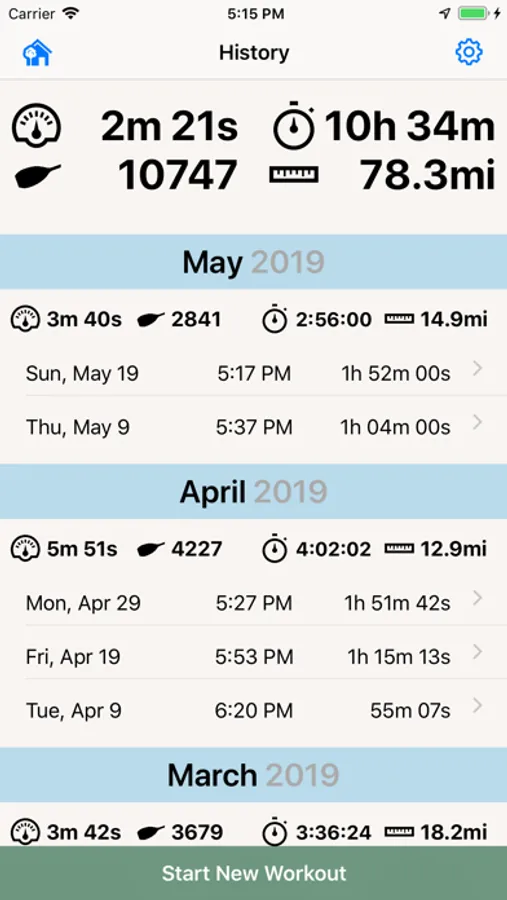
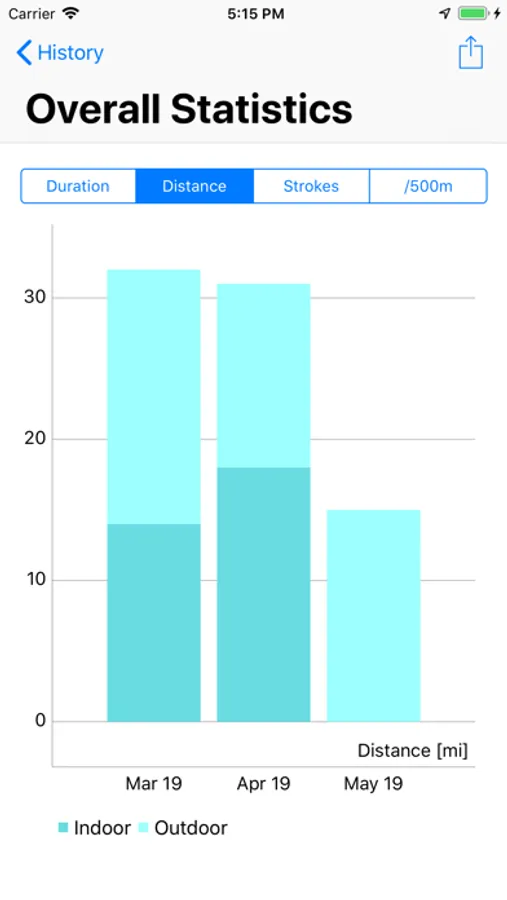
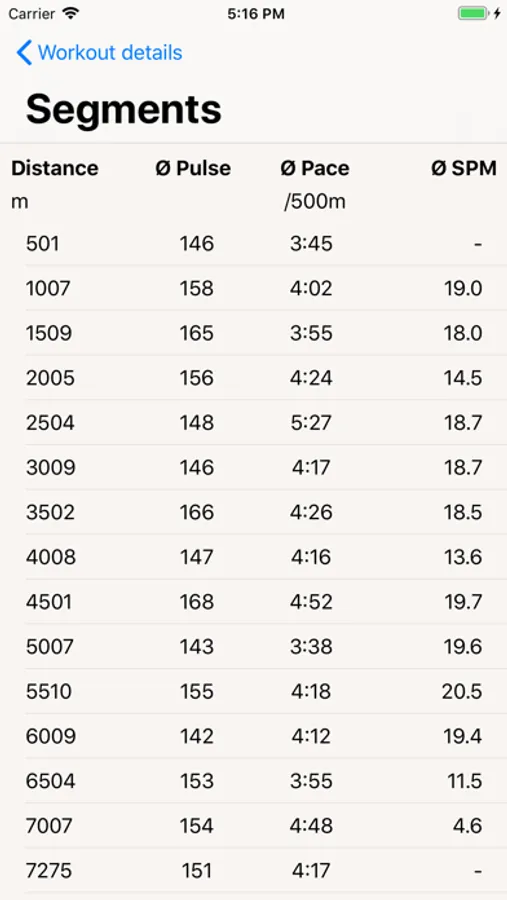
RowingCoach, available also for the Apple Watch, allows you to track your rowing sessions, compare your workouts and see your overall progress – whether you train on land or on water.
== RowingCoach displays the following metrics:
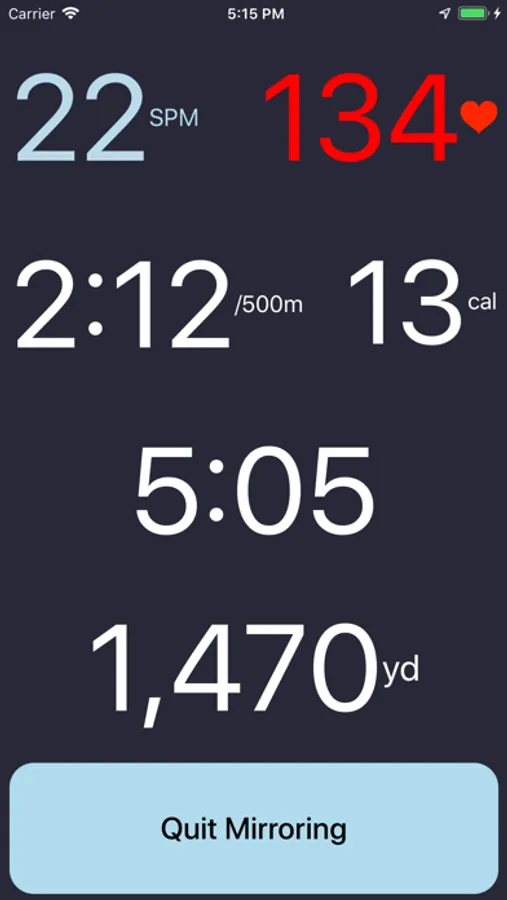
• Your current and overall stroke rate (SPM)
• The distance covered
• Your current and overall pace
• Your pulse
• Your calories burned
== Use the app as suits you best:
• Track your session on the iPhone
• Only use your Apple Watch to record the training (and leave your iPhone onshore!)
• Use the iPhone as display for your Apple Watch recording. Very useful for indoor rowing.
== RowingCoach also offers these features:
• Use Siri to start and stop your workout
• Automatic Stroke detection
• Get notified after a certain distance covered, strokes reached or time passed
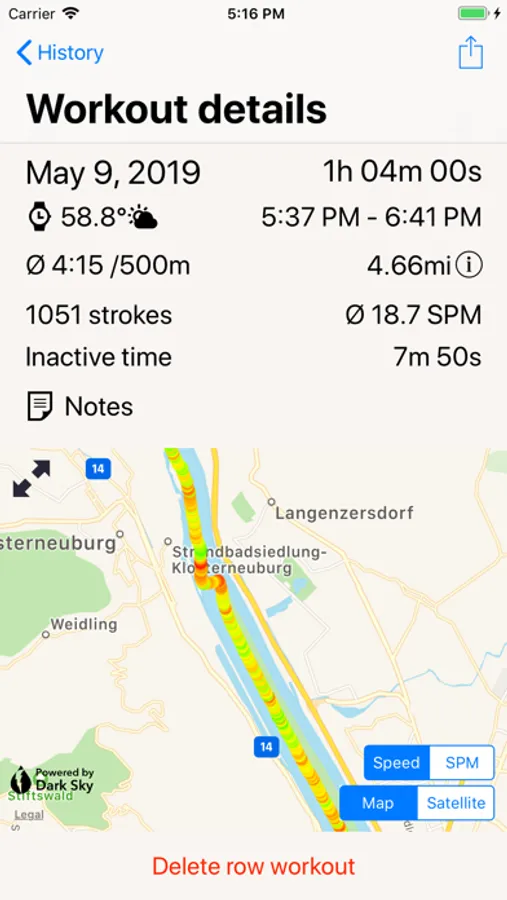
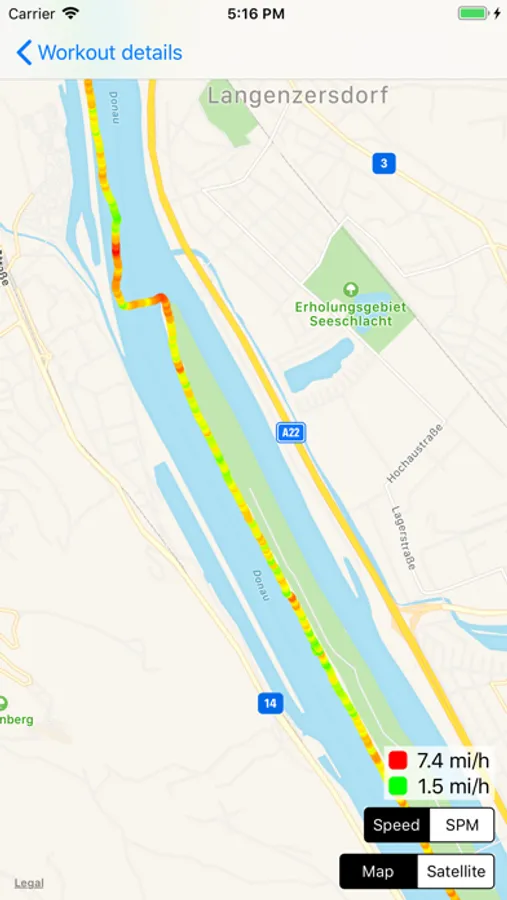
• Display your workout on a map
• Speed/pulse shown in color-coding
• Share your rowing track with iMessage
• Weather conditions are recorded for outdoor workouts
• iCloud synchronisation: Have your workouts on all your devices.
• Apple Health App integration
• Watch Complication: See your weekly progress at a glance
• Use Force Touch in the Watch app to quickly start and stop a workout
• Today Widget: See your weekly and monthly progress from the Today screen
• Add notes (to remember who was cox for example)
== Export and upload your workouts to other platforms:
• Upload to Strava
• Export to RowsAndAll
• Upload to MapMyFitness
• Upload to TrainingPeaks
• Upload to Concept2 Logbook
External bluetooth heart rate monitors are supported.
If you want to export your workouts via e-mail or want to record more than 3 workouts - you can get to a subscription right in the app.
== RowingCoach displays the following metrics:
• Your current and overall stroke rate (SPM)
• The distance covered
• Your current and overall pace
• Your pulse
• Your calories burned
== Use the app as suits you best:
• Track your session on the iPhone
• Only use your Apple Watch to record the training (and leave your iPhone onshore!)
• Use the iPhone as display for your Apple Watch recording. Very useful for indoor rowing.
== RowingCoach also offers these features:
• Use Siri to start and stop your workout
• Automatic Stroke detection
• Get notified after a certain distance covered, strokes reached or time passed
• Display your workout on a map
• Speed/pulse shown in color-coding
• Share your rowing track with iMessage
• Weather conditions are recorded for outdoor workouts
• iCloud synchronisation: Have your workouts on all your devices.
• Apple Health App integration
• Watch Complication: See your weekly progress at a glance
• Use Force Touch in the Watch app to quickly start and stop a workout
• Today Widget: See your weekly and monthly progress from the Today screen
• Add notes (to remember who was cox for example)
== Export and upload your workouts to other platforms:
• Upload to Strava
• Export to RowsAndAll
• Upload to MapMyFitness
• Upload to TrainingPeaks
• Upload to Concept2 Logbook
External bluetooth heart rate monitors are supported.
If you want to export your workouts via e-mail or want to record more than 3 workouts - you can get to a subscription right in the app.
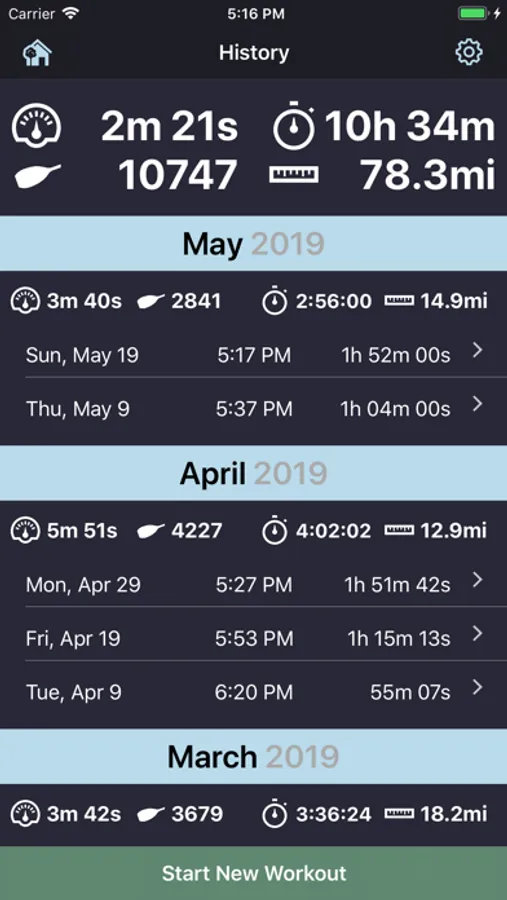
RowingCoach Screenshots
Tap to Rate:
Reviews for RowingCoach
A.M.C.Z
Distance issues
My complaint is that if you pause even briefly, it wipes out the distance that has been tracked so far.
hellriser1100
App not in sync with PM5
I have FW 215 HW 903 , even when PM5 displays “app connected” RowingCoach” doesn’t start the workout log or screen mirroring.