
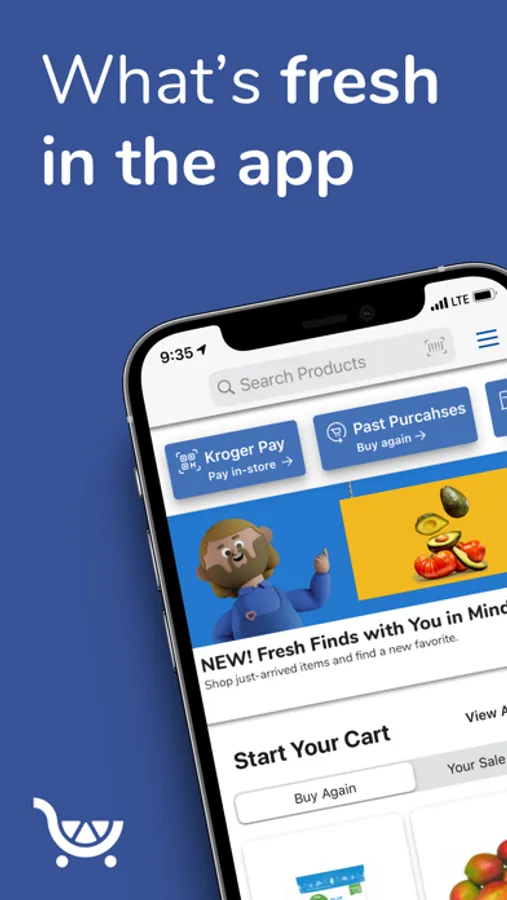
With this grocery shopping app, you can browse products, create shopping lists, and place orders for pickup, delivery, or shipping. Includes digital coupons, cash back deals, store locator, and order tracking features.
AppRecs review analysis
AppRecs rating 4.4. Trustworthiness 0 out of 100. Review manipulation risk 0 out of 100. Based on a review sample analyzed.
★★★★☆
4.4
AppRecs Rating
Ratings breakdown
5 star
81%
4 star
14%
3 star
3%
2 star
1%
1 star
2%
What to know
✓
High user satisfaction
81% of sampled ratings are 5 stars
✓
Authentic reviews
Natural distribution, no red flags
⚠
Ad complaints
Many low ratings mention excessive ads
About Pick 'n Save
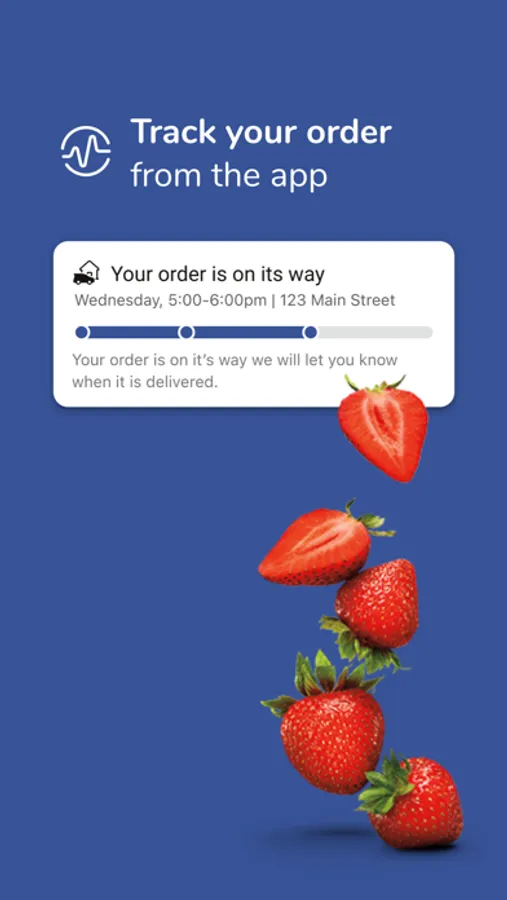
· Create and track Pickup, Delivery and Ship orders right from the app
· Shop an extended aisle of 1,000s of products from our trusted third-party sellers
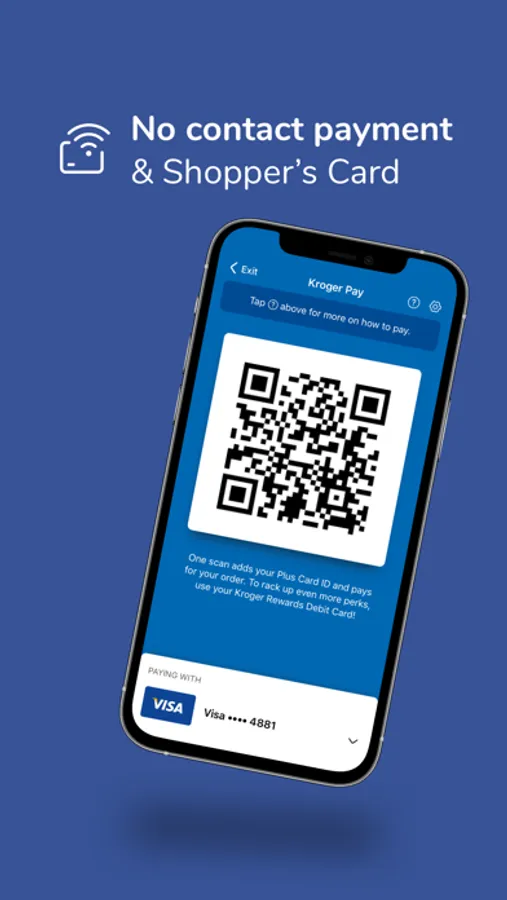
· Use Kroger Pay at in-store checkout – one scan applies your Fresh Perks Card and payment
· Easily build your online shopping list, and use it to shop in-store or to place your online order
· View your weekly ads and quickly add sale items or specials to your shopping list
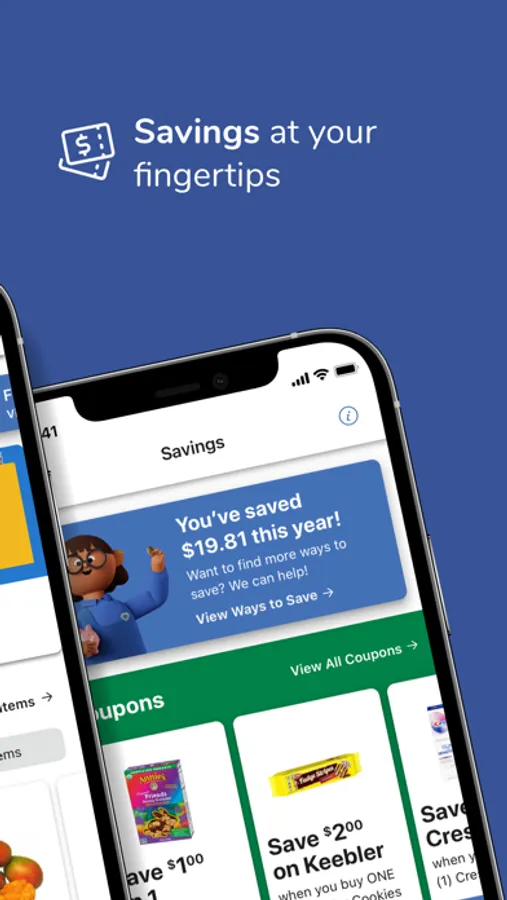
· Clip digital coupons and use them to save in-store and online
· Get Cash Back deals to earn money on items you already buy
· Discover even more savings with exclusive promotions, personalized offers and bonus rewards
· Refill and track the status of your Pick 'n Save Pharmacy prescriptions directly from your phone or tablet
· Check your fuel points
· Use our locator to find the closest store or Fuel Center
· View your purchase history and use it to easily reorder your favorite products
· Add your Fresh Perks Card to Wallet for iPhone.
To use the Pick 'n Save app, you'll need a Pick 'n Save digital account. You can create one and link your Fresh Perks Card through the app. Don't have a Fresh Perks Card? You can add a new one when you create your digital account.
Pick 'n Save Screenshots
Tap to Rate:
Reviews for Pick 'n Save
Howismynametaken
Awful laggy glitchy app
Garbage app. Takes forever to load pages, it’s missing a significant amount of items, and it is not easy to navigate. Seriously, whoever made this needs to use it before releasing version updates because it just keeps getting worse.
JWQuest
Refresh worse
It’s not easier nor faster. It’s harder to navigate. And worse yet, when I click on the search button the word SEARCH appears at the top, but nowhere can I type anything. I’m on an iPad running iOS 26. When I use my iPhone, a search bar appears at the bottom, but I have to click into it to start typing. Seems like an extra step.