
With this banking app, you can view all your financial accounts in one place and set alerts for low funds or bills. Includes account aggregation, notifications, and contact features.
AppRecs review analysis
AppRecs rating 4.5. Trustworthiness 0 out of 100. Review manipulation risk 0 out of 100. Based on a review sample analyzed.
★★★★☆
4.5
AppRecs Rating
Ratings breakdown
5 star
92%
4 star
4%
3 star
2%
2 star
0%
1 star
1%
What to know
✓
High user satisfaction
92% of sampled ratings are 5 stars
About Bank of Newington Mobile
The Bank of Newington App is a free mobile decision-support tool that gives you the ability to aggregate all of your financial accounts, including accounts from other financial institutions, into a single, up-to-the-minute view so you can stay organized and make smarter financial decisions. It is fast, secure and makes life easier by empowering you with the tools you need to manage your personal finances.
FEATURES
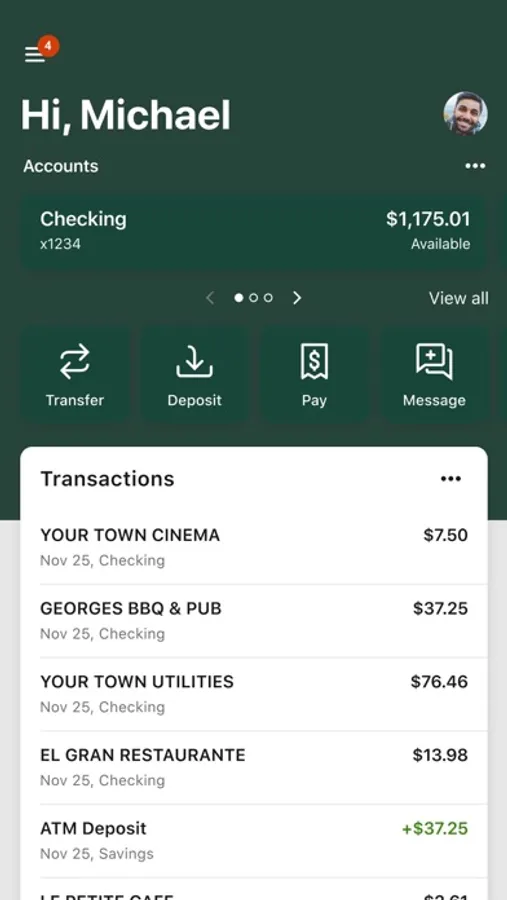
Multi-Account Aggregation: View all of your financial information (balances, transaction history, merchant spending averages) in one place for on-the-go organization.
Alerts & Notifications: Set alerts for low funds and be notified about upcoming bills.
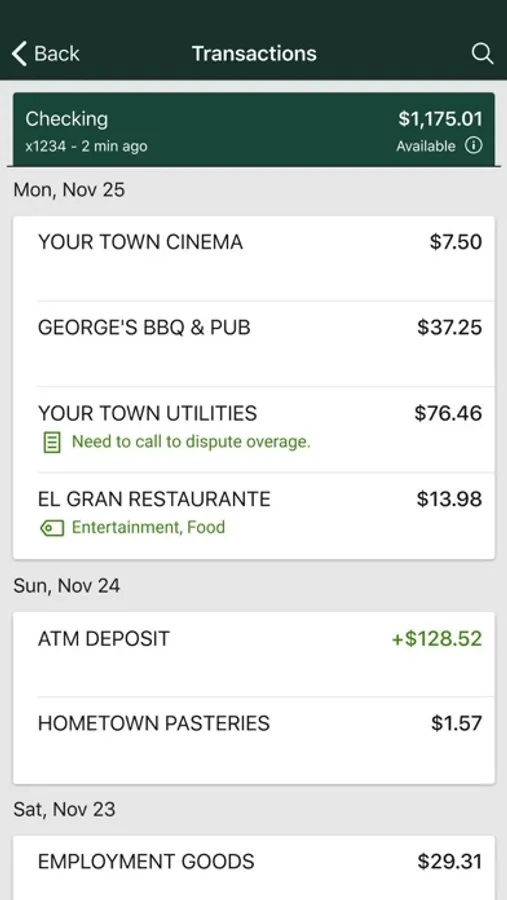
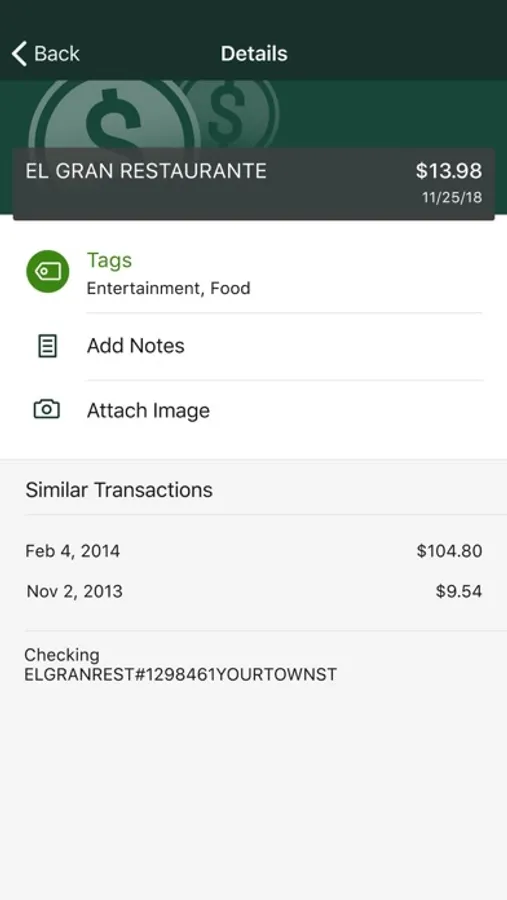
Add Tags, Notes, Images & Geo-Information: By enhancing transactions with custom tags, notes or photos of a receipt or check, you have the ability to stay organized and find exactly what you’re looking for when searching through your finances.
Contact: Locate ATMs or branches and contact Bank of Newington customer service directly from the app.
SAFE AND SECURE
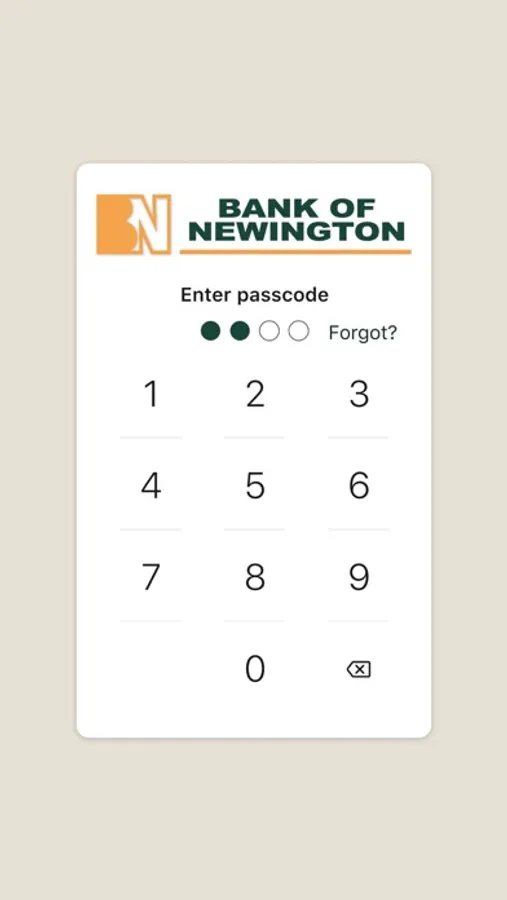
The app utilizes the same bank-level security that protects you when you’re on Internet Banking. The app also features a unique 4-digit passcode setting that prevents unauthorized access.
GETTING STARTED
To use the (F.I. NAME) App, you must be enrolled as a Bank of Newington Internet Banking user. If you currently use our Internet Banking, simply download the app, launch it, and login with the same Internet Banking credentials. After you successfully login to the app, your accounts and transactions will begin updating.
FEATURES
Multi-Account Aggregation: View all of your financial information (balances, transaction history, merchant spending averages) in one place for on-the-go organization.
Alerts & Notifications: Set alerts for low funds and be notified about upcoming bills.
Add Tags, Notes, Images & Geo-Information: By enhancing transactions with custom tags, notes or photos of a receipt or check, you have the ability to stay organized and find exactly what you’re looking for when searching through your finances.
Contact: Locate ATMs or branches and contact Bank of Newington customer service directly from the app.
SAFE AND SECURE
The app utilizes the same bank-level security that protects you when you’re on Internet Banking. The app also features a unique 4-digit passcode setting that prevents unauthorized access.
GETTING STARTED
To use the (F.I. NAME) App, you must be enrolled as a Bank of Newington Internet Banking user. If you currently use our Internet Banking, simply download the app, launch it, and login with the same Internet Banking credentials. After you successfully login to the app, your accounts and transactions will begin updating.
Bank of Newington Mobile Screenshots
Tap to Rate:
Reviews for Bank of Newington Mobile
Susan, a fellow Eagle
Very pleased!
My husband and I have been very pleased with the Bank of Newington in our area. Very friendly and helpful people!
Ralph Evans
Great App
Big bank services with the personalization of my small hometown bank !