In this music production app, you can produce and perform music in Ableton Live using customizable controls and waveform views. Includes device templates, automation editing, and support for third-party plug-ins.
AppRecs review analysis
AppRecs rating 3.0. Trustworthiness 82 out of 100. Review manipulation risk 21 out of 100. Based on a review sample analyzed.
★★★☆☆
3.0
AppRecs Rating
Ratings breakdown
5 star
37%
4 star
6%
3 star
9%
2 star
11%
1 star
37%
What to know
✓
Low review manipulation risk
21% review manipulation risk
⚠
Mixed user feedback
Average 2.9★ rating suggests room for improvement
⚠
High negative review ratio
48% of sampled ratings are 1–2 stars
About touchAble Pro
Eight years ago touchAble defined what a touch controller app for Live could do. touchAble Pro has been reimagined and recoded from the ground up, incorporating years of feedback from musicians at every level.
touchAble Pro provides a cleaner interface, allows much more powerful customisation and gives you the deepest access possible to Ableton Live.
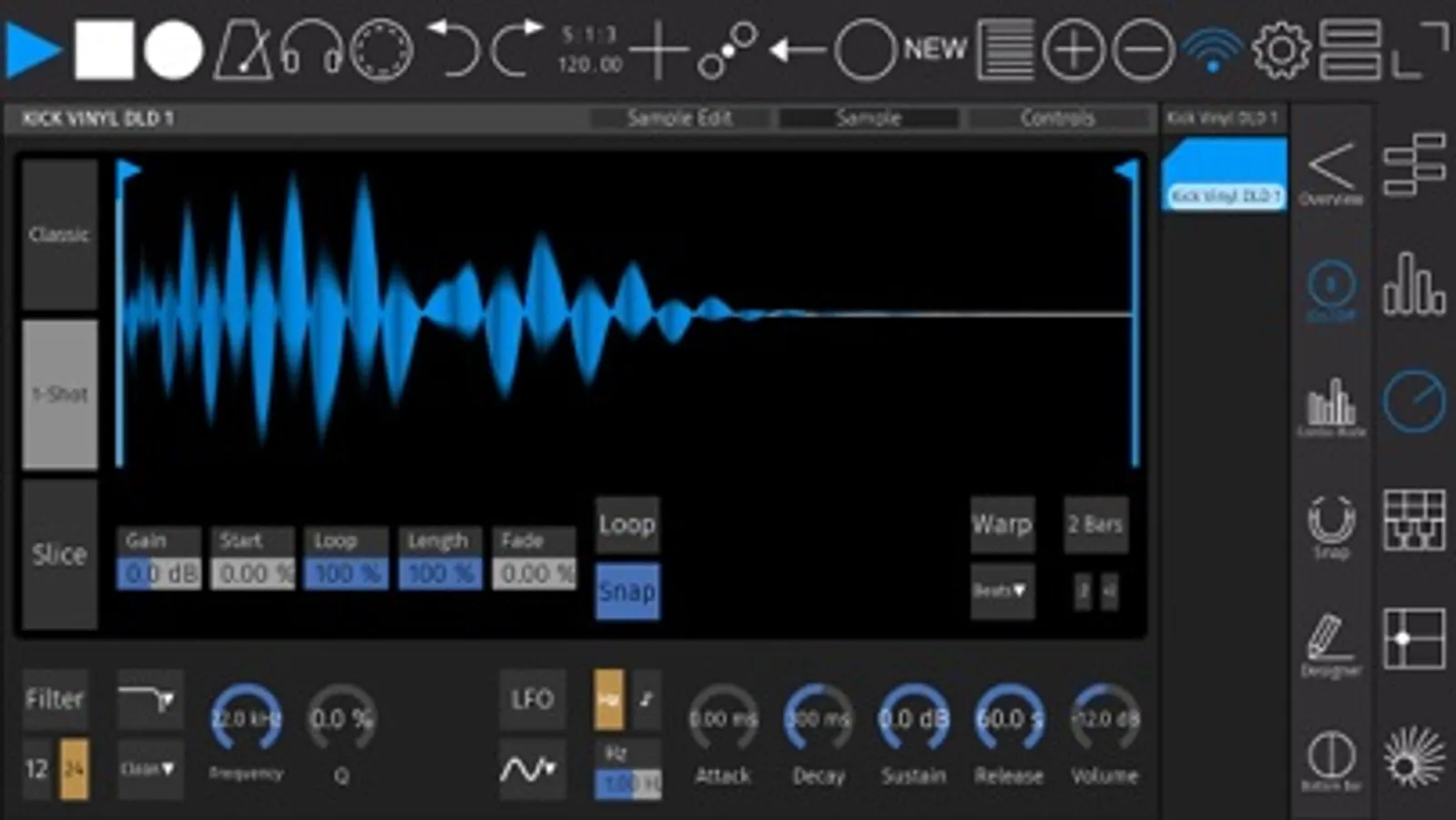
From waveform views to editors to automations - with touchAble Pro, you now have the complete Ableton Live experience literally at your fingertips. You can perform and edit without ever touching a mouse, you can customize your experience to access exactly the controls you need to edit or play. You’ll gain complete control that’s as portable as the smartphone, tablet or laptop you’re carrying with you.
- Audio clip view with waveforms, including side-by-side waveform view
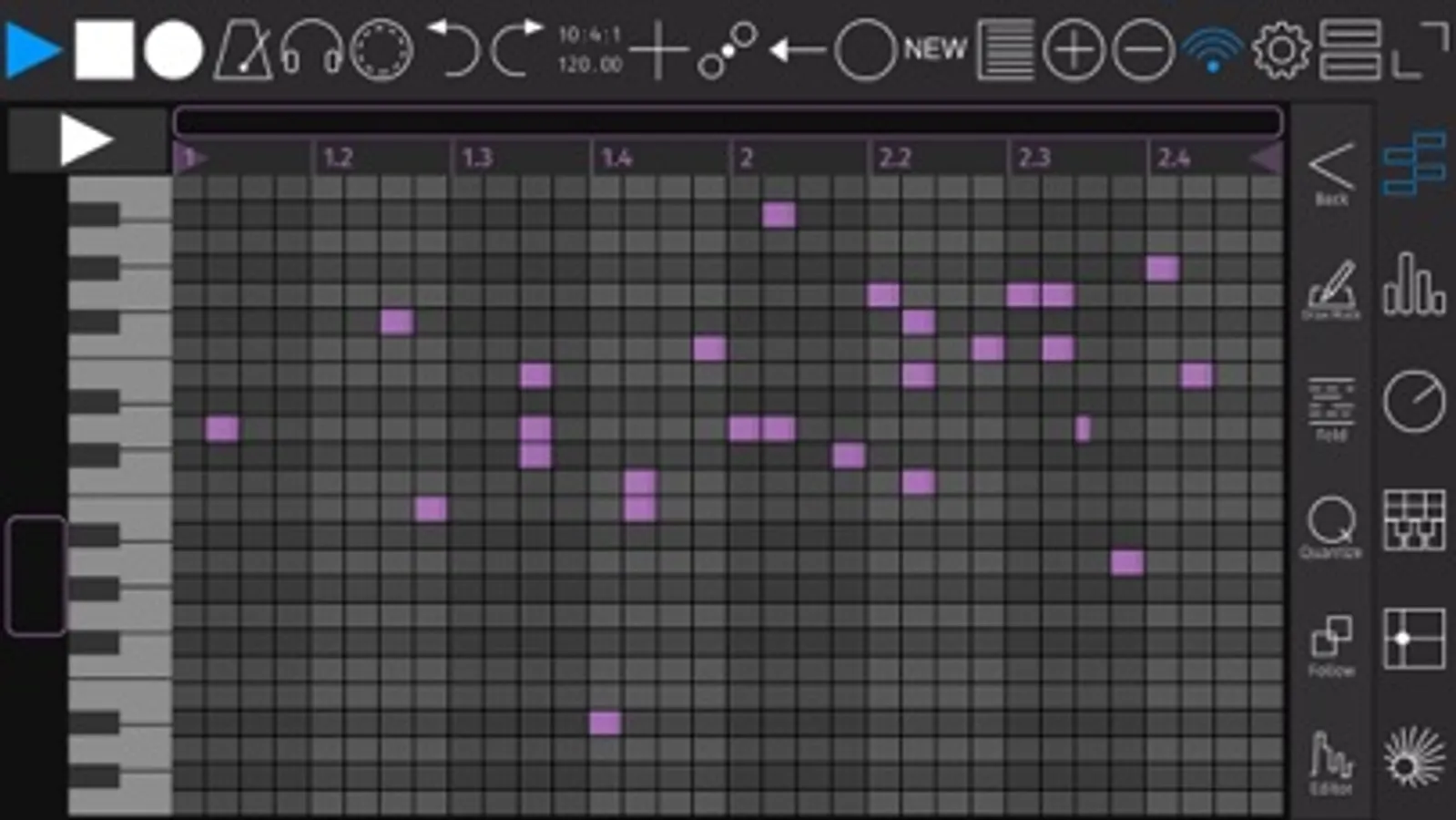
- Edit patterns easier and faster than ever with the new piano roll view
- Draw and edit Clip-Automations
- Templates for Live devices are now included at no added cost
- Create your own custom Device Templates for M4L or Live Devices, VSTs & AUs
- Access a tracks I/O right from the app.
- Make your own Device templates, with complete support for third-party plug-ins and Max for Live (IAP - soon to come)
- Build your own complete custom layouts with the overhauled Template Editor
- Make performance-friendly templates that include focus on individual clips and scenes, custom controls and even full modules.
- New layout options: view modules fullscreen or duplicate them side by side
- For iPhone & iPad (Universal)
touchAble lets you access all of Ableton Live via simple, robust connections, either wired or wireless, and provides access to nearly every aspect of the software. touchAble Pro builds on that support with an updated interface for all of the features that made touchAble popular:
- Control the transport, metronome, cues, and quantization
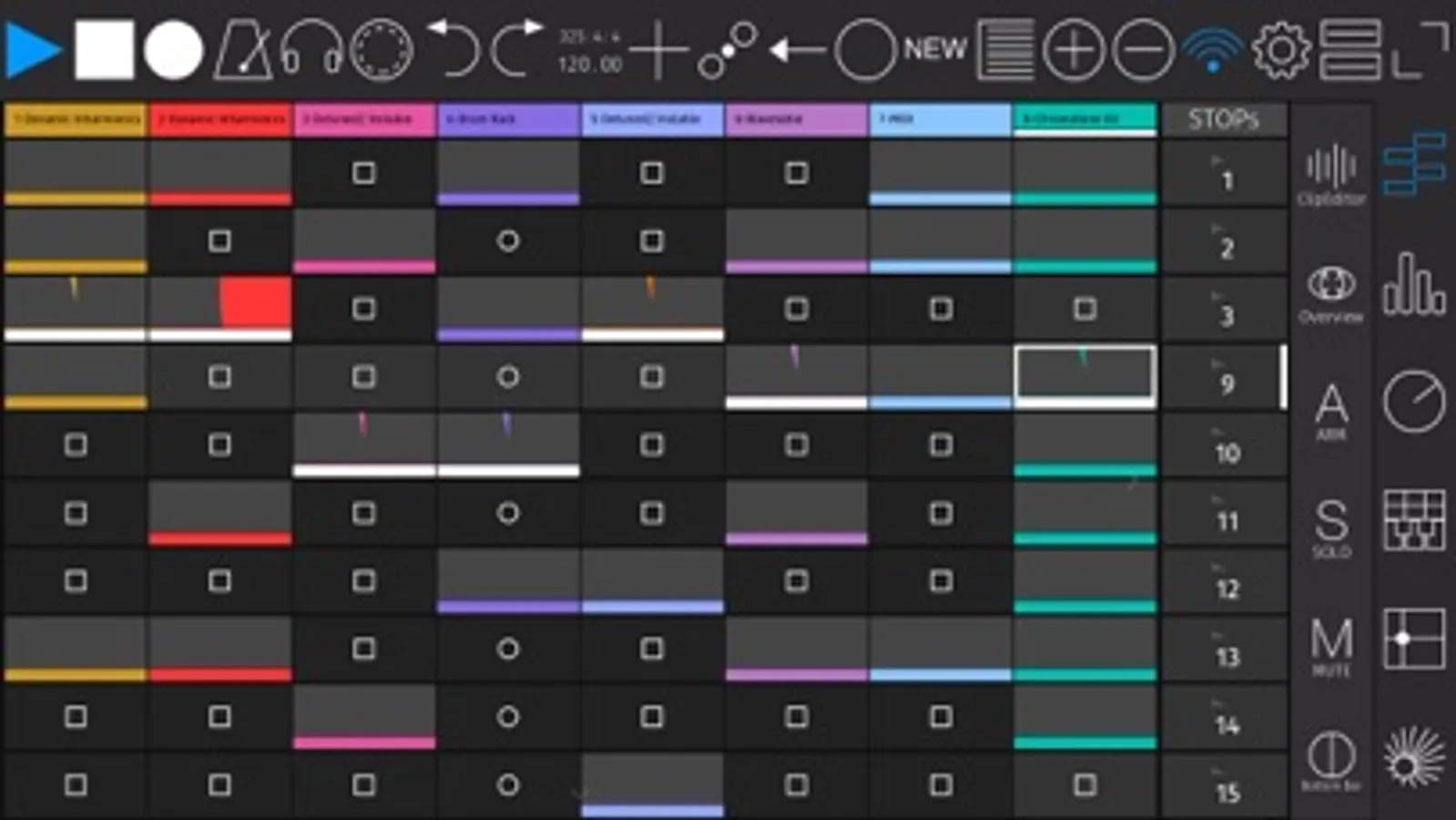
- Trigger clips and scenes and control looping
- Arm, mute, and solo tracks
- Adjust monitoring
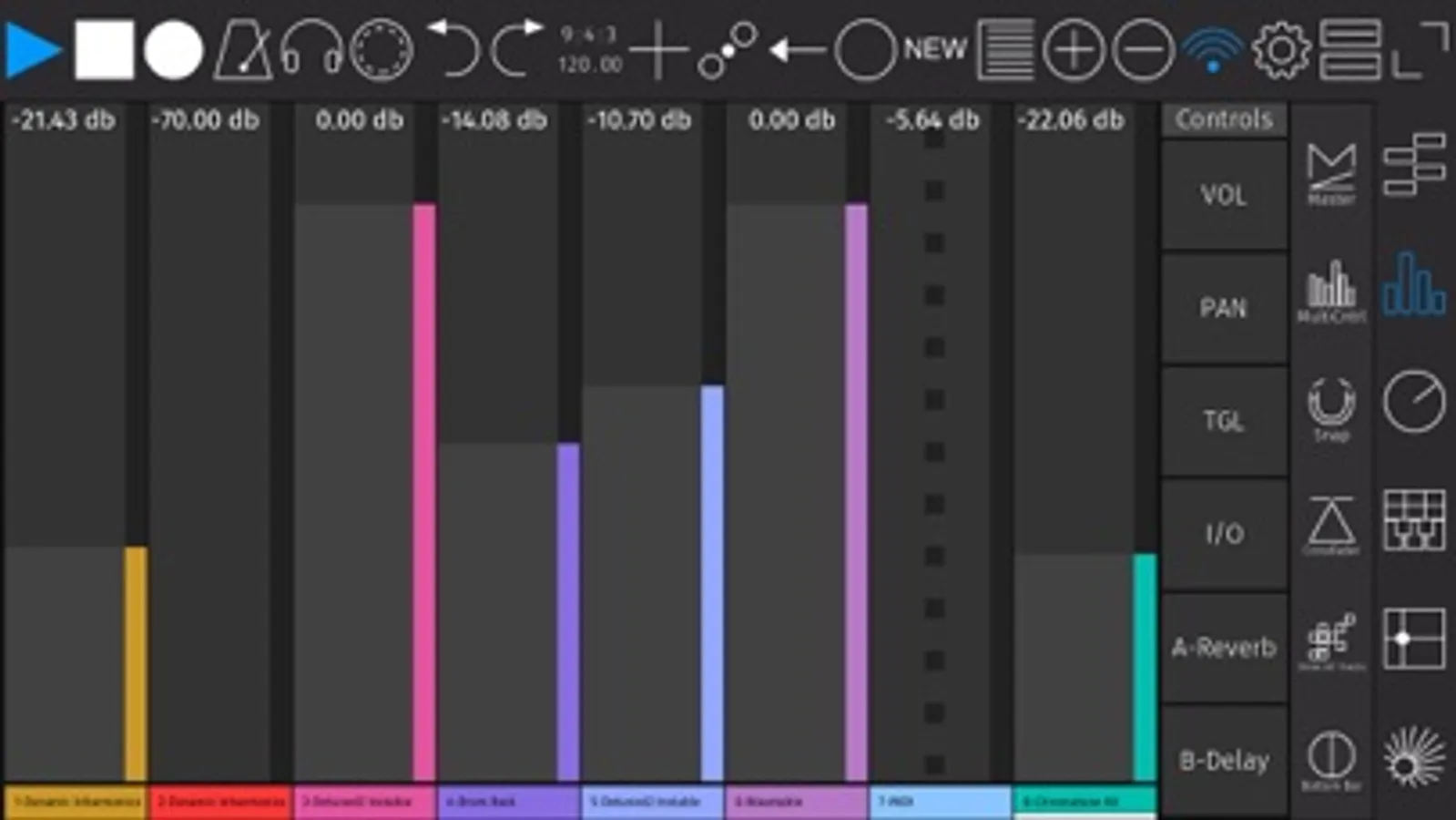
- Mix, pan, crossfade, and control sends and returns
- Play instruments with grid or piano-style layouts, with scales, note repeat, aftertouch, and velocity (based on finger position)
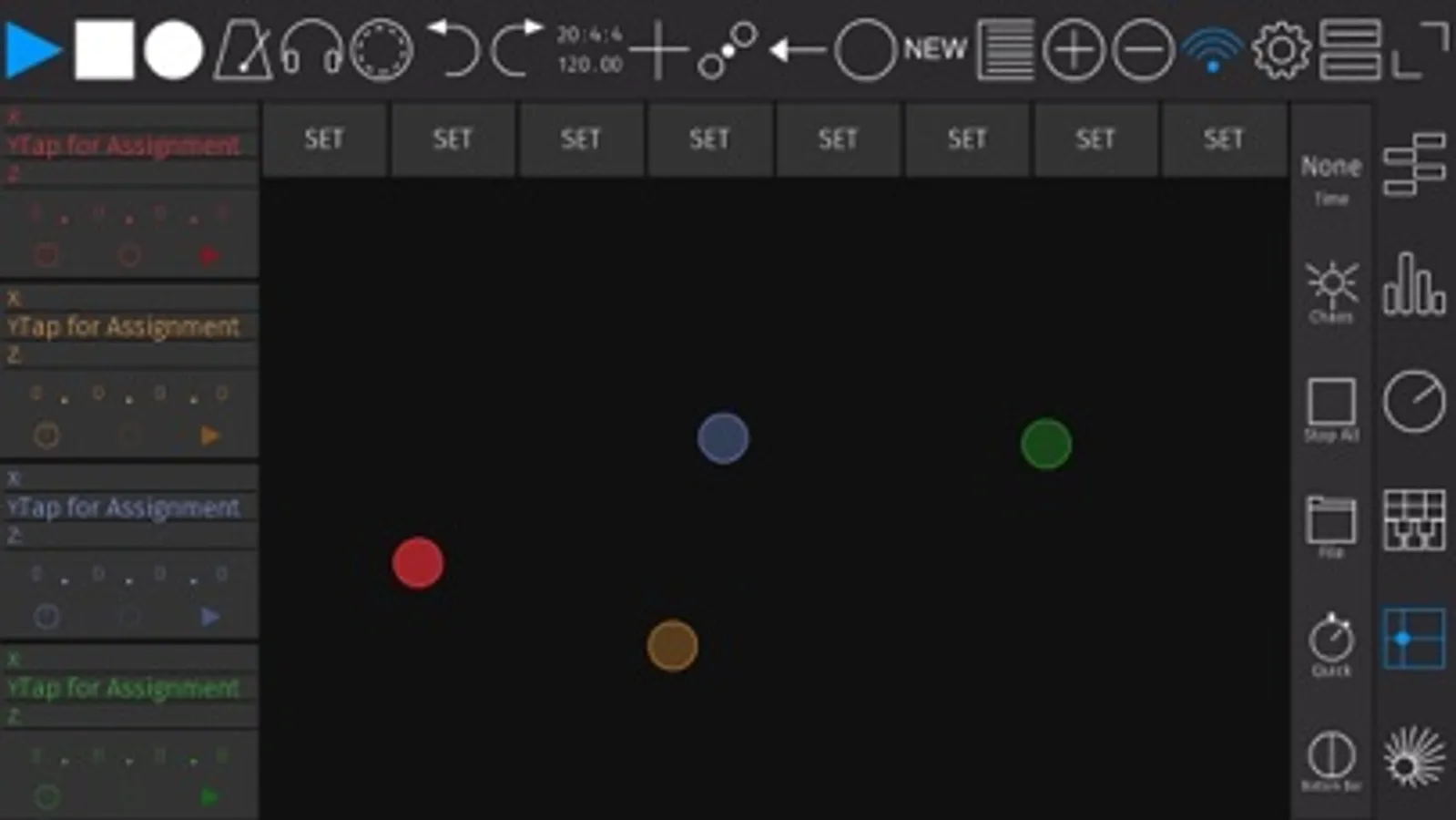
- Control device parameters, using faders or assignable X/Y pad modules
- X/Y Pad: assign physics, make and morph snapshots or even record full gestures
- Navigate Live’s Browser, and drag and drop Devices and samples
Please find the Server and installation instructions on
https://zerodebug.com/#/touchable
Requires iOS 9.3
Requires the latest version of Ableton Live 9 or 10
Introduction: https://youtu.be/H6EnpjfztNw (Youtube)
Features: https://youtu.be/R4_GRVPbDn8 (Youtube)
Multiplatform demo: https://youtu.be/-NPXlJcyELY (Youtube)
touchAble Pro Screenshots
Tap to Rate:
Reviews for touchAble Pro
yvesbajulaz
Amazing
I also have a push 2. Never spent the time to really learn it, then one day I finally put time in, its absolutely amazing. For many things is much quicker than push 2, and way easier to use live. I sure hope they fully update it for 12. Well worth the money.
chrinist
Make Scenes Button Bigger
Can you please allow an option to make the Scenes Launch button larger? It’s too small. I can adjust the size of the clips button but not the scene button. I would like a larger scene laugh button=) thank you.