
AppRecs review analysis
AppRecs rating 4.0. Trustworthiness 71 out of 100. Review manipulation risk 23 out of 100. Based on a review sample analyzed.
★★★★☆
4.0
AppRecs Rating
Ratings breakdown
5 star
61%
4 star
11%
3 star
7%
2 star
11%
1 star
11%
What to know
✓
Low review manipulation risk
23% review manipulation risk
✓
Credible reviews
71% trustworthiness score from analyzed reviews
✓
High user satisfaction
71% of sampled ratings are 4+ stars (4.0★ average)
About Fennec Fox
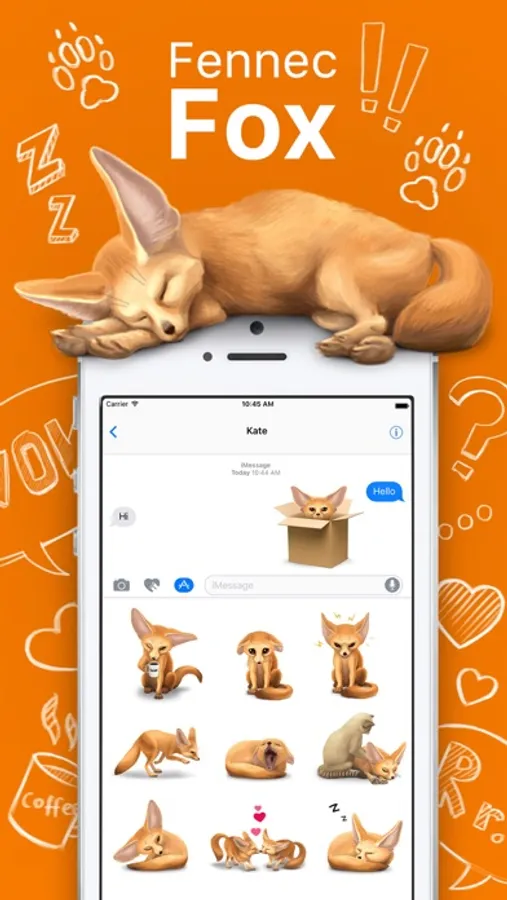
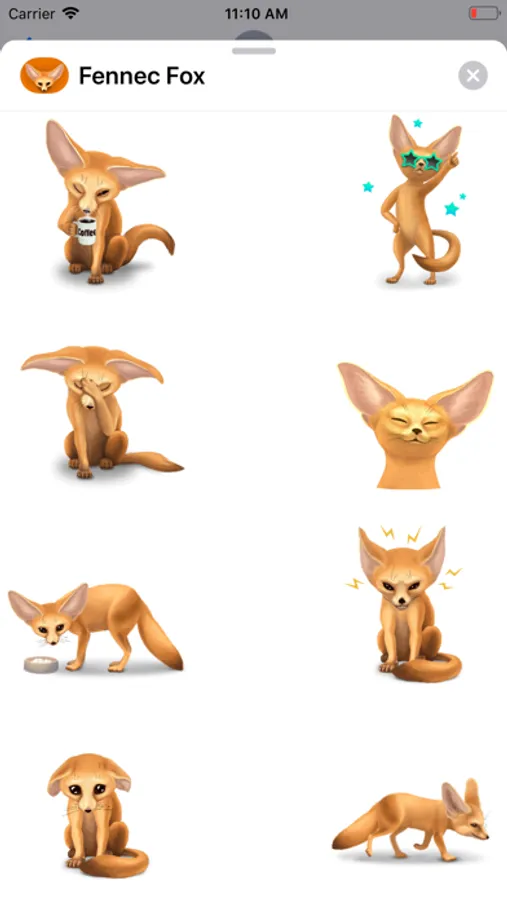
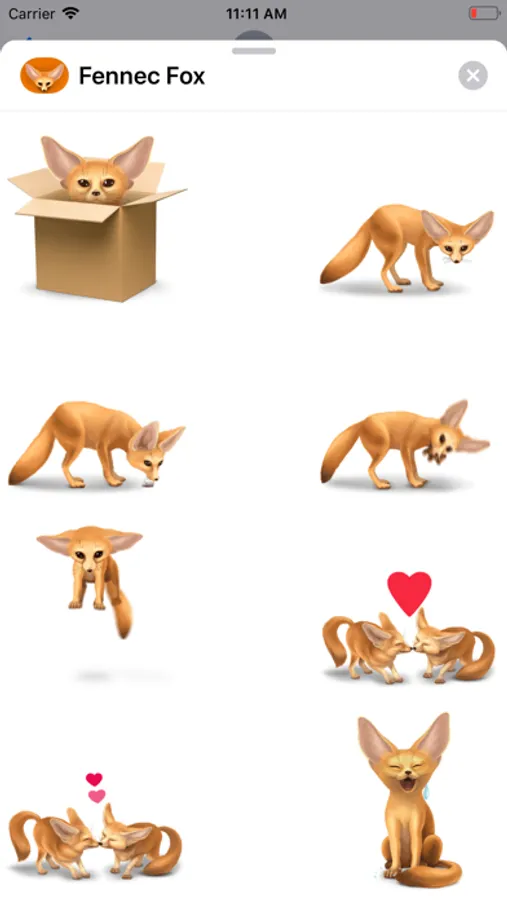
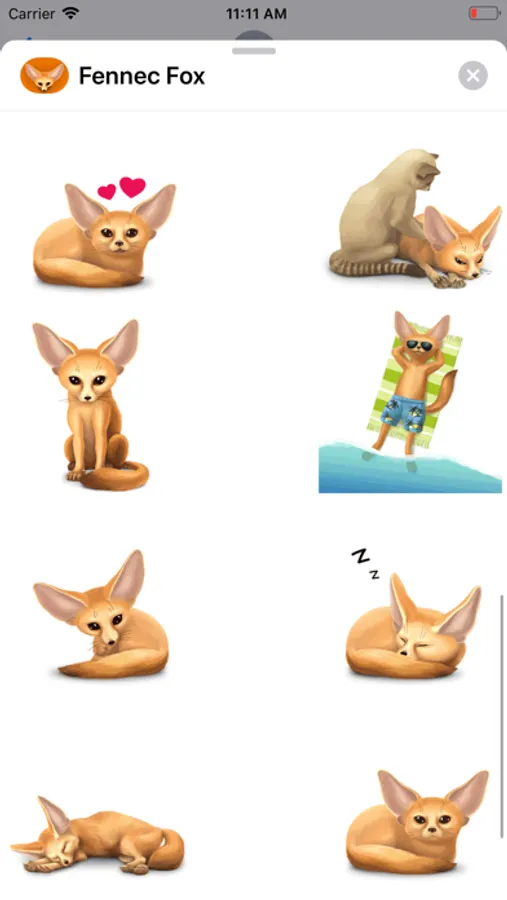
Stickers for iMessage have long and tightly entered our lives and allow you to transfer not only emotions, but also something that will allow you to distract yourself and your interlocutor from the ordinary course of time plunging into the world of little fox.
Your attention is invited to:
more than 25 animated stickers for imessage;
more than 25 static stickers for imessage;
constant updates and the emergence of new series of stickers;
the possibility of feedback from the developers.
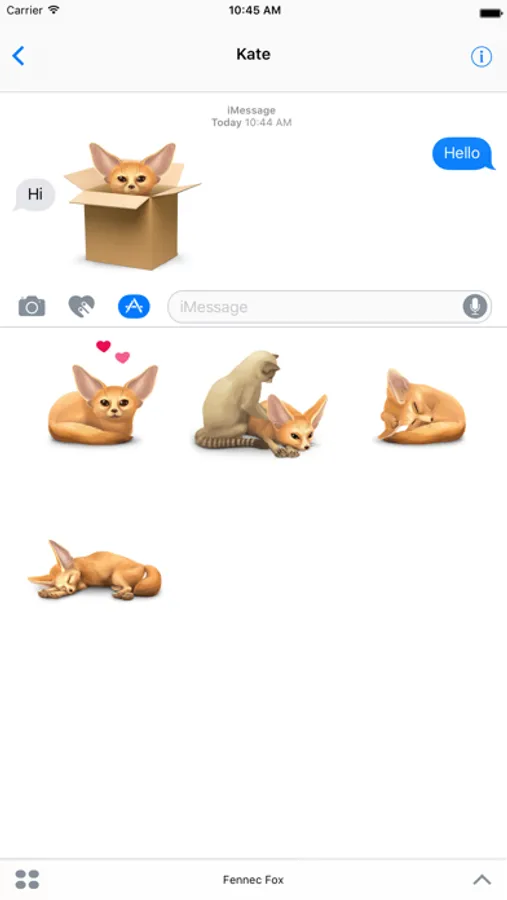
Stickers are easy to use! But there is a main nuance - after installing stickers from the store designed specifically for installing applications for imessage, you will not see the stickers as a separate application installed on your phone. To use the stickers, you need to open a new correspondence in iMessage or open an old correspondence at the bottom, or above the opened keyboard, you will see a panel with applications offered to you for use in iMessage. Newly installed stickers can be located in the invisible part of this panel, so to use them you will first need to find them by flashing the application icons from right to left. Then click on the application icon and a set of stickers will open. The sticker you selected after clicking on it gets into the correspondence as intended to be sent.
For frequent use of our application, we advise you to add stickers to your Favorites. To do this, in the new iMessage dialog or in the existing one, you need to scroll right to left to the end with the proposed applications and click the rightmost icon with three dots ... (More). In the sticker settings dialog box that opens, click the Change button. Find the application and to the left of its name, click on (Plus). If you do it right, you will get your favorites by iMessage selected stickers and will always be displayed on the left side of the panel in messages.
Fennec Fox Screenshots
Tap to Rate:
Reviews for Fennec Fox
VickyTheSavage
Fine, I guess...
My problem though is that you have to buy most of the cutest stickers so I more often use Siamese Cat Emojis more. Developers good job it’s so cute the animation is good but I suggest you at least don’t make me pay for that much of them. Otherwise it’s great thank you for reading. Thank you for your time! 😘
waiter_04
Awesome but how do u remove the app
Hey developers can u tell me how to delete the app please? Thanks!